Curated workplace insights to help you work smarter

Zendeck curates workplace efficiency, industry insights, and software tutorials to help you find useful information faster。

402 articles 8 Categories
Latest Articles

Data-Heavy Slides Made Simple: Research Decks with Zendeck Charts

AI Courseware 2026-08-27 2460

Struggling to turn raw research data into clear, compelling slides? Zendeck's chart and data visualization assets let educators and researchers build professional data-heavy presentations in minutes — no design skills required. This guide walks you through choosing the right chart type, applying smart layouts, and following design principles that make numbers stick. Learn how to replace manual graph formatting with Zendeck's built-in chart library, keep colors consistent with your institution's branding, and create accessible, audience-ready research decks for conferences, classrooms, and stakeholder reports. If you've ever spent hours wrestling with Excel charts and PowerPoint alignment, this is the workflow you've been missing.
HR Onboarding Without Video Editing: Zendeck Turns PPT into Video

Knowledge Video 2026-08-27 2977

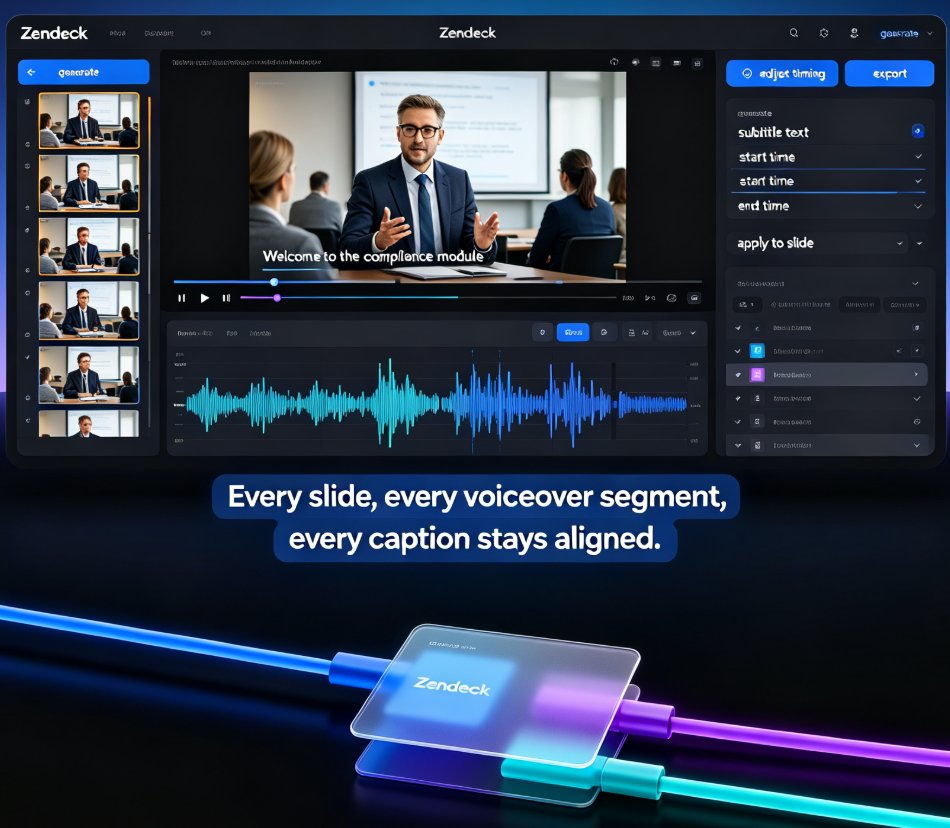
HR teams can now turn onboarding PPTs into narrated knowledge videos with Zendeck's PPT-to-video and digital human features — no video editing skills required. This guide walks through the exact workflow, from importing your outline to publishing a consistent, self-explaining onboarding course that scales across locations and languages. Learn how to cut production time, keep messaging consistent, and update training content in minutes instead of weeks. If your team has been stalled by the cost and complexity of video production, Zendeck gives HR a practical path to professional onboarding content without hiring editors.

Icons That Teach: Zendeck's Visual Library for Clearer Courseware

Courseware Design 2026-08-27 1793

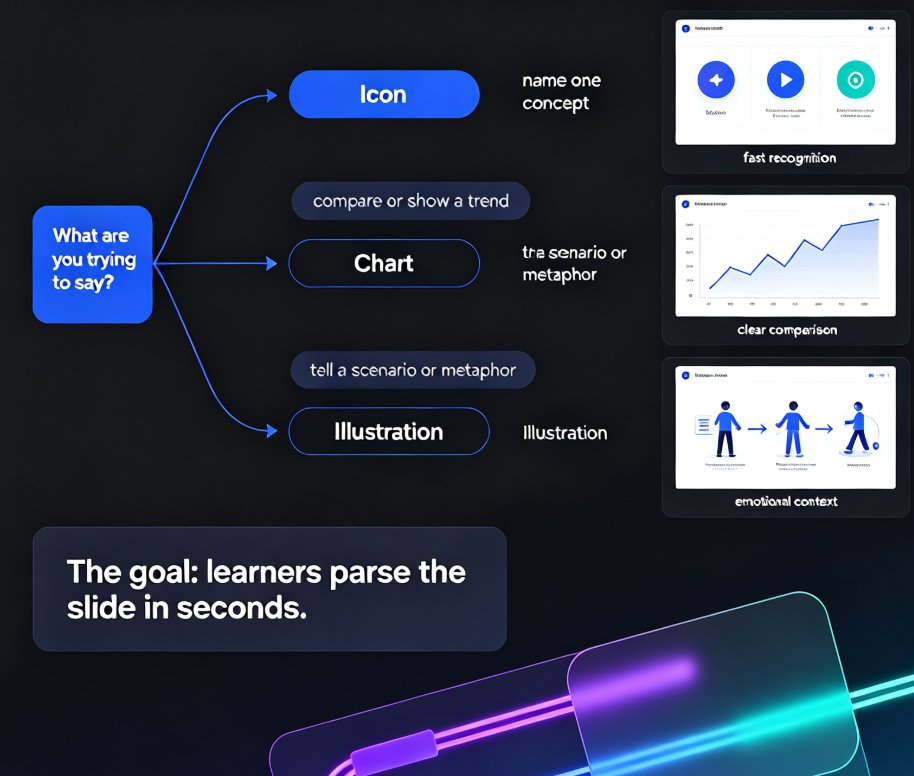
Clear courseware starts with visuals that teach, not decorate. This guide shows how Zendeck's asset library helps educators pick icons, charts, and illustrations that clarify concepts fast. Learn the one-concept-per-icon rule, when to use a chart over an icon, and how a five-minute workflow turns a messy outline into a deck learners actually remember. Zendeck's curated library keeps style consistent, adds alt text automatically, and removes the guesswork from visual selection. If your slides look polished but learners still struggle, the problem is likely visual communication, not design talent. Read on for the principles, the pitfalls, and the practical workflow that makes courseware easier to understand and easier to recall.

One-Click Reskin: Keeping Team Decks On-Brand with Zendeck

Courseware Design 2026-08-27 3164

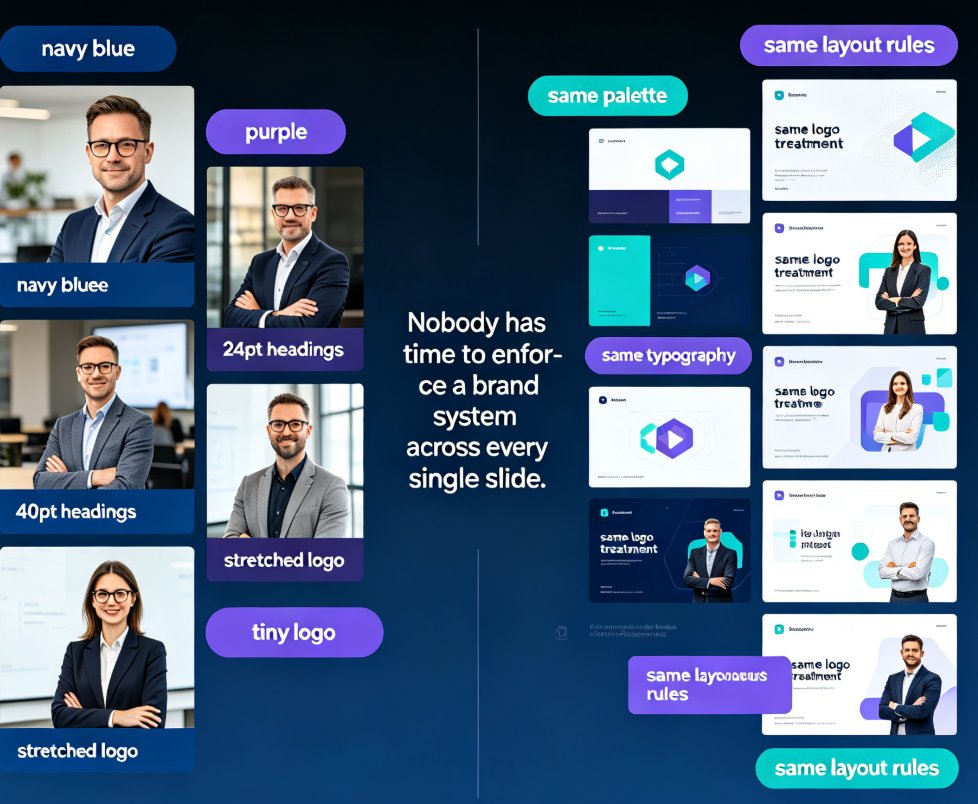
Keep every team deck on-brand with Zendeck's one-click reskin. This guide shows how smart layout reskin unifies fonts, colors, and layouts across all your training presentations — without design skills. Learn the step-by-step workflow, compare reskin vs. manual redesign, and avoid common mistakes. Perfect for trainers, L&D teams, and educators who want consistent courseware that builds learner trust. Zendeck's reskin applies your brand rules automatically, turning a 3-hour consistency audit into a 3-minute operation. Set up a brand kit once, reskin every deck in seconds, and stop being the design police. Includes a practical comparison table and FAQ covering brand kits, content preservation, and team adoption.

Real-Time Deck Collaboration: Zendeck for Distributed Teaching Teams

Office Efficiency 2026-08-27 2599

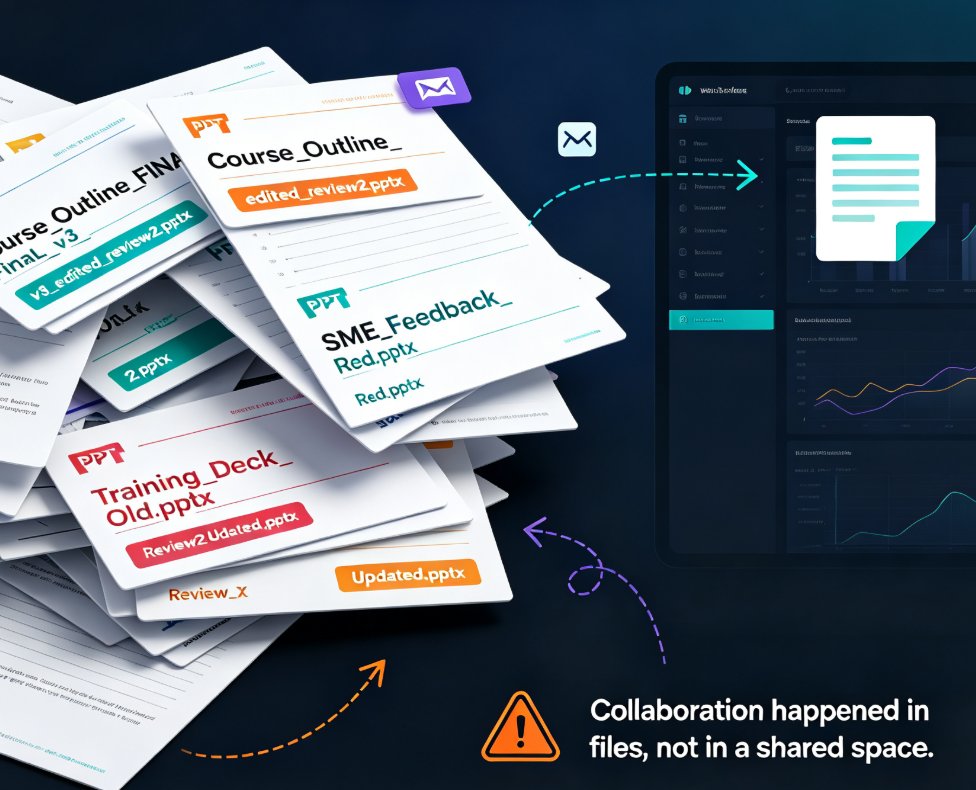
Real-time deck collaboration with Zendeck removes version chaos for distributed teaching teams. Learn how live co-editing, link sharing, and automatic version history let remote curriculum teams build and refine decks together — without email threads, merge conflicts, or "which version is this" debates. This guide covers the workflow that actually works for teams spread across time zones, from starting with a shared outline to resolving async feedback on specific slides. If your team spends more time reconciling files than creating content, this is the fix. Includes a practical five-step workflow, a comparison of file-based vs. link-based collaboration, and answers to common questions about multi-editor decks, external reviewer access, and version restoration.

Rebrand Old PPT Fast: Zendeck One-Click Theme Change

AI Courseware 2026-08-27 1837

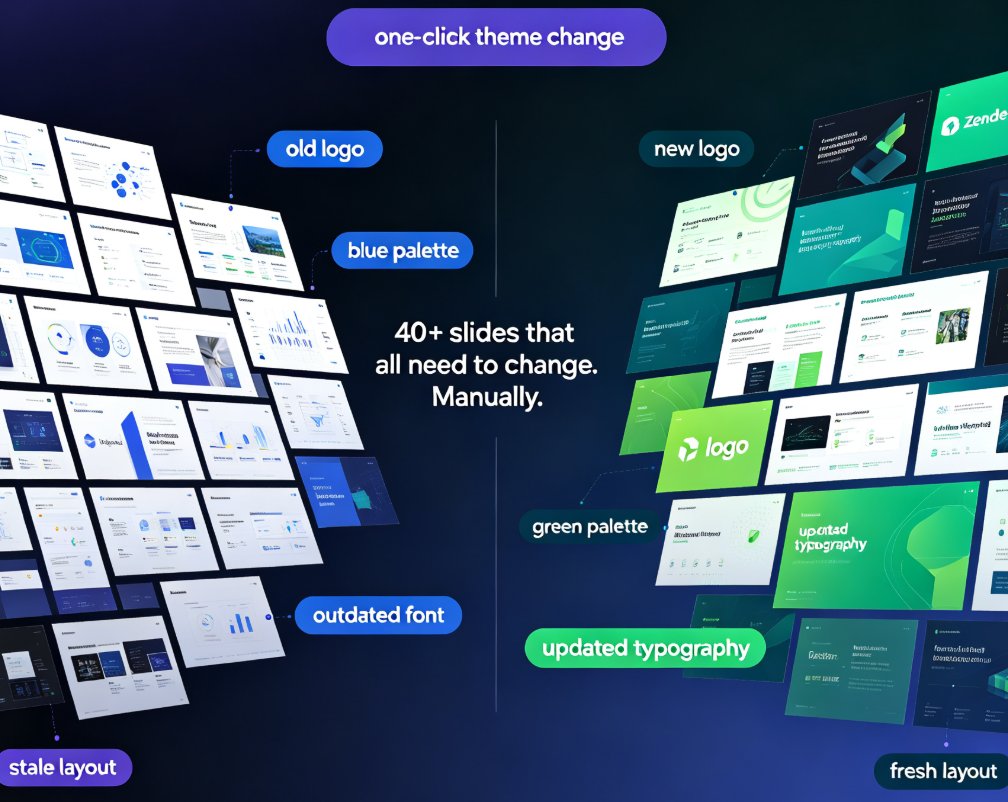
Rebrand your old PPT with Zendeck's one-click theme change and stop wasting hours on manual editing. When new brand guidelines land — new colors, fonts, or logos — you don't need to rebuild your deck from scratch. Zendeck reskins every slide automatically, applying your updated palette, typography, and assets in minutes instead of days. This guide walks through the exact workflow: importing your existing deck, picking a theme that matches your brand kit, applying the one-click change, and reviewing the results. You'll also see a side-by-side cost comparison of manual rebranding versus Zendeck's automated approach, plus best practices for keeping presentations consistent across your organization. Whether you're refreshing a sales deck, updating courseware, or aligning training materials with a new corporate identity, Zendeck makes brand consistency effortless.