Curated workplace insights to help you work smarter

Zendeck curates workplace efficiency, industry insights, and software tutorials to help you find useful information faster。

402 articles 8 Categories
Latest Articles

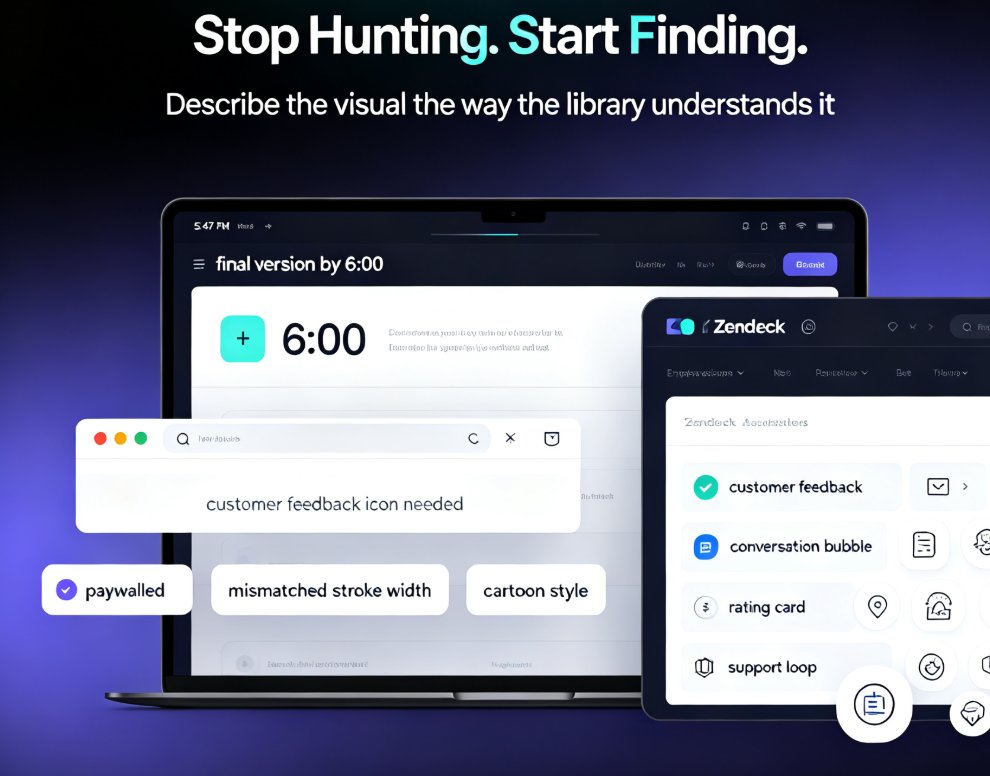
Zendeck Asset Library: Advanced Tips for Finding Icons & Charts

Courseware Design 2026-08-28 3648

Stop wasting time hunting for visuals. Zendeck's asset library is the fastest way to find icons, illustrations, and charts that match your deck's style — if you know the right search tricks. This guide covers advanced filters, keyword strategy, style consistency, and organization habits that cut asset-hunting time from 15 minutes to under two. Whether you're building training courseware, corporate slides, or a one-off pitch, you'll learn to turn the library into a personal design system. If finding a single icon has ever derailed your flow, this tutorial is for you. Learn the search techniques, avoid the common mistakes, and get comfortable with charts that look custom without the extra effort. The result: faster decks, cleaner designs, and more energy for the actual content.

Zendeck Smart Layout: One-Click Uniform Fonts, Colors, and Alignment [2026 Guide]

PPT Tutorial 2026-08-28 3047

Zendeck's smart layout unifies fonts, colors, and alignment in one click — no design skills needed. This tutorial walks you through the reskin process, shows what the engine actually adjusts, and reveals when to trust the one-click button versus doing it manually. You'll learn to rescue messy, inconsistent decks in minutes and turn them into polished, on-brand presentations your team can share instantly. Includes a manual-versus-smart comparison table, pro tips for non-designers, and answers to the most common smart layout questions. If you want consistent corporate or academic slides without touching individual elements, this is your playbook.

Zendeck Team Collaboration: How to Co-Create Slides in Real Time

Office Efficiency 2026-08-28 1195

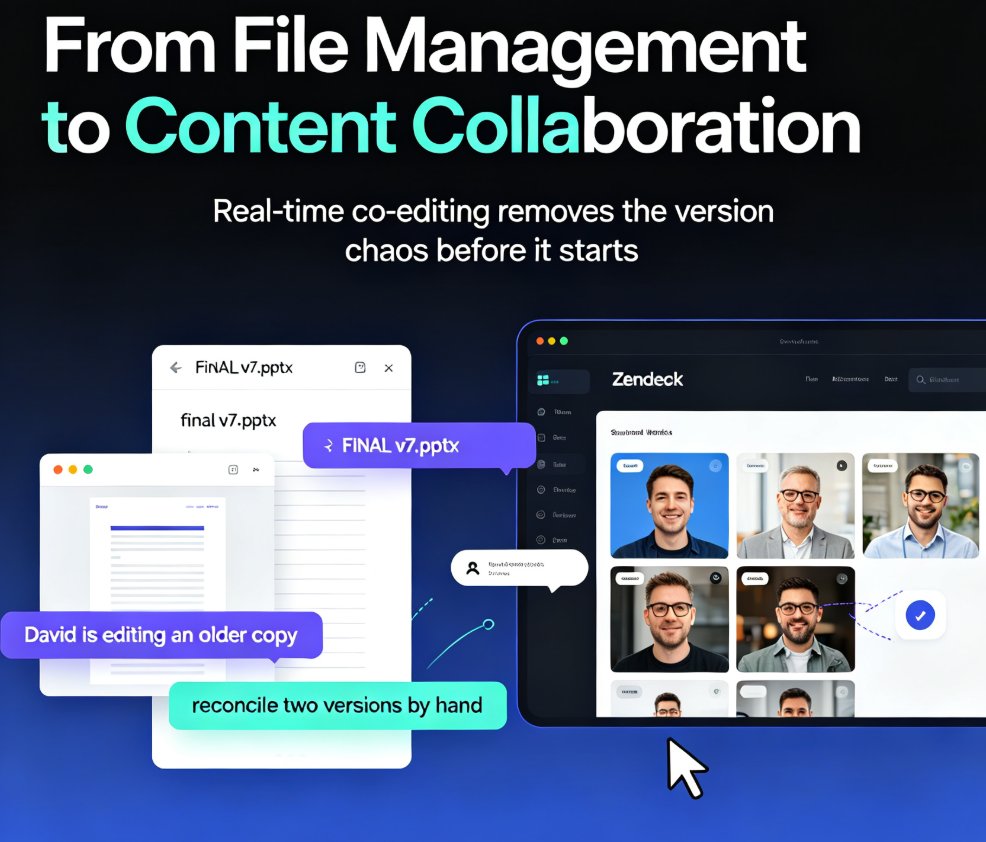
Zendeck's real-time collaboration lets your whole team co-create slides in one shared workspace—no more emailing .pptx files or reconciling conflicting versions. With version history, in-slide comments, and granular sharing permissions, remote teams and classrooms can build polished decks together without the chaos. This guide walks you through the core features, a practical workflow, and the exact ways Zendeck's version control keeps your project on track. You'll learn how to set up a shared workspace, assign sections in parallel, and use version history as a safety net. If you're tired of 'FINAL_v7' confusion and want a single source of truth for every presentation, here's how real-time collaboration changes the game.

Zendeck vs Gamma: Which AI Presentation Tool Suits Your Team?

AI Courseware 2026-08-28 897

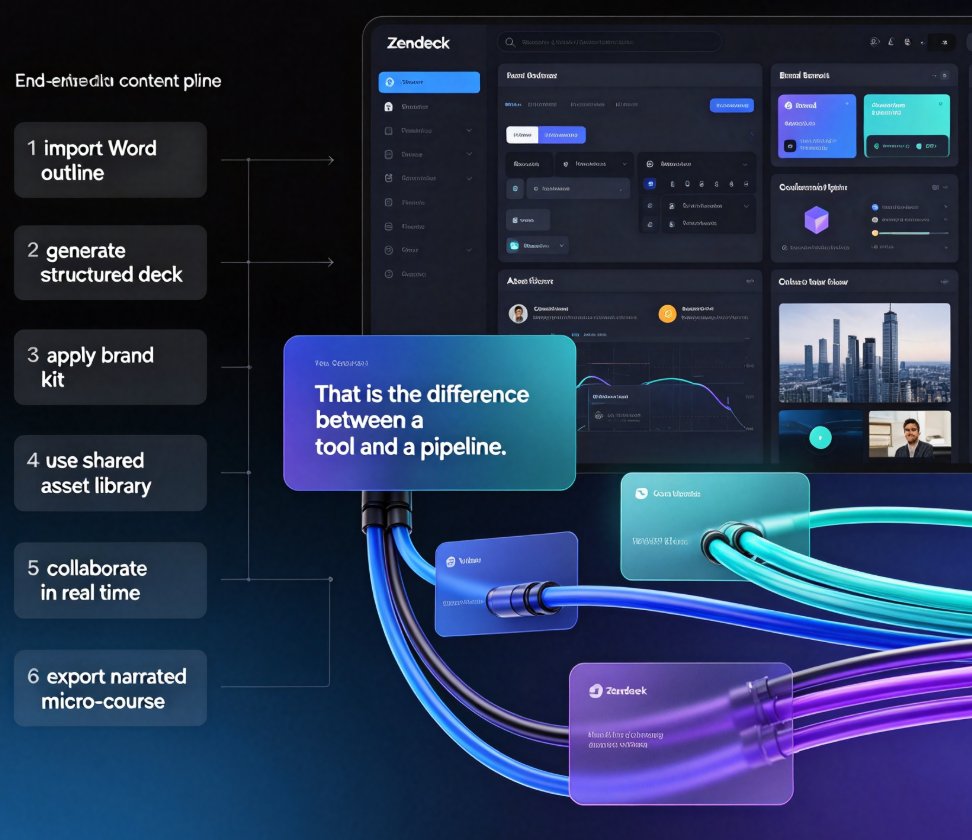
Choosing between Zendeck and Gamma for AI presentation tools? This honest head-to-head compares AI deck generation, template libraries, brand consistency, real-time collaboration, asset management, and the one feature that changes everything: PPT-to-video conversion. Gamma is excellent for quick, modern decks generated from text prompts — a solid choice for internal updates and pitch drafts. Zendeck goes further, importing Word and Markdown outlines, enforcing brand kits through one-click reskin, building a reusable asset library of icons, charts, and illustrations, and converting finished slides into narrated micro-courses for training and sales teams. We break down who each tool truly serves — quick deck designers versus all-in-one content producers — so you can match the platform to your team's workflow, content pipeline, and output goals. Read the full comparison, then decide with confidence.

Accessible Micro-Courses: How Zendeck Auto-Generates Subtitles from PPT

Micro-Course Production 2026-08-27 1442

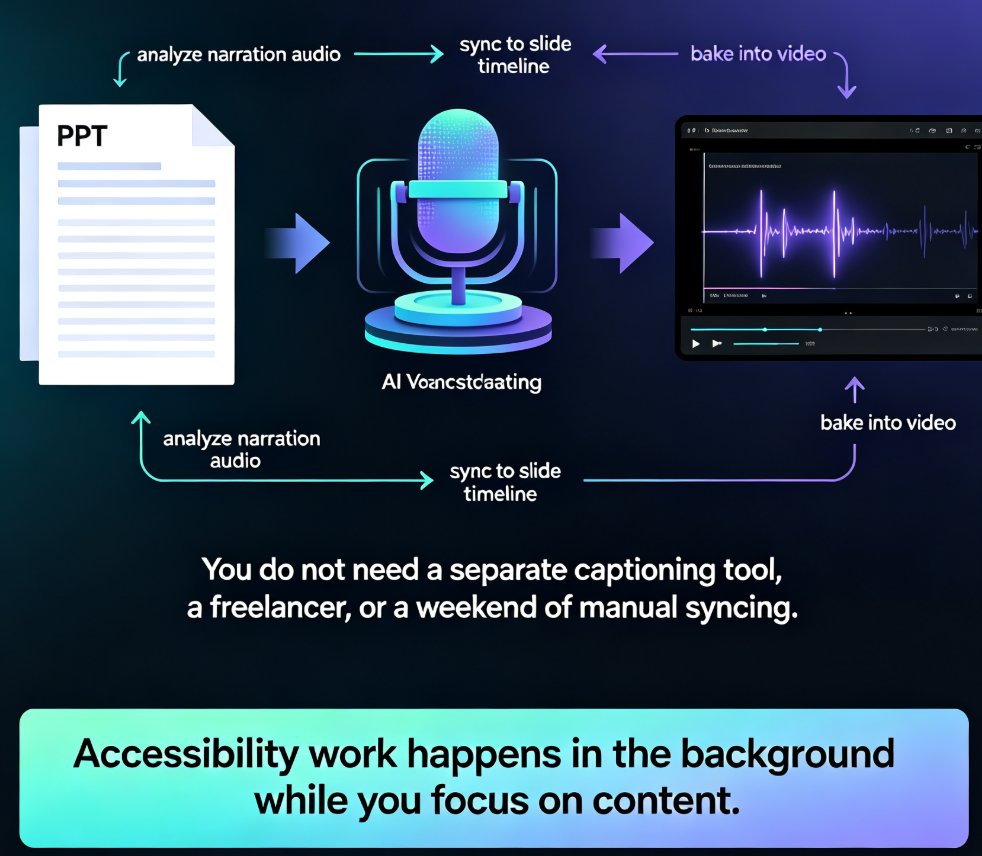
Zendeck auto-generates accurate subtitles when converting PPT to video, making micro-courses accessible to more learners with zero manual effort. Subtitles are no longer a nice-to-have — they're an accessibility requirement for diverse learners, non-native speakers, and WCAG compliance. This guide walks through how Zendeck's PPT-to-video pipeline creates synced, editable subtitles in the same pass as the conversion, and why that changes your course production workflow. You'll learn the full accessibility stack — alt text, contrast, transcripts — and get practical tips for reviewing and refining auto-generated captions before publishing. We also compare manual subtitling against Zendeck's automated approach, break down the time and cost difference, and show you a step-by-step workflow from PPT to published micro-course. If you're an educator, trainer, or L&D manager building accessible micro-courses, this is the fastest route to video content that reaches every learner.

How to Convert PPT to a Narrated Video with Zendeck: Step-by-Step

PPT to Video 2026-08-27 2098

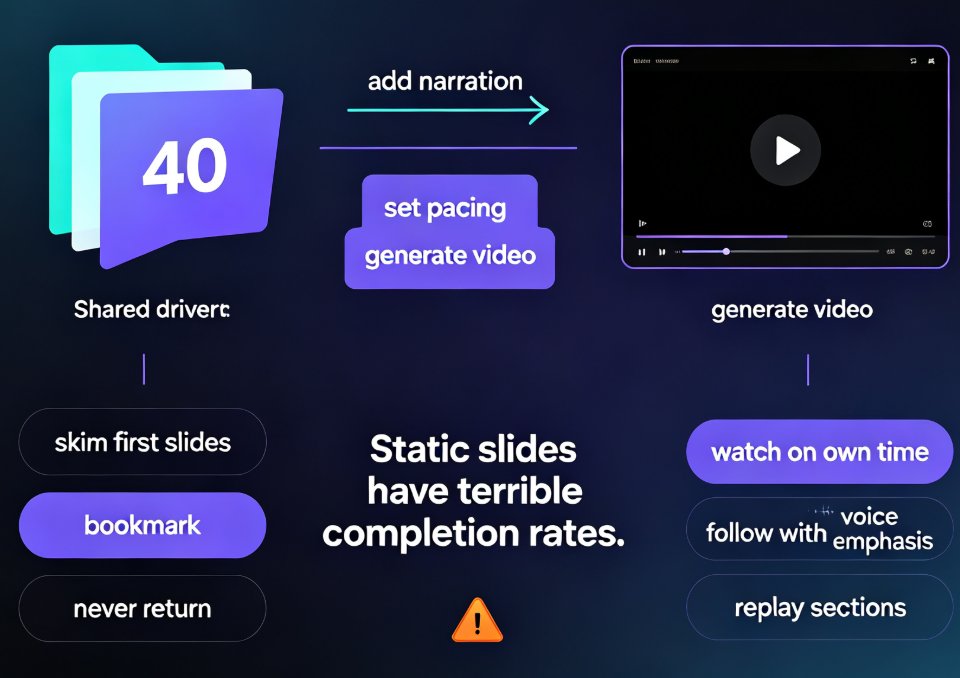
Learn how to convert PPT to a narrated video with Zendeck's PPT-to-video feature. This step-by-step guide walks through the entire workflow: importing a Word outline or Markdown file, letting AI generate structured slides, adding AI voiceover narration, and exporting to MP4 for sharing. We also cover practical tips for educators and trainers — how to keep slides visual, script before you record, and add subtitles for accessibility. By the end, you'll know exactly how to turn a static deck into a narrated micro-course in minutes, without a microphone, design skills, or expensive video editing software. Whether you're building corporate training, courseware, or knowledge videos, this workflow saves hours and produces consistent, professional results.