Curated workplace insights to help you work smarter

Zendeck curates workplace efficiency, industry insights, and software tutorials to help you find useful information faster。

402 articles 8 Categories
Latest Articles

One PPT, Many Formats: How to Turn Slides into Micro-Courses

Knowledge Video 2026-08-25 1217

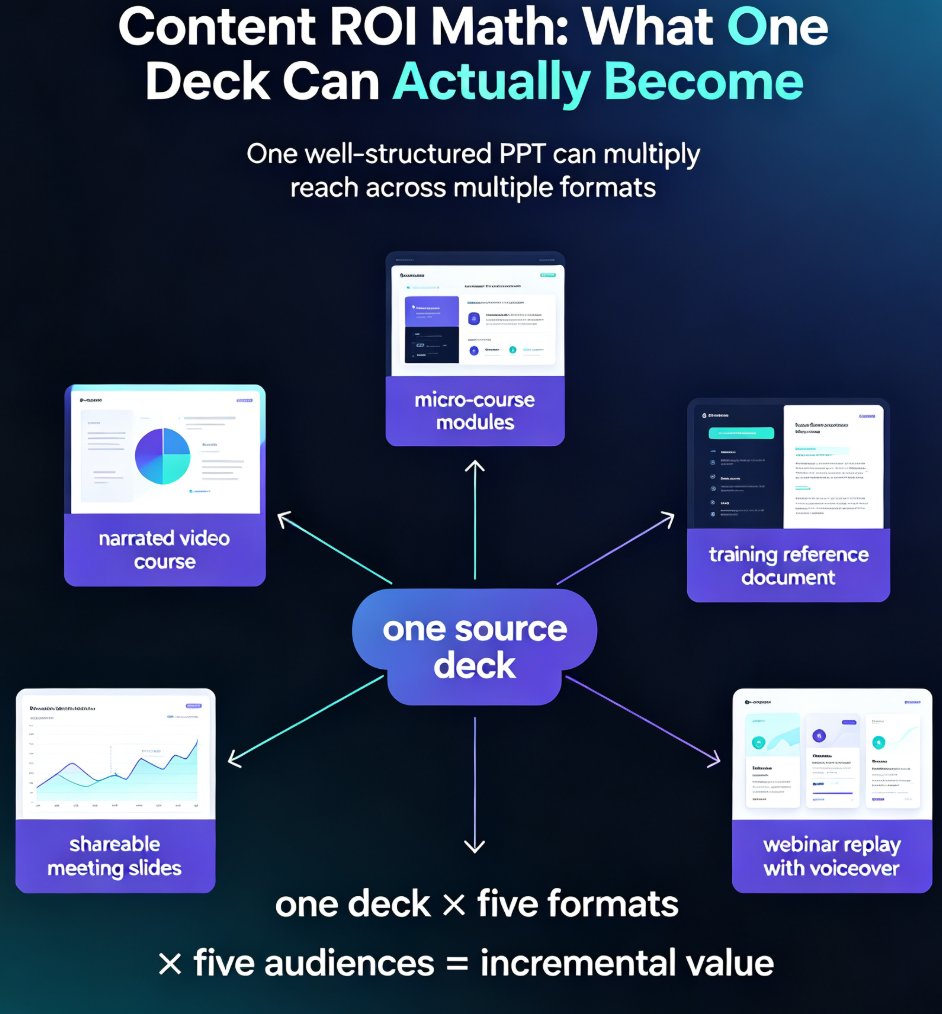
Learn how to repurpose a single PPT into micro-courses and video formats with Zendeck. Maximize content ROI by turning one deck into multiple learning assets — narrated videos, micro-course modules, and shareable slides — without rebuilding from scratch. This guide covers the step-by-step workflow, a manual vs. AI-assisted comparison, and best practices for multi-format content creation. Whether you're an educator, trainer, or knowledge creator, discover how Zendeck's PPT-to-video and AI segmentation features let you multiply the reach of every hour you invest in your original content. Stop creating from zero and start repurposing smarter. Learn the exact steps to convert your existing presentations into engaging learning experiences that reach more learners, save production time, and build a reusable content library that compounds in value month after month.
Smart Layout Automation: How AI Design Kills Manual Formatting

Courseware Design 2026-08-25 1206

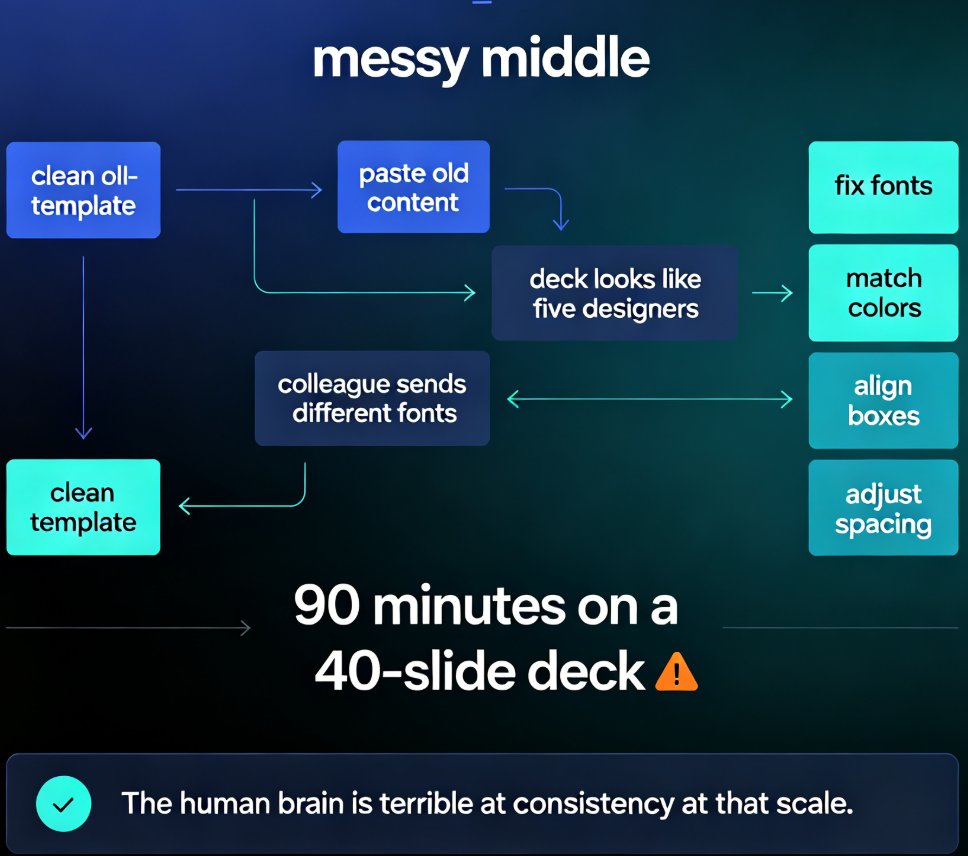
Manual formatting is dying. Smart layout automation — powered by AI design systems — now unifies fonts, colors, and spacing across an entire deck in a single click, turning 90-minute formatting marathons into a two-minute job. This guide breaks down how AI design rules replace the tedious work of aligning text boxes and matching brand colors, and why tools like Zendeck are democratizing professional-grade design for educators, trainers, and content teams. You'll learn what smart layout actually does under the hood, how one-click reskin rebuilds a messy deck into a consistent visual system, and which teams save the most time. If you've ever spent an evening nudging slides into alignment, this is the workflow that kills manual formatting for good.

Is Your Training Deck Off-Brand? Zendeck Reskin Enforces Consistency

Courseware Design 2026-08-25 3023

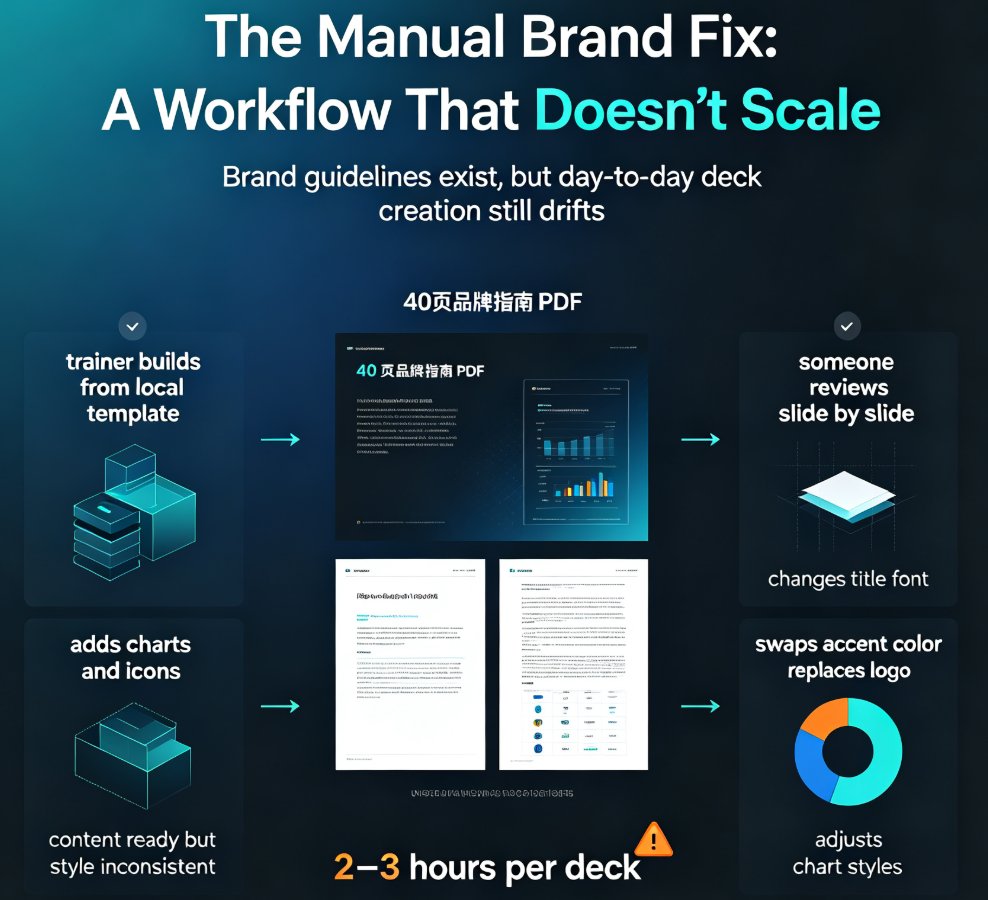
Off-brand training decks quietly erode trust and waste hours of L&D time. Zendeck's one-click reskin enforces brand consistency across every training presentation — unifying fonts, colors, and layouts in minutes instead of manual hours. This guide covers the hidden costs of brand non-compliance, a practical 10-minute audit you can run today, and how to build a reusable brand kit that scales. You'll learn why manual brand enforcement doesn't work, what one-click reskin actually does, and how Zendeck's template library and smart layout system help shift from reactive brand policing to automated governance. Perfect for corporate L&D teams, trainers, and HR professionals who need consistent, on-brand training materials at scale — without hiring a designer or rebuilding every deck from scratch.

Word to PPT in One Click: Why Document-to-Deck Automation Is Trending

Office Efficiency 2026-08-25 3460

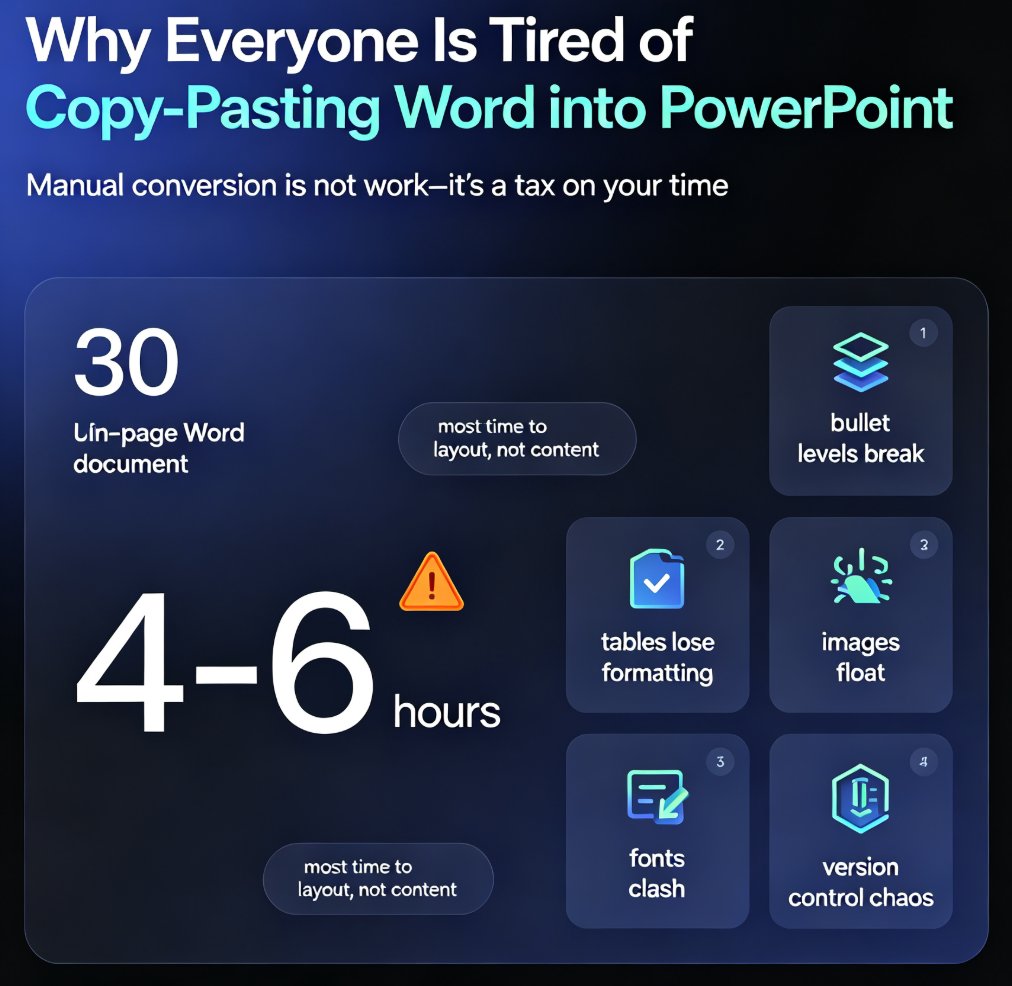
Zendeck's Word import feature turns document-to-deck automation into a one-click workflow: upload a Word outline and get a polished, on-brand presentation in seconds. Converting Word documents into PowerPoint slides is one of the biggest productivity trends of 2026, replacing the 4-6 hours teams used to spend on manual reformatting. This article breaks down the hidden costs of manual conversion, who benefits most (educators, trainers, HR, consultants), and practical tips for clean results. If you're still copy-pasting documents into slides, this guide shows the faster path — and why the deck is becoming a derived format of the document, not a separate deliverable. Learn how to turn your existing document library into presentation-ready decks without design skills.

Deck Feedback Scattered? Zendeck Centralizes Reviews in One Place

Office Efficiency 2026-08-25 939

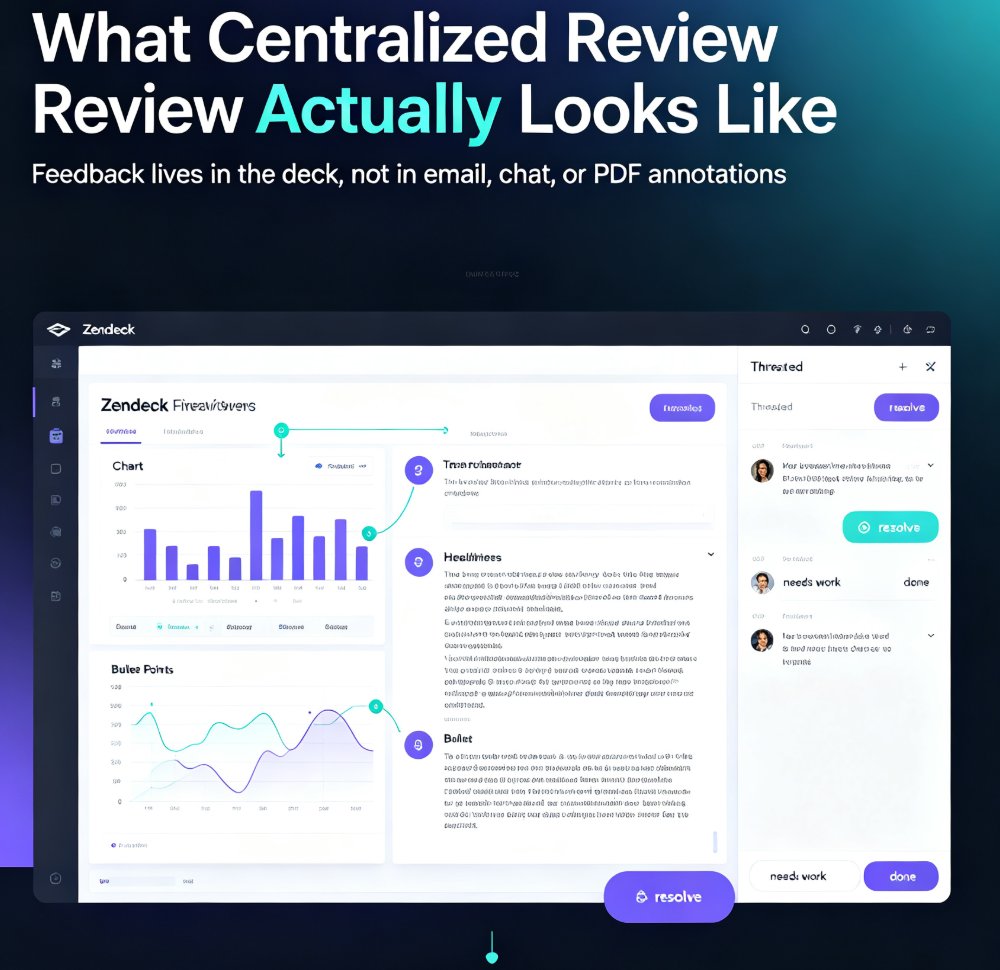
Scattered deck feedback across email and chat wastes hours and kills quality. Zendeck centralizes reviews in one place, anchoring comments to specific slides so your team can resolve feedback faster. This guide breaks down the real cost of scattered reviews, shows a practical five-step workflow, and compares scattered vs. centralized review side by side. If you're tired of hunting for comments across five tools, this is the fix. Learn how to set a review window, keep threads tight, and close the loop on every comment — so your decks get better and your team stops losing feedback. Stop chasing opinions and start acting on them with Zendeck's centralized review workflow. Whether you're a team lead, trainer, or content operator, the same principle applies: feedback belongs in the deck, not in your inbox.

No Video Skills? Zendeck Turns PPT into Narrated Onboarding Videos

PPT to Video 2026-08-25 3497

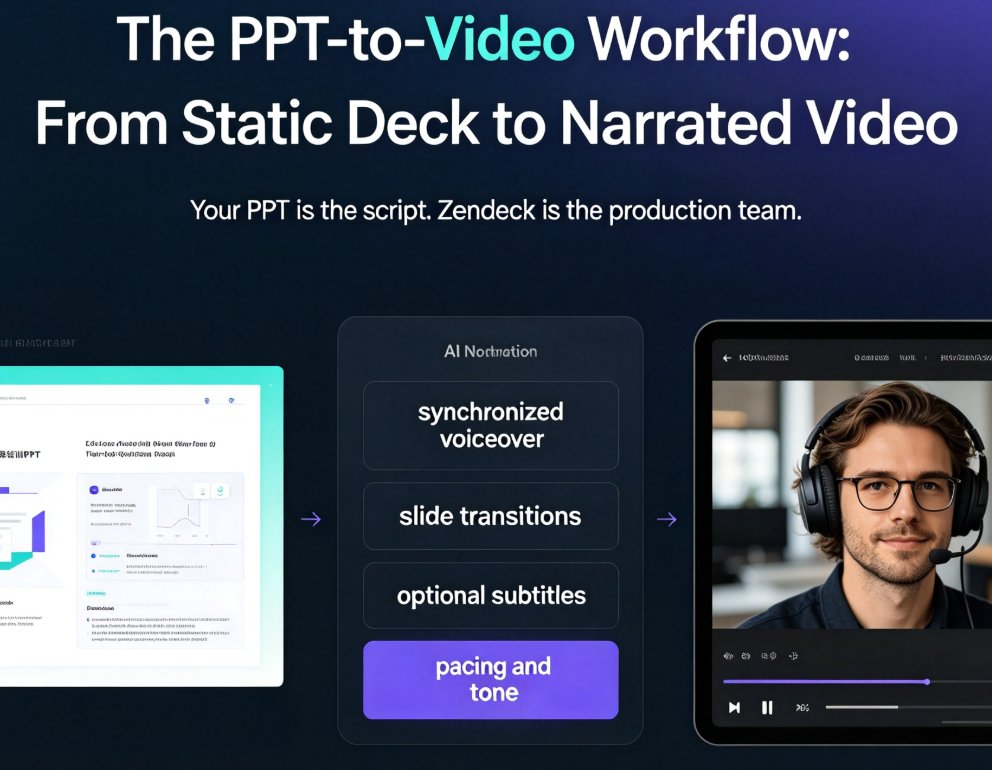
You don't need video editing skills to create professional onboarding videos. Zendeck's PPT-to-video feature turns your existing onboarding deck into a narrated video with AI or human voiceover, subtitles, and consistent branding — in about an hour instead of weeks. This guide walks HR and L&D teams through the exact workflow: preparing your deck, generating narration, adding subtitles, and exporting. We compare traditional agency production against the PPT-to-video approach, share best practices for onboarding videos that new hires actually watch, and explain why this workflow makes content updates a five-minute task instead of a re-hire-the-agency project. If your team has been avoiding video onboarding because it feels like a different profession, this is the practical path forward. No timeline editing, no studio, no agency — just your existing deck and a workflow that takes minutes.