How to Generate a Winning Sales Pitch Deck with Zendeck AI in 3 Steps
Building a sales pitch deck is one of those tasks that sounds simple until you're staring at a blank slide at 6 PM on a Thursday. You know your product inside out. You know the numbers. You know exactly which objection to handle first. But somehow, turning that knowledge into a clean, persuasive deck takes three evenings, two coffee refills, and one very patient designer.
Here's the thing most sales teams don't admit: the hard part of a pitch deck isn't the content — it's the structure and the design. The content lives in your head. The structure and design are what eat your time.
That's where AI generation changes the game. With Zendeck, you can go from a rough outline to a polished, on-brand sales deck in three focused steps. Not three days. Three steps.
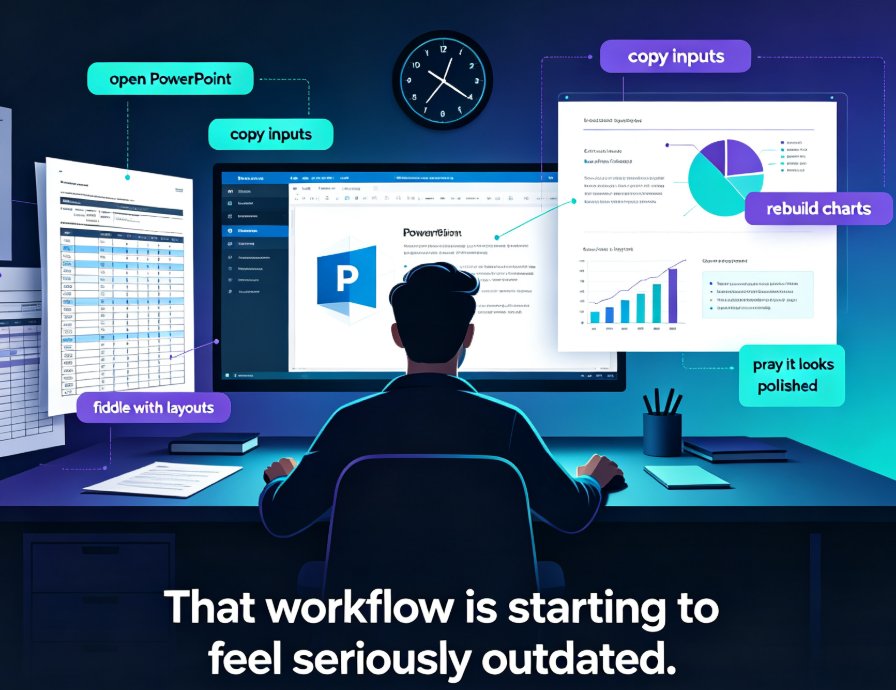
Let's walk through exactly how it works — and why this workflow beats the old "open PowerPoint and pray" approach.
01 Step 1: Start with the Story, Not the Slides
The biggest mistake I see sales reps make — and I've watched a lot of them — is opening PowerPoint and starting to build slides immediately. You end up with a Frankenstein deck: slide 3 has a chart from last quarter's report, slide 12 has a font that doesn't match anything, and slide 7 is just a wall of text you promised yourself you'd trim.
The fastest way to a winning pitch deck is to write the outline first — and let the AI handle the slide-building from there.
Zendeck is built around this exact workflow. You can upload a Word document with your outline, or paste Markdown or plain text directly. The AI reads your structure and generates a complete deck with consistent layouts, appropriate visuals, and a logical flow.
What does a good outline look like? For a sales pitch, I'd suggest this skeleton:
| Section | What to include | Slide count |
|---|---|---|
| Hook | The problem your prospect feels every day | 2-3 |
| Solution | Your product, explained in one clear sentence | 2-4 |
| Proof | Case studies, metrics, testimonials | 3-5 |
| Objection handling | Pricing, implementation, risk | 2-3 |
| Ask | The next step you want | 1-2 |
You don't need perfect prose. Bullet points are fine. The AI will turn your rough notes into slide-ready content. What matters is that you've thought through the story arc before you generate — that's the part AI can't do for you.
One tip from someone who's built a lot of decks: write your outline as if you're explaining the pitch to a colleague over coffee. Use your natural voice. The AI will clean it up, but the authenticity of your thinking comes through in the structure.
02 Step 2: Let AI Handle Structure and Content
Once your outline is in, Zendeck's AI takes over the heavy lifting. It doesn't just dump your text onto slides — it thinks about hierarchy, pacing, and emphasis.
Here's what I mean. If you've ever built a deck manually, you know the pain of deciding whether a point deserves its own slide or should be a sub-bullet. The AI makes those calls for you. It identifies your key messages, breaks them into digestible chunks, and arranges them so the deck tells a coherent story.
The result is a deck that flows like a narrative, not a data dump — which is exactly what wins deals.
This is where Zendeck's approach differs from a simple template filler. The AI generates content suggestions that match your industry and audience. A pitch deck for a CFO looks different from one for a CTO, and the AI understands that context. It adjusts the language, the depth of detail, and even the visual style based on who you're presenting to.
If you want to dig deeper into how this works, check out how AI prompt to deck generation turns a simple prompt into professional slides, or read about why AI slide generation is shifting from design to strategy in 2026.
The content generation step is also where you'll want to review and refine. The AI gives you a strong first draft — your job is to inject the specifics. Add your actual customer quotes, your real numbers, your team's personality. The AI builds the frame; you fill in the picture.
03 Step 3: Polish Design and Brand Consistency
Here's where most AI-generated decks fall apart — and where Zendeck earns its keep.
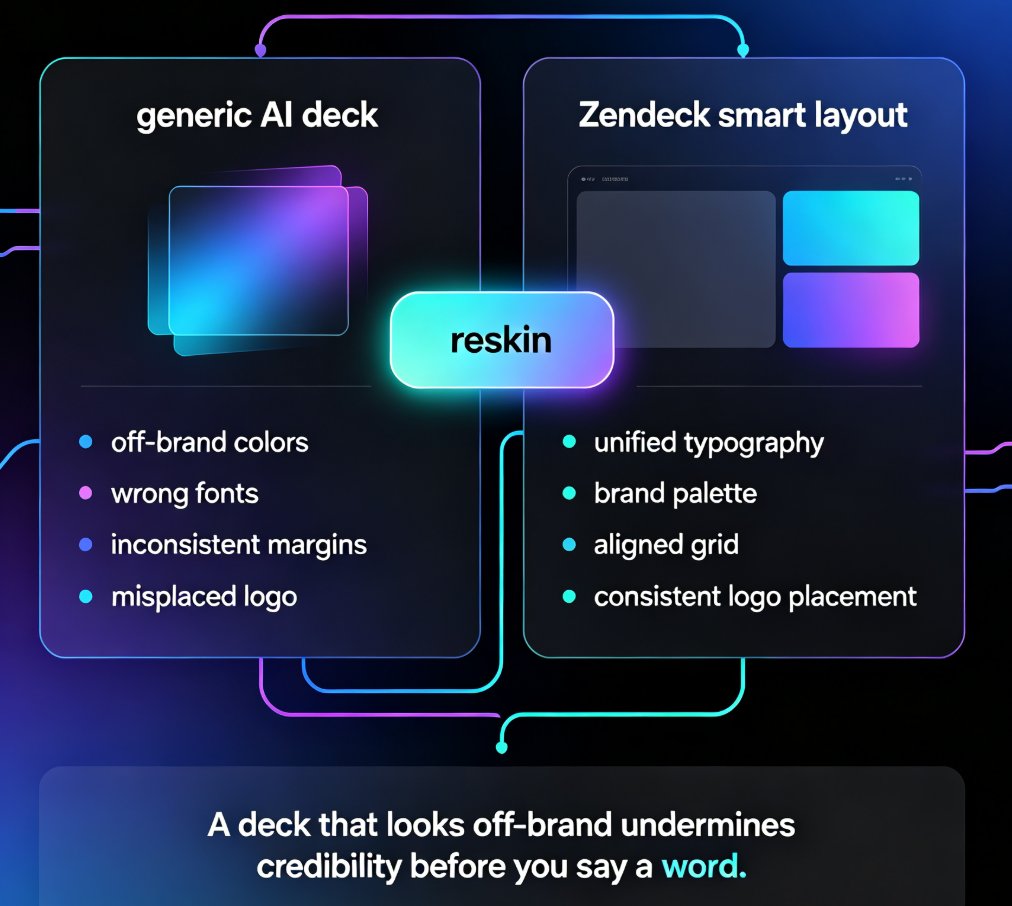
You've probably tried an AI deck tool before and ended up with slides that look... fine. Generic. Off-brand. The colors are close but not quite right. The fonts don't match your company guidelines. The logo is in the wrong corner.
Zendeck's one-click reskin and smart layout features fix exactly that problem.
Once your content is generated, you can apply a template from the library or your own brand kit. The AI unifies fonts, colors, and layout across every slide in seconds. No more hunting for the right shade of blue. No more manually adjusting margins.
For sales teams, this is huge. You can build a deck that looks like it came from your brand team — even if you've never opened a design tool in your life. And when you're presenting to a prospect, that polish matters. A deck that looks off-brand undermines your credibility before you say a word.
If brand consistency is a priority for your team, you'll want to read about how to create a custom brand kit in Zendeck and why AI asset libraries are changing corporate brand consistency.
04 The Comparison: Traditional vs. AI-Assisted Deck Building
Let's be real about what you're saving. Here's a typical comparison:
| Task | Traditional workflow | With Zendeck AI |
|---|---|---|
| Outline to first draft | 2-3 hours of manual slide building | 5-10 minutes of AI generation |
| Design consistency | Manual font/color adjustments, template hunting | One-click reskin, automatic unification |
| Brand compliance | Constant back-and-forth with brand team | Brand kit applied automatically |
| Revisions | Rebuild or manually edit each slide | Regenerate or edit individual slides |
| Final polish | Designer review, multiple rounds | Smart layout suggestions, instant fixes |
The time savings aren't marginal — they're the difference between delivering a deck today and delivering it next week.
And if you're worried about the deck looking "too AI-generated," that's a fair concern. The fix is in the details: use your own brand kit, add specific data points, and inject your team's voice into the outline before you generate. Zendeck gives you the scaffolding — you bring the story.
05 Take It Further: From Deck to Video
Here's a bonus that most sales teams don't think about until they need it: what happens when a prospect can't make the live demo? Or when you want to send a pre-read before the big meeting?
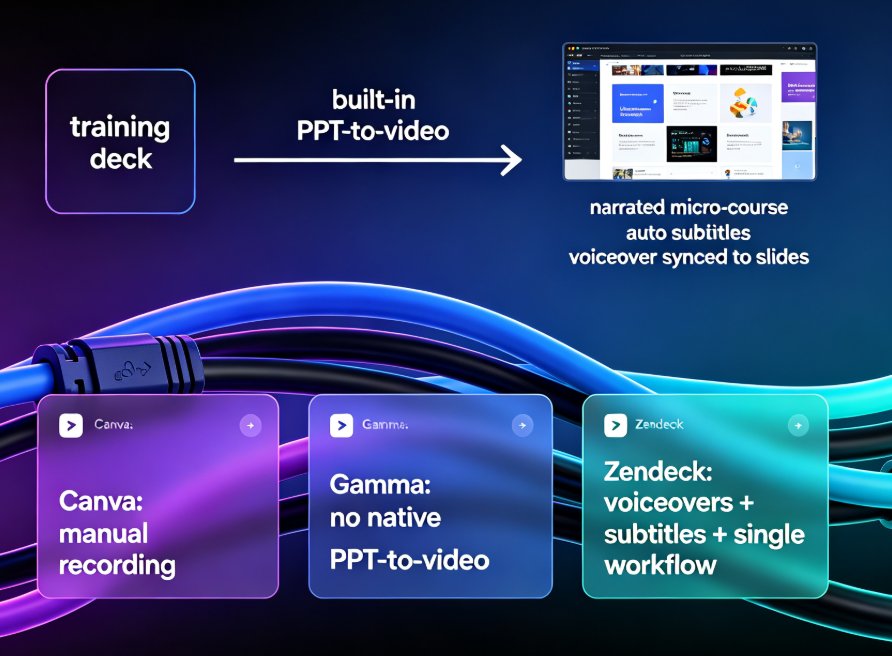
Zendeck's PPT-to-video feature turns your polished deck into a narrated micro-course. You add voiceover — either recorded or AI-generated — and the platform syncs it with your slides. The result is a shareable video that walks prospects through your pitch even when you're not in the room.
This is becoming the standard for sales enablement. If you're curious, read about why AI PPT-to-video is becoming the 2026 corporate training standard — the same logic applies to sales.
06 Common Mistakes to Avoid
I've seen a lot of AI-generated pitch decks in the past year, and the failures follow a pattern. Here are the three I'd warn you about:
Mistake 1: Starting with a vague prompt. "Make me a sales deck" produces generic garbage. The more specific your outline — the actual problem, the actual customer, the actual numbers — the better the output.
Mistake 2: Accepting the first draft. The AI gives you a strong foundation, but it's a starting point, not a finish line. Tighten the language, add your specific proof points, and cut anything that doesn't serve the story.
Mistake 3: Ignoring brand consistency. A deck that looks off-brand undermines your credibility before you say a word. Use Zendeck's brand kit feature to keep everything aligned.
For a deeper dive, check out the 5 AI presentation mistakes to avoid in 2026 — and how Zendeck fixes each one.
FAQ
How long does it take to generate a sales pitch deck with Zendeck? From a prepared outline, you can have a polished, on-brand deck in 10-15 minutes. The AI generates the structure and design in seconds; most of your time goes into refining the content and adding your specific proof points.
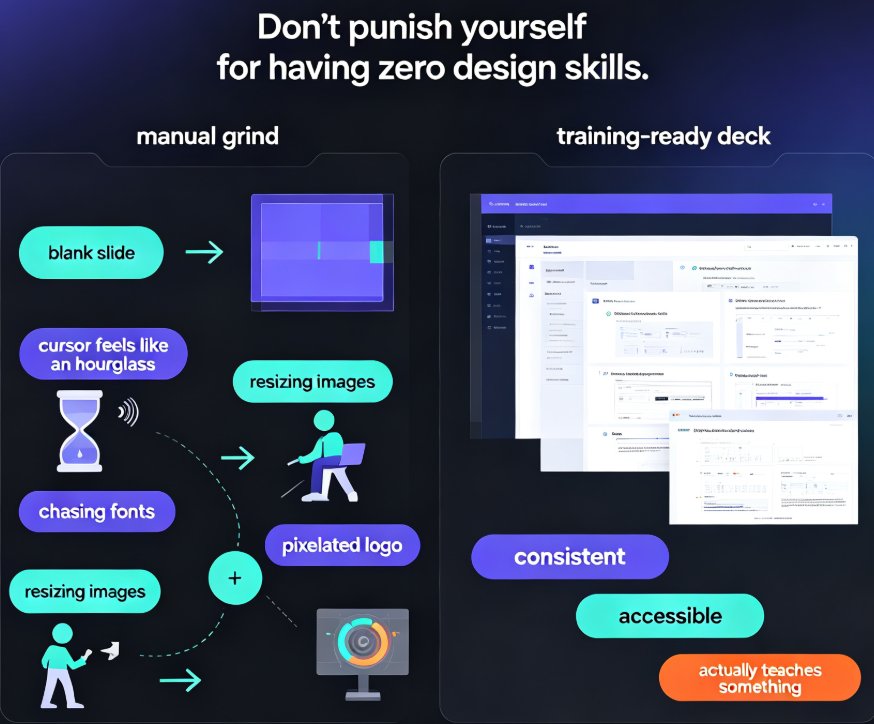
Do I need design skills to use Zendeck for sales decks? No. Zendeck handles layout, fonts, colors, and visual consistency automatically. If you can write an outline, you can create a professional deck that looks like it came from your brand team.
Can Zendeck match my company's brand guidelines? Yes. You can create a custom brand kit in Zendeck that applies your fonts, colors, and logo placement across every slide. This ensures every deck your team builds stays on-brand without manual adjustments.
What input formats does Zendeck accept for generating a deck? You can upload a Word document, paste Markdown or plain text, or use a prompt. The AI reads your structure and generates slides from it, preserving your intended story arc.
Is Zendeck suitable for sales teams, not just individual reps? Absolutely. Zendeck supports collaboration and sharing, so sales teams can work on decks together, maintain brand consistency, and reuse templates across the organization.