Popular Articles

A curated collection of the most-read and editor-picked articles — see what everyone's reading.

402 articles

How to Convert Your PPT into a Narrated Micro-Course with Zendeck

PPT to Video 2026-08-26 2182

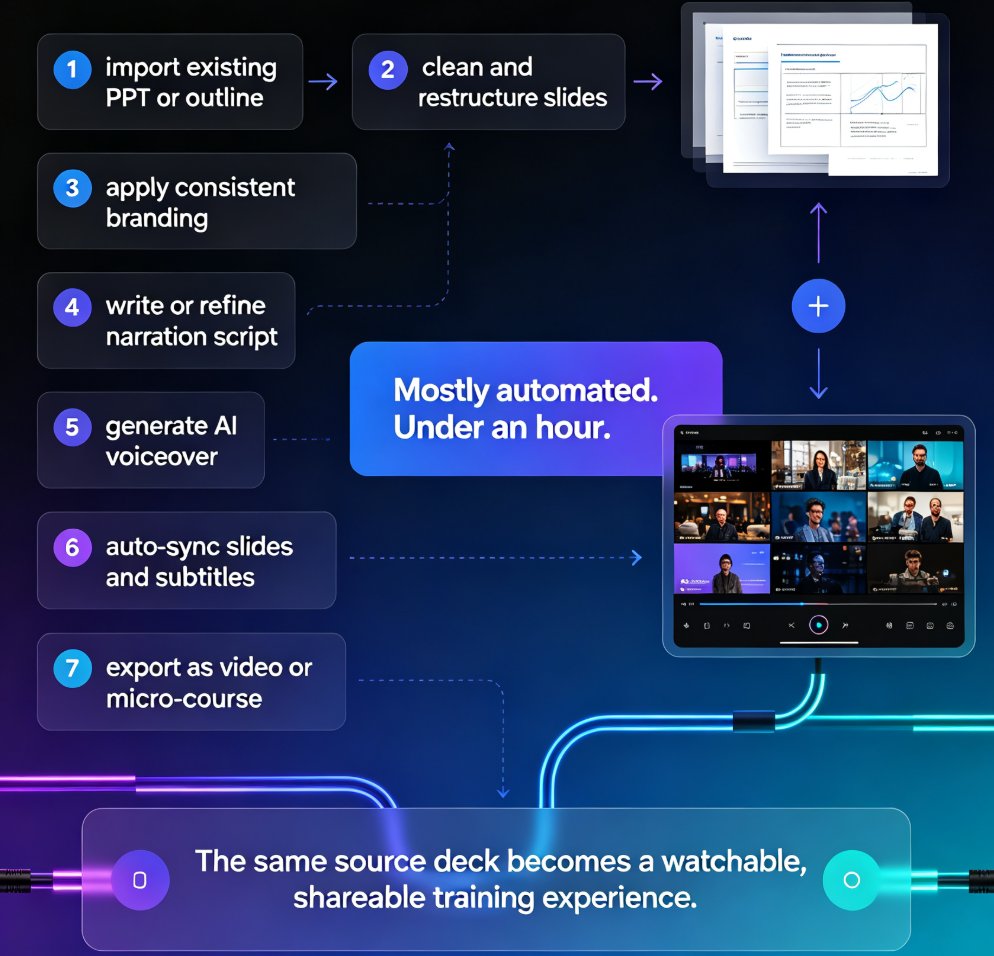
Learn how to convert your PPT into a narrated micro-course with Zendeck's PPT-to-video feature. This tutorial walks through AI voiceover, auto-generated subtitles, and export settings so you can publish crisp, shareable video lessons in under an hour. Zendeck turns static slides into engaging narrated courses without any design or editing skills, making it the fastest path from outline to published micro-course for trainers, educators, and teams.
Turn a Word Outline into a Professional Presentation with Zendeck AI

AI Courseware 2026-09-14 2181

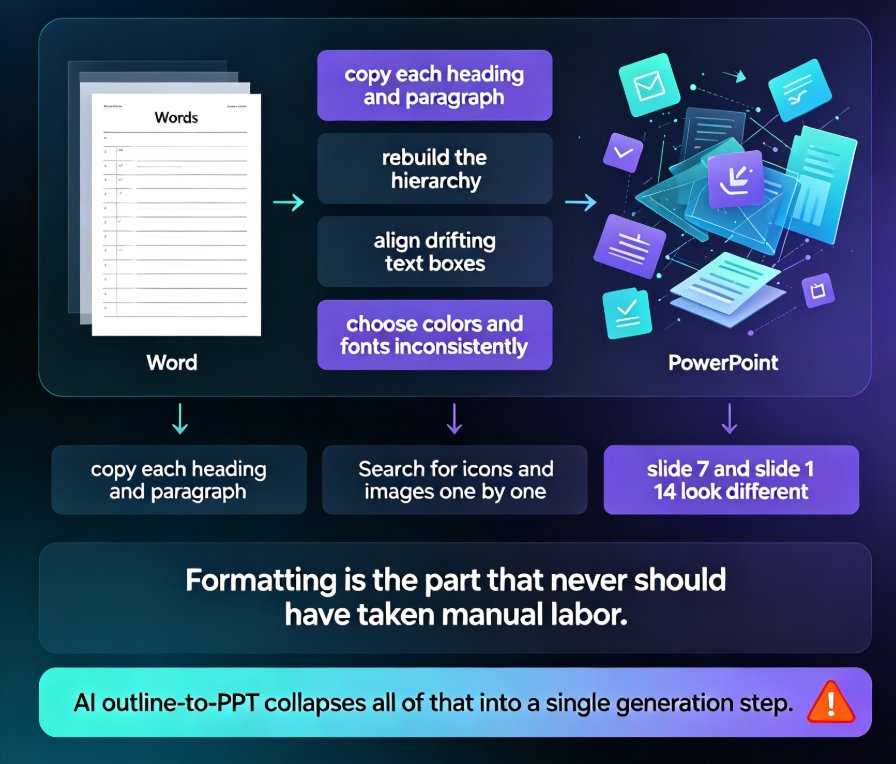
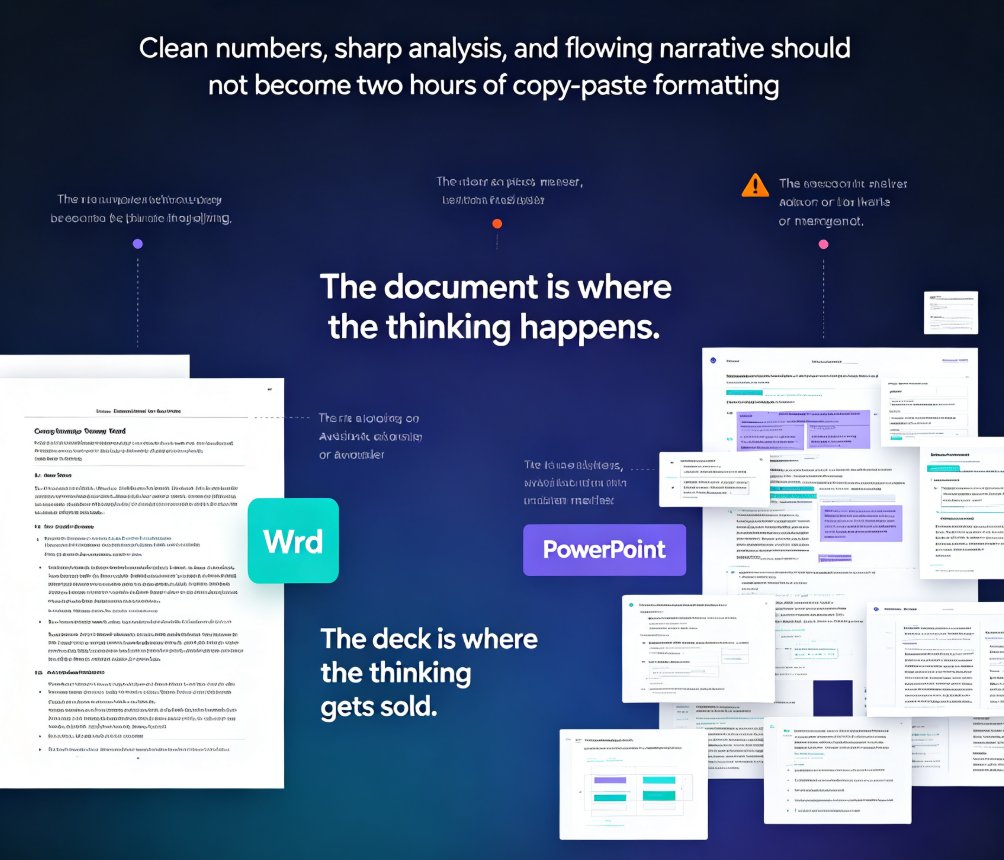
Turn a Word outline into a professional presentation in minutes with Zendeck AI. If you already have a written document, a meeting note, or a training manual, you are 80% done — Zendeck handles the design. Upload a .docx, paste Markdown or plain text, and the AI generates structured, visually consistent slides with smart layouts, consistent typography, and on-brand visuals, no design skills required. This practical guide walks through the complete workflow: preparing your outline, importing it into Zendeck, setting slide count, language, and tone, reviewing and refining the generated deck, applying one-click reskins or a custom brand kit, and exporting or converting slides into narrated micro-course video. You also get outline structure best practices, a time-saving comparison, and answers to the most common outline-to-PPT questions.

Word Outlines to Business Decks: Zendeck AI Automates Reports

AI Courseware 2026-09-04 2176

Stop spending 3-4 hours manually converting Word outlines into business decks. Zendeck AI turns your existing reports, memos, and documents into professionally formatted presentations in under a minute. This guide covers the document-to-deck pipeline for analysts, consultants, and managers — how the AI extracts narrative structure, surfaces supporting data, and applies context-aware design automatically. Learn what file formats work, how long conversion takes, and how to get the best results from your outlines. Whether you're preparing a quarterly business review, a consulting engagement report, or a training program, Zendeck eliminates the manual formatting grind so you can focus on the message. Includes a time comparison chart and practical tips for optimizing your source documents.

Generic Templates Hurt Your Pitch: Zendeck's Industry Library Wins

Courseware Design 2026-08-18 2155

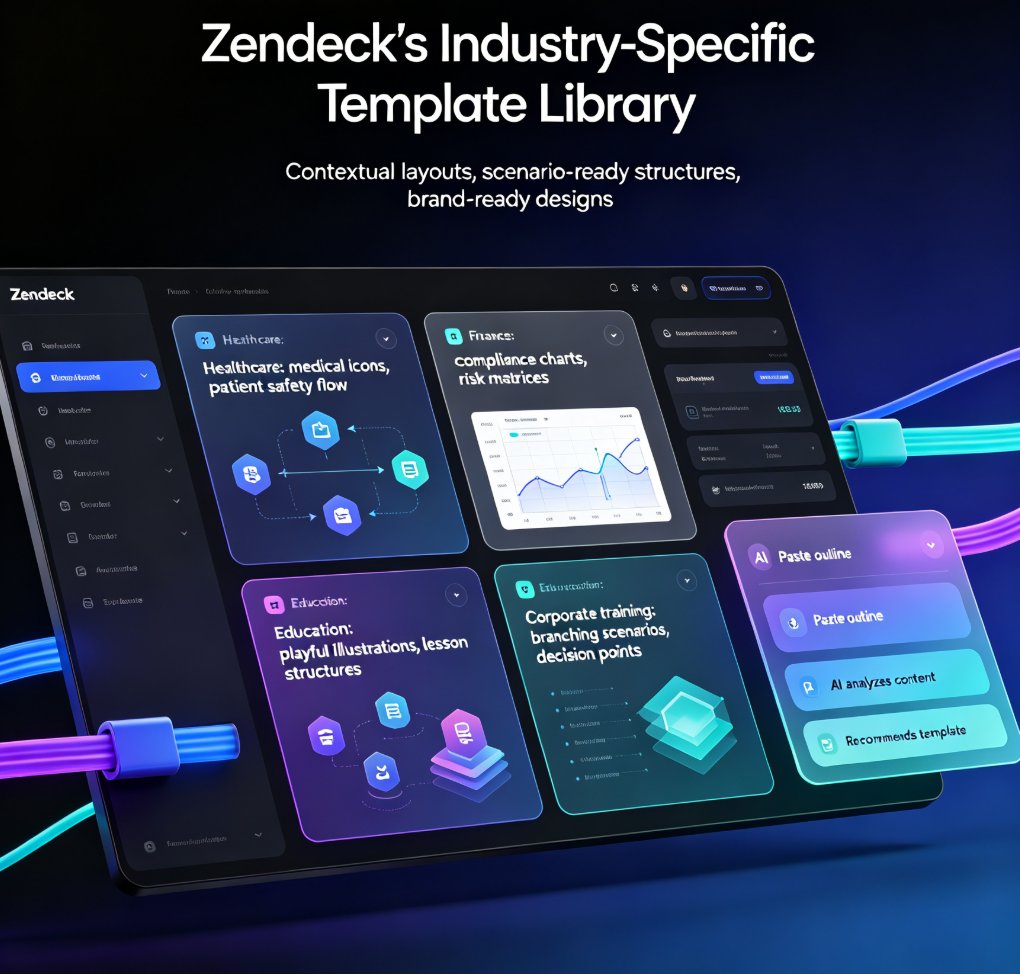
Generic templates fail to resonate with specific audiences. Zendeck's scenario-based template library offers tailored designs for education, corporate training, and HR, ensuring relevance and impact. In this article, we explore why generic templates hurt your pitch, how scenario-based learning transforms training, and how Zendeck's industry-specific templates solve the engagement problem. You'll learn practical tips for choosing the right template, customizing it with brand kits, and adding interactive elements like branching scenarios. Whether you're a trainer, educator, or HR professional, this guide shows you how to create presentations that not only look professional but also drive real learning outcomes. Stop settling for generic—discover how Zendeck's curated library helps you craft decks that truly connect with your audience and deliver measurable results.

How to Collaborate on a Presentation in Real-Time with Zendeck's Sharing and Version Control

Presentation Skills 2026-08-06 2153

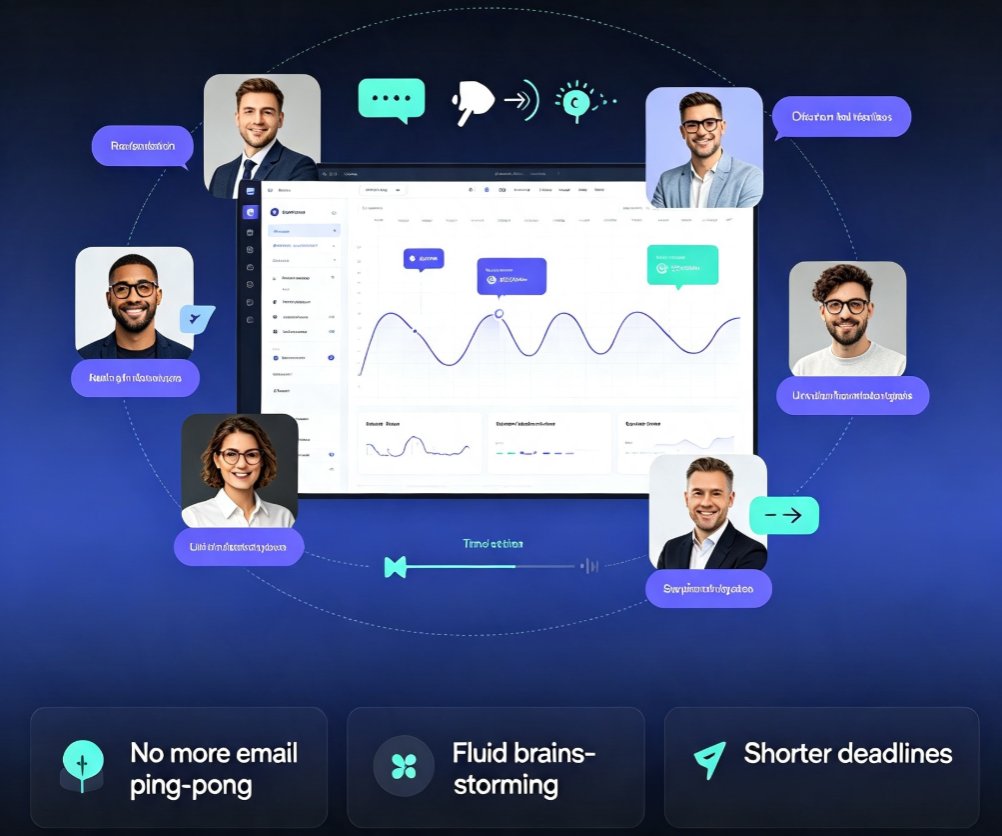
Stop emailing slides back and forth. Zendeck offers real-time collaboration and version control for teams, so everyone edits the same deck simultaneously. Learn how to co-edit, share links, and track changes in this step-by-step guide. Zendeck makes team presentations seamless and efficient.

How to Create a Training Deck from Scratch: 6 Steps with Zendeck's AI

Courseware Design 2026-08-18 2151

Learn how to create a professional training deck from scratch with Zendeck's AI in six simple steps. This beginner-friendly tutorial walks non-designers through the entire workflow — from defining training goals and brain-dumping content to generating slides, picking templates, refining visuals, and exporting or converting to video. Zendeck's AI deck generator turns a rough outline into polished, on-brand courseware in about 10-20 minutes, eliminating the need for PowerPoint design skills. Perfect for trainers, L&D managers, and subject-matter experts who want professional results without the design headache. Includes a comparison table of traditional vs. AI-assisted workflows, practical tips for every step, and answers to common questions about editing, importing, and video conversion.