Popular Articles

A curated collection of the most-read and editor-picked articles — see what everyone's reading.

402 articles

From Word to Slides: Import Outlines into Zendeck for Instant Decks

Office Efficiency 2026-08-03 2107

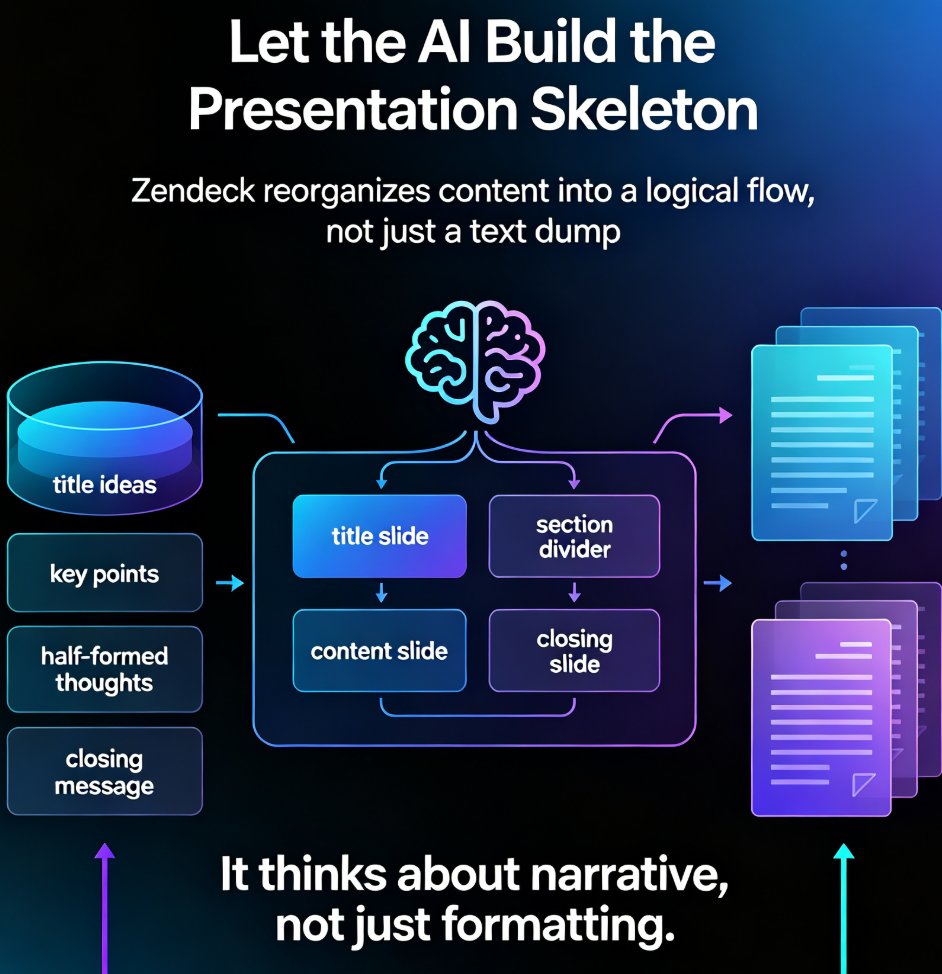
Stop wasting 3–4 hours manually converting Word outlines into slides. Zendeck's Word Import feature transforms any document into a polished, on-brand deck in seconds. Learn how to paste or upload your outline, let AI handle layouts and formatting, and get consistent, professional presentations without design skills. Perfect for trainers, educators, and busy professionals.
How to Convert PPT to a Narrated Video with Zendeck: Step-by-Step

PPT to Video 2026-08-27 2098

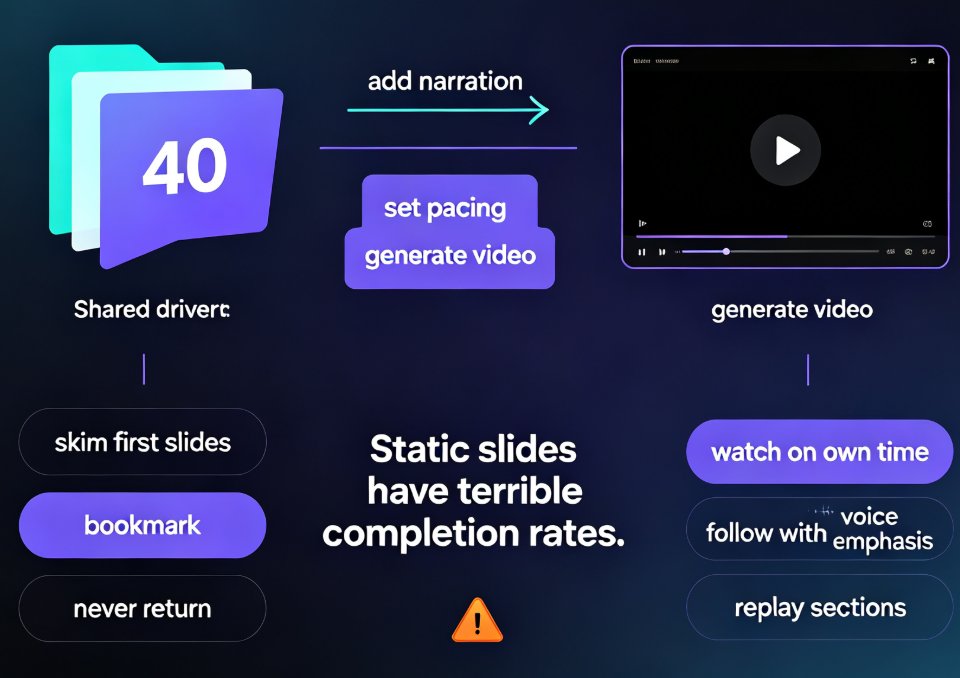
Learn how to convert PPT to a narrated video with Zendeck's PPT-to-video feature. This step-by-step guide walks through the entire workflow: importing a Word outline or Markdown file, letting AI generate structured slides, adding AI voiceover narration, and exporting to MP4 for sharing. We also cover practical tips for educators and trainers — how to keep slides visual, script before you record, and add subtitles for accessibility. By the end, you'll know exactly how to turn a static deck into a narrated micro-course in minutes, without a microphone, design skills, or expensive video editing software. Whether you're building corporate training, courseware, or knowledge videos, this workflow saves hours and produces consistent, professional results.

Agentic AI in Course Creation: Autonomous Workflows Reshape Education

Micro-Course Production 2026-09-23 2084

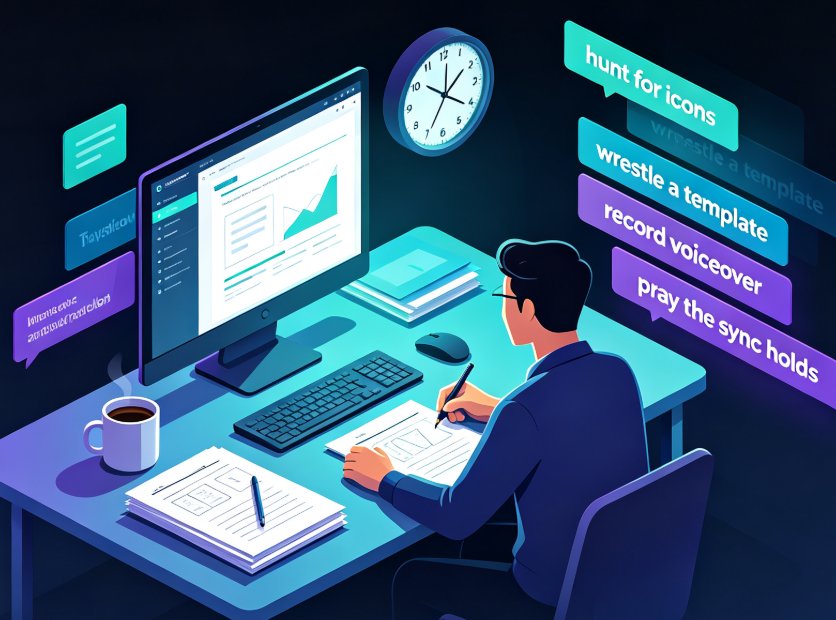
Agentic AI is transforming course creation: educators are moving from operating tools to supervising autonomous AI workflows that research, design, and produce micro-courses end to end. This guide explains how agentic systems observe, decide, and act on their own, how a 60-minute course drops from 23 hours of manual production to about 5 hours of supervised work, and why Zendeck's AI Agent pipeline is pioneering the outline-to-video production model. You'll learn what agentic AI really means, the new supervision skills educators need, and the risks to watch for in 2026 — from hallucinated content to accessibility gaps. If you create corporate training, teaching materials, or online courses, this is your roadmap for shifting from manual grind to brief, generate, review, and refine.

Knowledge Graph for Presentations: The Next Frontier in AI Decks

Office Efficiency 2026-09-23 2062

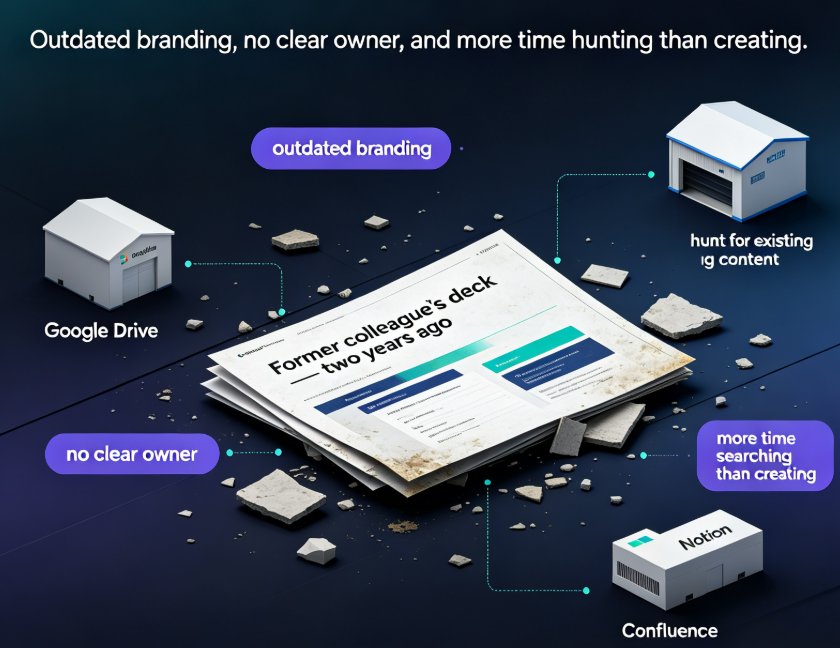
Knowledge graphs are the quiet revolution behind smarter AI presentations. Instead of generating slides from a blank prompt, the next frontier connects your existing content — Google Drive files, Notion pages, Confluence docs — into a single web of meaning your AI can draw from. Zendeck's structured Word import and knowledge connectors align with this shift, helping enterprise teams find, organize, and repurpose the best slides they already own. This guide breaks down what a knowledge graph really is, why content sprawl is killing your deck quality, how the presentation workflow changes from zero-to-one to find-and-compose, and what Zendeck's 2026 roadmap means for your team. If you build corporate decks, training material, or investor updates, this is the trend you can't afford to miss.

How to Generate a Complete Presentation from Scratch Using Zendeck AI

AI Courseware 2026-08-26 2061

Learn how to generate a complete presentation from scratch using Zendeck AI. This step-by-step tutorial walks you from a simple outline to a polished, shareable deck in minutes — covering slide generation, smart layouts, one-click reskinning, asset libraries, and even PPT-to-video conversion. Zendeck AI handles the design heavy lifting so you can focus on your message, not your margins. Whether you're a trainer, educator, or busy professional, this zero-to-done workflow shows exactly how to turn rough notes into a structured, visually consistent presentation without opening a design tool. Stop wrestling with blank slides and start shipping decks that look intentional. Includes a full workflow comparison table, common mistakes to avoid, and answers to the questions people ask most when switching to AI-generated presentations.