Popular Articles

A curated collection of the most-read and editor-picked articles — see what everyone's reading.

402 articles

Robotic Narration? Zendeck's PPT-to-Video AI Voiceover & Subtitles

PPT to Video 2026-08-28 2059

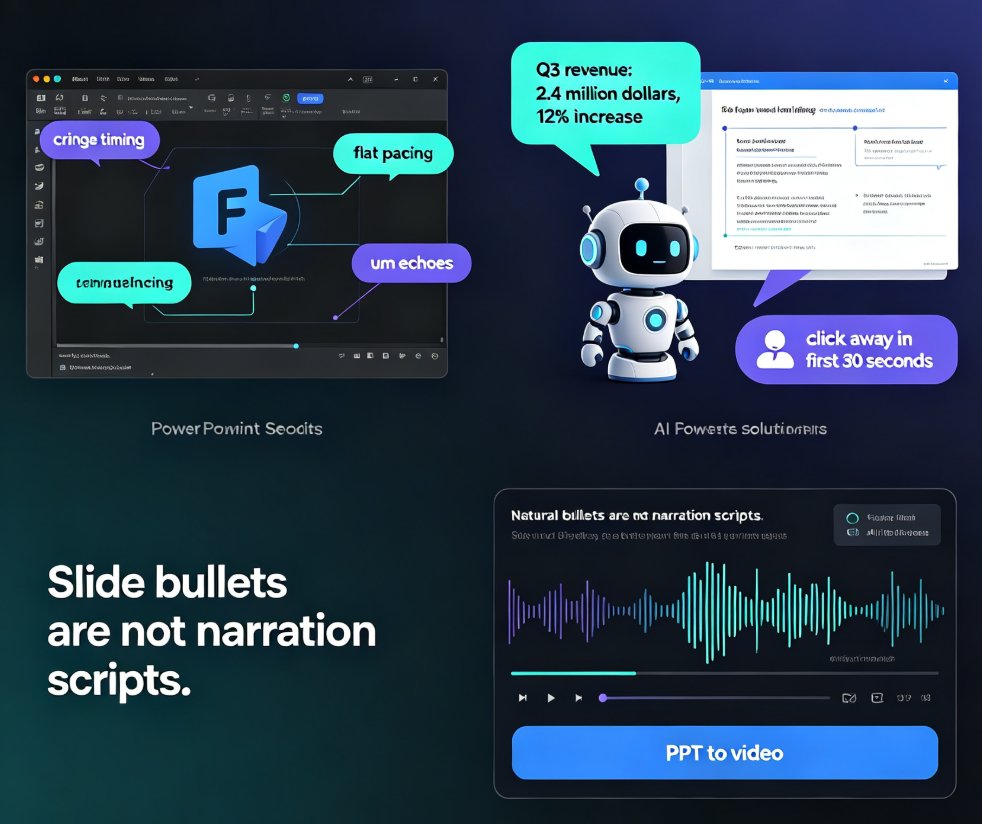
Robotic narration is the fastest way to lose viewers. Zendeck's PPT-to-video feature pairs AI voiceover generation with auto-synced subtitles so your micro-courses sound natural and stay accessible — no recording studio or voice-over agency needed. This guide breaks down why default TTS sounds flat, how Zendeck writes speak-ready scripts instead of reading slide bullets, and how the subtitle engine saves you hours of manual captioning. You'll get a practical comparison of narration workflows, a walkthrough of turning a deck into a narrated MP4 in minutes, and tips for keeping accessibility compliance front of mind. If you're an educator, trainer, or content operator tired of robotic-sounding videos, this is the workflow you've been missing.
No Design Skills? Zendeck Template Library Has a Deck for Every Need

Courseware Design 2026-08-27 2031

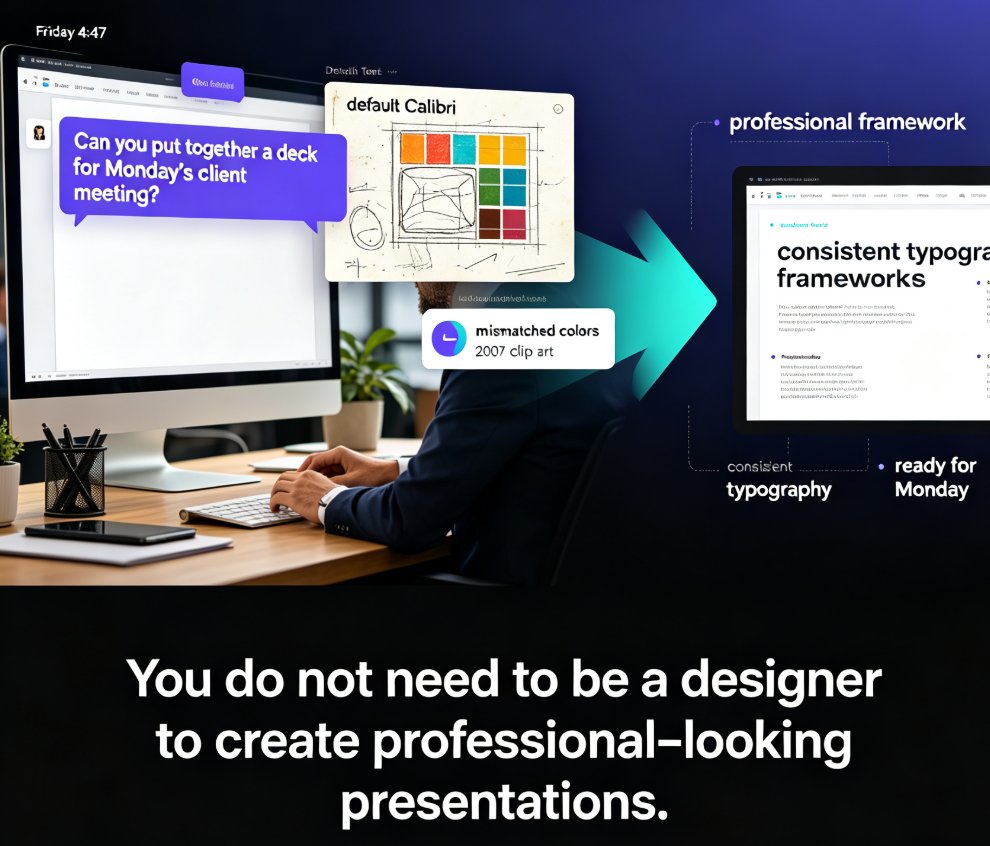
Struggling to create professional presentations without design skills? Zendeck's template library offers scenario-based templates for courseware, business pitches, training, HR, and marketing. Pick a template, paste your content, and let AI handle the layout, typography, and visual hierarchy. This guide walks through the design skill gap, why templates beat blank slides, how Zendeck's library is organized by real scenarios, and the full workflow from outline to finished deck — including one-click reskin, brand kit integration, and PPT-to-video conversion. If you've ever spent hours fighting alignment guides and font choices, this article shows you a better way. Professional presentations are no longer reserved for people with design degrees.

Designing Conference Keynote Decks with AI Templates That Engage

Courseware Design 2026-08-10 2024

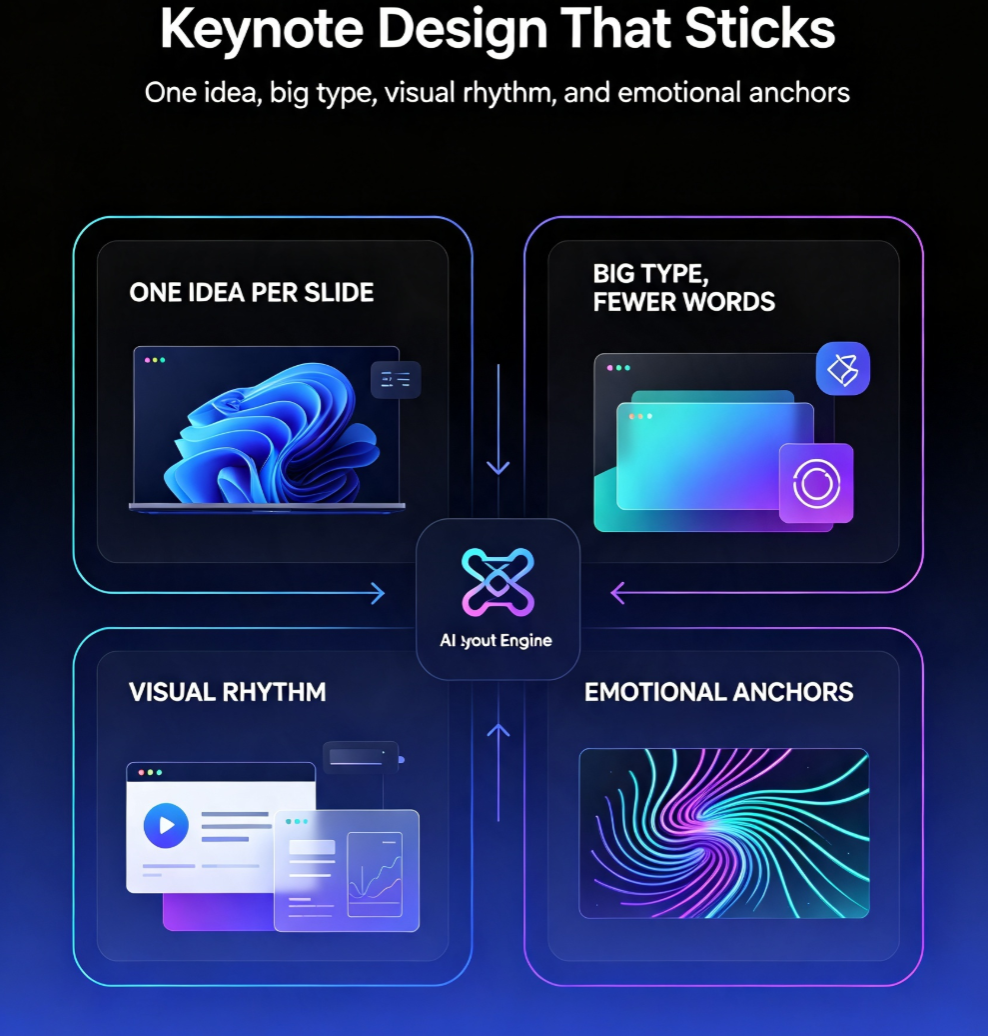
Conference keynotes fail when slides look like reports. Learn how AI templates, smart layout, and curated visual assets in Zendeck help you design visually striking keynote decks that hold audience attention — without design skills. This guide covers why keynotes need a different design language than regular decks, how to structure your narrative before touching a template, how smart layout creates visual rhythm and hierarchy, and why curated icons, charts, and illustrations beat generic stock. You'll also get a comparison of manual vs. AI-assisted workflows and a practical five-step process for building a stage-ready presentation in under an hour. If you're a speaker, trainer, or educator who wants decks that feel custom and polished, this is your playbook for your next talk.

Smart Layout vs Manual Design: Why AI Auto-Layout Saves Hours

Office Efficiency 2026-08-19 2012

Smart layout vs manual design: Zendeck's AI auto-layout cuts slide formatting from hours to minutes. Here's the time math, the quality trade-offs, and when manual still wins. If you build recurring decks — weekly reports, training decks, client pitches — manual formatting is quietly costing you 2-4 hours per deck. Zendeck's smart layout engine handles spacing, alignment, and visual hierarchy automatically, so you focus on content. This guide breaks down the real time savings, shows consistency gains at scale, and gives an honest look at where manual design still has the edge. By the end, you'll know exactly when to let AI handle the layout and when to roll up your sleeves.

AI-Generated Icons and Charts: How Asset Libraries Are Evolving

Courseware Design 2026-08-20 2005

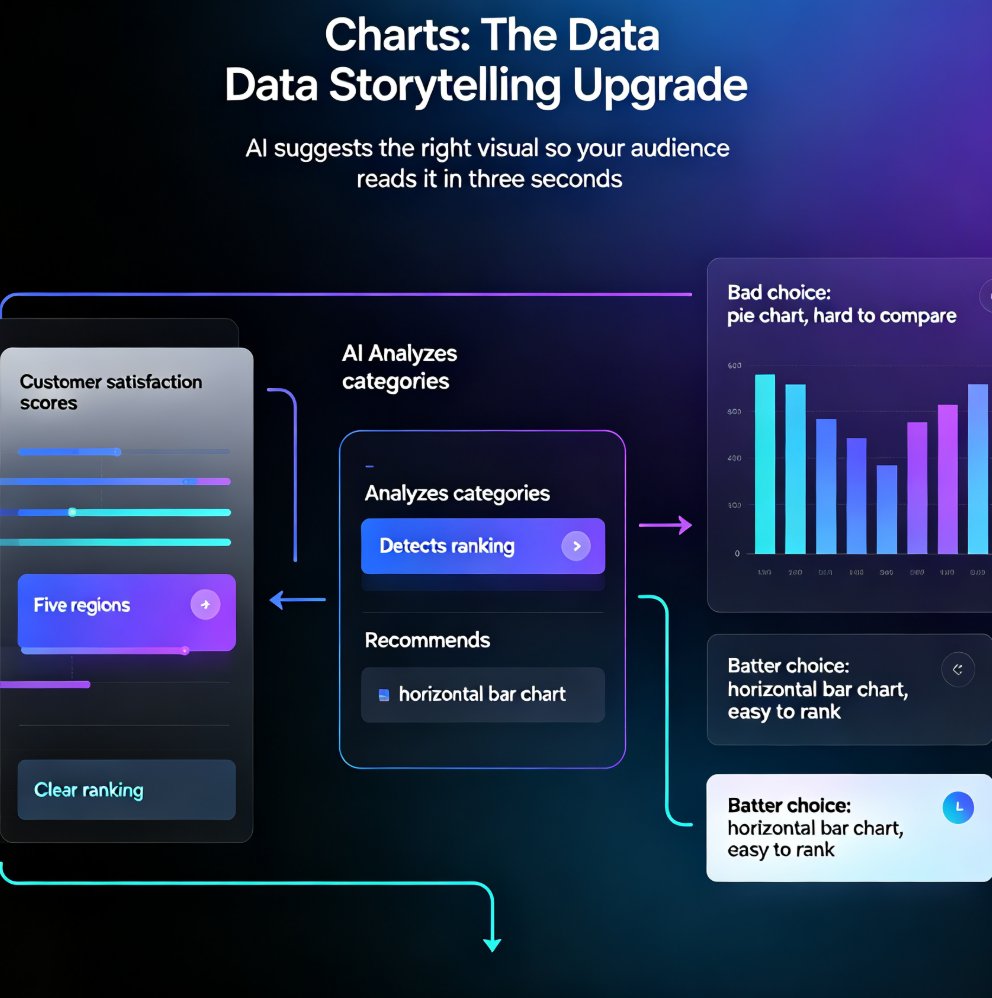
AI-generated icons and charts are transforming presentation asset libraries, and Zendeck's asset library puts this power in your hands. Learn how AI suggests and generates relevant visuals — no design skills required. From context-aware icon recommendations to intelligent chart selection, discover how modern AI presentation tools turn the tedious asset hunt into a one-click workflow. This guide covers the shift from static libraries to dynamic, AI-powered asset generation, practical tips for data storytelling, and how to keep every slide on-brand. Whether you're a trainer, educator, or team lead, you'll walk away with a repeatable workflow for building richer decks faster — and a clear picture of why AI asset libraries are becoming the new baseline for professional presentation design.

Deck Approvals Made Easy: Zendeck Sharing for Team Sign-Off

Office Efficiency 2026-09-20 2003

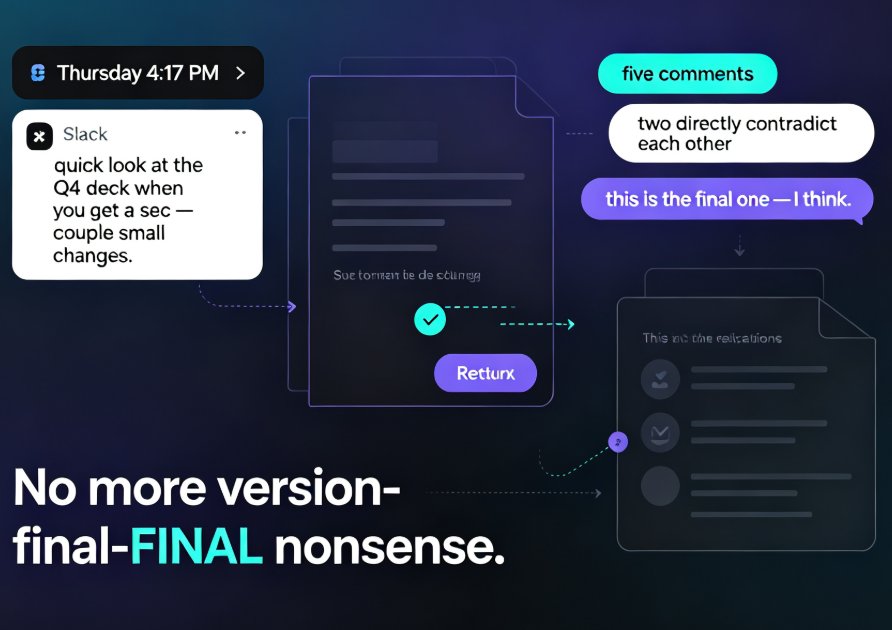
Deck approvals are the hidden time-drain in most teams — a quick "can you review this?" email can spiral into five days of file ping-pong, lost comments, and three different versions of "the latest one." Zendeck sharing turns that chaos into a single, structured sign-off loop: one link, role-based permissions, threaded comments, and a clear path from draft to final approval. This guide walks through Zendeck's online editing and collaboration features step by step — how to share a deck, set who can comment versus edit, steer feedback with mentions, and track changes as reviewers chime in. You'll get a manual-vs-Zendeck timeline comparison and a sign-off workflow your stakeholders will actually follow. If your presentations keep getting stuck in review limbo, this is the playbook for closing decks in hours instead of days.