Popular Articles

A curated collection of the most-read and editor-picked articles — see what everyone's reading.

402 articles

The Asset Library as a Productivity Hub: Icons, Charts on Demand

Office Efficiency 2026-08-24 664

Asset libraries have become the backbone of efficient deck creation. This guide breaks down how an integrated asset library — icons, charts, and illustrations on demand — cuts visual search time from minutes to seconds. Zendeck's built-in searchable collection helps you find the perfect visual in under three seconds, keeping your creative flow intact and your slides on-brand. Learn the hidden costs of manual asset hunting, the three-second rule for library design, and how AI-generated assets are reshaping presentation workflows. Includes a comparison table of traditional search versus integrated libraries, plus practical tips for building decks faster. If you create presentations regularly — for clients, classes, or internal teams — this is the productivity upgrade you didn't know you needed.
Zendeck Asset Library: Find Icons & Illustrations in Seconds

Courseware Design 2026-08-27 648

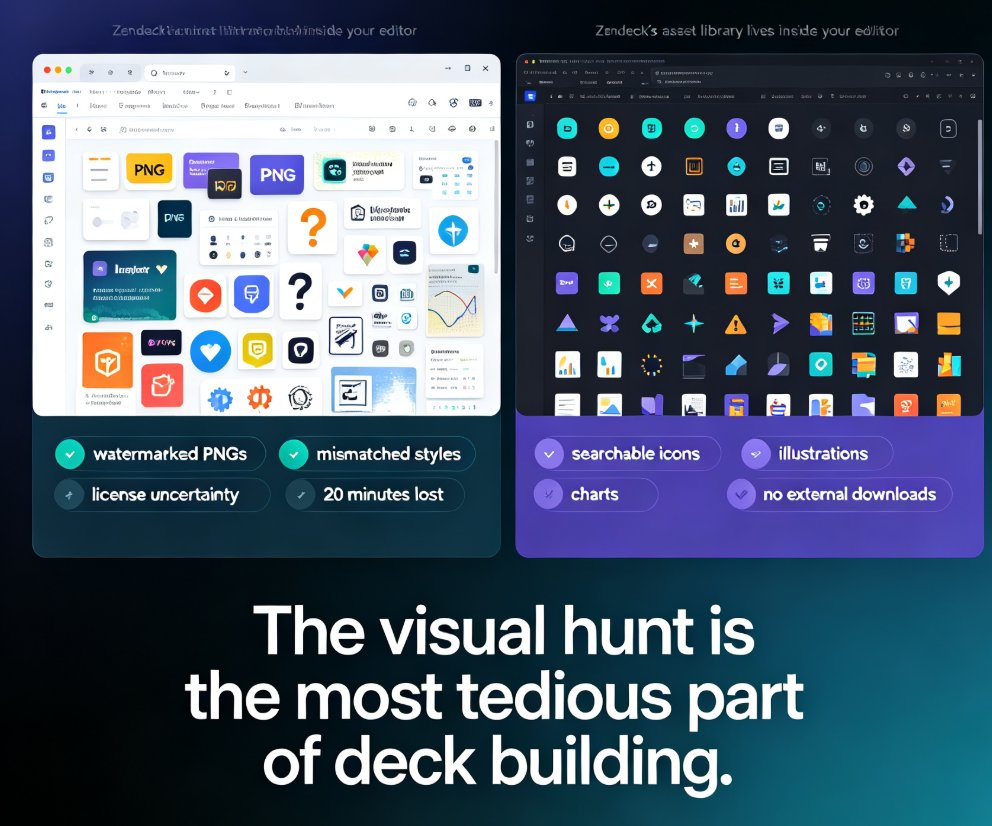
Zendeck's asset library puts searchable icons, charts, and illustrations right inside your editor, cutting visual-hunting time from 20 minutes to under 3 minutes per task. This guide walks through the search workflow, style filters, and customization options, and explains why a curated in-platform library beats external downloads for consistency. You'll also see the time-saving math, best practices for mixing icons with illustrations, and answers to common questions about licensing and custom uploads. If you're tired of tab-hopping between free icon sites and mismatched visual styles, Zendeck's built-in library is the fix.

How Secure Is My Data in Zendeck? Privacy and Compliance Explained

AI Courseware 2026-08-07 632

Worried about storing confidential business presentations in an AI tool? Zendeck takes data security seriously with AES-256 encryption, role-based access controls, and full GDPR compliance. This article explains exactly how your data is protected, what certifications Zendeck holds, and why thousands of professionals trust it for sensitive content. Learn how Zendeck combines AI convenience with enterprise-grade privacy.

Zendeck Asset Library: Create Stunning Slides Without Design Skills

Courseware Design 2026-08-19 609

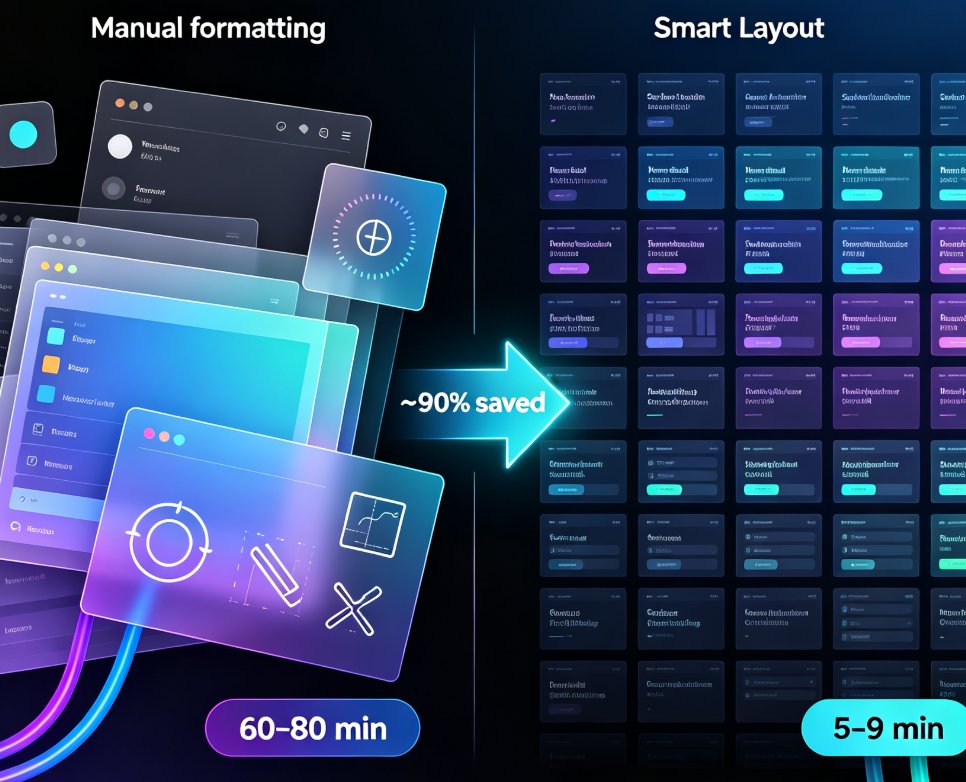
Learn how Zendeck's asset library — icons, charts, and illustrations — combined with smart layout helps you create stunning slides without design skills. This practical guide covers a 10-minute workflow, common mistakes to avoid, and pro tips for educators, trainers, and teams who want professional-looking decks. Discover how to replace bullet lists with icons, turn data into clean charts, and let Zendeck's layout engine handle alignment and spacing automatically. Whether you're preparing a training course, a client pitch, or a conference keynote, this guide shows you how to elevate your slides from plain to polished — no Photoshop required. We'll also cover the three most common mistakes that make decks look amateur and how to fix them, plus answers to frequently asked questions about using assets, charts, and brand kits in Zendeck.

Real-Time Collaboration: How Zendeck Streamlines Team Deck Creation

Office Efficiency 2026-08-24 604

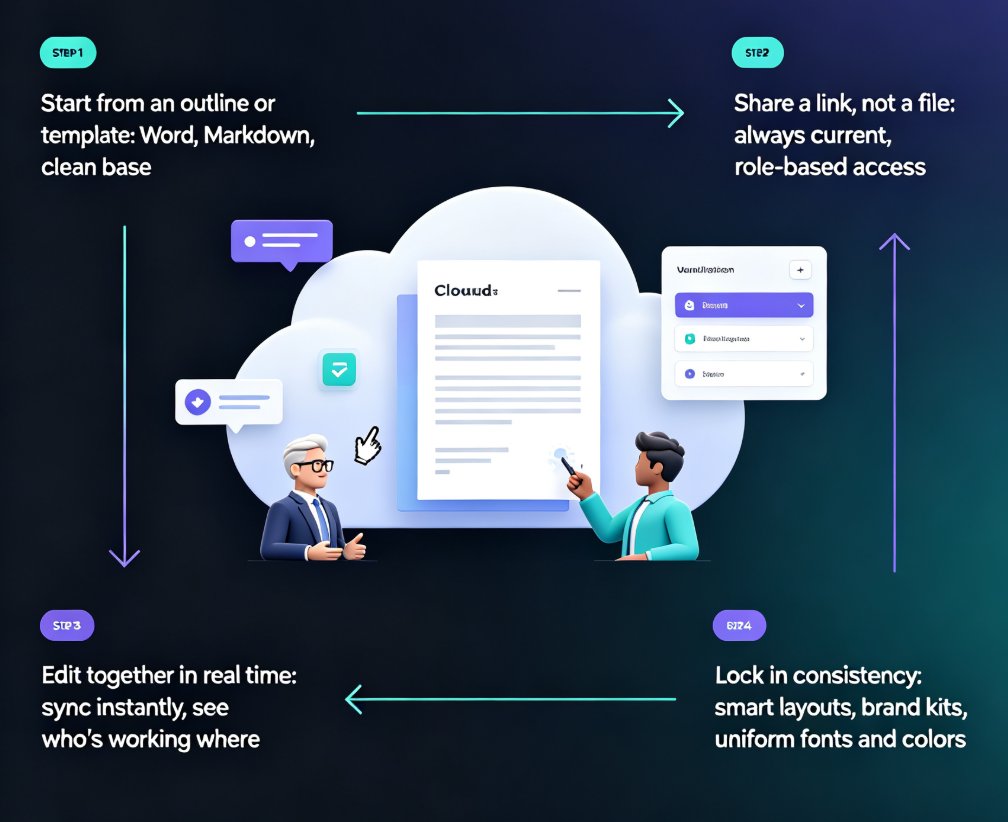
Zendeck's real-time collaboration and link sharing end version-control chaos for distributed teams. This guide shows how online editing, shared links, and smart templates let your whole team build decks together without emailing files back and forth. You'll see the exact workflow that replaces deck_final_v3.pptx chaos with a single live document, plus how inline comments, asset libraries, and brand kits keep everyone aligned. Whether you're a remote startup, a hybrid training team, or an HR department shipping quarterly updates, this is the practical playbook for collaborative presentation creation with Zendeck. Stop managing files and start building better decks together. Learn how to set permissions, divide work by section, and lock decks before presenting — so your team ships polished presentations every time, without the Friday-night panic.

Keep Every Department On-Brand with One-Click Deck Reskinning

Courseware Design 2026-09-09 600

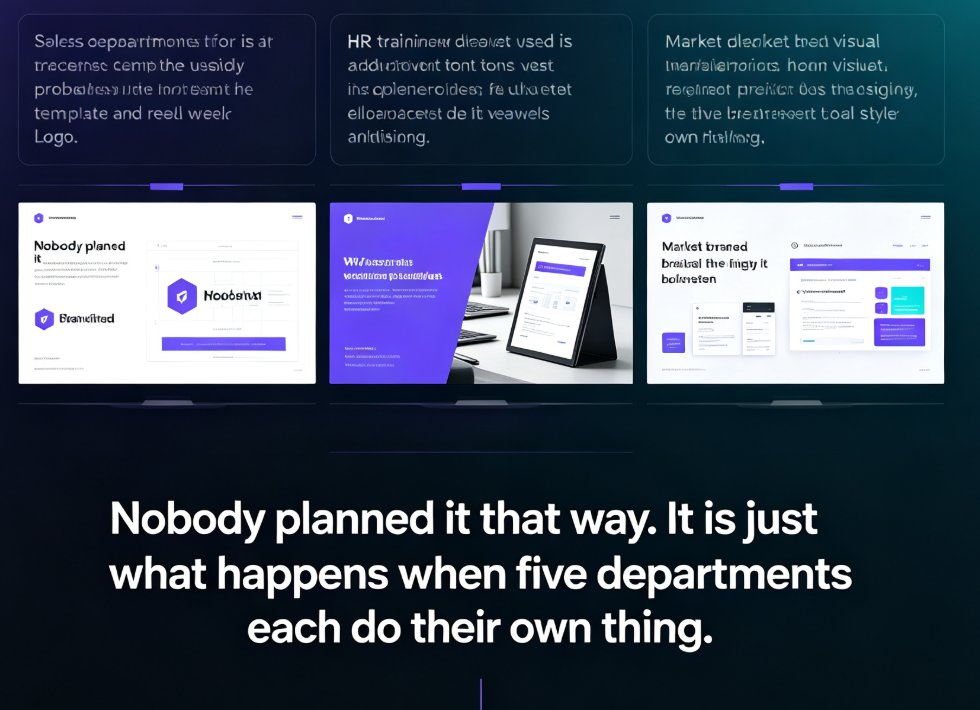
Off-brand decks are a workflow problem, not a design problem. Zendeck's one-click reskin instantly unifies fonts, colors, and layouts across every department deck — one real HR team unified 30 onboarding decks in an afternoon without redesigning them. This guide covers what reskin actually does, the exact workflow to scale brand consistency across sales, HR, marketing, and training teams, plus best practices for templates, brand kits, and asset libraries. If you want every presentation to look like it came from one company, start here.