Popular Articles

A curated collection of the most-read and editor-picked articles — see what everyone's reading.

402 articles

Data Security in AI Presentation Tools: The Private Deployment Trend

AI Courseware 2026-08-20 721

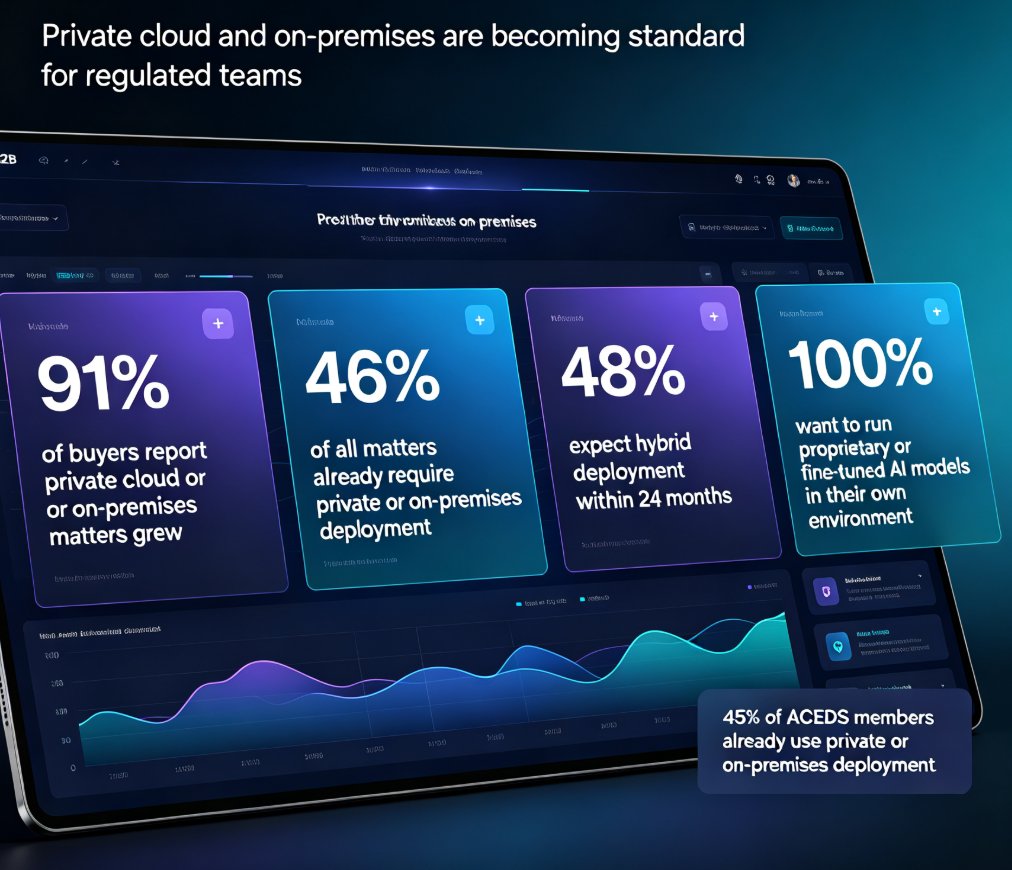
Data security in AI presentation tools is no longer optional — it's the deciding factor for most enterprise and education buyers. With 91% of buyers reporting growth in private deployment needs and 34.8% of employee ChatGPT inputs containing sensitive material, teams need real control over where their data lives. This guide breaks down the private deployment trend, what it actually changes for corporate and educational teams, and how Zendeck's private deployment options keep sensitive content within organizational boundaries. You'll learn what to evaluate when choosing a tool, the real differences between on-premise and public cloud, and a practical checklist for moving your presentation workflow to a private environment. If you're building decks with confidential data, this is the read you need before your next tool purchase.
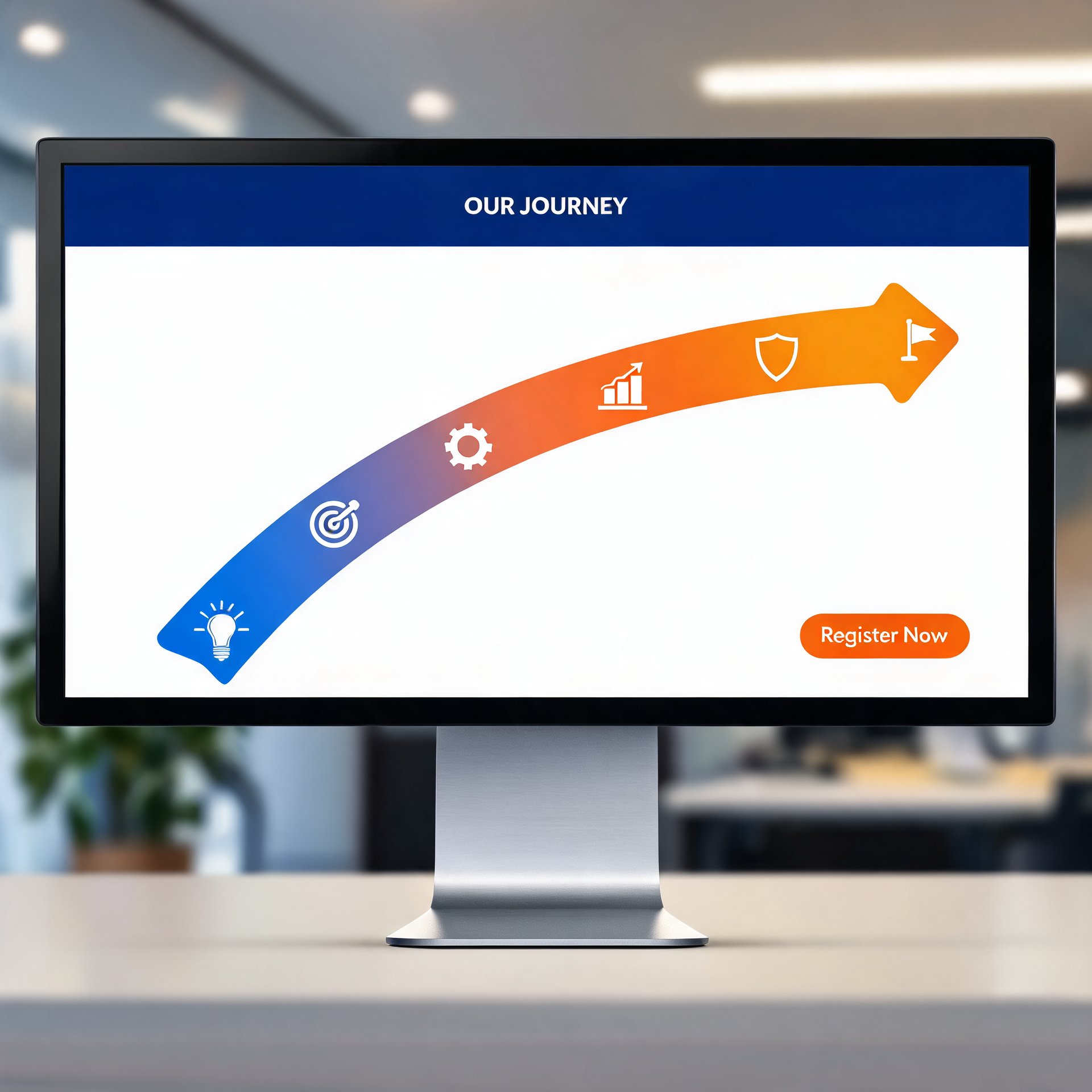
One-Click Reskin: How Zendeck Unifies Fonts, Colors & Layout

Courseware Design 2026-09-14 714

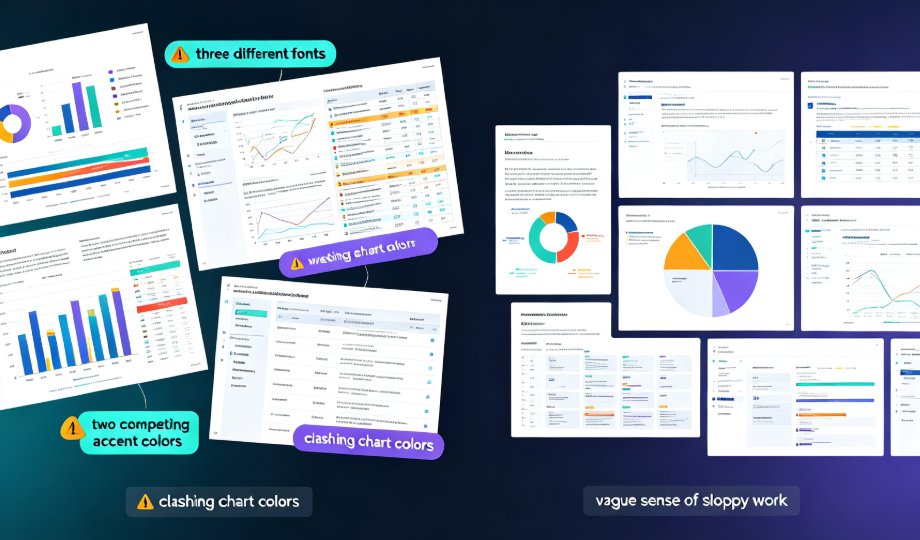
Inconsistent fonts, clashing colors, and misaligned layouts are the #1 reason professional decks look amateur — and the fix is faster than you think. Zendeck's one-click reskin auto-unifies typography, brand colors, and smart slide layouts across an entire presentation in seconds. This guide breaks down how the reskin engine works, why the Brand Kit lets you save multiple brand profiles and apply a different look per deck, and where teams actually save up to 70% of their formatting time. You'll get a step-by-step workflow, a scenario-by-scenario breakdown of when reskin pays off most, and a full-stack comparison of reskin, asset libraries, and templates. If you've ever inherited a messy deck or struggled to keep courseware on-brand, this is the tool you've been missing.

How to Create a Webinar Slide Deck That Converts with Zendeck

Presentation Skills 2026-08-17 711

Zendeck turns a rough outline into a polished webinar slide deck in minutes, so you can focus on the story that converts. This guide walks through the exact workflow: structuring a narrative arc, generating on-brand slides, adding speaker notes, and turning the deck into a video for replay. You'll learn why attention drops after the first few slides and how to design for retention and action. Whether you're running a product demo, a training session, or a thought-leadership webinar, these steps help you move from blank page to presentation-ready deck without hiring a designer. We'll also cover the common mistakes that kill webinar conversion, the six beats of a persuasive deck, and the metrics that tell you whether your content actually worked. By the end, you'll have a repeatable process for building webinars that keep viewers engaged and drive real business results.

How to Use Zendeck's AI to Automatically Rebrand Your Entire Deck

AI Courseware 2026-08-28 696

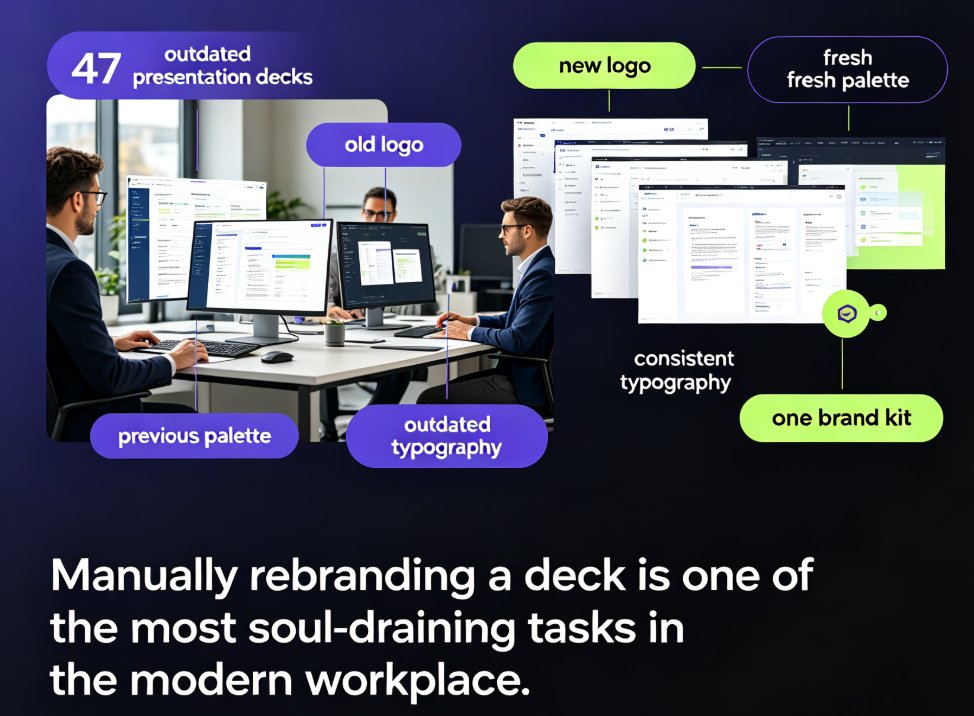
Zendeck's one-click reskin lets you automatically rebrand an entire presentation — applying brand colors, fonts, and layouts across every slide in seconds. This guide explains what reskinning actually does, why manual rebranding is a productivity trap, and a step-by-step workflow to convert a legacy deck into an on-brand, professional presentation in under five minutes. We break down who benefits most (corporate teams, educators, agencies, startups), include real time-saving data showing an 80% reduction in manual work, and highlight common mistakes to avoid. You'll also learn how to combine reskin with a custom brand kit for long-term brand governance. If you're refreshing outdated decks or aligning with new brand guidelines after a company rebrand, Zendeck's one-click reskin is the fastest path from outdated to on-brand.

Real-Time Co-Editing: Zendeck Ends Version Control Nightmares

Office Efficiency 2026-09-10 687

Real-time co-editing and version control are the cure for team presentation chaos. Zendeck lets multiple teammates edit slides simultaneously, auto-saves every change, and keeps a full history so you never lose track of the latest version. Say goodbye to emailing 'final_v3_FINAL(2).pptx' and hello to a single source of truth. This guide explains how Zendeck's collaboration features kill version confusion, why version history is your safety net, and how to adopt best practices for smooth team workflows. If your team struggles with outdated decks or conflicting edits, Zendeck's real-time co-editing is the solution you've been missing.

How Zendeck AI Automates Standard Decks for HR and Corporate Trainers

Office Efficiency 2026-09-08 676

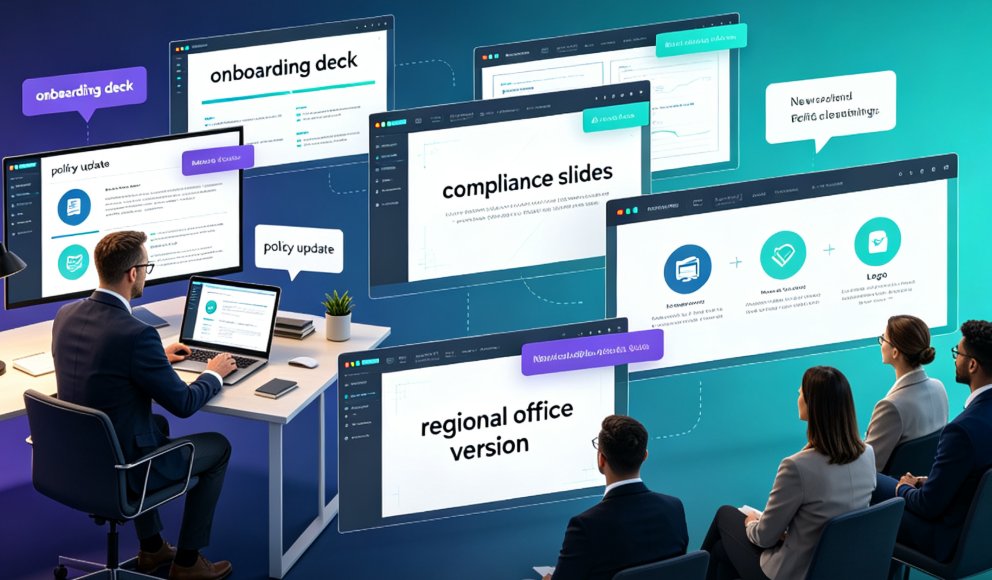
Zendeck AI automates standard HR and corporate training decks, slashing creation time by 85-92% while ensuring on-brand consistency. Learn how Word import and a 1,500+ template library turn mundane onboarding and policy updates into a 3-step process. This guide covers the exact workflow, real scenarios, and pro tips for HR teams that want to stop building slides and start impacting people.