Popular Articles

A curated collection of the most-read and editor-picked articles — see what everyone's reading.

506 articles

Real-Time Co-Editing: How Remote Teams Finalize Decks Faster

Office Efficiency 2026-09-17 1230

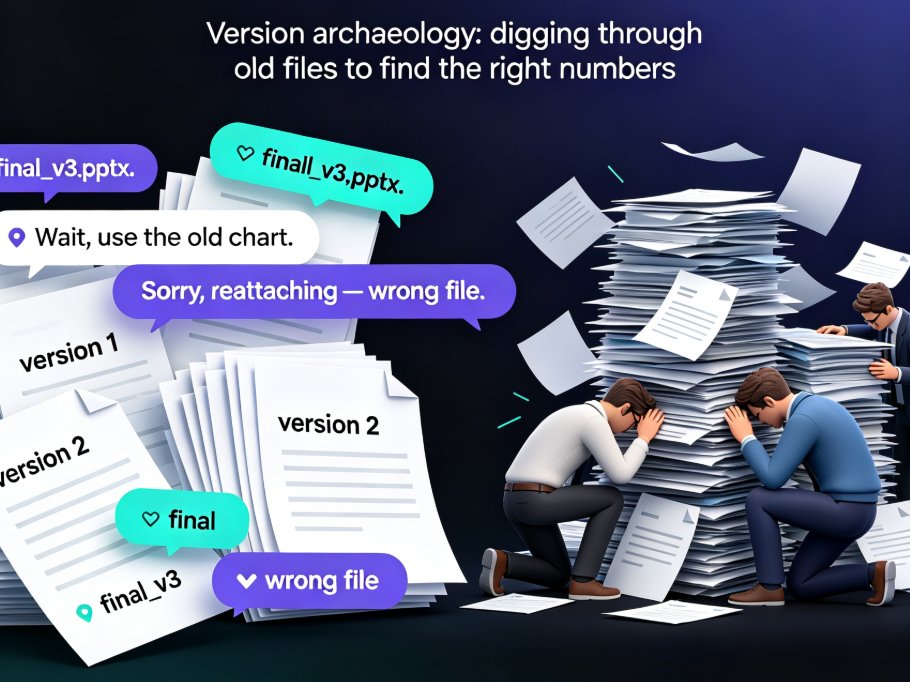
Real-time co-editing cuts deck review cycles from days to hours for remote teams. Instead of emailing PPT files back and forth, Zendeck gives you one live version your whole team can edit, comment on, and share — with threaded feedback tied to specific slides and role-based link sharing for stakeholders. This guide breaks down why version history alone isn't enough, how co-editing collapses the review loop, and a practical review workflow you can adopt today. If you're tired of "final_v3" emails and conflicting feedback scattered across threads, here's how Zendeck's collaboration features help distributed teams finalize presentations faster and with far less coordination overhead.
PPT Export Formats Compared: PDF, PPTX, Video and More with Zendeck

PPT to Video 2026-09-09 1229

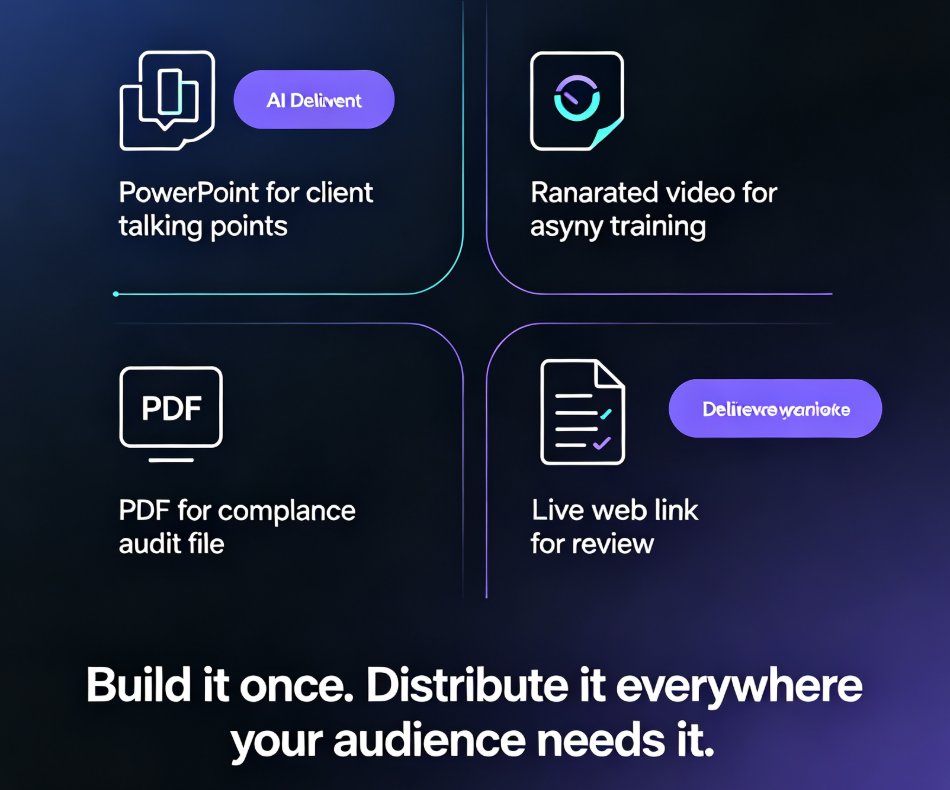
PPT export formats compared: PDF, PPTX, video, and shareable links — and how Zendeck keeps your layout, fonts, and speaker notes intact in every destination. Manual recreation drains hours from your team; one-click export delivers print-ready handouts, editable decks for PowerPoint and Google Slides, and narrated micro-course videos. Learn which format fits classroom handouts, client deliveries, compliance docs, and asynchronous training, plus the real time-savings data behind switching to a single export workflow.

One-Click Reskin Fixes Inconsistent PPT Styles Across Your Team

Office Efficiency 2026-08-28 1226

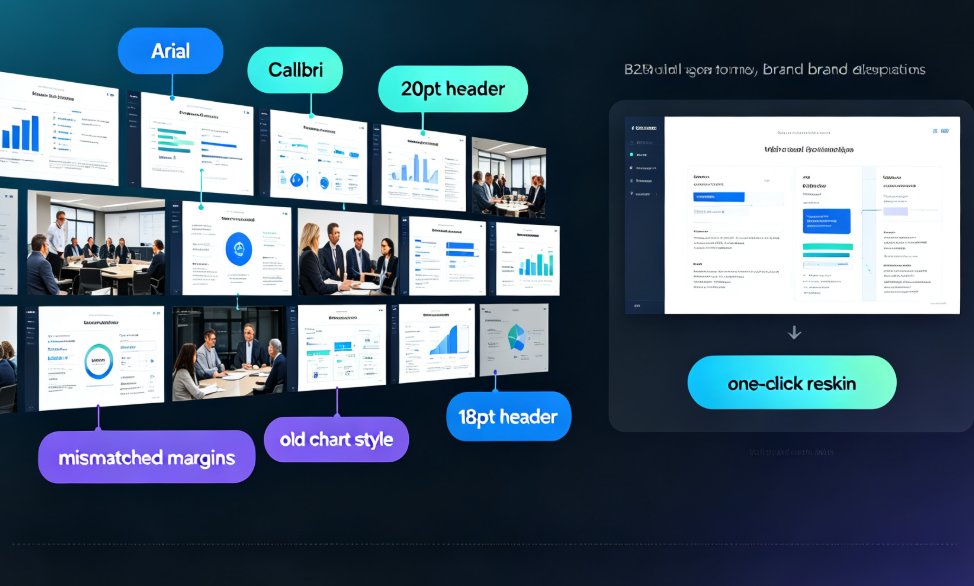
Inconsistent PPT styles wreck your brand and burn hours. Zendeck's one-click reskin unifies fonts, colors, and layouts across any deck in your team — including old PowerPoints with mixed formatting. This article breaks down why style drift happens even with templates, the real cost of manual cleanup, and a practical workflow to bring any deck back on brand in minutes. We compare manual formatting vs automated reskin with real numbers, show how smart layout rules replace eyeballing, and share governance tips so teams stop producing mismatched slides. If you're tired of spending evenings fixing alignment, spacing, and hex codes, this guide shows a faster path to consistent, professional presentations.

Micro-Course Production Costs: Zendeck vs. Agency Outsourcing

Micro-Course Production 2026-09-10 1221

Micro-course production costs are killing L&D budgets — and most teams are overpaying by 10x. This guide compares Zendeck's AI in-house workflow against full-service agency outsourcing using 2026 market data, showing how the average 5-minute course drops from $3,000-$5,000 down to roughly $35 in tool time. You'll get a side-by-side cost table, a breakdown of the invisible line items agencies charge, and a practical hybrid playbook for the handful of projects that still deserve a human production team. Built for L&D managers who need numbers to justify a tool switch.

Real-Time Team Co-Editing: Build Training Decks with Your Team

Office Efficiency 2026-09-09 1220

Real-time team co-editing lets HR, L&D, and training teams build a training deck together without the version chaos of emailed attachments. This guide walks through a live co-editing workflow in Zendeck — one shared link, role-based permissions, and threaded feedback — so authors, reviewers, and stakeholders all work from a single source of truth. Backed by the IDC finding that 38% of employees struggle with internal collaboration, we break down the three roles in a live deck, show a step-by-step co-editing session, compare traditional review with real-time editing, and share the habits that keep a shared deck coherent. If your training rollouts keep dying in email threads, this is the workflow you've been missing.

Can I Manually Edit AI-Generated Slides in Zendeck? Yes, Here's How

PPT Tutorial 2026-08-12 1218

Yes, you can manually edit every slide after Zendeck's AI generates your deck. This guide covers what's editable — text, images, layout, colors, and speaker notes — plus when to edit manually versus regenerating with AI. Learn the step-by-step workflow, common mistakes to avoid, and how to keep your deck consistent while making surgical changes. If you've been holding back from using AI presentation tools because you're afraid of losing control, this article shows exactly why that fear is unfounded. Zendeck's editor keeps you in the driver's seat: the AI drafts, you refine. Every element on every slide remains fully editable, so you get the speed of AI generation without sacrificing your creative control or brand standards.

▲