Popular Articles

A curated collection of the most-read and editor-picked articles — see what everyone's reading.

506 articles

One PPT, Many Formats: How to Turn Slides into Micro-Courses

Knowledge Video 2026-08-25 1217

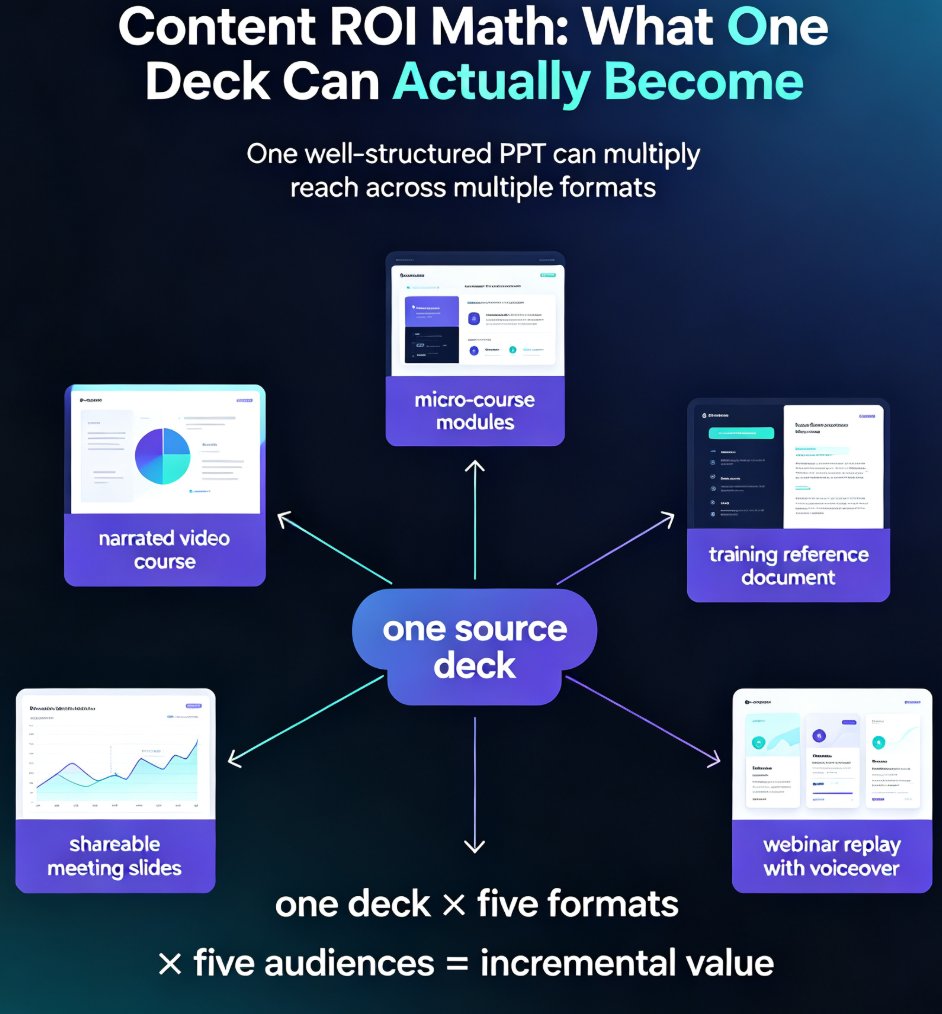
Learn how to repurpose a single PPT into micro-courses and video formats with Zendeck. Maximize content ROI by turning one deck into multiple learning assets — narrated videos, micro-course modules, and shareable slides — without rebuilding from scratch. This guide covers the step-by-step workflow, a manual vs. AI-assisted comparison, and best practices for multi-format content creation. Whether you're an educator, trainer, or knowledge creator, discover how Zendeck's PPT-to-video and AI segmentation features let you multiply the reach of every hour you invest in your original content. Stop creating from zero and start repurposing smarter. Learn the exact steps to convert your existing presentations into engaging learning experiences that reach more learners, save production time, and build a reusable content library that compounds in value month after month.
Smart Layout Automation: How AI Design Kills Manual Formatting

Courseware Design 2026-08-25 1206

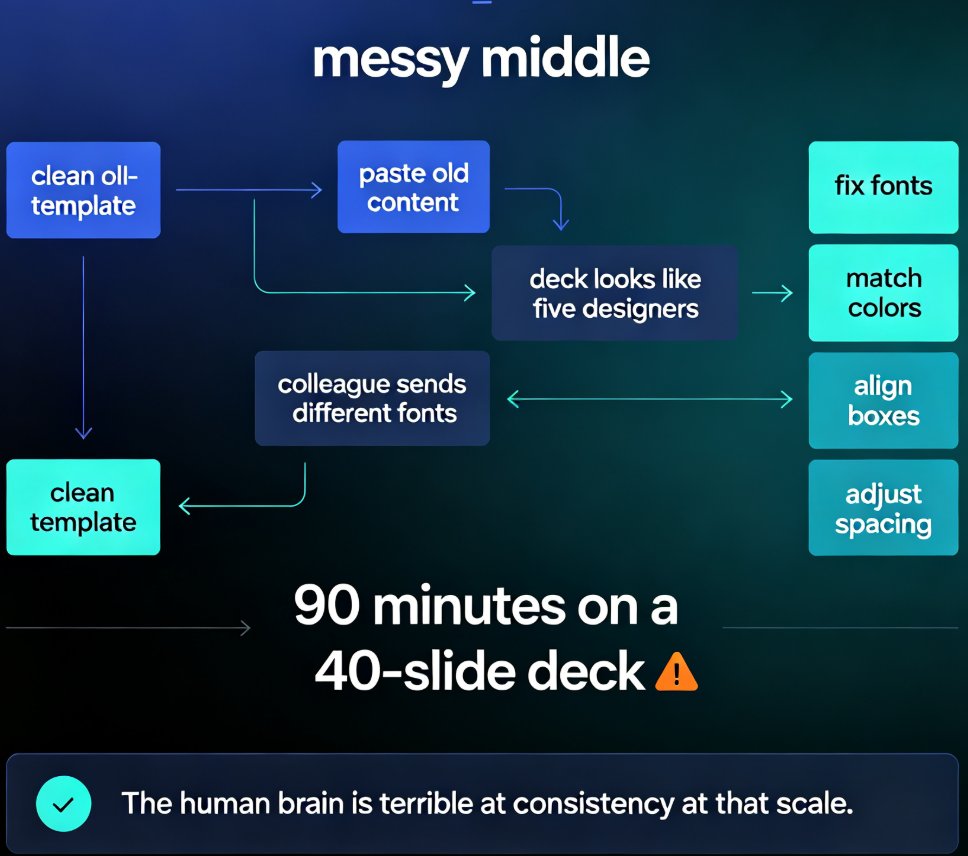
Manual formatting is dying. Smart layout automation — powered by AI design systems — now unifies fonts, colors, and spacing across an entire deck in a single click, turning 90-minute formatting marathons into a two-minute job. This guide breaks down how AI design rules replace the tedious work of aligning text boxes and matching brand colors, and why tools like Zendeck are democratizing professional-grade design for educators, trainers, and content teams. You'll learn what smart layout actually does under the hood, how one-click reskin rebuilds a messy deck into a consistent visual system, and which teams save the most time. If you've ever spent an evening nudging slides into alignment, this is the workflow that kills manual formatting for good.

2026 Template Library Trends: Why Contextual Templates Beat Generic

Courseware Design 2026-08-24 1205

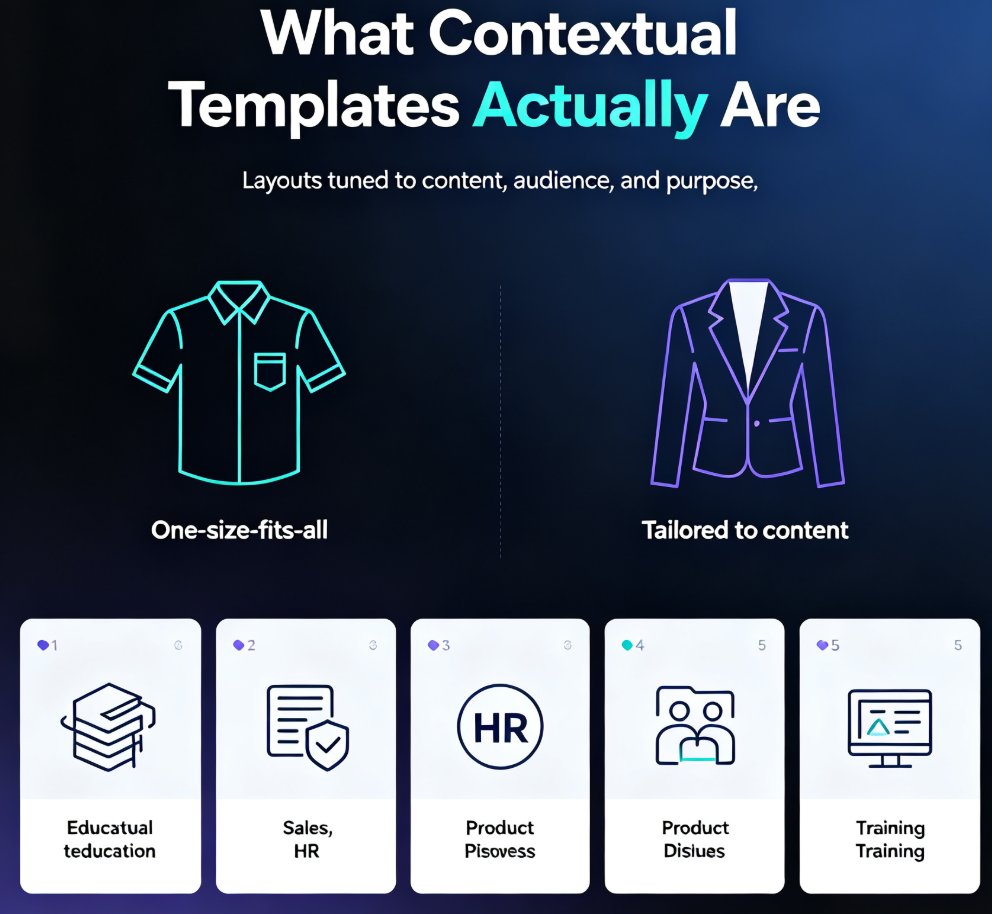
In 2026, template libraries are moving beyond generic designs toward contextual, scenario-aware templates that adapt to content type and audience. Zendeck's curated library for education, HR, and sales ensures every deck matches its purpose. Learn why contextual templates beat generic ones, how AI makes templates adaptive, and how to choose the right template for your next presentation. If you've ever wasted hours fighting a template that doesn't fit your content, this guide shows you a better path — one where the design works for you, not against you. Discover the 2026 template library trends shaping how professionals build decks, and see how Zendeck's scenario-based approach delivers decks that look right and structure your thinking. From courseware to sales pitches, contextual templates save time, improve outcomes, and keep your brand consistent across every deck your team produces.

One-Click Design Consistency: How Zendeck's Smart Layout Unifies Decks

Presentation Skills 2026-08-19 1201

Struggling with decks that look like three different teams built them? Zendeck's smart layout unifies fonts, colors, and alignment in one click, turning messy presentations into polished, professional decks. This guide explains how one-click design consistency saves hours of manual fixing, protects your brand's credibility, and makes every slide look like a single designer created it — even when five people touched the content. You'll get a practical walkthrough of the smart layout feature, an honest comparison of manual vs. automated design fixes, and the common mistakes to avoid so your decks stay clean. Whether you're an educator, trainer, HR manager, or content operator, Zendeck's smart layout removes the design skill barrier and delivers consistent, on-brand presentations every time. If you've ever wasted an afternoon aligning boxes and matching hex codes, this is the workflow upgrade you've been waiting for.

Zendeck Team Collaboration: How to Co-Create Slides in Real Time

Office Efficiency 2026-08-28 1195

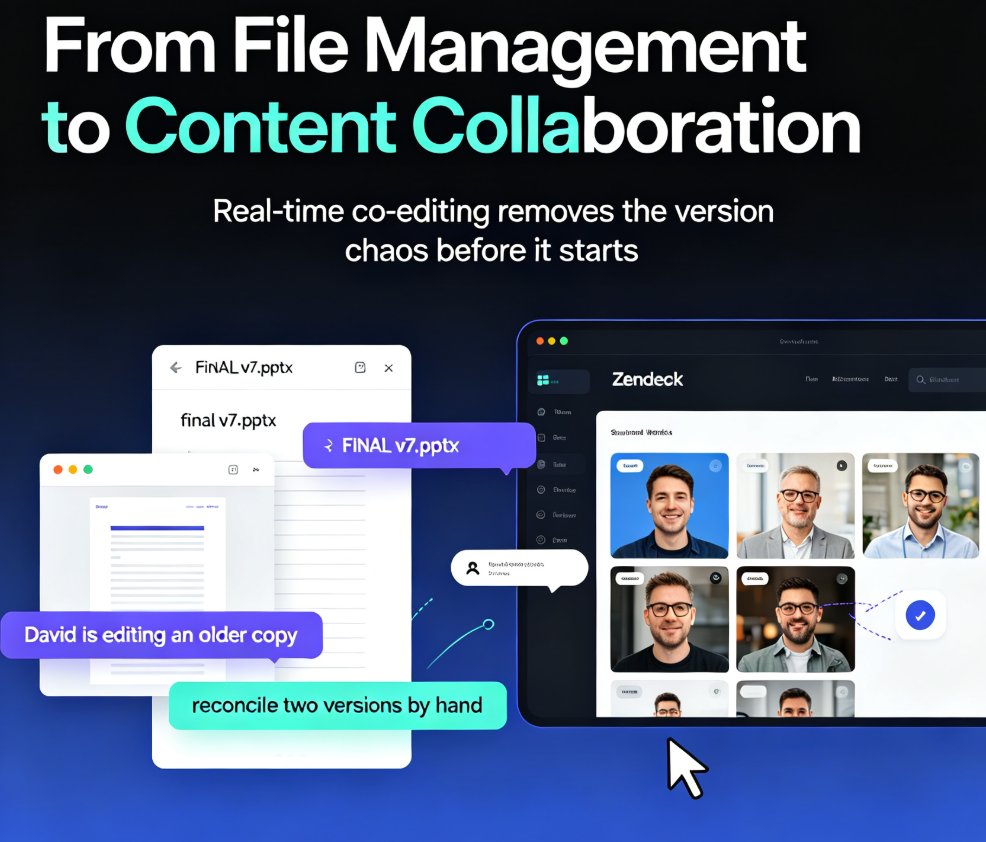
Zendeck's real-time collaboration lets your whole team co-create slides in one shared workspace—no more emailing .pptx files or reconciling conflicting versions. With version history, in-slide comments, and granular sharing permissions, remote teams and classrooms can build polished decks together without the chaos. This guide walks you through the core features, a practical workflow, and the exact ways Zendeck's version control keeps your project on track. You'll learn how to set up a shared workspace, assign sections in parallel, and use version history as a safety net. If you're tired of 'FINAL_v7' confusion and want a single source of truth for every presentation, here's how real-time collaboration changes the game.

Case Study: How a Training Agency Cut Video Costs 90% with Zendeck

PPT to Video 2026-10-27 1186

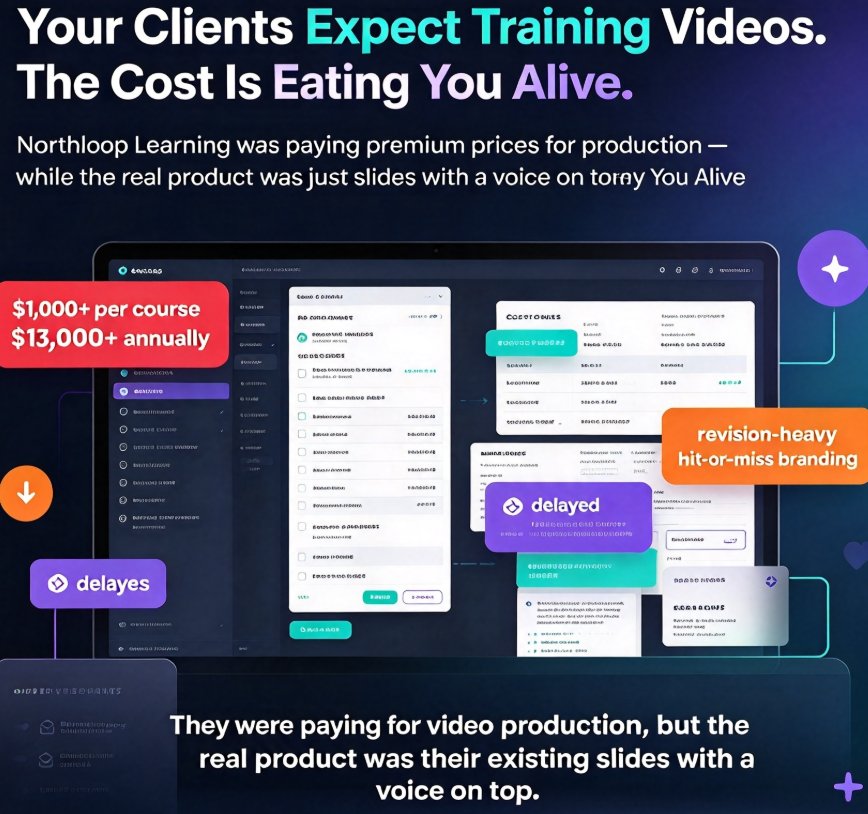
A training agency cut video production costs by 90% using Zendeck's PPT-to-video and AI narration, delivering client micro-courses in days instead of weeks. This real-world case study breaks down the exact budget math — from $800-per-course outsourcing to $45 in-house production — and the workflow that made it possible. We walk through how the agency repurposed existing slide decks, added automated voiceover and subtitles, and shipped branded training videos without hiring a single video editor. You'll get the numbers, the step-by-step process, and the lessons for your own team. If you're tired of burning budget on outsourced video or wrestling with complex editing tools, this case study shows a faster, cheaper path.

▲