Turn a Word Outline into a Professional Presentation with Zendeck AI
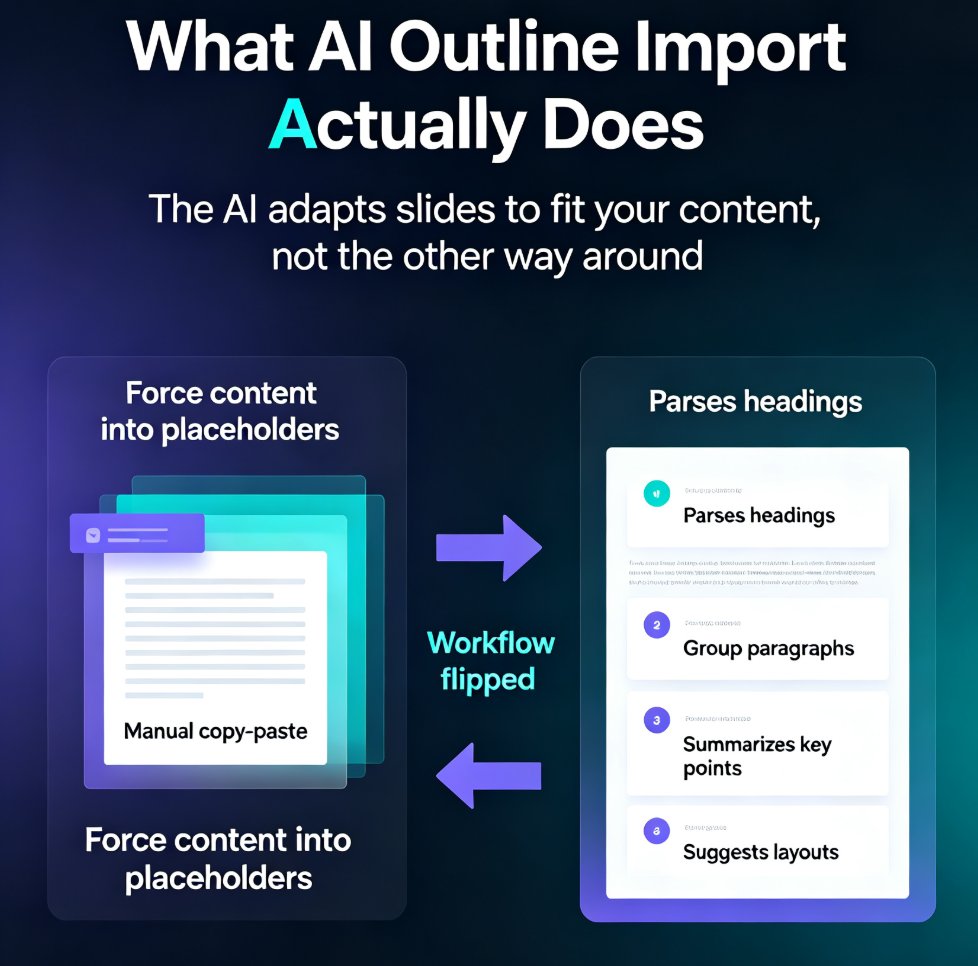
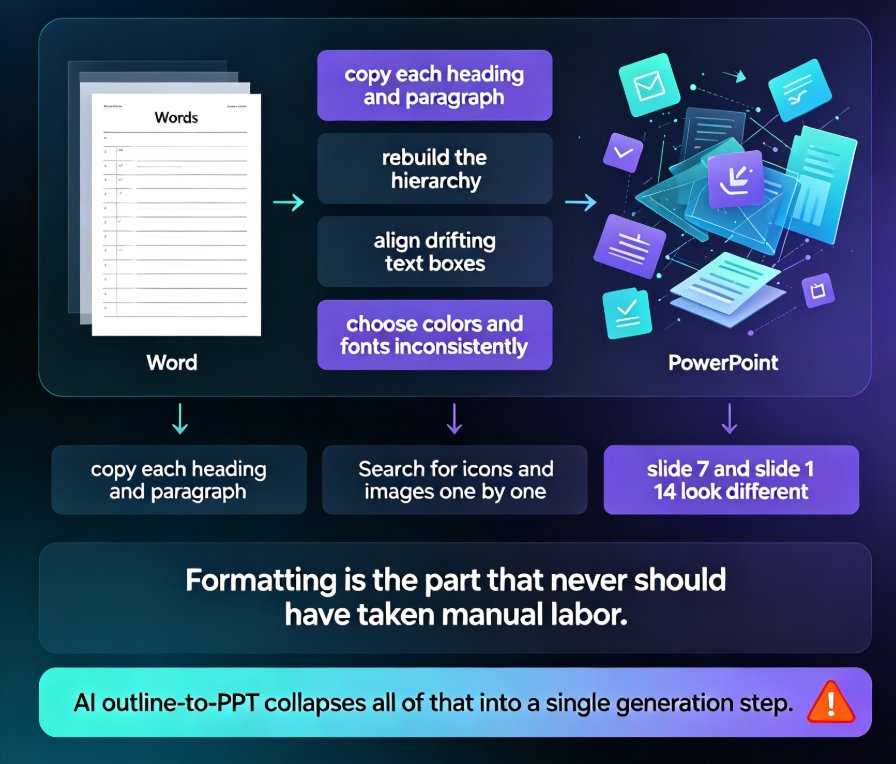
Turn a Word outline into a professional presentation in minutes with Zendeck AI. If you already have a written document, a meeting note, or a training manual, you are 80% done — Zendeck handles the design. Upload a .docx, paste Markdown or plain text, and the AI generates structured, visually consistent slides with smart layouts, consistent typography, and on-brand visuals, no design skills required. This practical guide walks through the complete workflow: preparing your outline, importing it into Zendeck, setting slide count, language, and tone, reviewing and refining the generated deck, applying one-click reskins or a custom brand kit, and exporting or converting slides into narrated micro-course video. You also get outline structure best practices, a time-saving comparison, and answers to the most common outline-to-PPT questions.