Popular Articles

A curated collection of the most-read and editor-picked articles — see what everyone's reading.

402 articles

Record Narrations Painlessly: Zendeck PPT to Video with AI Voiceover

PPT to Video 2026-09-02 2212

Stop reshooting audio. Zendeck PPT to video with AI voiceover turns your slides and speaker notes into a narrated MP4 in minutes — no mic, no studio, no retakes. Learn how to record narrations painlessly, keep a natural pace, and add captions, so your micro-courses and training decks look professionally produced. In this tutorial we walk through the three-step workflow, narration editing tips, and voice selection.

Adaptive Presentations: How AI Tailors Decks to Audience Reactions

Presentation Skills 2026-08-10 2207

Static presentations lose audiences. Adaptive presentations change that. By using AI to read audience reactions and adjust content, pacing, and emphasis in real time, adaptive decks keep people engaged from start to finish. Zendeck is building the foundation for this future with AI-generated decks, presentation analytics, and flexible templates. Learn how adaptive presentation technology works, what signals AI uses to read a room, and how you can start preparing adaptive-ready decks today. Whether you're pitching clients, training teams, or delivering keynotes, understanding adaptive presentations will change how you think about slide design and audience engagement. This guide covers the technology, the practical applications, and the steps you can take right now to make your presentations smarter and more responsive.

Find the Perfect Icon in Seconds: Zendeck Asset Search Tricks

Courseware Design 2026-09-16 2206

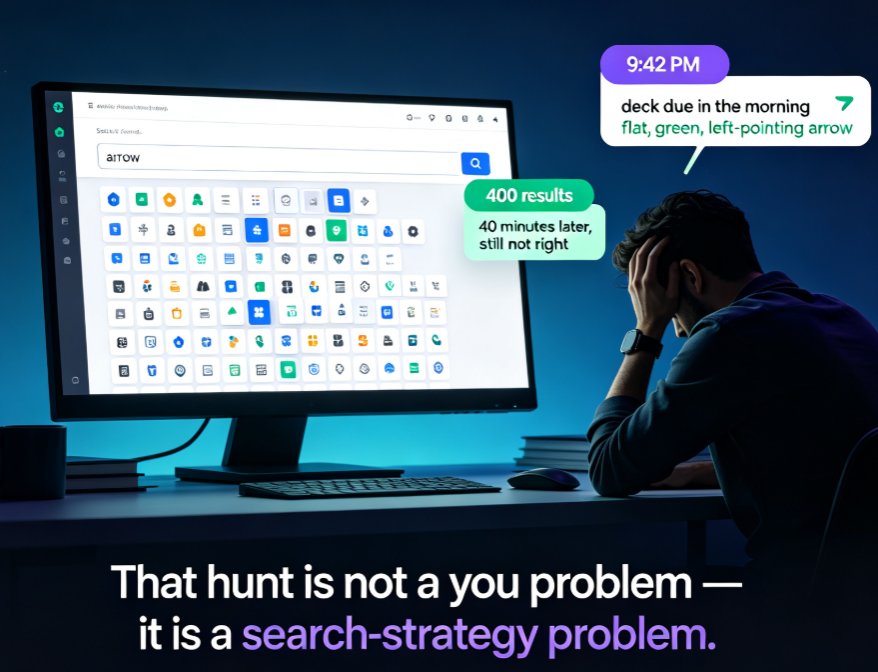
Stop scrolling through hundreds of icons — Zendeck's asset library has advanced filters and tag tricks that cut your search time by 80%. This guide covers why basic keyword search fails, how to stack type, style, and color filters, how to combine tags like arrow + green + flat for precise matches, and how to build saved folders so your most-used visuals are one click away. Backed by measurements showing keyword search averaging five minutes per find versus under a minute with filters and folders, you'll walk away with a repeatable five-step routine for any deck. Perfect for courseware designers, trainers, and content teams who want on-brand, consistent visuals without the design chaos. Learn the workflow today and stop losing hours to the icon hunt.

How AI Asset Libraries Are Revolutionizing Corporate Brand Consistency

Courseware Design 2026-08-06 2194

Brand consistency is a business imperative, yet manual asset management creates chaos. AI asset libraries automatically enforce brand guidelines, ensuring every presentation is on-brand without design expertise. Zendeck’s integrated asset library with AI-powered brand enforcement eliminates inconsistencies, speeds up content creation, and empowers teams to stay aligned. Learn how AI asset libraries revolutionize corporate brand consistency and how Zendeck makes it effortless.

Turn a Product Brief into a Sales Pitch Deck in Minutes with Zendeck AI

AI Courseware 2026-09-04 2192

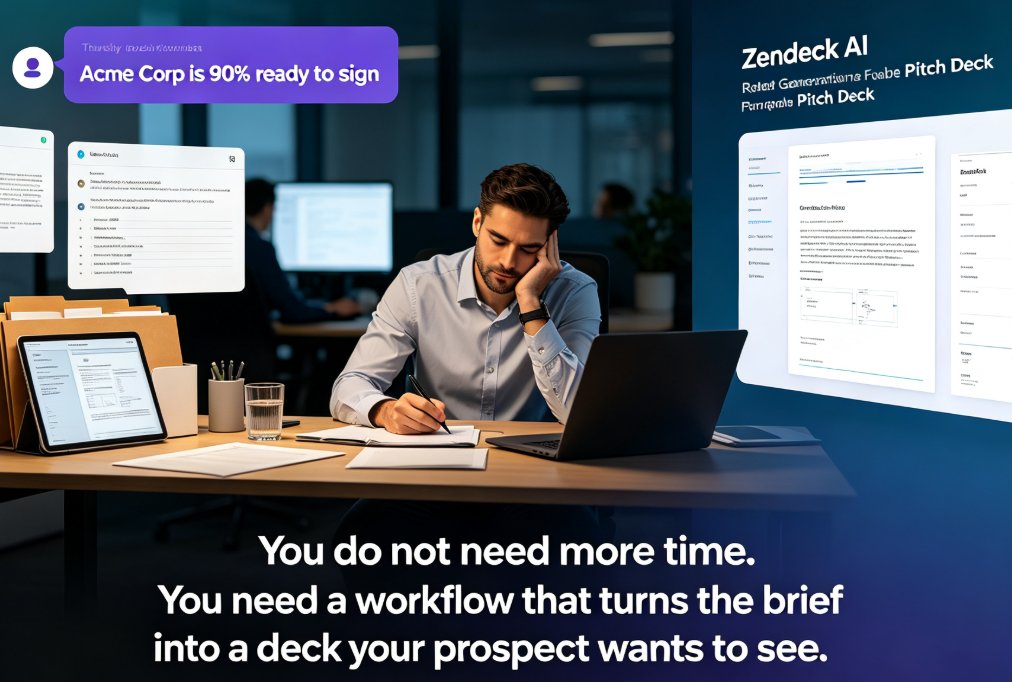
Turning a product brief into a persuasive sales pitch deck used to take hours of manual formatting. Zendeck AI changes that: upload a Word outline or Markdown file, and the platform structures it into a visually consistent, on-brand deck in minutes. This guide walks through the full workflow — from parsing the brief and selecting the right template to adding revenue charts and polishing the final slides. You'll see exactly how sales teams cut deck production time by roughly 90%, keep brand consistency across every pitch, and turn raw product information into a narrative that wins deals. Whether you're preparing for a discovery meeting, a procurement review, or a partner pitch, this step-by-step approach gives you a repeatable process that works every time. Stop rebuilding the same information as slides and start selling.

One-Click Re-Skin: AI Unifies Fonts, Colors & Layout in PPT

PPT Tutorial 2026-09-08 2187

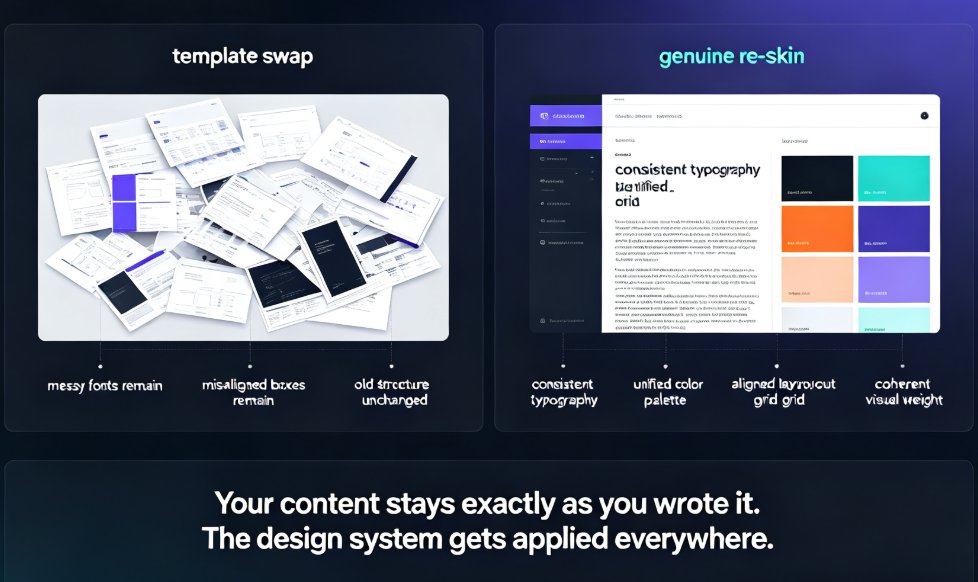
A one-click AI re-skin unifies fonts, colors, and layout across your entire PPT in 15–30 minutes instead of 6–8 hours of manual slide-by-slide editing. Zendeck's smart-layout engine diagnoses the common design sins — font chaos, clashing palettes, stretched visuals — then repairs every slide with consistent typography, a unified brand palette, and aligned grids, all while preserving your content. This guide breaks down what one-click re-skinning actually means, the three-stage diagnostic process that powers it, a workflow you can copy, and the mistakes to avoid. If you have ever spent a Thursday night re-picking hex codes across 40 slides, this is the piece that shows you there is a faster way — and why it beats both manual editing and old-school template swaps.