Popular Articles

A curated collection of the most-read and editor-picked articles — see what everyone's reading.

402 articles

Micro-Course Production Costs: Zendeck vs. Agency Outsourcing

Micro-Course Production 2026-09-10 1221

Micro-course production costs are killing L&D budgets — and most teams are overpaying by 10x. This guide compares Zendeck's AI in-house workflow against full-service agency outsourcing using 2026 market data, showing how the average 5-minute course drops from $3,000-$5,000 down to roughly $35 in tool time. You'll get a side-by-side cost table, a breakdown of the invisible line items agencies charge, and a practical hybrid playbook for the handful of projects that still deserve a human production team. Built for L&D managers who need numbers to justify a tool switch.

Real-Time Team Co-Editing: Build Training Decks with Your Team

Office Efficiency 2026-09-09 1220

Real-time team co-editing lets HR, L&D, and training teams build a training deck together without the version chaos of emailed attachments. This guide walks through a live co-editing workflow in Zendeck — one shared link, role-based permissions, and threaded feedback — so authors, reviewers, and stakeholders all work from a single source of truth. Backed by the IDC finding that 38% of employees struggle with internal collaboration, we break down the three roles in a live deck, show a step-by-step co-editing session, compare traditional review with real-time editing, and share the habits that keep a shared deck coherent. If your training rollouts keep dying in email threads, this is the workflow you've been missing.

Can I Manually Edit AI-Generated Slides in Zendeck? Yes, Here's How

PPT Tutorial 2026-08-12 1218

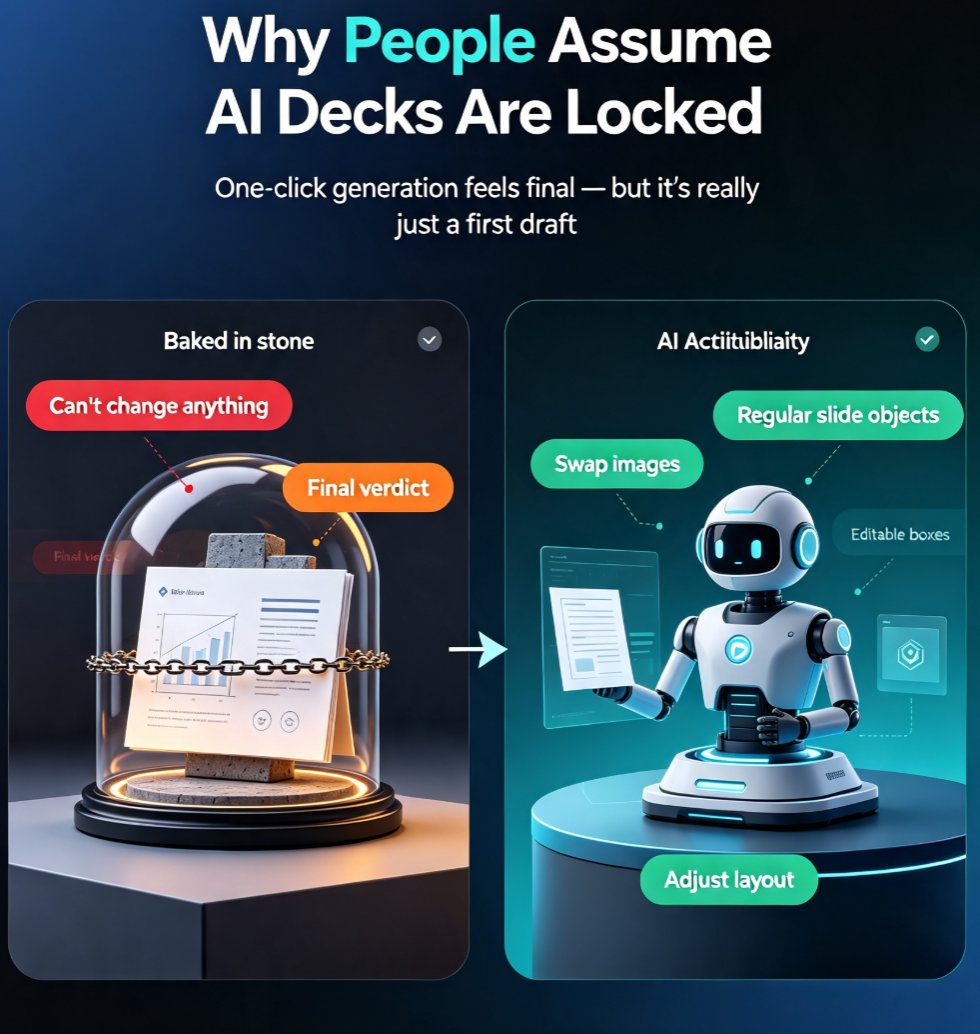
Yes, you can manually edit every slide after Zendeck's AI generates your deck. This guide covers what's editable — text, images, layout, colors, and speaker notes — plus when to edit manually versus regenerating with AI. Learn the step-by-step workflow, common mistakes to avoid, and how to keep your deck consistent while making surgical changes. If you've been holding back from using AI presentation tools because you're afraid of losing control, this article shows exactly why that fear is unfounded. Zendeck's editor keeps you in the driver's seat: the AI drafts, you refine. Every element on every slide remains fully editable, so you get the speed of AI generation without sacrificing your creative control or brand standards.

One PPT, Many Formats: How to Turn Slides into Micro-Courses

Knowledge Video 2026-08-25 1217

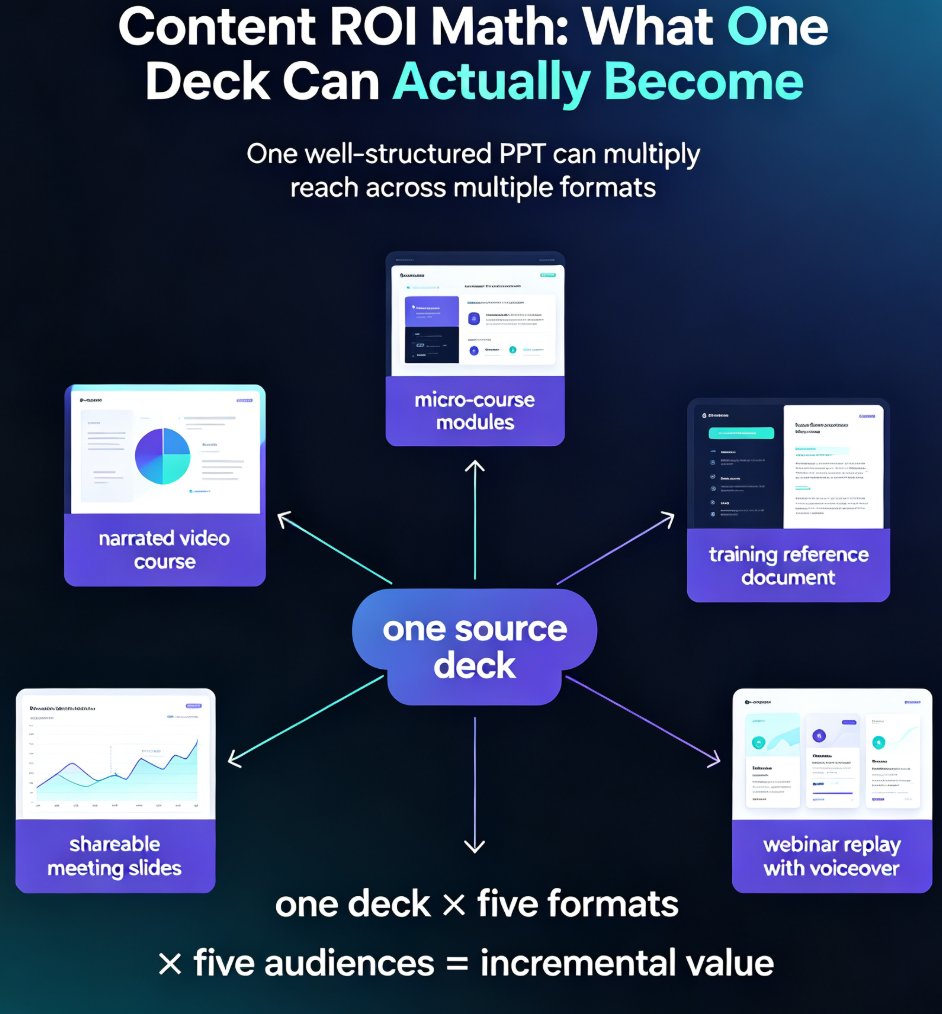
Learn how to repurpose a single PPT into micro-courses and video formats with Zendeck. Maximize content ROI by turning one deck into multiple learning assets — narrated videos, micro-course modules, and shareable slides — without rebuilding from scratch. This guide covers the step-by-step workflow, a manual vs. AI-assisted comparison, and best practices for multi-format content creation. Whether you're an educator, trainer, or knowledge creator, discover how Zendeck's PPT-to-video and AI segmentation features let you multiply the reach of every hour you invest in your original content. Stop creating from zero and start repurposing smarter. Learn the exact steps to convert your existing presentations into engaging learning experiences that reach more learners, save production time, and build a reusable content library that compounds in value month after month.

Smart Layout Automation: How AI Design Kills Manual Formatting

Courseware Design 2026-08-25 1206

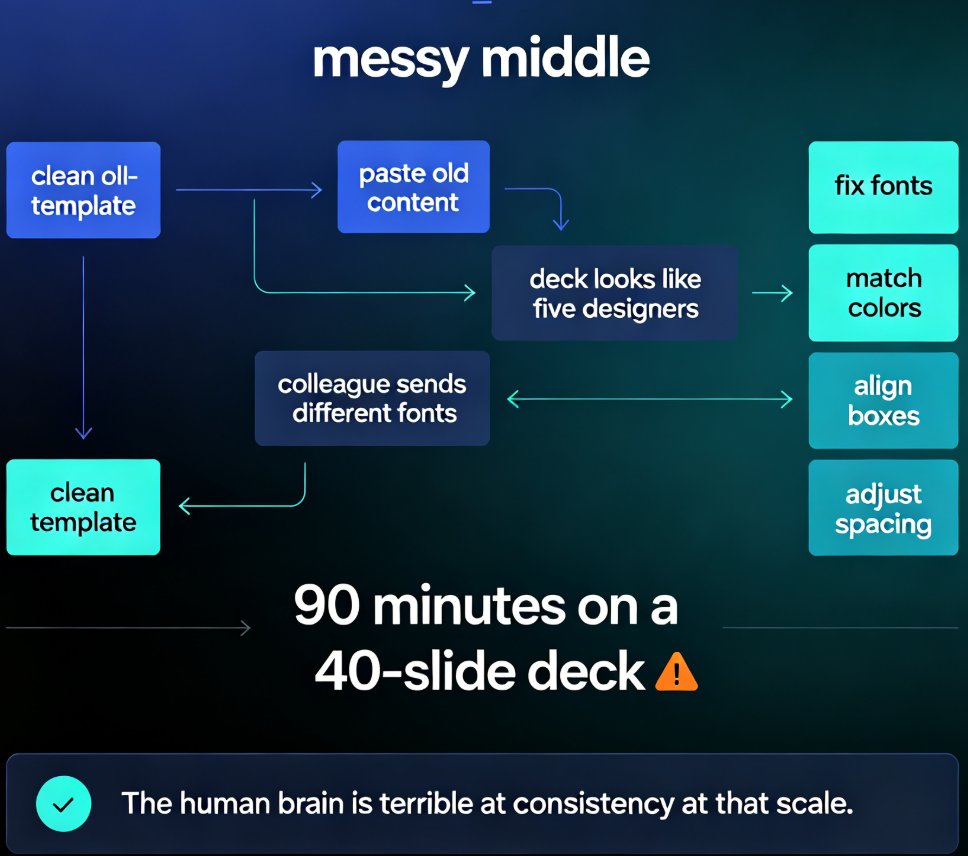
Manual formatting is dying. Smart layout automation — powered by AI design systems — now unifies fonts, colors, and spacing across an entire deck in a single click, turning 90-minute formatting marathons into a two-minute job. This guide breaks down how AI design rules replace the tedious work of aligning text boxes and matching brand colors, and why tools like Zendeck are democratizing professional-grade design for educators, trainers, and content teams. You'll learn what smart layout actually does under the hood, how one-click reskin rebuilds a messy deck into a consistent visual system, and which teams save the most time. If you've ever spent an evening nudging slides into alignment, this is the workflow that kills manual formatting for good.

2026 Template Library Trends: Why Contextual Templates Beat Generic

Courseware Design 2026-08-24 1205

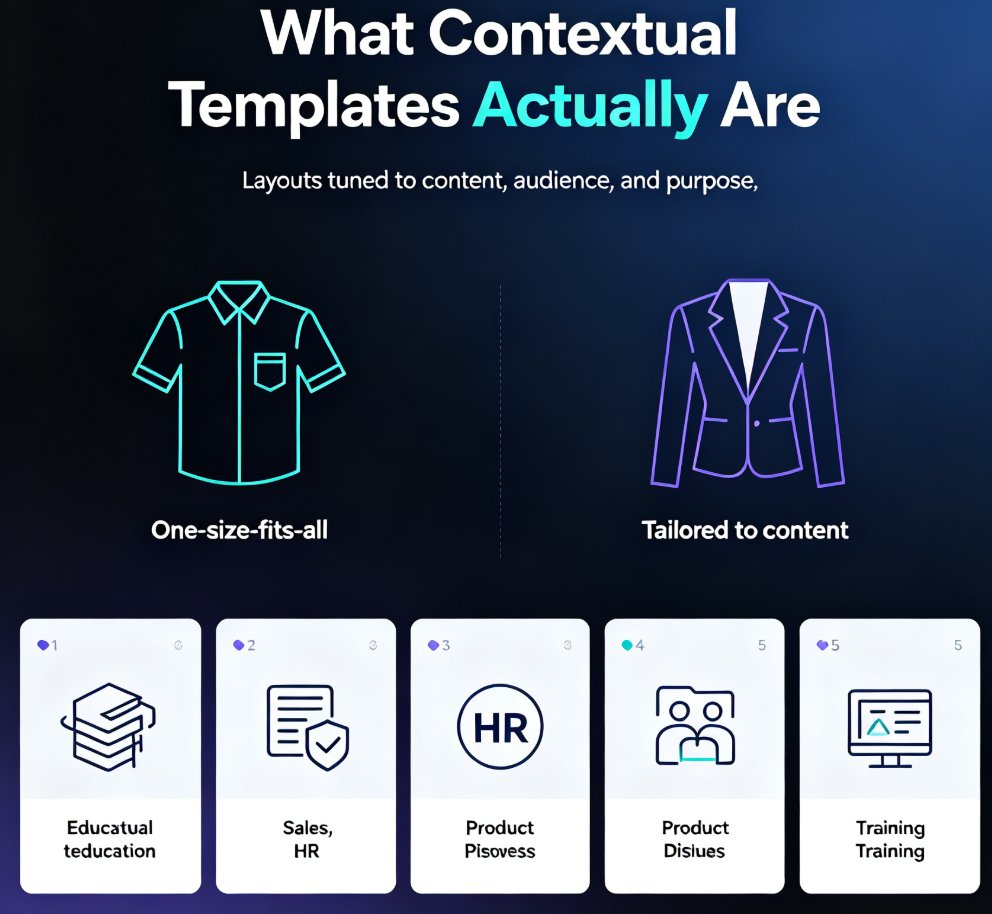
In 2026, template libraries are moving beyond generic designs toward contextual, scenario-aware templates that adapt to content type and audience. Zendeck's curated library for education, HR, and sales ensures every deck matches its purpose. Learn why contextual templates beat generic ones, how AI makes templates adaptive, and how to choose the right template for your next presentation. If you've ever wasted hours fighting a template that doesn't fit your content, this guide shows you a better path — one where the design works for you, not against you. Discover the 2026 template library trends shaping how professionals build decks, and see how Zendeck's scenario-based approach delivers decks that look right and structure your thinking. From courseware to sales pitches, contextual templates save time, improve outcomes, and keep your brand consistent across every deck your team produces.