Popular Articles

A curated collection of the most-read and editor-picked articles — see what everyone's reading.

402 articles

Convert PowerPoint to an AI-Narrated Video in 4 Steps with Zendeck

PPT to Video 2026-08-18 1127

Learn how to convert PowerPoint to an AI-narrated video with Zendeck's PPT-to-video feature. This step-by-step guide shows you how to turn static slides into engaging micro-courses with built-in AI voiceover, no microphone or editing skills required. Discover the 4-step workflow, pro tips, and common mistakes to avoid. Zendeck makes video creation from PPTs fast and easy, so you can repurpose existing content in minutes and boost learner engagement without a production team.
Presentation Analytics 2026: Measuring Engagement Beyond Views

Knowledge Video 2026-08-18 1111

Presentation analytics in 2026 go far beyond view counts. Learn how AI-driven audience engagement metrics — drop-off rates, time-on-slide, interaction patterns — reveal which sections of your deck truly resonate and where viewers lose interest. This guide breaks down the data, the framework, and a practical workflow for measuring and improving presentation effectiveness. Zendeck is exploring AI analytics that surface real engagement patterns across slides and narrated videos, helping teams close the loop between creation and impact. If you're still judging your presentations by views alone, this article will change how you measure success.

Zendeck vs Gamma vs Canva: Which AI Presentation Tool Wins in 2026?

AI Courseware 2026-09-14 1108

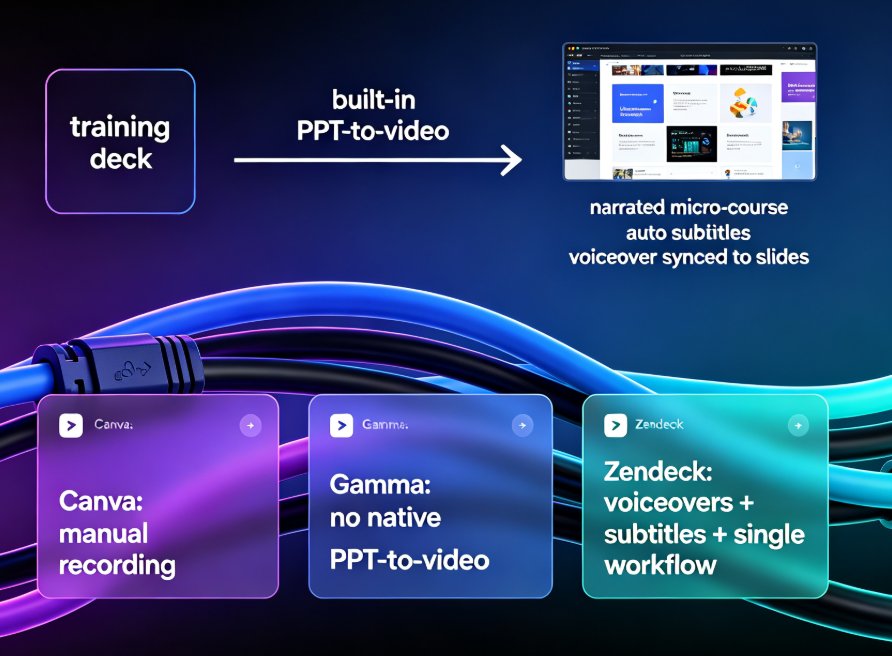
Zendeck vs Gamma vs Canva in 2026: an evidence-based comparison covering features, pricing, output quality, and real-world use cases. We highlight Zendeck's unique text-to-video pipeline and education-focused templates, and help you decide which tool fits your workflow — whether you're building decks, micro-courses, or pitch decks.

PPTX, PDF, or MP4? Choosing the Right Export Format for Training Content

PPT Tutorial 2026-08-18 1069

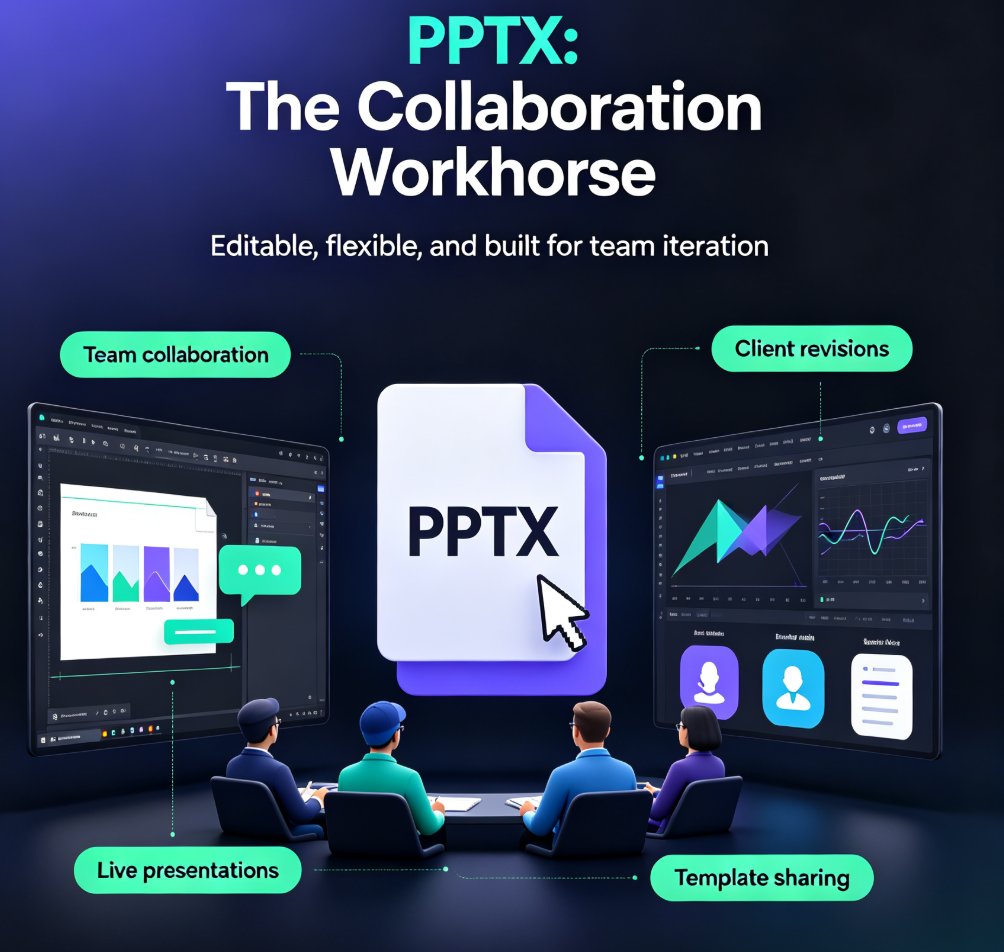
Stop guessing which export format to use. This guide matches PPTX, PDF, and MP4 to specific training scenarios. For editable collaboration, choose PPTX; for review and distribution, PDF; for self-paced micro-courses, MP4. Zendeck makes all three exports effortless, so you can deliver training content that actually lands. Learn the trade-offs and pick the right format every time.

From PPT to Video: Create a Narrated Micro-Lecture with Zendeck

PPT to Video 2026-08-25 1056

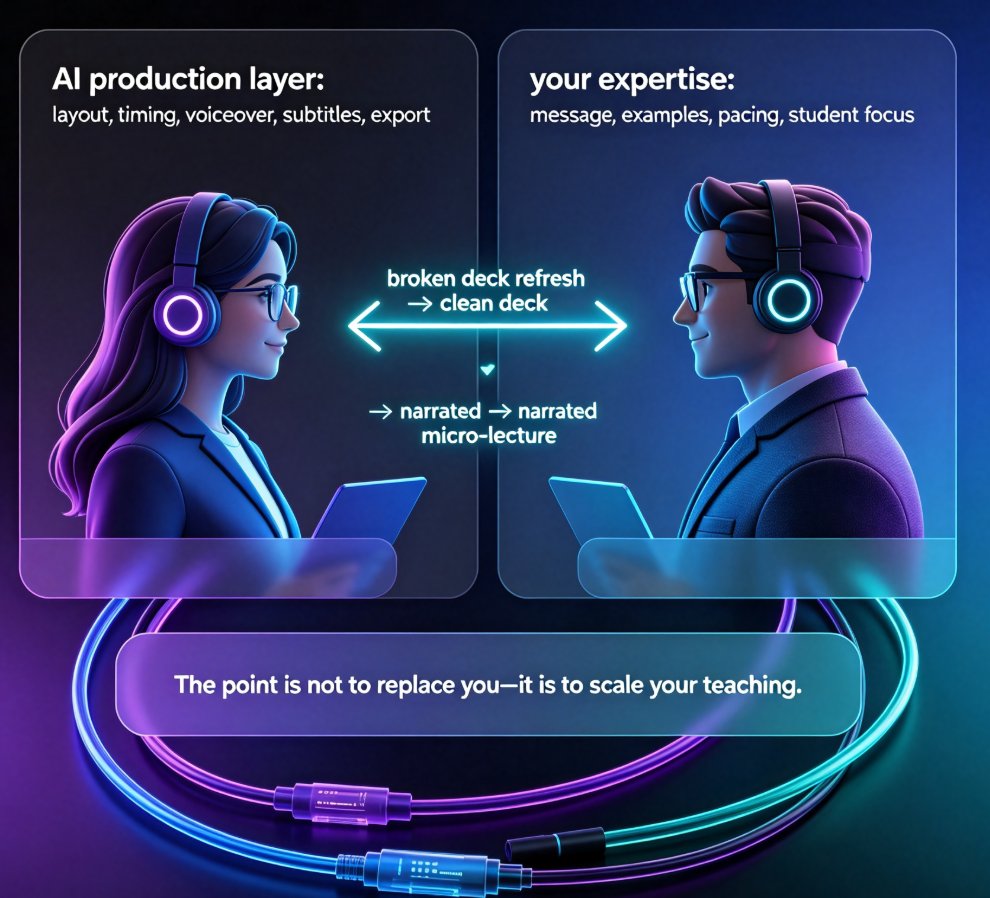
Learn how to turn static PPT slides into a narrated micro-lecture with Zendeck's PPT-to-video feature. This step-by-step tutorial covers AI voiceover, pacing, and sharing — perfect for educators and corporate trainers who need quality video without a production team. Zendeck's PPT-to-video converts your existing slides into engaging narrated videos in minutes, with AI-generated voiceover, subtitles, and smart layout. Whether you're building an e-learning course or onboarding materials, this guide walks you through the entire workflow. Discover narration tips, best practices, and a side-by-side comparison with traditional recording methods. By the end, you'll have a polished micro-lecture ready to share with your learners.

Video Micro-Courses Without a Camera: Zendeck Digital Presenter

Knowledge Video 2026-09-14 1055

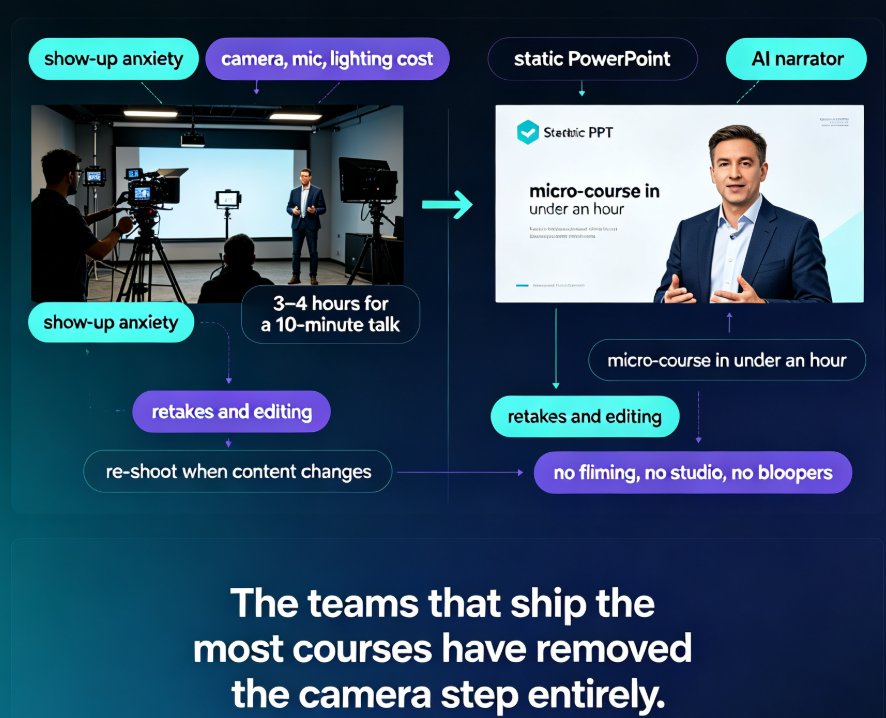
Create video micro-courses without a camera in under an hour with Zendeck's digital presenter. This guide explains how AI narration, auto-subtitles, and slide-flow pacing turn any PowerPoint deck or Word outline into a professional, narrated knowledge video — no studio, no filming, no retakes. We compare the traditional on-camera path (roughly 10 hours per 10-minute course) with Zendeck's camera-free workflow (around 2 hours), walk through the step-by-step production process, and share concrete script-writing tips so your narrated videos sound human, not robotic. Ideal for trainers, educators, and L&D managers who want more video content without camera anxiety or equipment costs.