Popular Articles

A curated collection of the most-read and editor-picked articles — see what everyone's reading.

402 articles

One-Click Design Consistency: How Zendeck's Smart Layout Unifies Decks

Presentation Skills 2026-08-19 1201

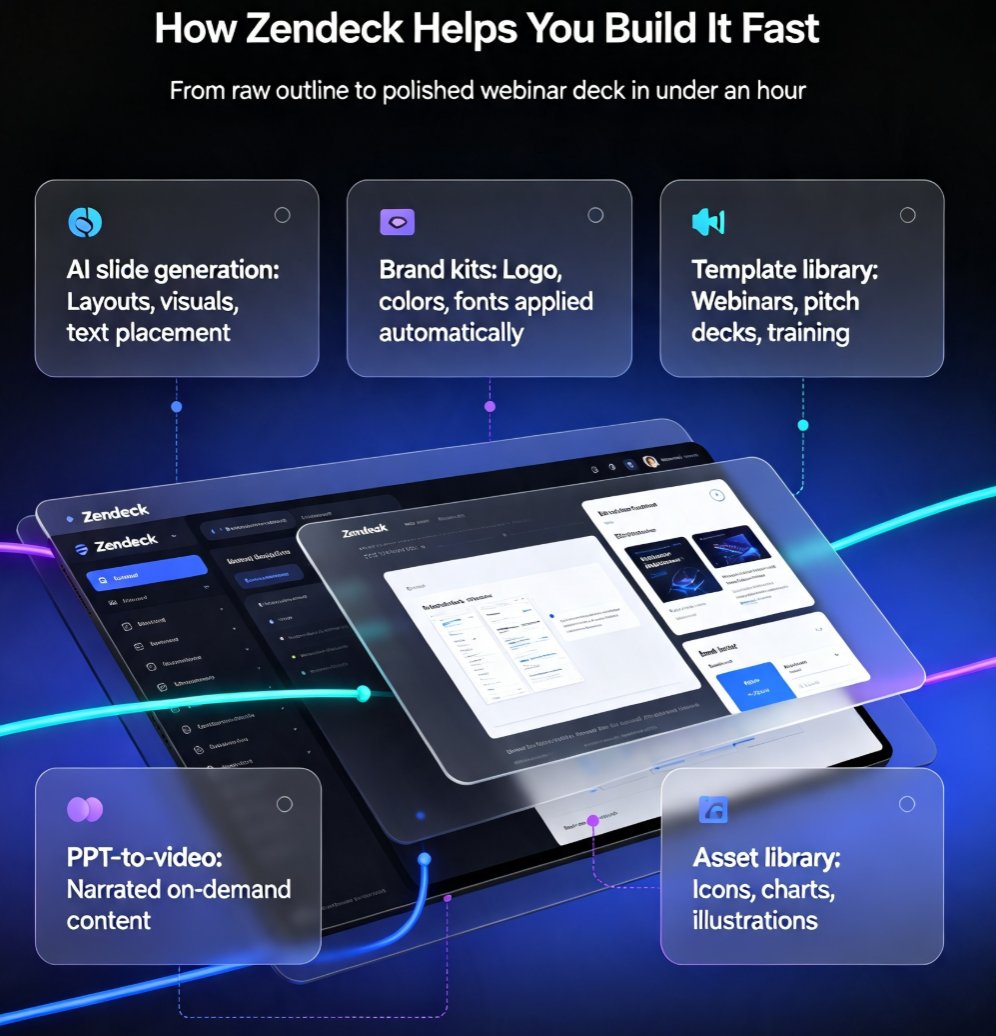
Struggling with decks that look like three different teams built them? Zendeck's smart layout unifies fonts, colors, and alignment in one click, turning messy presentations into polished, professional decks. This guide explains how one-click design consistency saves hours of manual fixing, protects your brand's credibility, and makes every slide look like a single designer created it — even when five people touched the content. You'll get a practical walkthrough of the smart layout feature, an honest comparison of manual vs. automated design fixes, and the common mistakes to avoid so your decks stay clean. Whether you're an educator, trainer, HR manager, or content operator, Zendeck's smart layout removes the design skill barrier and delivers consistent, on-brand presentations every time. If you've ever wasted an afternoon aligning boxes and matching hex codes, this is the workflow upgrade you've been waiting for.
Zendeck Team Collaboration: How to Co-Create Slides in Real Time

Office Efficiency 2026-08-28 1195

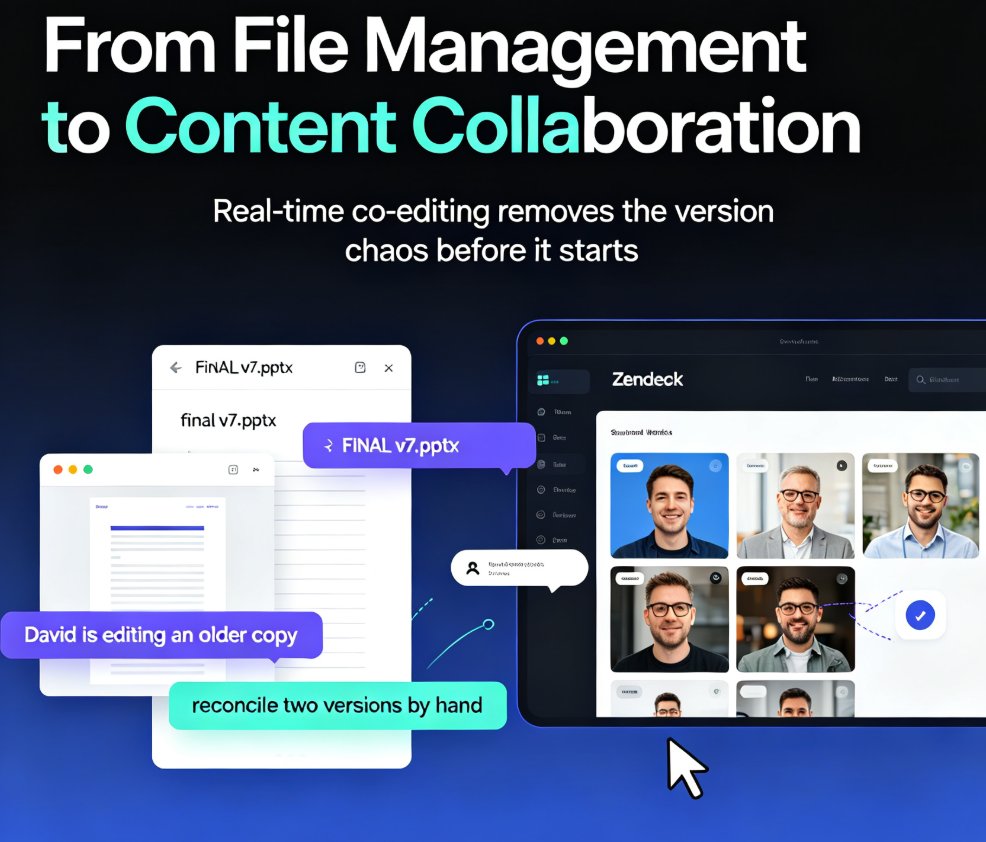
Zendeck's real-time collaboration lets your whole team co-create slides in one shared workspace—no more emailing .pptx files or reconciling conflicting versions. With version history, in-slide comments, and granular sharing permissions, remote teams and classrooms can build polished decks together without the chaos. This guide walks you through the core features, a practical workflow, and the exact ways Zendeck's version control keeps your project on track. You'll learn how to set up a shared workspace, assign sections in parallel, and use version history as a safety net. If you're tired of 'FINAL_v7' confusion and want a single source of truth for every presentation, here's how real-time collaboration changes the game.

Smart Layout: How One-Click Design Systems Kill Manual Formatting

Courseware Design 2026-08-24 1150

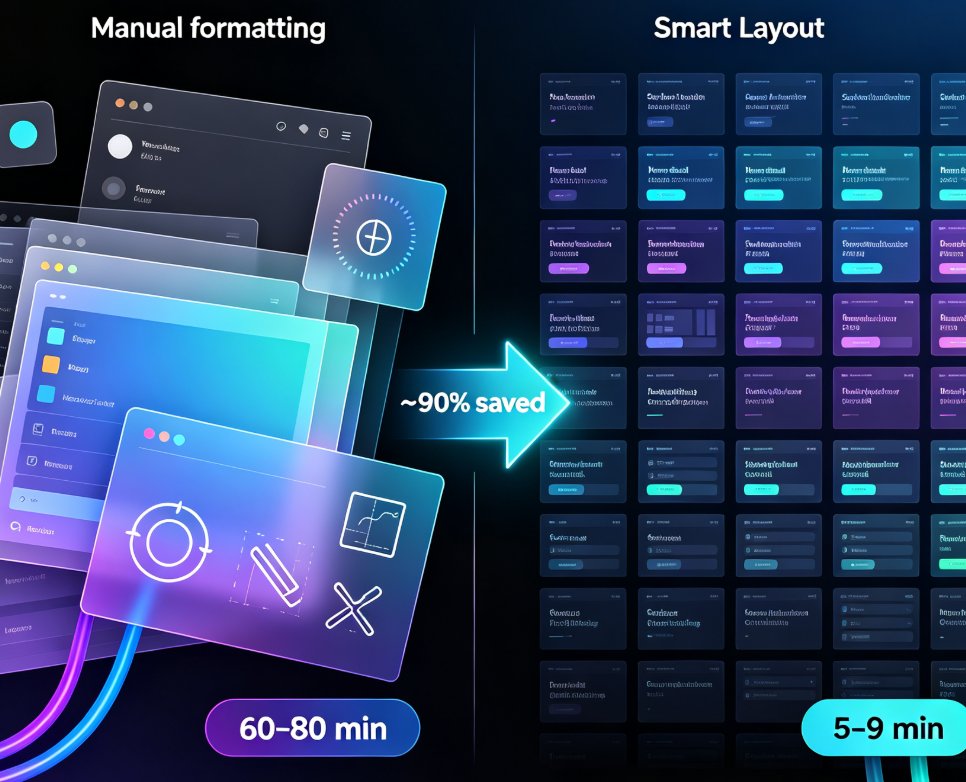
Smart layout is replacing manual formatting as the industry standard for presentations. One-click design systems automatically unify fonts, colors, and spacing, cutting formatting time by roughly 90% and letting non-designers produce polished decks without touching a font menu. Zendeck's one-click reskin is a concrete example of this trend: paste in an outline, and the system generates a structured, visually consistent deck in minutes. This article explains how smart layout works under the hood, why manual formatting is dying, and what it means for educators, trainers, and teams who want brand-consistent courseware without a design department. If you're still formatting slides by hand, you're paying a tax you don't need to pay.

Word to PPT in Minutes: Zendeck's AI Import for Busy Teachers

AI Courseware 2026-08-27 1139

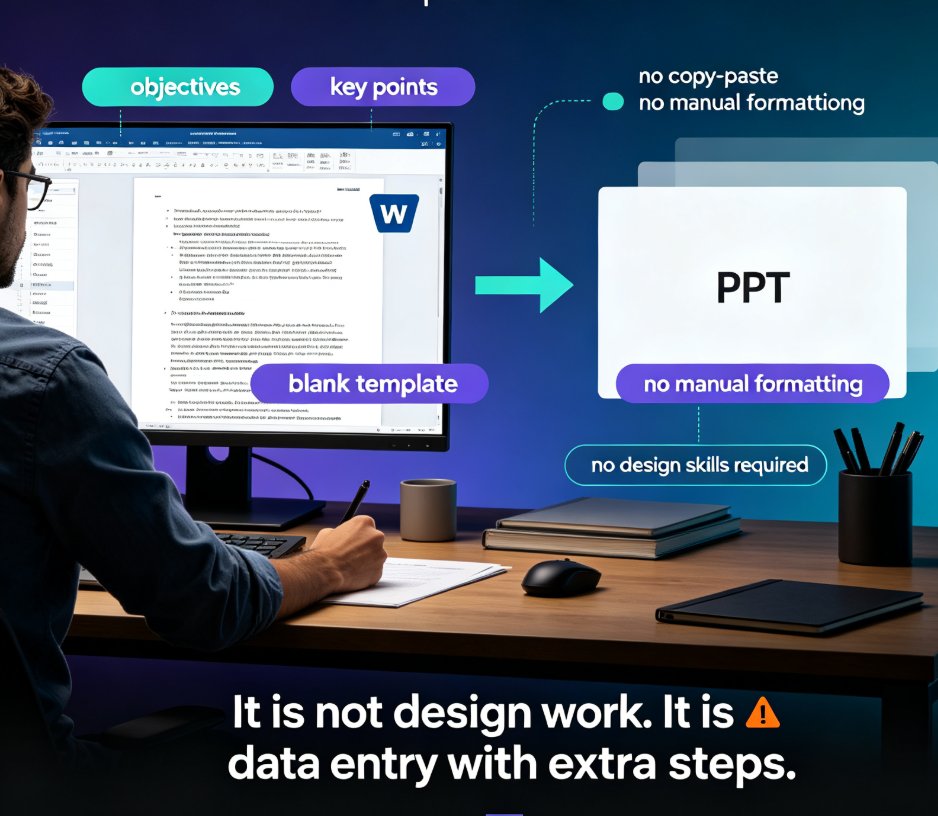
Zendeck's AI Word import converts your lesson outline into a polished PPT in minutes, eliminating the manual copy-paste and formatting that eats teachers' prep time. This guide walks through the workflow step by step — structuring your Word doc, importing it, choosing a template, and refining the result — and shows how the same deck can become a narrated micro-course. With smart layouts, consistent design tokens, and auto-suggested visuals, Zendeck produces decks that look professionally designed without any design skills. You'll also get practical tips for structuring Word documents for the best import results, a side-by-side comparison of manual versus AI workflows, and answers to common questions about editing, branding, and turning slides into video. If you're a busy teacher tired of Sunday-night slide building, this is the workflow you've been missing.

Zendeck Template Library: Faster, More Consistent Business Decks

PPT Tutorial 2026-08-25 1127

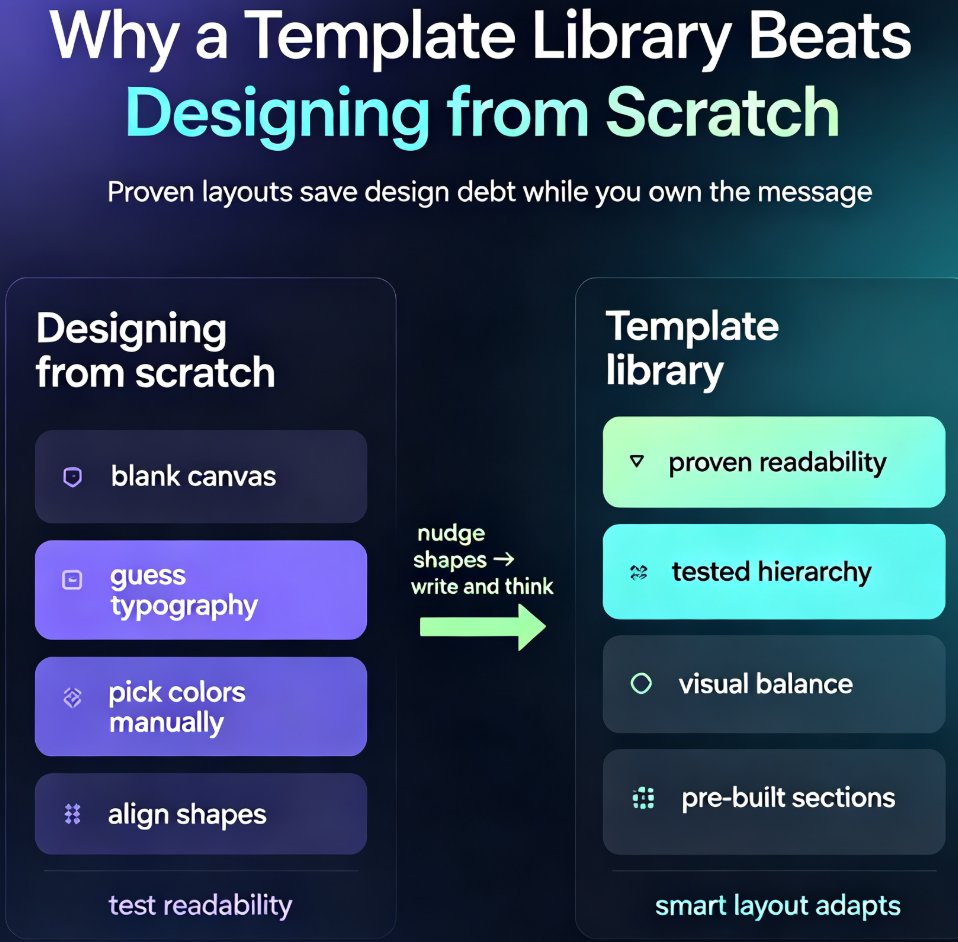
Zendeck's template library gives business teams a faster path to polished, on-brand decks. Instead of starting from a blank slide and making dozens of design decisions, you pick a proven template, drop in your content, and apply your brand kit in one click. This guide covers how to choose the right template for your audience, customize it without breaking the design, and build a repeatable workflow that cuts deck production from hours to minutes. You'll also see a side-by-side comparison of starting from scratch versus using a template, plus answers to common questions about brand consistency, team reuse, and industry fit. If you're tired of inconsistent, time-consuming presentations, Zendeck's template library is the starting point you've been missing.