Popular Articles

A curated collection of the most-read and editor-picked articles — see what everyone's reading.

402 articles

Asset Library Essentials: How to Source Icons, Charts, and Illustrations Without Leaving Zendeck

Courseware Design 2026-09-22 1245

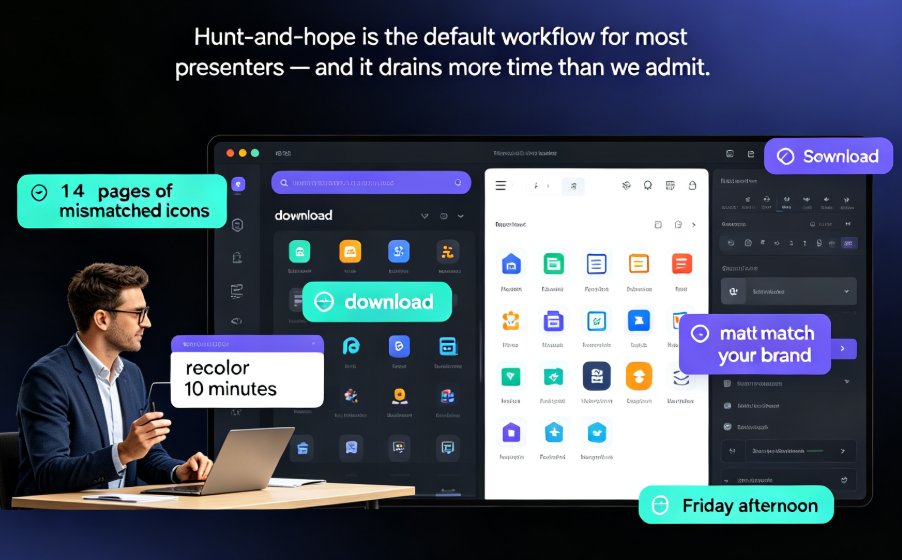
Zendeck's integrated asset library puts icons, charts, and illustrations at your fingertips—no more hunting across free stock sites. In this guide, learn how to source professional visuals directly inside the editor, keep your brand consistent, and cut design time dramatically. Perfect for educators, course creators, and anyone building AI-powered presentations. Discover the exact workflow to enrich your slides without ever leaving the platform.
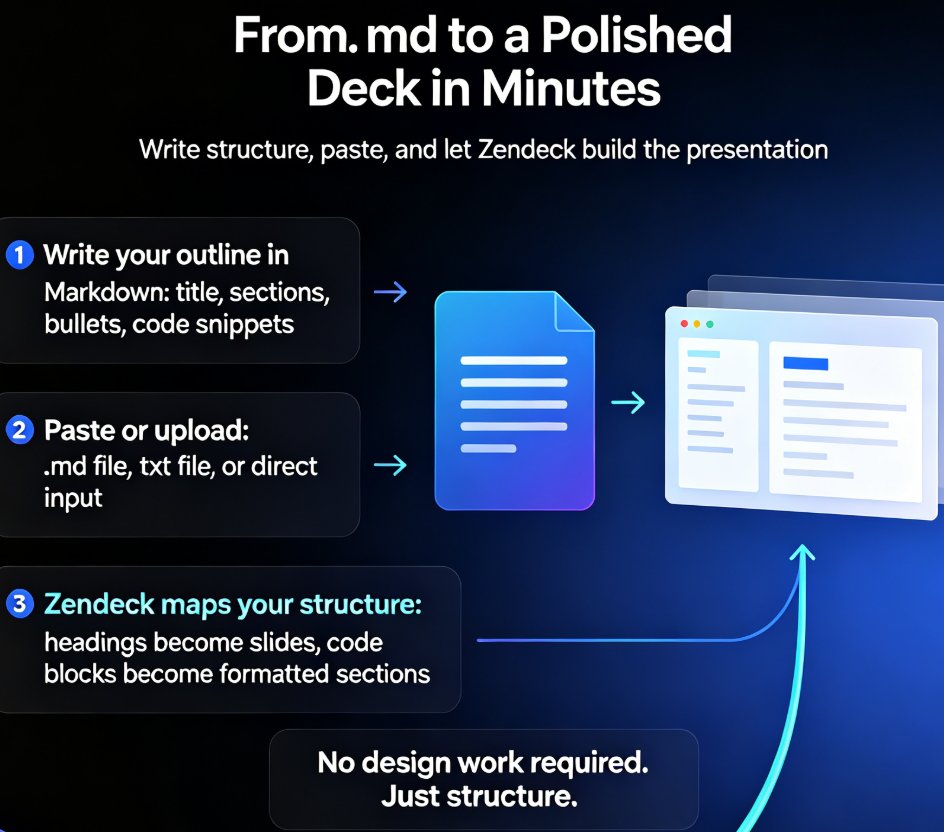
From Markdown to Slides: The Fastest Way to Create a Developer Deck

AI Courseware 2026-08-26 1244

Turn Markdown into polished slides in minutes with Zendeck. This guide shows developers and technical writers how to convert .md and TXT outlines into clean, code-friendly presentations — no design skills needed. Learn the step-by-step workflow from outline to deck, see how Zendeck maps headings to slide titles and code blocks to formatted snippets, and compare the Markdown-to-slides approach against traditional PowerPoint tools. You'll also discover how to structure technical content for skimmable slides, avoid common deck mistakes, and turn your finished presentation into a narrated video for remote teams and onboarding. If you can write a README, you can build a presentation — and Zendeck makes that literally true.

Extract and Reuse Single Slides: Zendeck Export Tips for Trainers

PPT Tutorial 2026-08-18 1240

Learn how to extract and reuse single slides from Zendeck presentations to save time and keep your training materials consistent. Discover practical export tips, comparison of methods, and best practices for trainers. Zendeck's AI-powered features make slide reuse effortless, from asset libraries to template consistency. Master the workflow that top trainers use to build decks faster.

Real-Time Co-Editing: How Remote Teams Finalize Decks Faster

Office Efficiency 2026-09-17 1230

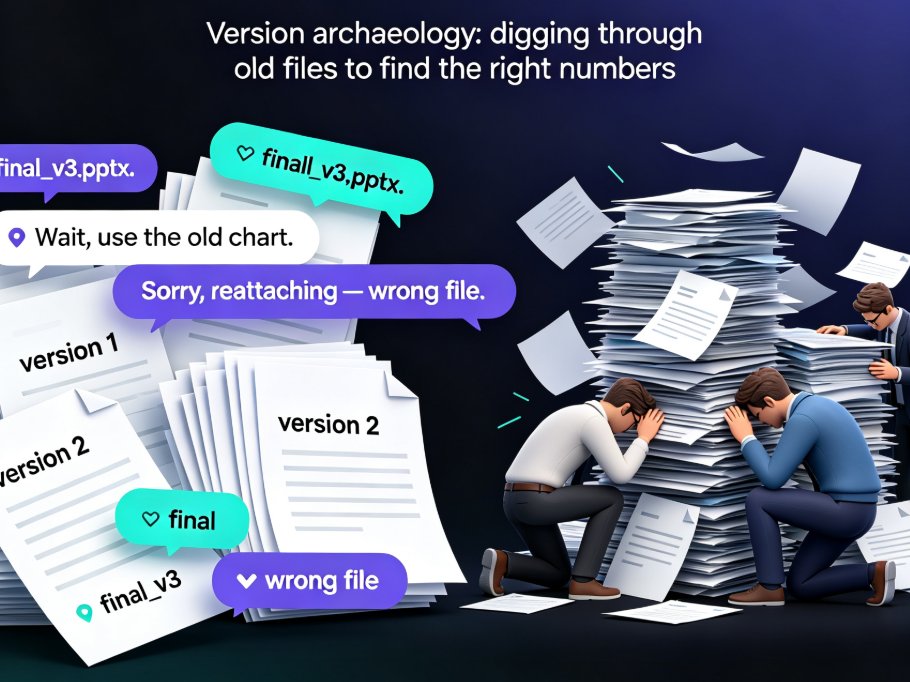
Real-time co-editing cuts deck review cycles from days to hours for remote teams. Instead of emailing PPT files back and forth, Zendeck gives you one live version your whole team can edit, comment on, and share — with threaded feedback tied to specific slides and role-based link sharing for stakeholders. This guide breaks down why version history alone isn't enough, how co-editing collapses the review loop, and a practical review workflow you can adopt today. If you're tired of "final_v3" emails and conflicting feedback scattered across threads, here's how Zendeck's collaboration features help distributed teams finalize presentations faster and with far less coordination overhead.

PPT Export Formats Compared: PDF, PPTX, Video and More with Zendeck

PPT to Video 2026-09-09 1229

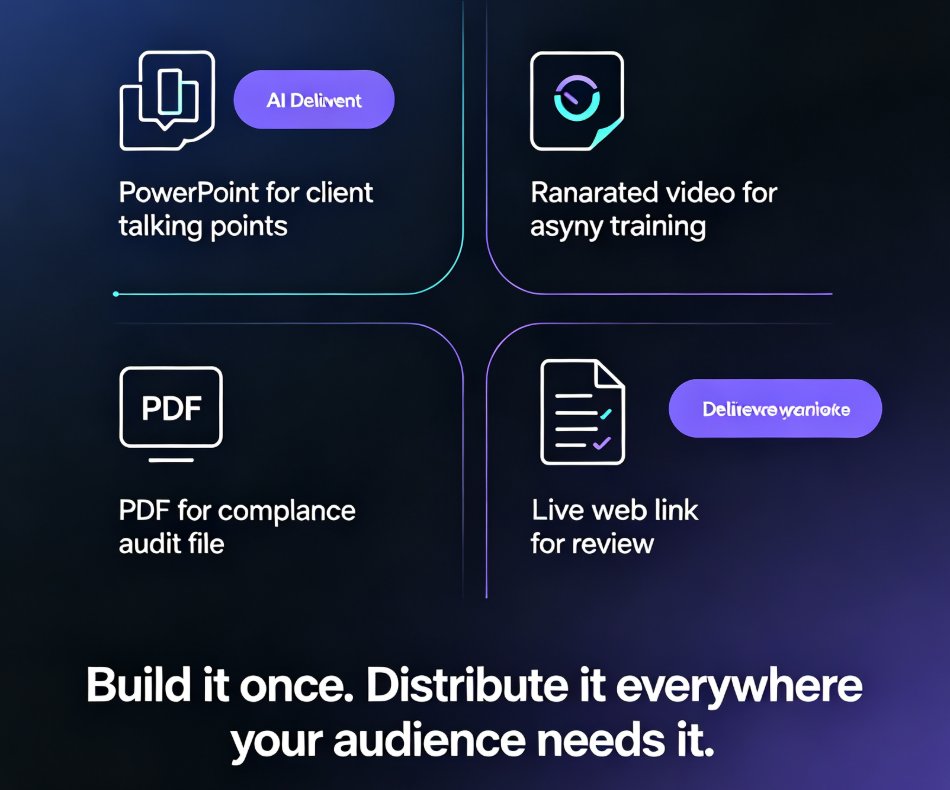
PPT export formats compared: PDF, PPTX, video, and shareable links — and how Zendeck keeps your layout, fonts, and speaker notes intact in every destination. Manual recreation drains hours from your team; one-click export delivers print-ready handouts, editable decks for PowerPoint and Google Slides, and narrated micro-course videos. Learn which format fits classroom handouts, client deliveries, compliance docs, and asynchronous training, plus the real time-savings data behind switching to a single export workflow.

One-Click Reskin Fixes Inconsistent PPT Styles Across Your Team

Office Efficiency 2026-08-28 1226

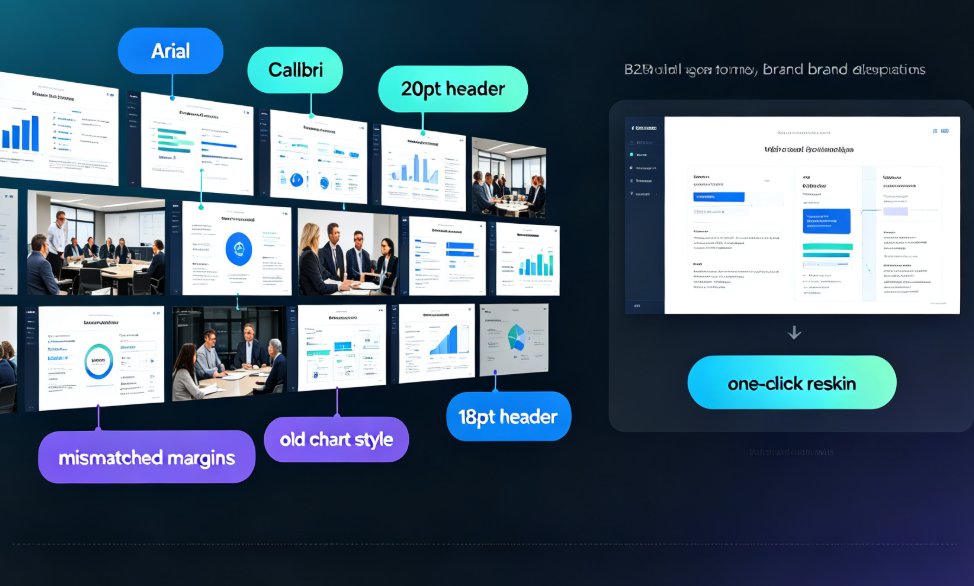
Inconsistent PPT styles wreck your brand and burn hours. Zendeck's one-click reskin unifies fonts, colors, and layouts across any deck in your team — including old PowerPoints with mixed formatting. This article breaks down why style drift happens even with templates, the real cost of manual cleanup, and a practical workflow to bring any deck back on brand in minutes. We compare manual formatting vs automated reskin with real numbers, show how smart layout rules replace eyeballing, and share governance tips so teams stop producing mismatched slides. If you're tired of spending evenings fixing alignment, spacing, and hex codes, this guide shows a faster path to consistent, professional presentations.