Popular Articles

A curated collection of the most-read and editor-picked articles — see what everyone's reading.

402 articles

Collaborative AI Presentations: Real-Time Co-Editing & Version Control

Office Efficiency 2026-08-20 1305

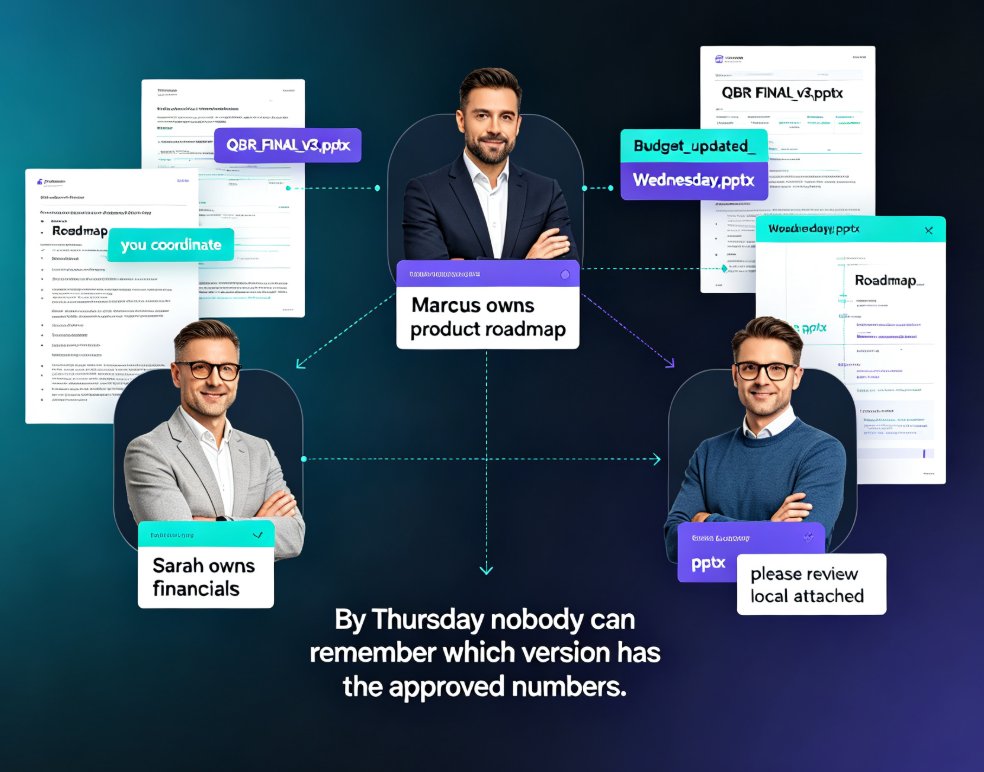
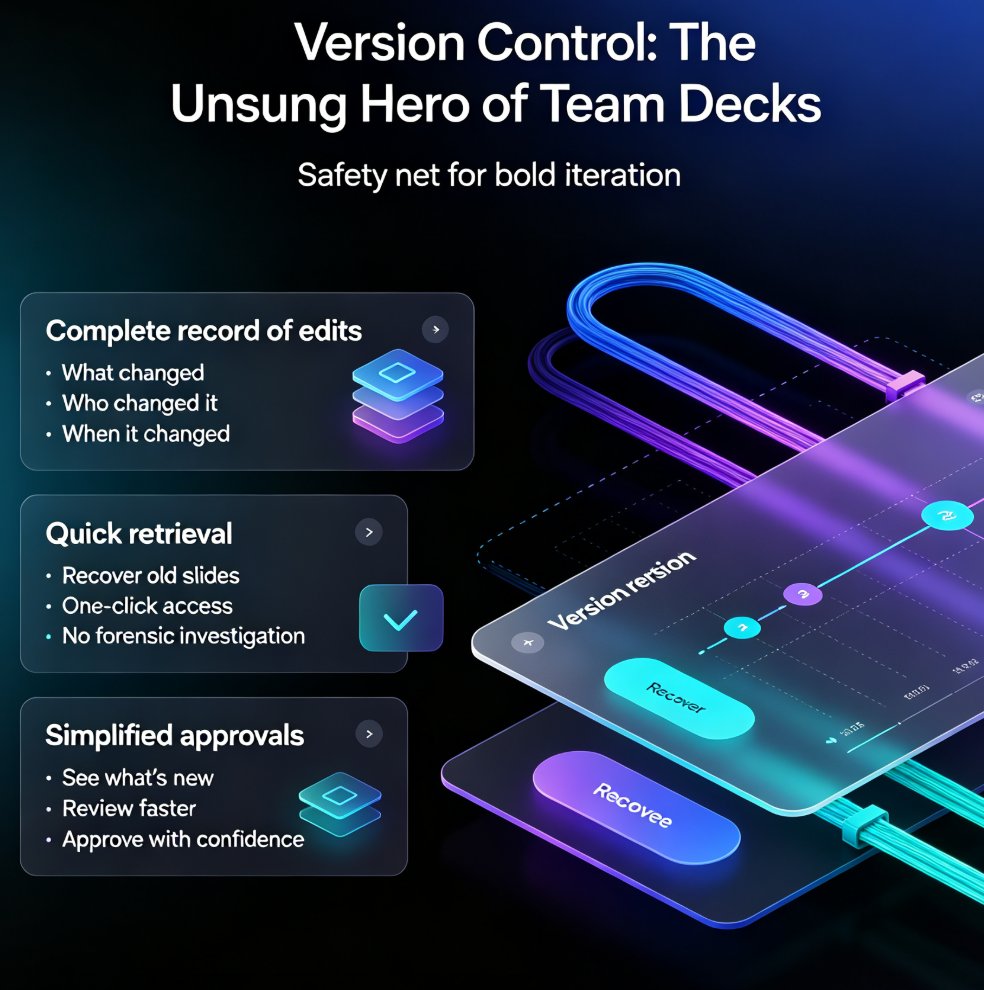
Collaborative AI presentations are transforming how teams build decks. Real-time co-editing and version control eliminate the chaos of emailing files back and forth, and Zendeck brings these capabilities together in one platform. Teams co-create, comment, and refine presentations simultaneously, with full version history, granular permissions, and AI-powered design that keeps decks on-brand. This guide covers what to look for in a collaborative AI presentation tool, why security matters — 74% of organizations cite data privacy as a top concern when choosing an AI platform — and practical best practices for stress-free team workflows. If your team still relies on 'final_v3_FINAL.pptx' and email threads, this article will show you a better way to ship decks faster, with less friction and more confidence.

Broken Media in PPT? Zendeck Converts Slides to Video That Plays

PPT to Video 2026-08-25 1286

Broken embedded media in PPT is a reliability nightmare — videos that won't play, links that die, codecs that mismatch across devices. Zendeck's PPT-to-video feature converts your slides into a single, self-contained video file that plays anywhere, ending the pain of broken media forever. This guide explains why embedded media breaks, the real cost of failed decks, and how Zendeck bakes every element — slides, narration, charts, demo clips — into one universally playable format. You'll learn the exact workflow to convert slides to video, when to convert versus keep interactive slides, and how to add narration and subtitles before rendering. Stop troubleshooting per-recipient playback issues and start shipping decks that always work. Whether you're a trainer, educator, or corporate communicator, Zendeck's PPT-to-video is the reliability solution your workflow is missing.

Interactive Quizzes in AI Presentations: The Future of Engaging Decks

Presentation Skills 2026-08-11 1285

Interactive quizzes in AI presentations are transforming how we engage audiences. Learn how to create quiz-driven decks with AI tools like Zendeck, boost retention, and turn passive viewers into active participants. Discover best practices, compare top tools, and see why interactive presentations are the new standard. Whether you're a trainer, educator, or team lead, this guide shows you how to build quizzes that stick—without spending hours on manual work.

Can Zendeck Unify Fonts, Colors, and Layout Across Slides?

Courseware Design 2026-08-27 1282

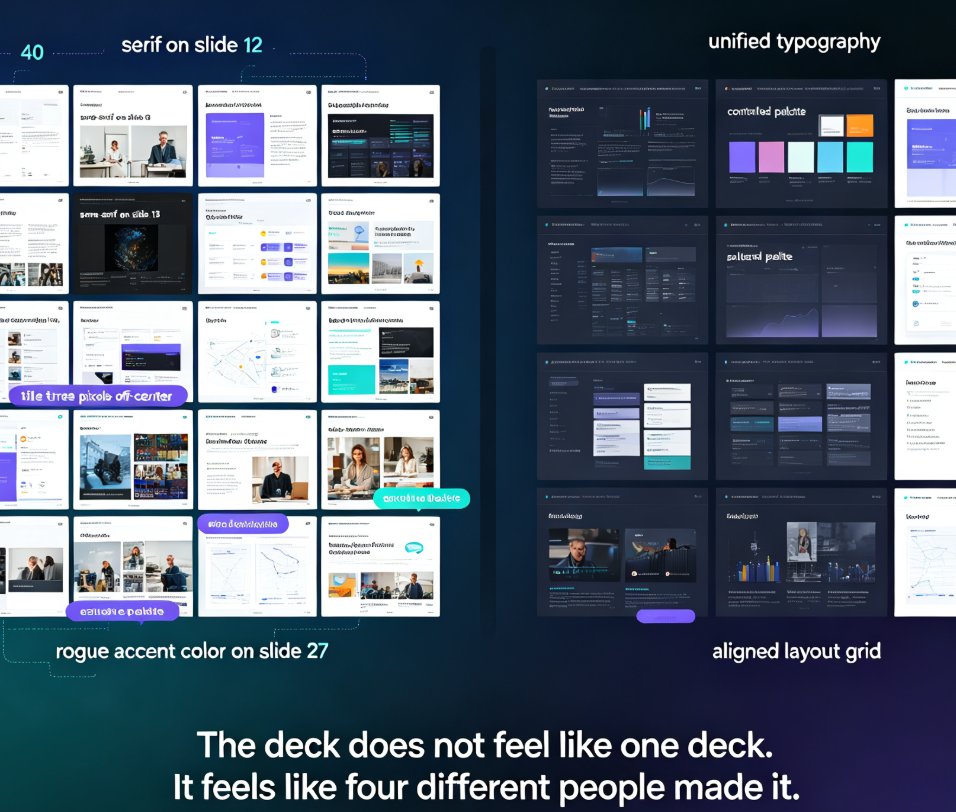
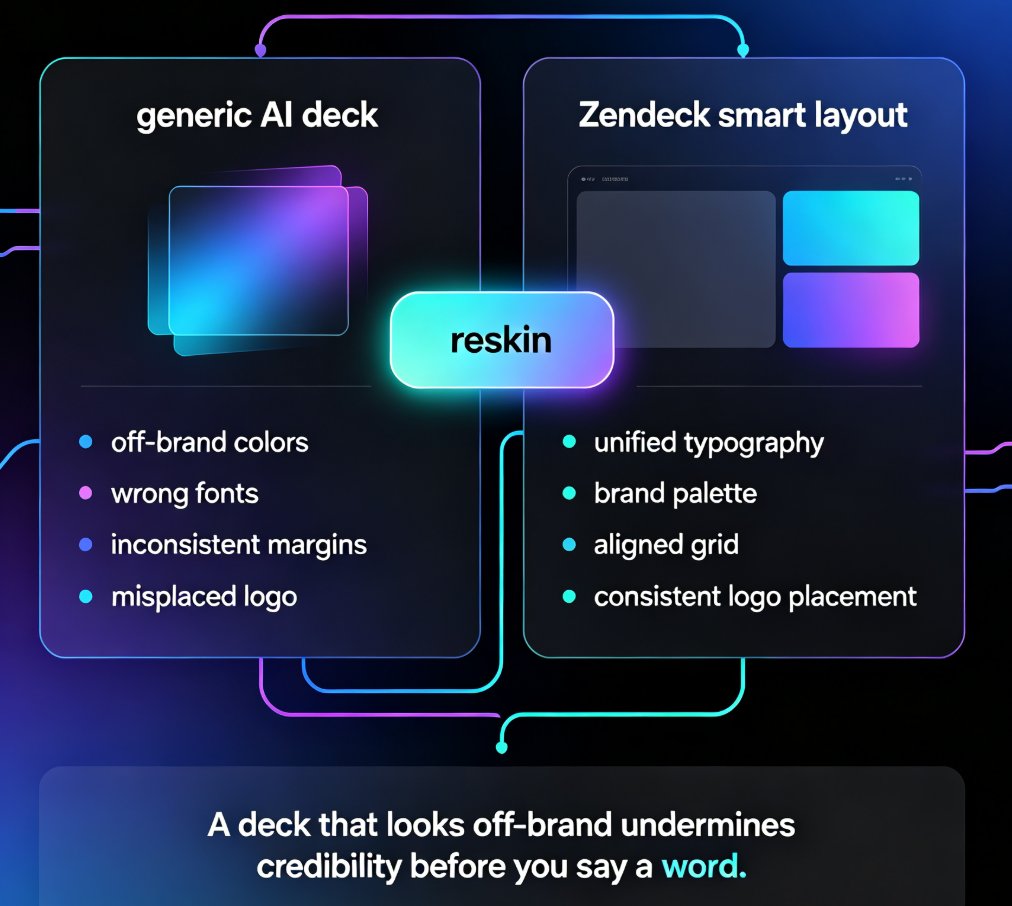
Zendeck's smart layout unifies fonts, colors, and layout across every slide in one click. Yes — Zendeck can unify fonts, colors, and layout across slides automatically. Its one-click reskin feature applies a consistent design system to your entire deck, so non-designers get brand-consistent courseware without manual tweaks. This guide breaks down how smart layout works, what it actually unifies, and where it saves you the most time. You'll see a before-and-after comparison, a step-by-step workflow, and honest notes on limitations. If you've ever spent an afternoon fixing misaligned titles and rogue fonts, this is the article for you. Learn how Zendeck turns a messy 40-slide deck into a polished, on-brand presentation in minutes — and why that matters for educators, trainers, and teams.

How to Generate a Winning Sales Pitch Deck with Zendeck AI in 3 Steps

AI Courseware 2026-08-25 1267

Learn how to generate a winning sales pitch deck with Zendeck AI in 3 simple steps. From outline to polished, on-brand slides, Zendeck's AI handles structure, content, and design so you can focus on the story. This guide walks sales professionals through a practical workflow: start with a story-driven outline, let AI generate the structure and content, then polish with one-click reskin and brand kits. Includes a comparison of traditional vs. AI-assisted deck building, common mistakes to avoid, and tips for turning your deck into a narrated video for prospects who can't attend live demos. Whether you're a solo rep or part of a sales team, this step-by-step approach saves hours and delivers decks that look like they came from your brand team.

How Does Zendeck Support Team Collaboration on Presentations?

Office Efficiency 2026-08-27 1266

Wondering how Zendeck supports team collaboration on presentations? Zendeck replaces version chaos with real-time online editing, shareable links, and automatic version history — so your team can build decks together without emailing files back and forth. This guide walks through the collaboration features that matter most: live multi-editor workspaces, permission-controlled sharing links, and one-click restore when someone goes off the rails. You'll also see how Zendeck fits into the full team workflow, from importing a Word outline to exporting a narrated video for stakeholder review. If your team has ever lost an hour to "which file is current?" messages, this is the read for you.