Popular Articles

A curated collection of the most-read and editor-picked articles — see what everyone's reading.

506 articles

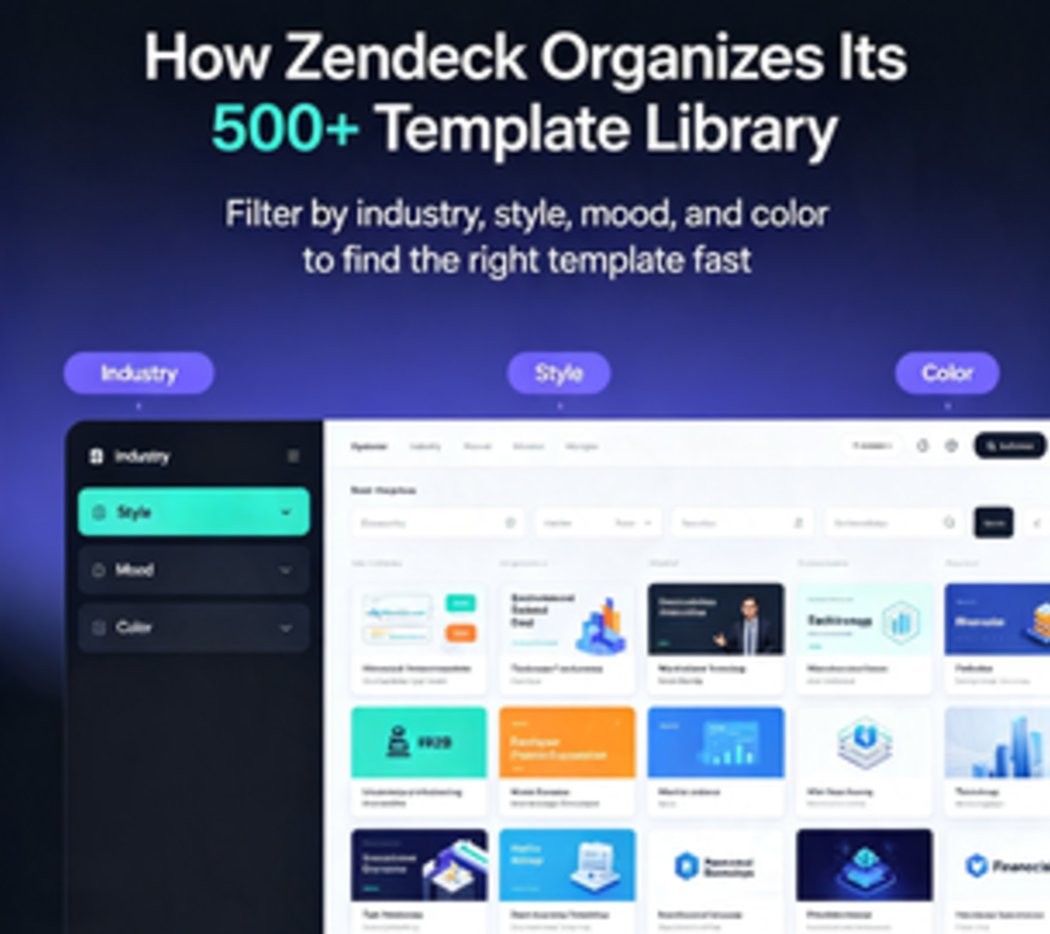
Navigate Zendeck's 500+ Template Library: Find the Perfect Slide Design Fast

Courseware Design 2026-08-06 1968

Stop wasting time scrolling through generic slide decks. Zendeck's template library organizes 500+ professionally designed slides by industry, style, and mood. Learn how to use smart filters, one-click reskin, and saved favorites to land the perfect template in under 30 seconds. Real-world search strategies inside.

Multi-Modal AI Presentations: Why Text, Audio, and Video Are Converging in 2026

PPT to Video 2026-08-06 1957

In 2026, multimodal AI is converging text, audio, and video into seamless presentations. Zendeck’s PPT-to-video tool and asset library let you mix icons, charts, and narrated video in one cohesive deck. Learn how this shift transforms content creation for educators, trainers, and teams—no design skills required.

Turn a Research Abstract into a Conference Slide Deck with Zendeck AI

AI Courseware 2026-09-08 1956

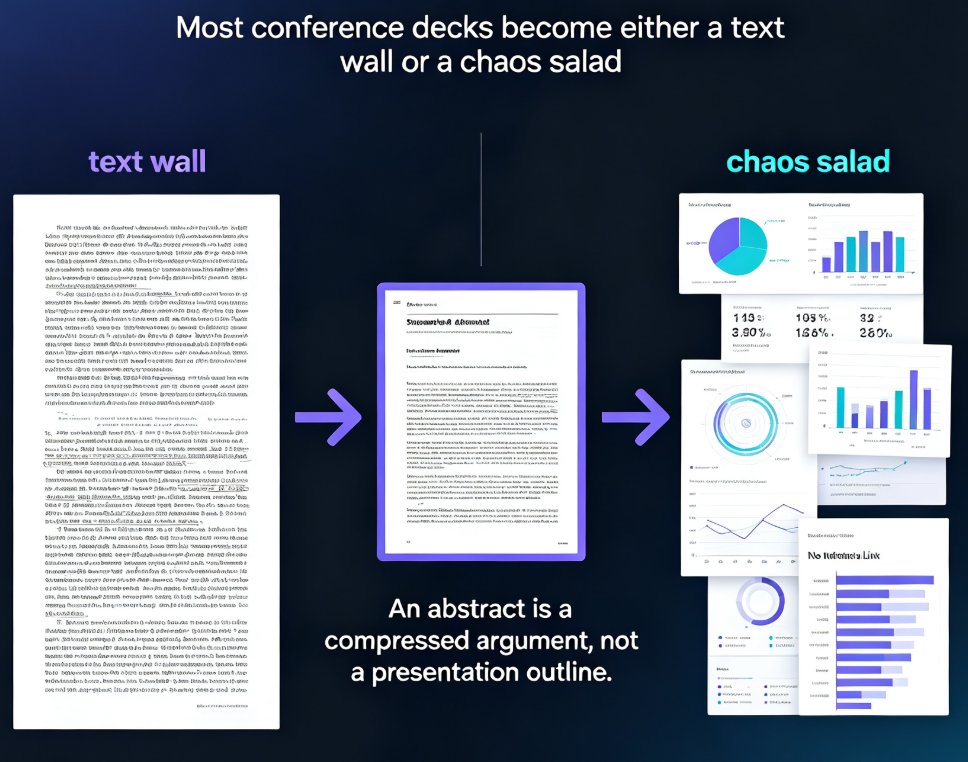
Learn how to turn a research abstract into a polished conference slide deck with Zendeck in under 15 minutes. Academics routinely lose 8–12 hours restructuring dense abstracts into presentations, fighting font sizes and losing the narrative thread. Zendeck automates the entire pipeline: paste your abstract, let its AI unpack your research question, methodology, results, and implications into a clean slide-by-slide arc, choose an academic-friendly template, and finish with speaker notes or even a narrated practice video. This step-by-step guide covers the exact paste-to-podium workflow, a side-by-side comparison of manual versus AI deck building, practical pro tips for data-heavy conference talks, and honest answers to common questions. If you're a PhD candidate, postdoc, or faculty member preparing for an upcoming conference, this walkthrough shows you how to save the equivalent of a full day of work per talk.

Turn a Training PPT into a Self-Paced Video Course for Async Teams

Knowledge Video 2026-09-09 1953

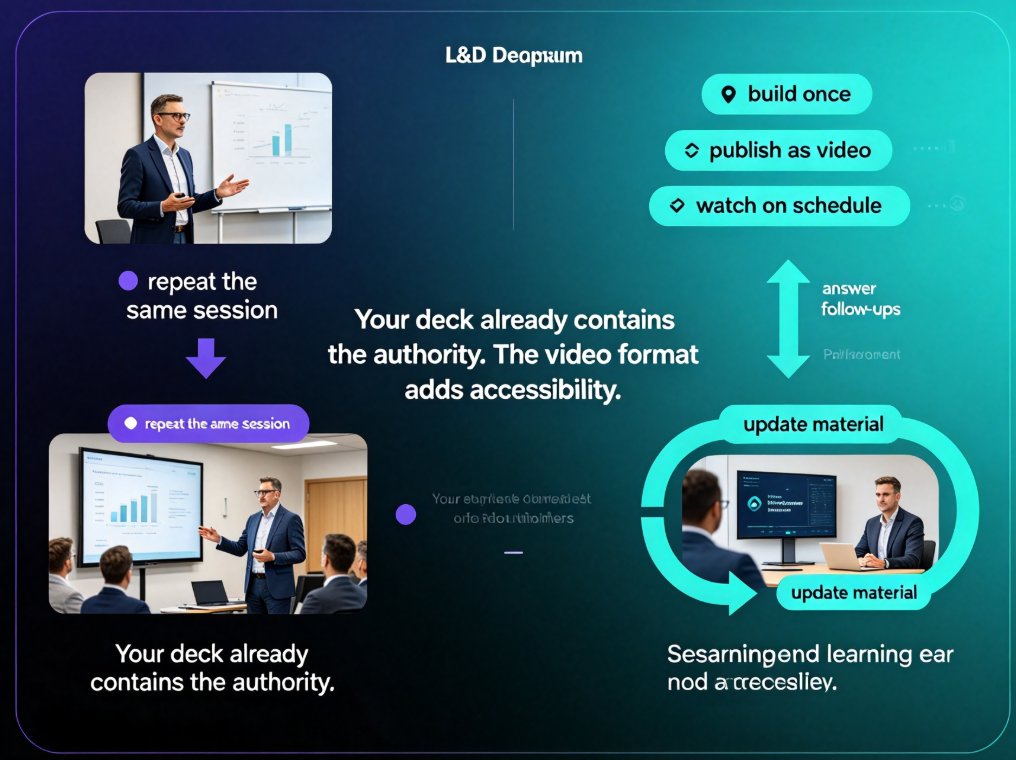
Learn how to turn a training PPT into a self-paced video course your remote team actually watches. We compare the real workflows inside Easygenerator, iSpring, Canva, and Zendeck's PPT-to-video tool, then walk you through script, narration, subtitles, and publishing. If you're stuck with a static deck that only works when someone presents it live, this guide shows the fastest, most practical path to on-demand corporate training — with Zendeck as the working example. No design skills required.

From Outline to Video: The Rise of End-to-End AI Presentation Agents

PPT to Video 2026-08-21 1944

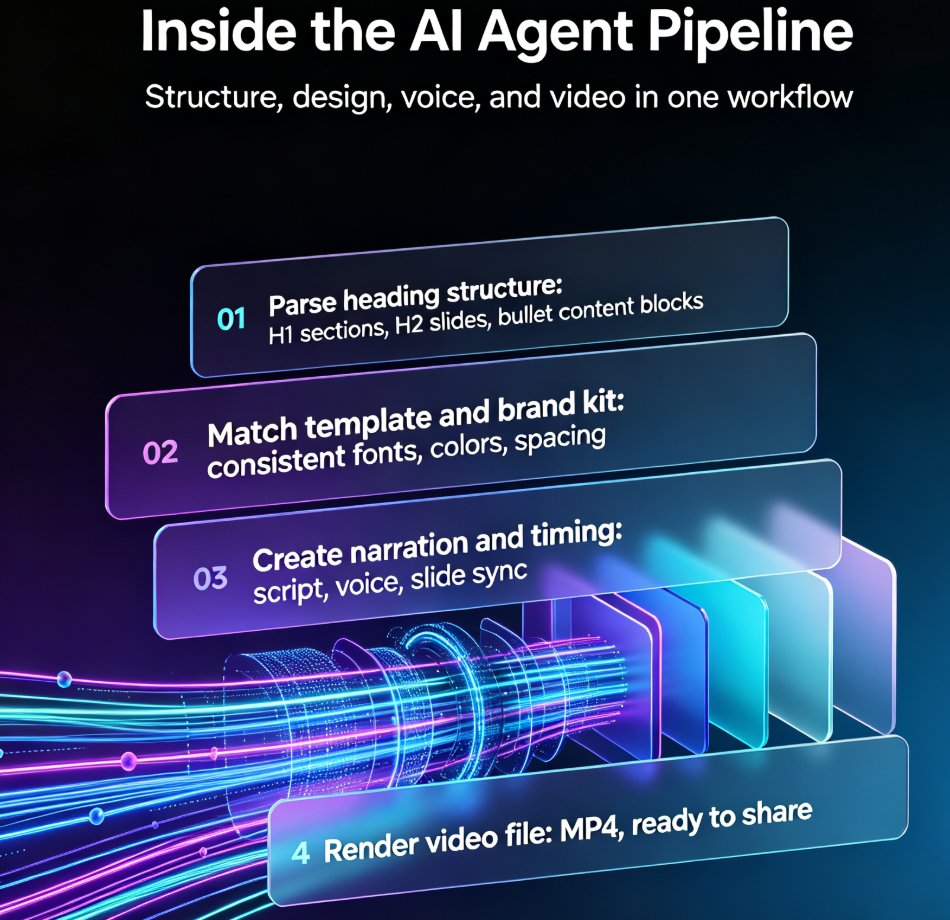
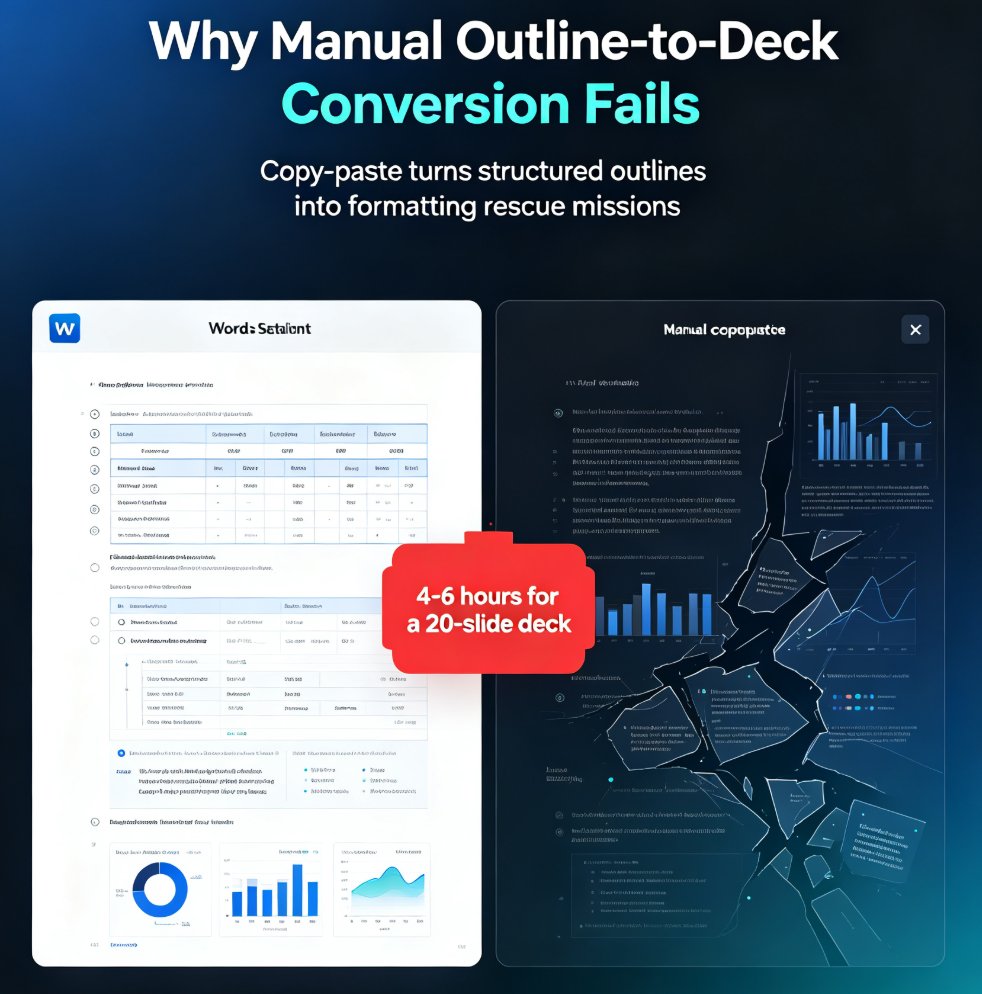
End-to-end AI presentation agents are turning Word outlines into fully narrated videos in minutes, and Zendeck's AI Agent is leading the shift. For educators, trainers, and HR teams, this means production time drops from four to six hours down to fifteen to thirty minutes per micro-course. This guide breaks down how the outline-to-video pipeline works — from document import to slide generation, narration, and video export — compares the traditional workflow against AI agents, and explains what to look for when evaluating tools. If you create training videos, courseware, or internal communications, this is the workflow change you need to understand in 2026. No design skills, no video editing, no late nights — just import, review, and export. Whether you are building onboarding modules, compliance training, or educational micro-courses, the end-to-end agent approach removes the production bottleneck and lets you focus on content quality.

From Word Outline to Polished Deck: Zendeck's AI Conversion Workflow

PPT Tutorial 2026-08-19 1939

Turn a Word outline into a polished presentation with Zendeck's AI conversion workflow. Learn the five-step process, see how AI deck generation cuts production time by 90%, and get practical tips for better results. This guide covers everything from importing your outline to exporting a brand-consistent deck — perfect for educators, consultants, and teams who need decks fast. We break down the manual vs. AI comparison with real numbers, walk through each step of the Zendeck workflow, and share five tips that make the difference between a mediocre deck and a great one. If you've ever spent hours copying bullets into PowerPoint, this workflow will change how you build presentations. Stop formatting and start thinking — here's how.

▲