Popular Articles

A curated collection of the most-read and editor-picked articles — see what everyone's reading.

402 articles

Zendeck vs PowerPoint: Why AI Generation Beats Manual Slide Design

AI Courseware 2026-08-24 1625

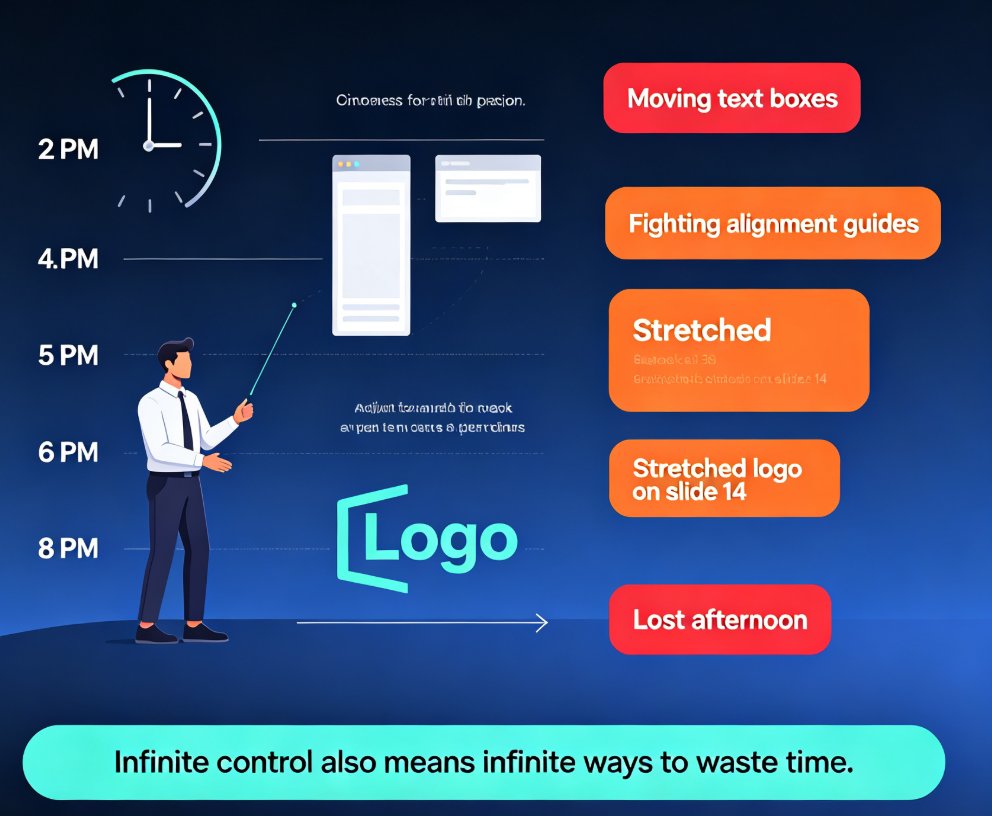
Zendeck vs PowerPoint: AI generation beats manual slide design on speed and quality. This head-to-head comparison shows how Zendeck's AI-powered approach turns a 6-hour PowerPoint task into a 20-minute process with better visual results. We break down task-by-task time savings, design quality differences, and when PowerPoint still makes sense. Whether you're a trainer, HR professional, or content operator, this guide helps you decide if AI slide generation is the right upgrade for your presentation workflow. Learn how Zendeck's smart templates, brand kit enforcement, and PPT-to-video features go beyond what traditional presentation software offers — and get a practical migration path for making the switch without losing your existing content.

Zendeck Asset Library: 3 Ways to Find the Perfect Visual in Seconds

Courseware Design 2026-09-08 1593

Learn how to use the Zendeck Asset Library to locate icons, charts, and illustrations in seconds. This practical tutorial reveals three proven search techniques that beat generic stock photo searches. If you build courseware or corporate decks, Zendeck's smart filters and curated collections will cut your design time dramatically. Discover how to insert professional visuals without leaving your editor, and see why smart asset search is the 2026 standard for course creators.

How Marketing Teams Use Zendeck Collaboration to Build Decks Faster | 2026 Guide

Office Efficiency 2026-09-02 1593

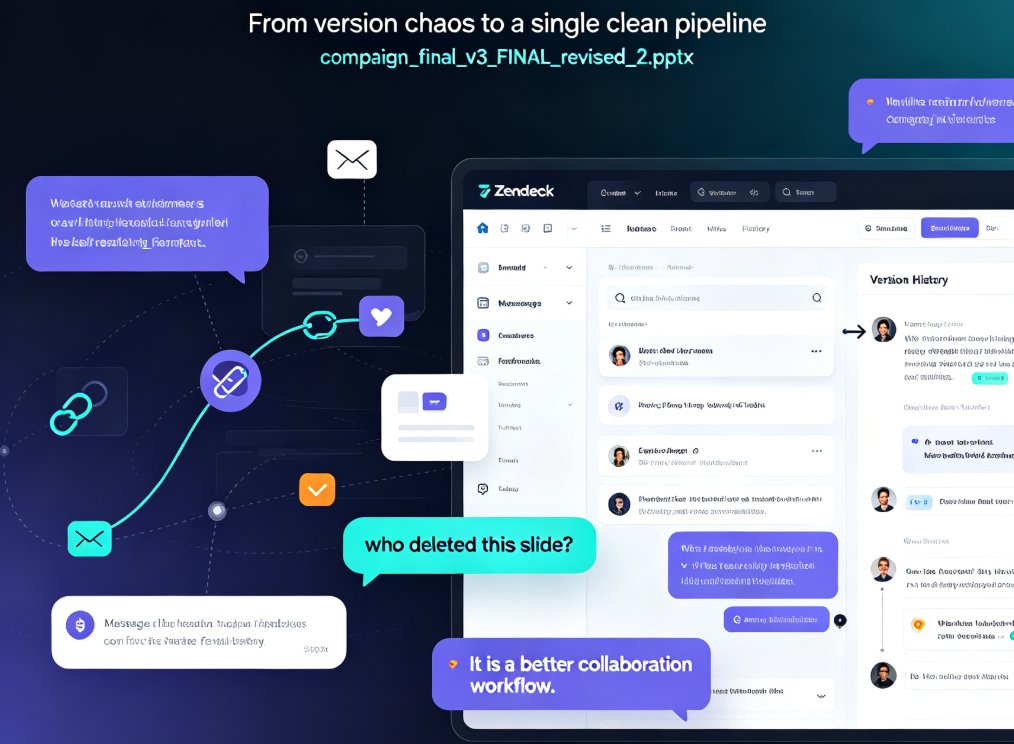
Zendeck collaboration replaces email chains and version chaos with real-time editing, version history, and shared asset libraries. Marketing teams are cutting deck production from weeks to days. This guide explains how to build on-brand presentations faster with Zendeck's collaboration workflow, including a walkthrough of the key features that eliminate feedback bottlenecks.

Why Your AI Slides Look Off-Brand and How to Fix It Fast

Presentation Skills 2026-08-10 1587

AI presentation tools often generate slides that look generic and off-brand, wasting your team's time and damaging trust. Learn why this happens and how to fix it fast with brand kits, custom templates, and Zendeck's smart design engine. Discover practical steps to ensure every deck aligns with your visual identity, from colors to fonts to logo placement. Whether you're a marketer, consultant, or educator, this guide shows you how to turn AI-generated drafts into on-brand presentations in minutes. Stop settling for close-enough aesthetics and start producing decks that look authentically yours.

From Excel to Visual Story: Data Slides Made Easy with Zendeck

Courseware Design 2026-09-20 1580

Turning raw spreadsheet numbers into persuasive Excel-to-PPT data slides doesn't require a design degree. Zendeck's chart library, smart layout, and asset insertion tools turn the full data-to-deck pipeline — cleaning, chart selection, layout, context, and delivery — into a fast, foolproof workflow. This guide walks through every stage: how to clean a dataset so the story can breathe, which chart matches which relationship (and when to avoid pie charts), why one message per slide beats a wall of charts, and how to layer annotations, icons, and interactive elements without clutter. You'll also see how static slides grow into narrated micro-courses for training and async meetings. Includes chart selection tables, time-saving benchmarks, and field-tested habits for analysts, educators, and teams building data slides for meetings, reports, or courseware.

How to Create Accessible AI Presentations: WCAG Tips for Zendeck Users

Presentation Skills 2026-08-11 1568

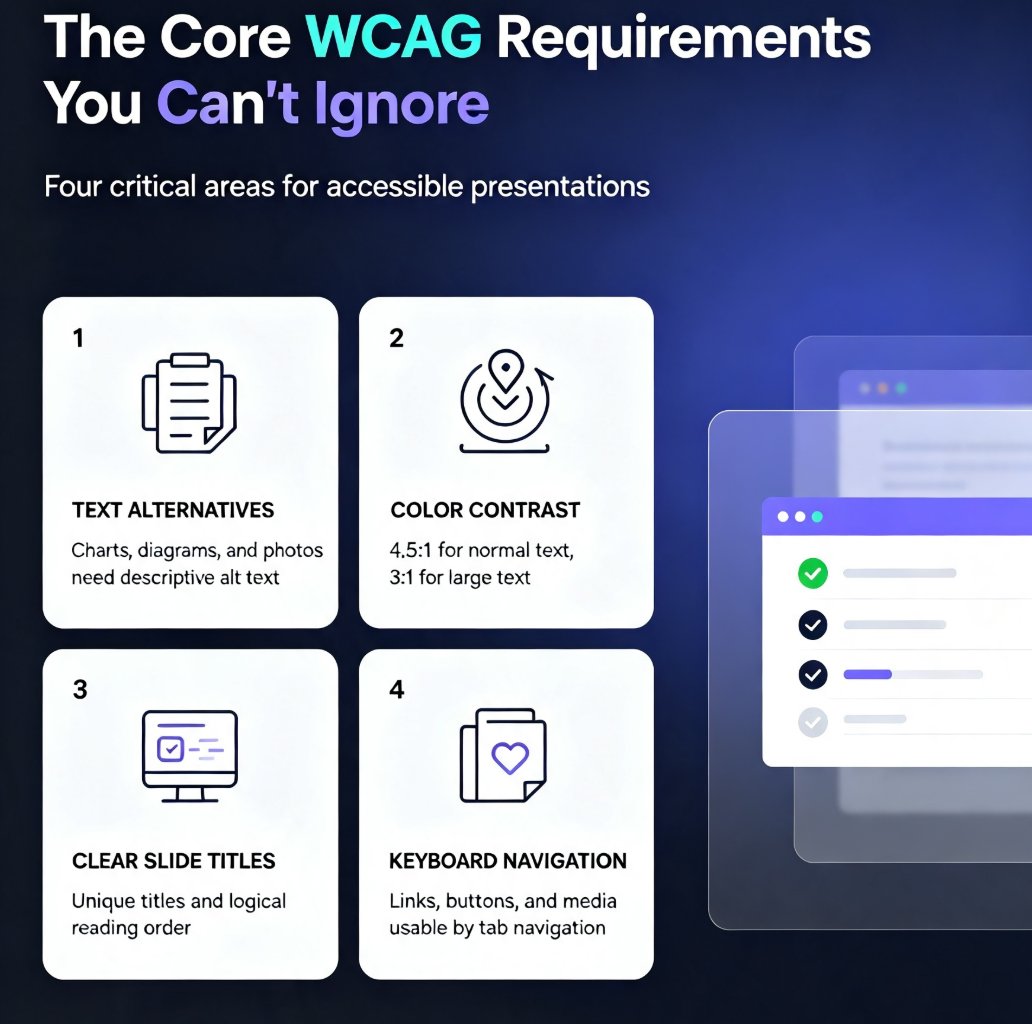
Learn how to create accessible AI presentations that meet WCAG 2.1 standards. Discover practical tips for using Zendeck's AI to automate alt text, contrast checking, and slide structure. Ensure your decks are inclusive for all audiences, including those with visual or motor impairments. This guide covers core WCAG requirements, step-by-step workflows, and common mistakes to avoid, helping you build compliant presentations faster without sacrificing design quality.