Popular Articles

A curated collection of the most-read and editor-picked articles — see what everyone's reading.

402 articles

5 AI Presentation Mistakes to Avoid in 2026 (And How Zendeck Fixes Them)

PPT Tutorial 2026-08-18 1663

AI presentation tools are fast, but speed doesn't guarantee quality. In 2026, the most common AI presentation mistakes — generic layouts, inconsistent branding, cluttered slides, clichéd stock imagery, and animation overload — still plague decks everywhere. The good news: every one is fixable. This guide breaks down the 5 AI presentation mistakes to avoid in 2026 and shows exactly how Zendeck's smart layout engine, brand kits, asset library, and PPT-to-video features prevent each one. Whether you're a marketer, educator, or team lead, you'll learn practical before-and-after fixes that turn AI-generated decks from amateur to professional. Stop settling for generic AI output — learn how to enforce brand consistency, clean layouts, and meaningful visuals in every deck you create.

Preview Before You Commit: Picking the Perfect Template with Zendeck

Courseware Design 2026-08-18 1646

Picking the wrong template is the #1 time-waster in AI deck creation. This guide shows you how to preview and filter Zendeck's template library by style, color, and industry before you generate — so you commit to the right look the first time. Learn what to look for when previewing templates, how to narrow hundreds of options to a shortlist in under a minute, and the three template-picking mistakes that cost trainers and educators hours of redesign time. With Zendeck's preview and filtering tools, you can go from 'hundreds of templates' to 'this one works' in minutes — and spend your time on content, not cleanup. Includes a practical decision framework for when to commit and when to keep browsing.

Non-Designer Slides: How Zendeck Smart Layout Designs for You

Courseware Design 2026-08-28 1639

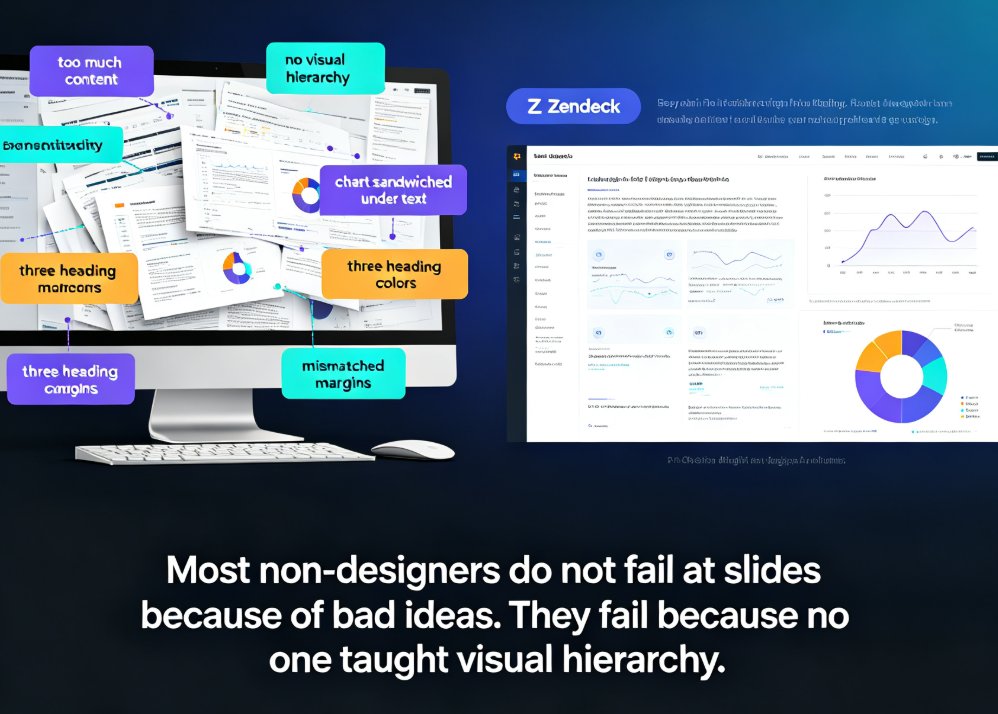
Non-designers can stop fighting with alignment, spacing, and color. Zendeck's smart layout engine and curated asset library automatically turn your outline or Word document into polished, professional slides. This guide shows why most non-designer decks fail, how AI-powered design decisions cut hours of manual tweaking, and a 5-step workflow for producing consistent decks with icons, charts, and illustrations that actually match. Whether you are an educator, trainer, HR lead, or founder, Zendeck handles hierarchy, theming, and spacing so you keep your energy on content.

What File Types Can I Import into Zendeck? Word, PDF, Markdown

PPT Tutorial 2026-08-12 1634

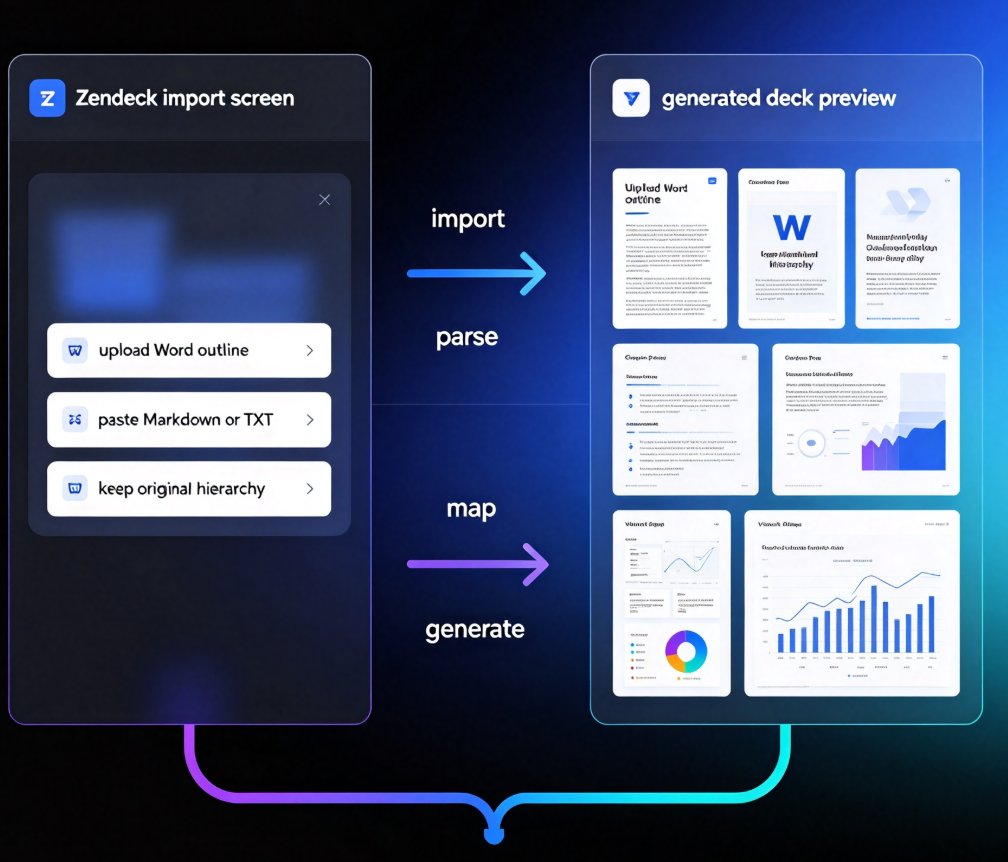
Wondering what file types you can import into Zendeck? This complete guide covers every supported format — Word outlines, Markdown, PDFs, and plain text — so you can turn almost any document into a structured slide deck in minutes. Learn which format works best for your workflow, how to prep your files for a clean import, and what happens after the AI generates your slides. Whether you're converting a 40-page Word report, a technical Markdown doc, or a finalized PDF into a presentation, Zendeck's import pipeline handles it. Includes a format comparison table, pro tips for clean imports, and answers to common questions about importing into Zendeck. Stop copy-pasting and start importing.

PPT to Video in 2026: AI Narration & Smart Timing Beat Manual Editing

PPT to Video 2026-08-26 1631

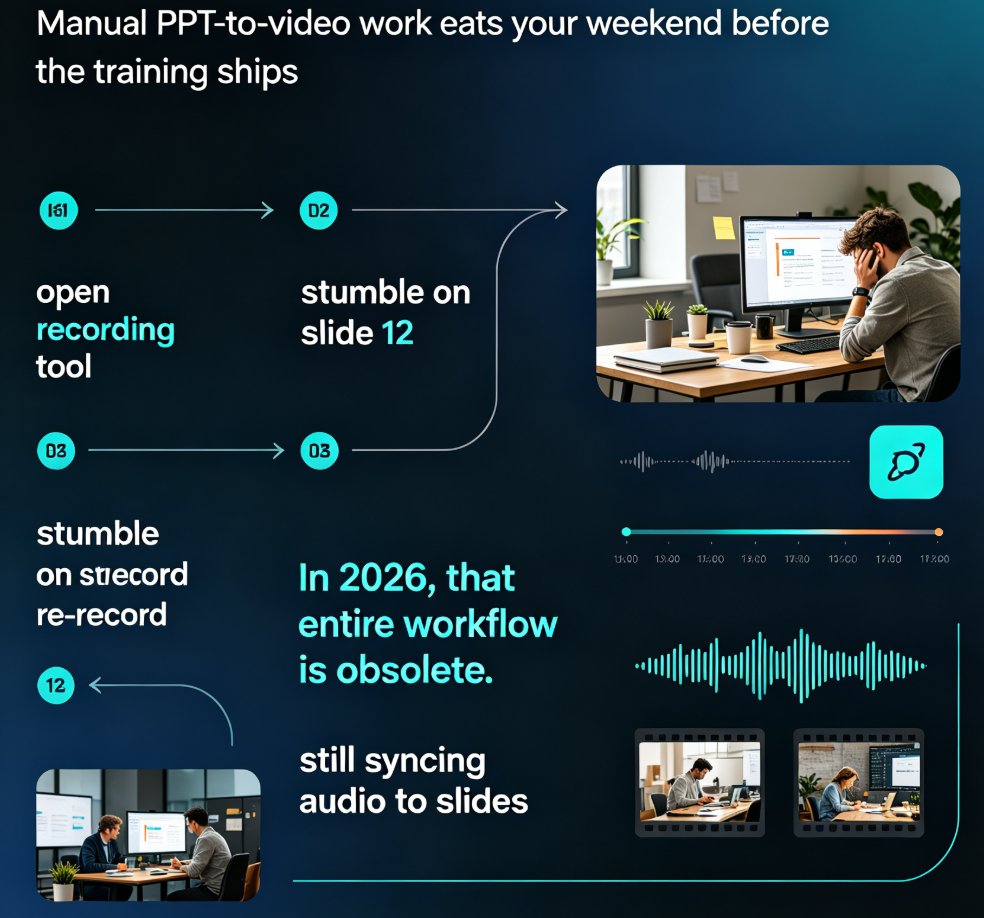
PPT to video in 2026 no longer means manual editing. AI narration and smart timing turn static slides into polished micro-courses in minutes. Zendeck's PPT-to-video reads your slide content, generates synchronized voiceovers, and paces each scene automatically—so educators, trainers, and content teams skip the recording booth entirely. This guide breaks down how scene detection, voice synthesis, and auto-pacing work together, compares production time against traditional workflows, and shows exactly where AI still needs a human touch. If you've been avoiding video because editing eats your weekends, this is the workflow change you've been waiting for.

How to Turn a Word Outline into a Professional PPT with Zendeck

AI Courseware 2026-08-26 1629

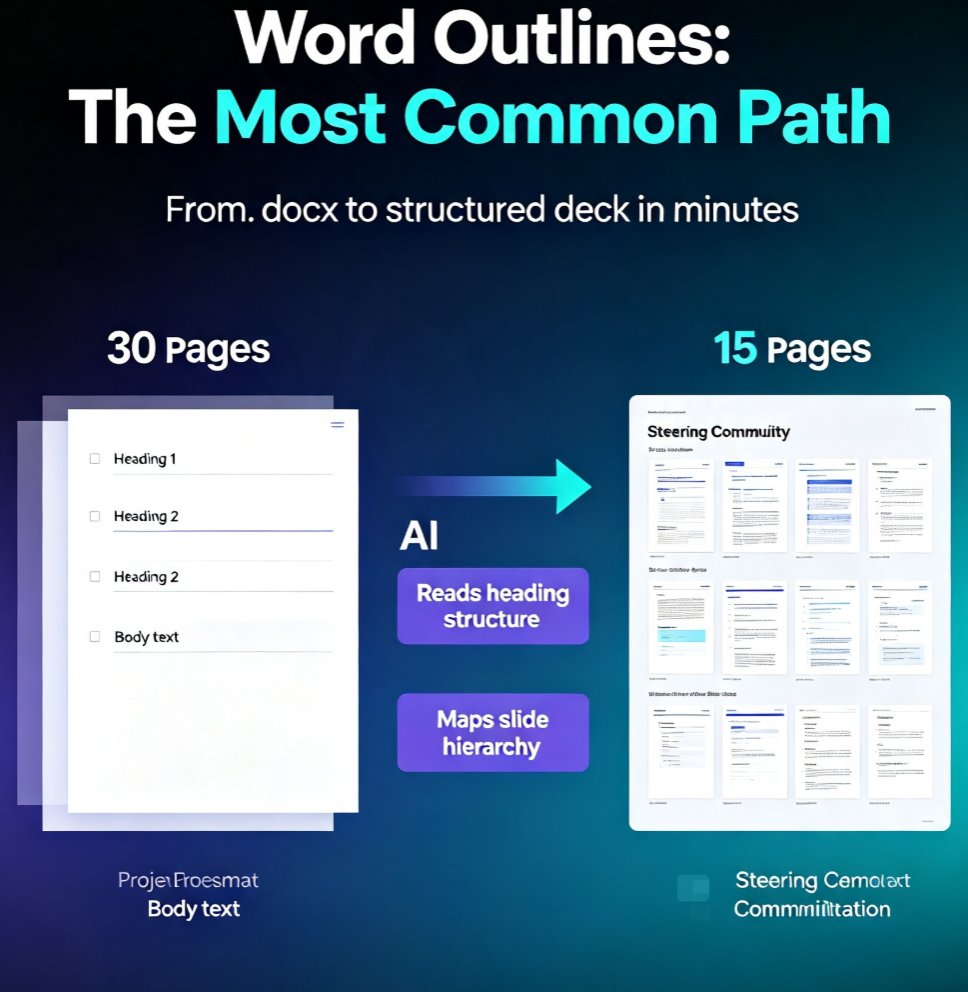
Turn a Word outline into a professional PPT with Zendeck in minutes. This step-by-step guide walks through Zendeck's document-to-deck workflow: upload a Word file or paste Markdown, let smart layouts preserve your content structure, and generate a visually consistent presentation without touching manual slide design. You'll learn how to prepare your outline with proper heading styles, choose the right template, review and refine the generated deck, apply a one-click reskin for brand consistency, and even convert the finished deck into a narrated video for training or courseware. Whether you're an educator, trainer, consultant, or content operator, this workflow cuts the time spent reformatting documents from hours to minutes. Stop copying bullet points one by one — let Zendeck handle the layout while you focus on the message.