Popular Articles

A curated collection of the most-read and editor-picked articles — see what everyone's reading.

402 articles

One-Click Reskin: How Zendeck Auto-Unifies Fonts, Colors, and Layouts

PPT Tutorial 2026-09-07 1680

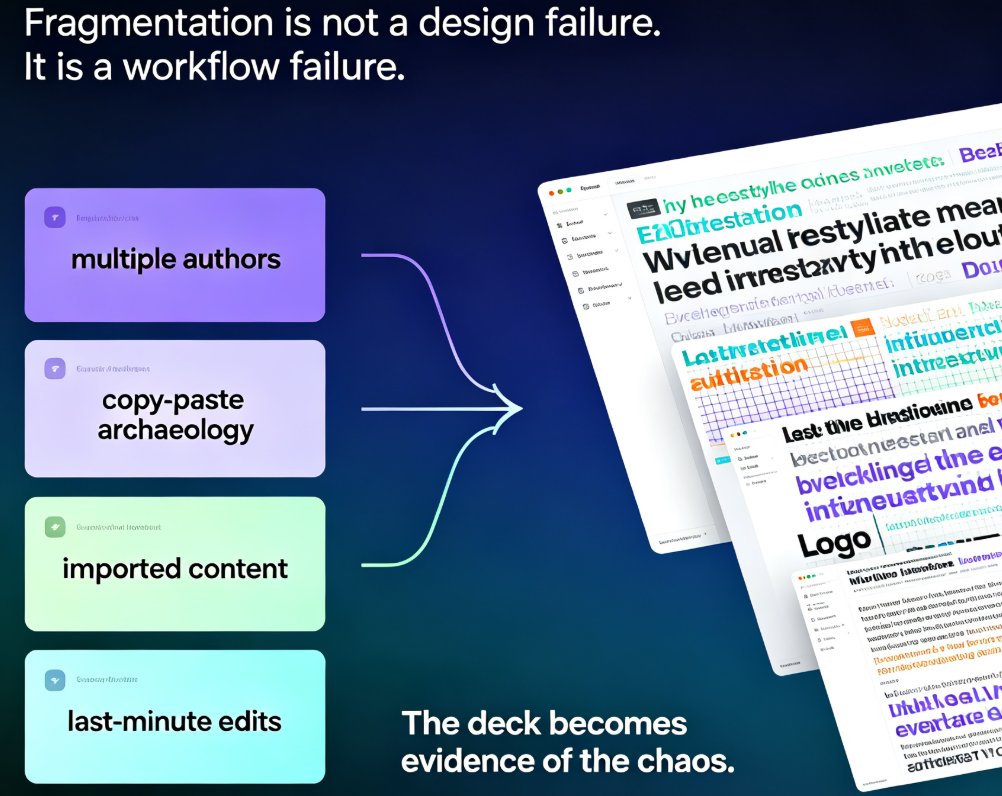
One-click reskin in Zendeck turns a scattered, multi-author deck into a single, on-brand presentation in minutes. Zendeck's smart layout engine auto-unifies fonts, colors, spacing, and slide structure across the whole deck — no manual redesign, no template-pasting, no broken alignment. This guide walks through what reskinning actually does under the hood, the real before-and-after scenarios in corporate and academic settings, how to enforce brand guidelines without hiring a design police force, and a 15-minute workflow you can reuse on every deck. We also cover edge cases where one-click reskin needs a human touch. If you've ever shipped a deck with three fonts and five shades of blue, you'll want to read this before your next all-hands.

Data Transparency in AI Presentation Tools: 2026 Security Trends

AI Courseware 2026-08-20 1679

Data transparency has become the #1 buying criterion for AI presentation tools in 2026, ahead of design quality and price. This guide breaks down the three security tiers — consumer, business, and enterprise — and explains what SOC 2 Type II, GDPR, HIPAA, and the EU AI Act actually mean for your team. You'll get an eight-item checklist for evaluating any AI presentation tool, learn how to avoid the common mistake of treating consumer tools as enterprise-safe, and see how Zendeck's privacy-first architecture builds trust for educators and enterprises handling sensitive content. If you create training decks, courseware, or internal presentations, this is the security framework you need before you paste another confidential outline into an AI tool. Read on to protect your data and your reputation.

Too Many Bullets? How Zendeck Condenses Dense Text into Clean Slides

Courseware Design 2026-08-14 1677

Zendeck turns bullet-heavy decks into clean, scannable slides by condensing dense text before design. If your audience reads paragraphs instead of listening, the fix isn't a prettier template — it's a condense-then-design workflow. This guide shows how to cut cognitive overload, use two-column layouts, white space, and animation pacing, and let Zendeck's AI generation and smart layout handle the busywork. You'll learn a repeatable process for transforming text-dump slides into visuals people actually retain, plus practical before-and-after techniques from real presentation tutorials. Stop fighting bullet points; start designing for the way brains scan. Use Zendeck to auto-condense, reskin, and align every slide with your brand kit — so your next deck is clear, credible, and easy to follow.

From Static Slides to Interactive Micro-Courses: AI Narration Transforms Training

PPT to Video 2026-08-06 1676

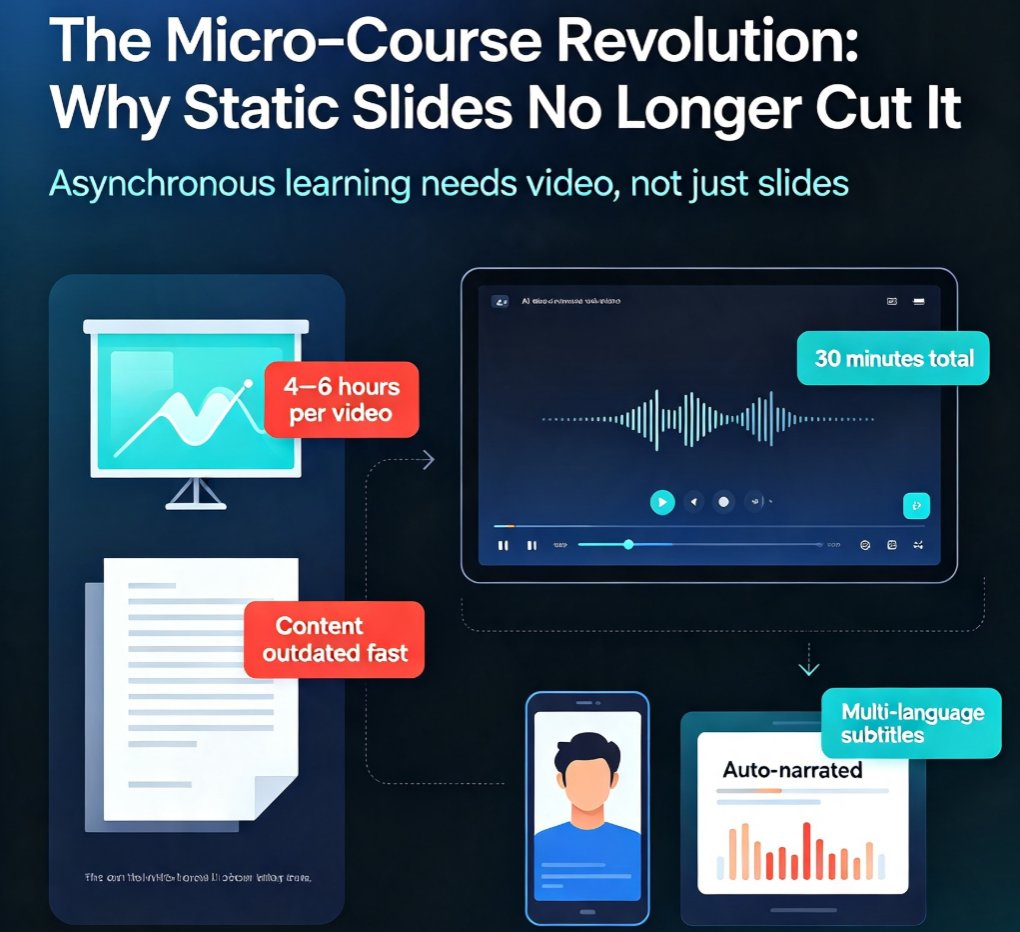
Discover how AI narration turns static slides into engaging micro-courses, slashing production time from hours to minutes. Zendeck's PPT-to-video tool empowers trainers and educators to create asynchronous learning content that learners actually watch. Learn the pain points of traditional slide decks, the breakthrough of AI voiceover, and how to implement this trend in your organization. Includes real-world scenarios, a comparison table, and step-by-step guidance. Perfect for L&D teams, corporate trainers, and course creators looking to modernize their content delivery.

No Design Skills? Zendeck's Smart Layout Makes Anyone a PPT Pro

AI Courseware 2026-08-24 1675

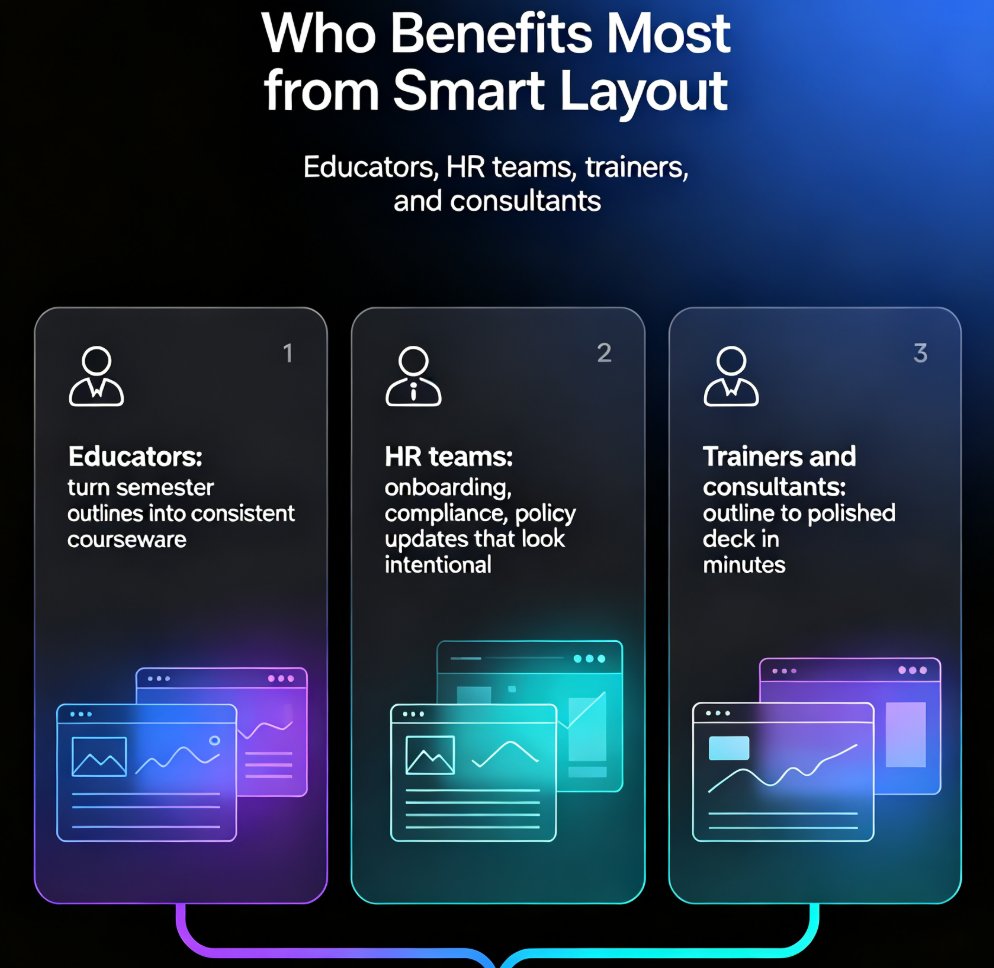
Zendeck's smart layout engine automatically arranges your content into professional slide designs, so anyone can create agency-quality decks without design skills. No more fighting templates, resizing text boxes, or guessing at alignment. This guide explains how smart layout reads your content, adapts the design to fit, and keeps your brand consistent across every slide. You'll see real scenarios for educators, HR teams, and trainers, plus practical tips for getting the best results. If you've ever felt that design is a barrier to good presentations, Zendeck removes that barrier entirely — you bring the ideas, it brings the polish. Learn how to go from a rough outline to a polished, on-brand deck in minutes, without touching a single design tool.

From Word to PowerPoint: AI Tools That Automate Slide Deck Creation

AI Courseware 2026-09-20 1664

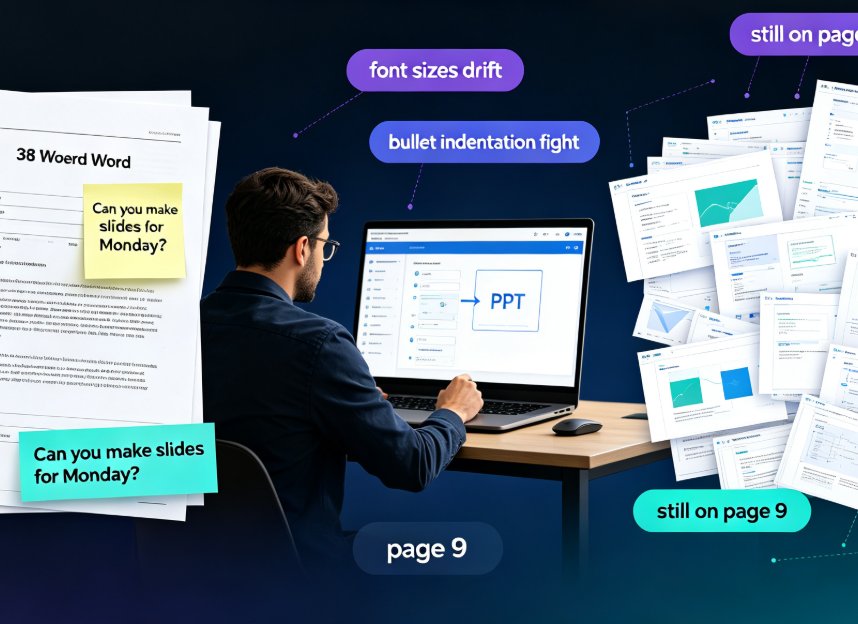
Stop copy-pasting. Modern AI tools like Zendeck convert a Word outline into a polished, on-brand PowerPoint in minutes — parsing structure, rewriting slide copy, and applying smart layouts automatically. For professionals and educators, this guide breaks down how AI Word-to-PPT conversion actually works, compares it side-by-side against tedious manual reformatting, and gives you a five-step workflow to go from a dense document to a presentation-ready deck without touching design software. You'll see the real time savings plotted in a chart, learn what separates transformative converters from simple text pasters, and dodge the two mistakes that still wreck AI-generated slides. If you've ever watched a colleague disappear into a blank PowerPoint for three hours on a Friday afternoon, this guide is for you.