Popular Articles

A curated collection of the most-read and editor-picked articles — see what everyone's reading.

402 articles

Zendeck PPT-to-Video for Accessible Voiceover Lessons: A Teacher's Story

PPT to Video 2026-08-19 1546

Zendeck's PPT-to-video with AI voiceover helped a special education teacher create accessible lessons for students with visual impairments and reading difficulties. By converting slides into narrated videos with subtitles, she saw a 30% improvement in quiz scores and strong parent feedback. This case study walks through her exact workflow — upload, script, generate, share — and explains why narrated video decks are becoming the accessibility baseline in education and corporate training. You'll learn how to add narration to slides, auto-generate subtitles, and create replayable lessons in about 20 minutes, with no video editing experience required. If you're a teacher, trainer, or instructional designer looking for an accessible alternative to static slide decks, this is the guide for you.
Team Presentation Collaboration: Real-Time Editing and Shared Templates

Office Efficiency 2026-09-02 1522

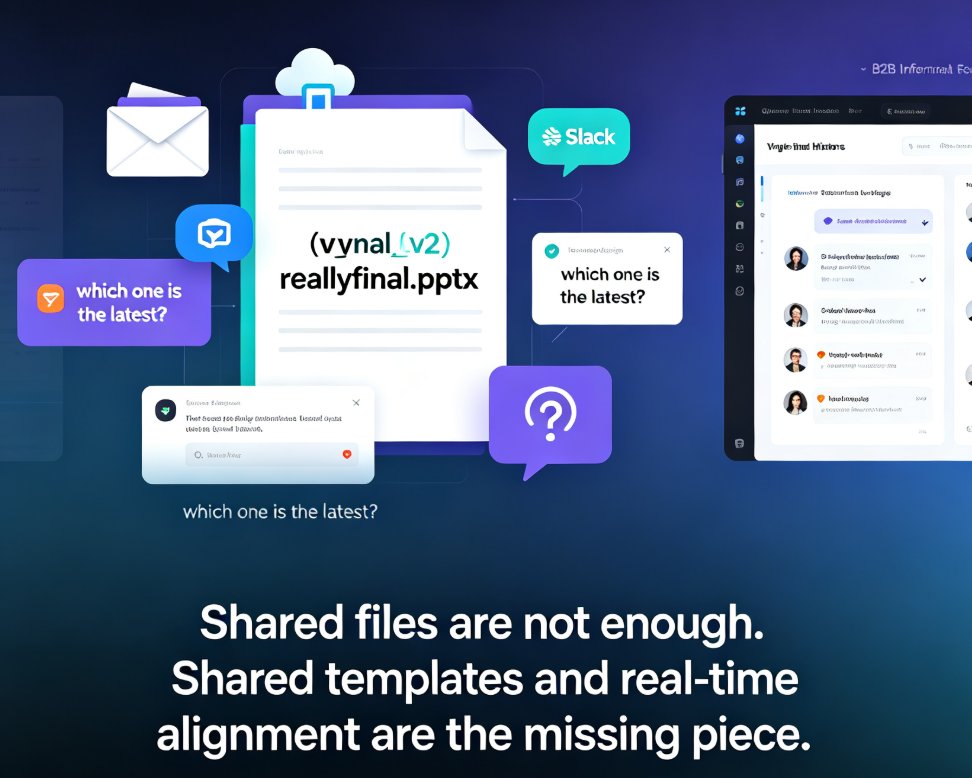
Real-time collaboration in presentation tools has become essential for team productivity — but shared templates are the missing piece for brand consistency. This guide breaks down how multi-user editing, version history, and shared asset libraries work together to eliminate version-control chaos, showing how Zendeck's collaborative platform lets teams edit decks simultaneously while keeping every slide on-brand. Based on real workflows from Google Slides, PowerPoint, and modern AI presentation platforms, you'll learn a practical five-step collaboration workflow, what to look for in a collaboration stack, and why auto-applied brand kits beat manual design discipline. Whether you're a team lead, trainer, or content operator, this is the playbook for shipping better decks faster.

Interactive AI Decks: The Future of Engaging Presentations

Presentation Skills 2026-08-21 1494

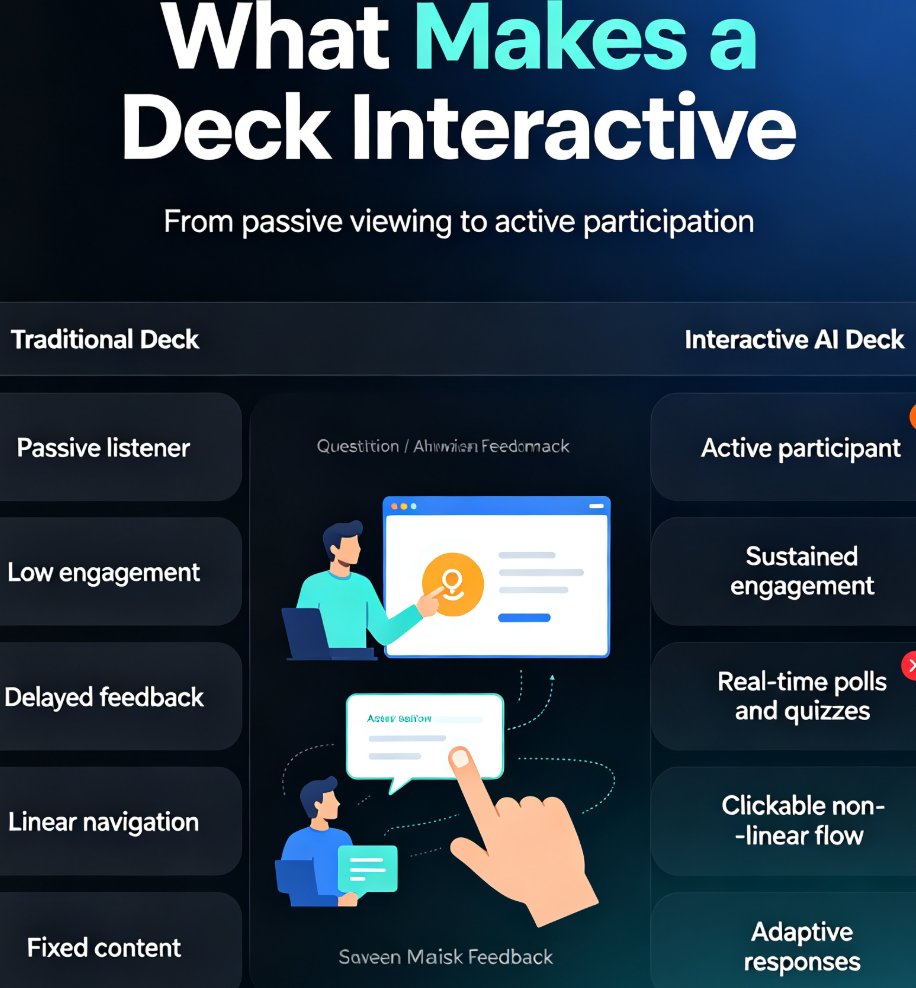
Interactive AI decks are replacing static slides as the new standard for engaging presentations. By embedding quizzes, polls, and clickable navigation, you turn passive listeners into active participants, boosting retention and feedback. Zendeck makes this effortless with AI-generated interactive elements, branching scenarios, and real-time audience adaptation. Learn how to transform your next deck into a two-way conversation and why this trend is reshaping corporate training, education, and sales pitches. Discover practical tips and see how Zendeck's features can elevate your presentations today.

How to Use Zendeck's Template Library for Professional Presentations

Courseware Design 2026-08-27 1492

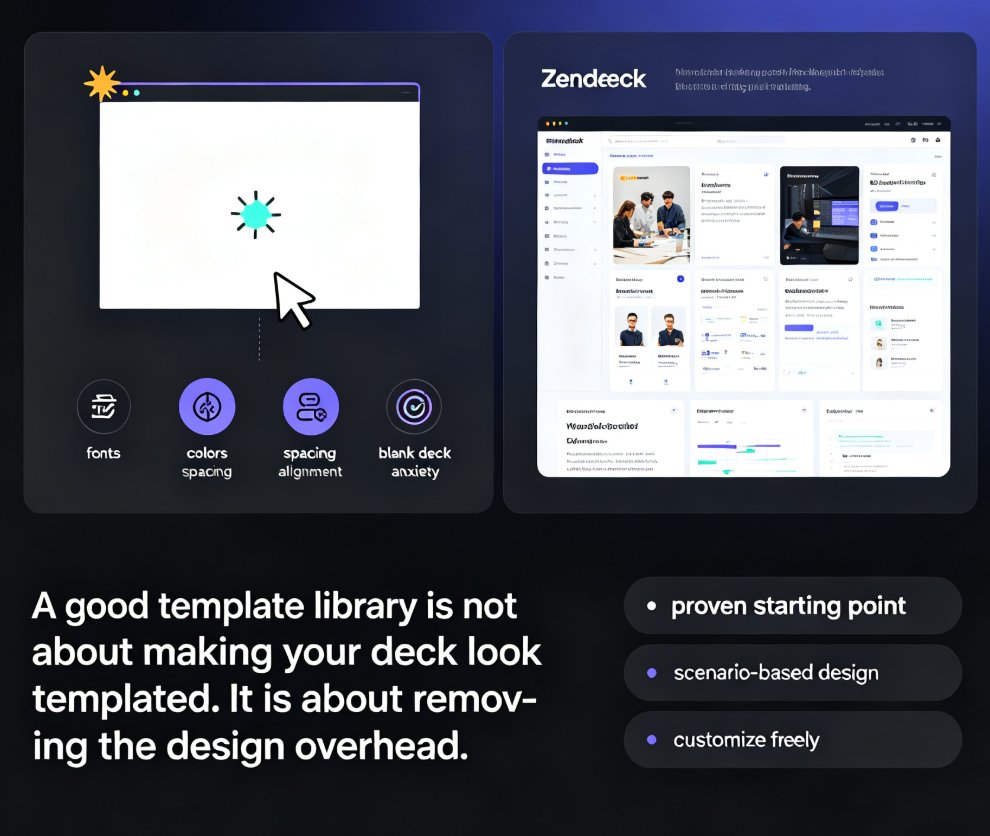
Looking for a fast way to create professional presentations without design skills? Zendeck's template library offers a wide range of scenario-based templates for business, education, and training decks. This guide walks you through accessing the library, choosing the right template for your context, and customizing it with smart layouts and one-click reskin. Learn how courseware-specific templates cut lesson prep time in half, and how to make any template feel uniquely yours. Whether you're building a sales pitch, a training module, or a quarterly review, Zendeck's template library gives you a polished starting point in minutes — not hours. Start with a strong visual foundation, customize with ease, and let your content take center stage. The result: professional-looking presentations that save you hours of design work, every single time.

Too Many Slides, Too Little Time? Summarize Into 5 Core Slides

AI Courseware 2026-09-16 1469

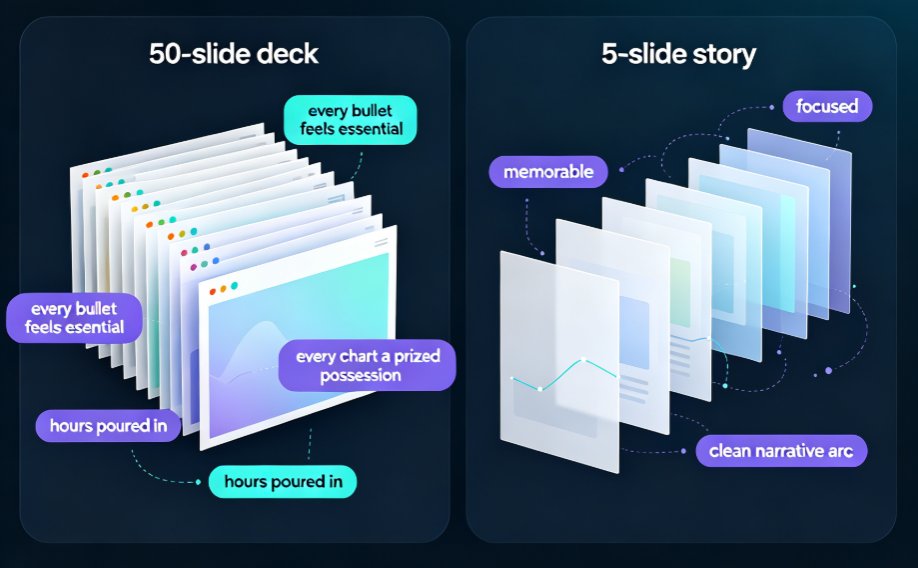
A 50-slide deck is a liability, not an asset. Learn how to summarize bloated PowerPoint decks into 5 core slides using Zendeck's AI outline generator and smart layout tools — in under 10 minutes. This guide covers the curation mindset, a step-by-step AI workflow, and real data on why shorter decks hold attention longer. If you're a trainer, educator, or team lead buried under bulky slideware, you'll walk away with a repeatable system: import your outline, let Zendeck extract the narrative arc, restructure with smart layouts, and ship a focused deck that actually gets watched. No design skills required. Stop forcing your audience through 50 screens and start communicating with five.

Real-Time Collaboration in AI Presentation Tools: 2026 Trends

Office Efficiency 2026-08-21 1462

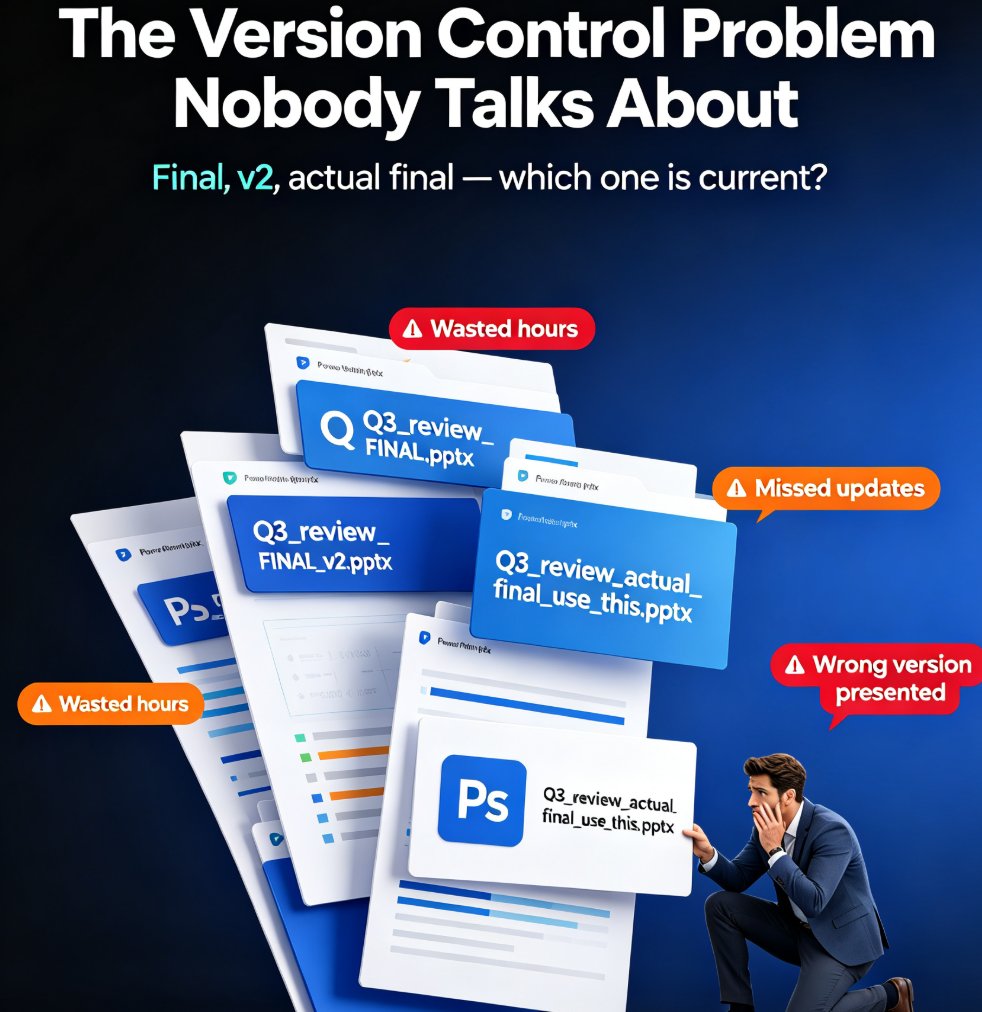
Real-time collaboration is the new baseline for AI presentation tools in 2026, and Zendeck is built for it. This guide breaks down the latest collaboration trends — live co-editing, version history, conflict-free merging, and role-based permissions — and shows how Zendeck's online editing and link sharing let teams co-create decks without version chaos. If your team still emails PPTX files back and forth, you're losing hours every week. Learn what to look for in a team presentation platform, how to set up a clean collaborative workflow for HR, trainers, and content teams, and why version control is the real killer feature. Stop fighting over the latest file and start building decks together — here's how.