Popular Articles

A curated collection of the most-read and editor-picked articles — see what everyone's reading.

402 articles

Turn Complex Concepts into Visuals: Zendeck's Auto-Infographic Feature

AI Courseware 2026-08-21 1884

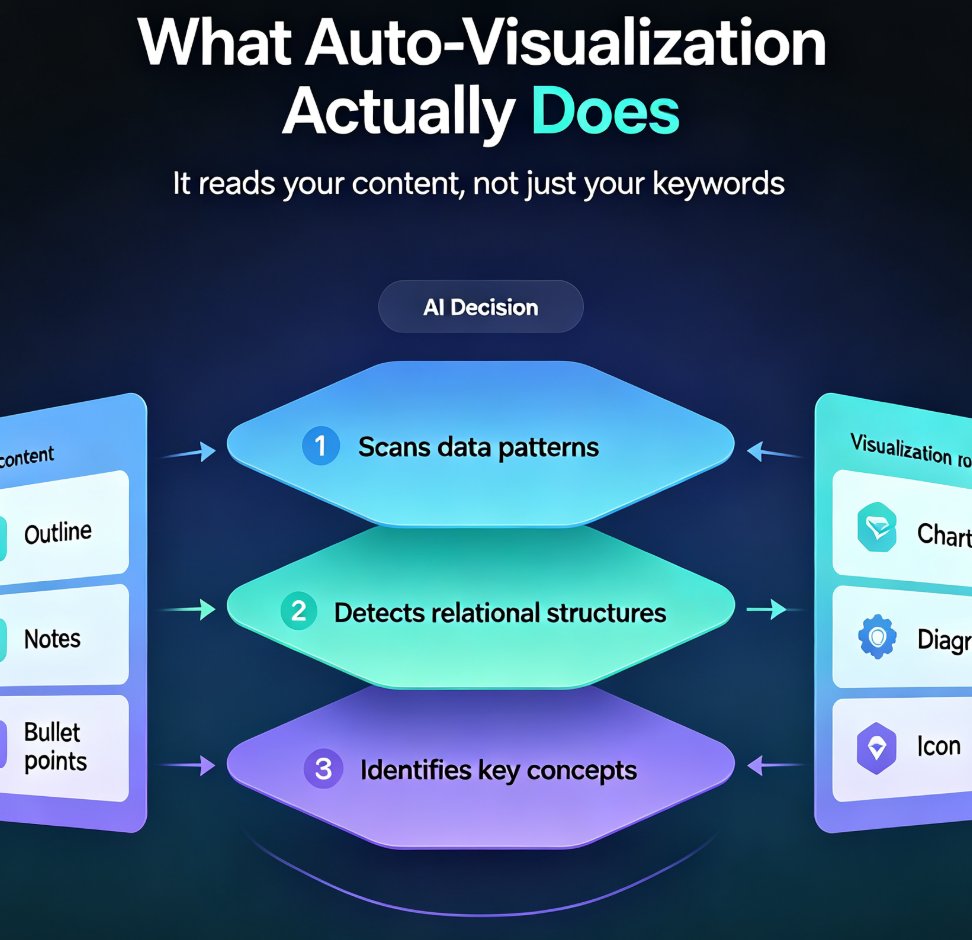
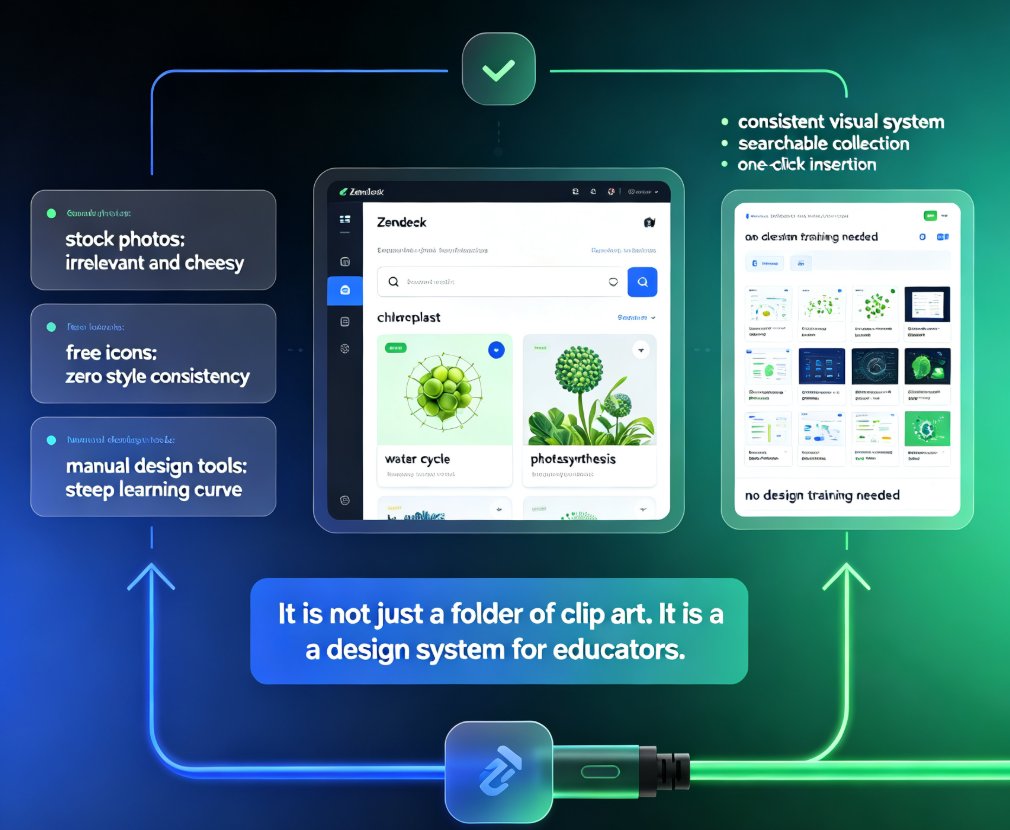
Struggling to turn complex concepts into visuals? Zendeck's auto-infographic feature automatically suggests charts, diagrams, and icons for data-heavy or abstract content — no design skills required. This guide walks through how the AI analyzes your outline, picks the right visualization type, and generates clean, on-brand graphics in minutes. You'll learn when to use a chart versus a diagram, how to guide the AI with better prompts, and why auto-visualization is becoming a must-have for educators and trainers. If you've ever stared at a wall of bullet points and wondered where to start, this is the workflow you've been missing. By the end, you'll have a repeatable process for turning even the messiest brain dump into a deck that actually explains itself.
PPT to Video: Zendeck Automates Micro-Course Narration

PPT to Video 2026-09-03 1861

Zendeck's PPT-to-video automation turns static slides into narrated micro-courses with AI voice synthesis — no microphone required. This guide explains how automatic narration cuts production time from 90 minutes to 5 minutes, how to adjust pacing and timing, and why auto-generated subtitles make your training content accessible and WCAG-friendly. Compare manual recording vs. AI narration side by side, see real-world results from a university that converted 200 lecture decks into narrated micro-courses, and learn exactly when AI voiceover makes sense — and when you should still record manually. If you build corporate training, courseware, or onboarding decks, Zendeck's PPT-to-video feature removes the biggest bottleneck in video production and gets your content in front of learners faster.

From Word to Wow: One-Click Document Conversion into Presentations

PPT Tutorial 2026-09-02 1848

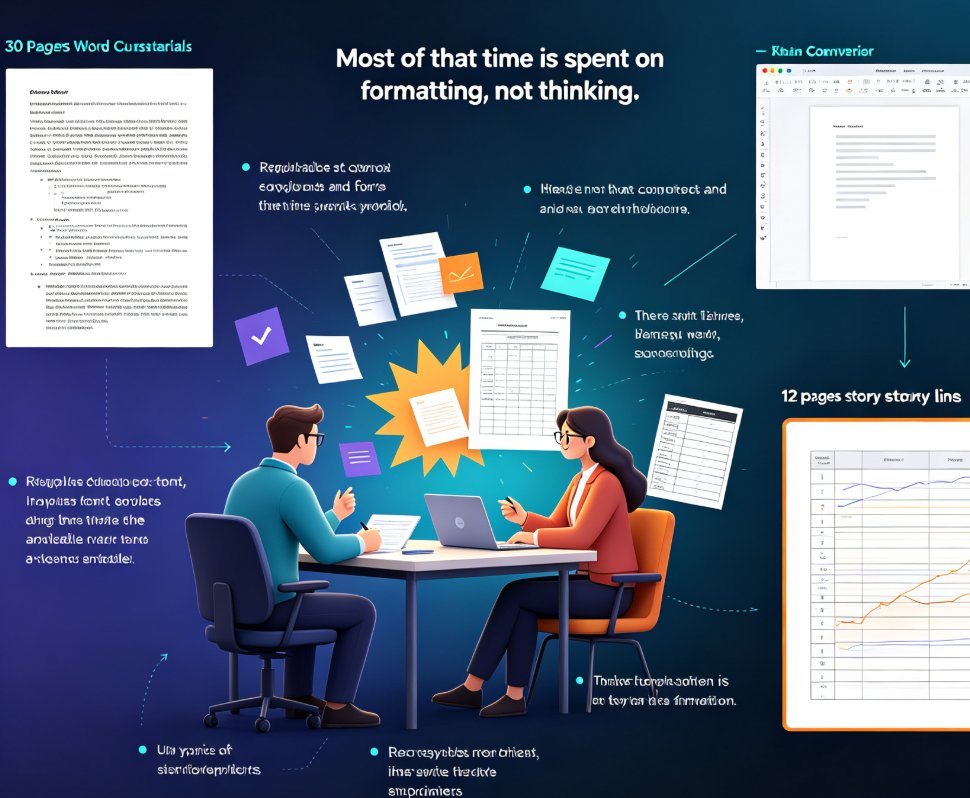
One-click document conversion turns your Word outline, Markdown notes, or rough draft into a fully designed presentation in minutes — not hours. Zendeck's outline-to-PPT workflow reads your existing content, structures it into clean slides, applies smart layouts, and enforces brand consistency without manual formatting. Whether you're repurposing a training manual, meeting notes, or a research brief, you skip the copy-paste grind entirely. This guide breaks down how the one-click import works, which input formats are supported, how brand consistency is enforced, and why the manual Word-to-PowerPoint path costs you four to seven hours per deck. If you build presentations from existing documents, this is the shortcut you've been looking for.

From Static Slides to Interactive Micro-Courses: The 2026 Shift

Micro-Course Production 2026-08-26 1848

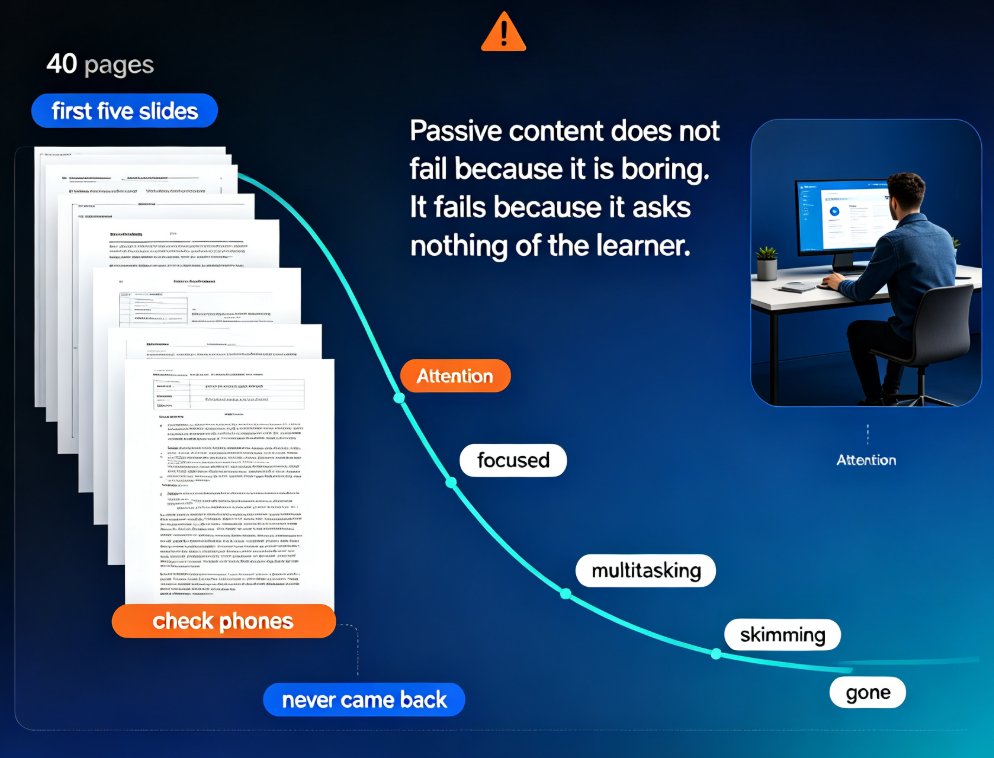
Interactive micro-courses are the 2026 standard for training content, and static slide decks no longer hold learner attention. This guide explains why engagement-first design — quizzes, polls, and branching — is becoming table stakes, and how Zendeck's AI workflow embeds these elements directly into PPT-to-video conversion. You'll learn the four core interaction mechanics, a practical comparison of static versus interactive formats, and why AI tools make interactivity affordable for any trainer. If you build onboarding, compliance, or product training, this shift changes what you can ship in a single afternoon. Zendeck lets you go from outline to published interactive micro-course without juggling separate authoring tools, and gives you answer-level data to keep improving every course.

Instant Resolution in Education: AI PPT Course Decks in Seconds

Office Efficiency 2026-09-01 1838

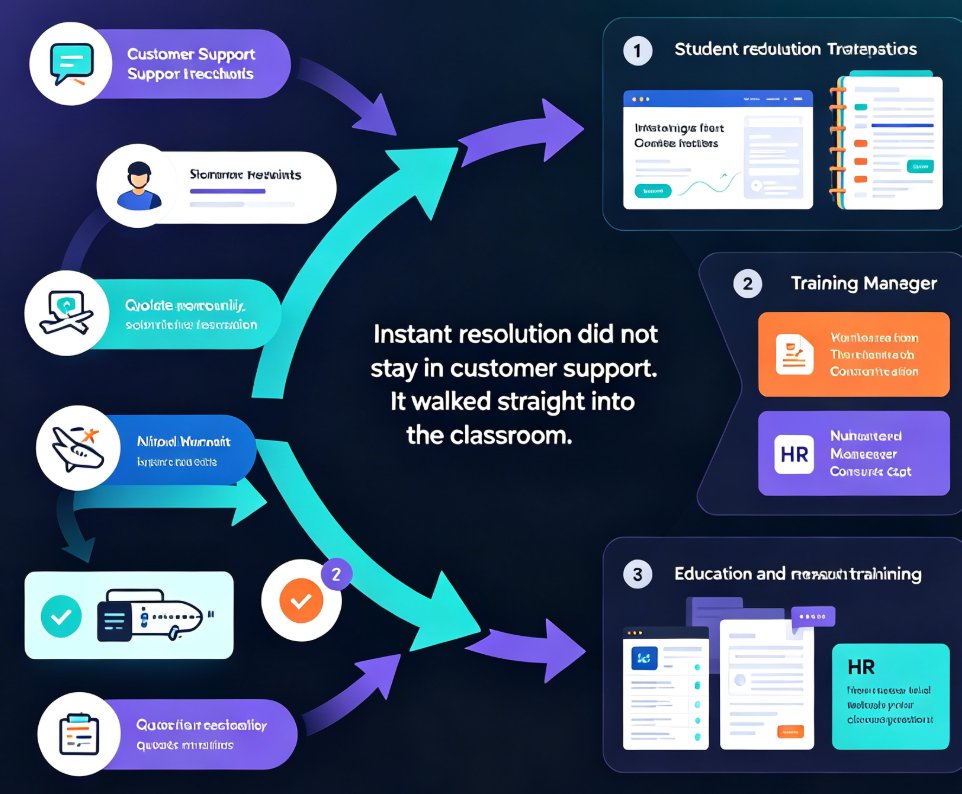
The instant-resolution trend from customer service has reached education: students and managers expect course decks on demand. Zendeck turns a rough Word outline or pasted text into a full, polished AI PPT course deck in under a minute, so educators, trainers, and HR teams stop losing evenings to manual formatting. This guide maps the pain points behind slow deck building, walks through the outline-to-deck workflow, compares manual vs. AI generation times, and shares best practices for keeping generated slides structured and on-brand. Learn how instant deck generation frees up prep time for what actually matters: rehearsing, teaching, and engaging your audience. Read on to see how AI course deck tools are replacing the template-grinding ritual, and why speed without structure fails — context-aware design makes the difference.

Rebrand Old PPT Fast: Zendeck One-Click Theme Change

AI Courseware 2026-08-27 1837

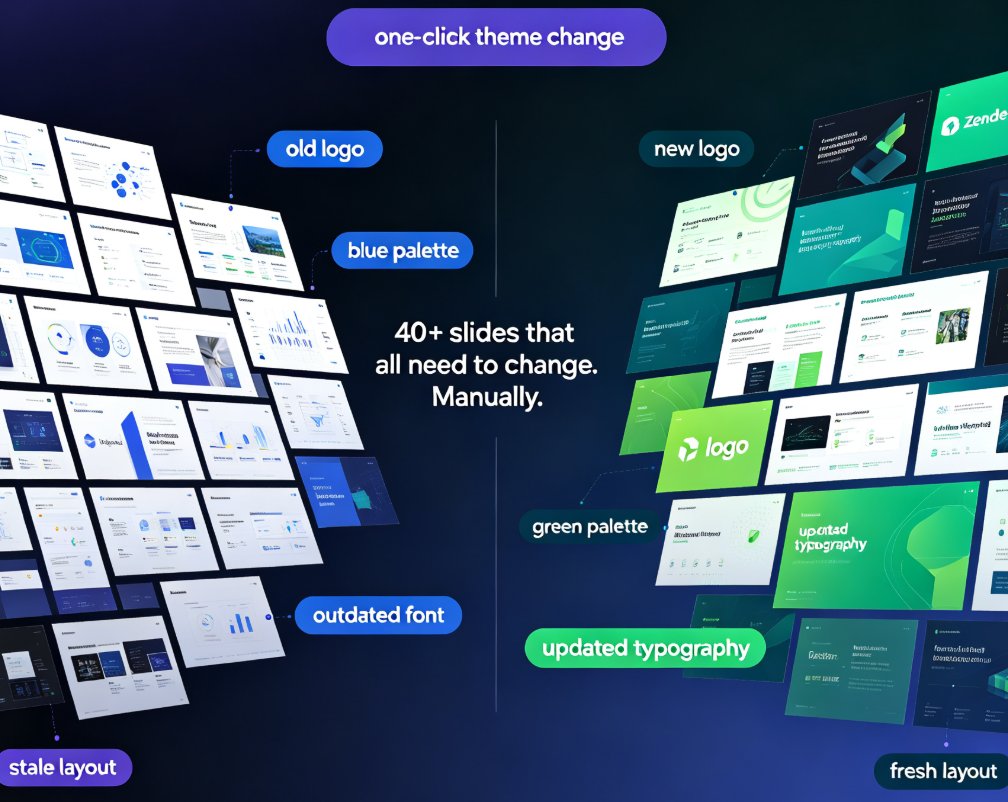
Rebrand your old PPT with Zendeck's one-click theme change and stop wasting hours on manual editing. When new brand guidelines land — new colors, fonts, or logos — you don't need to rebuild your deck from scratch. Zendeck reskins every slide automatically, applying your updated palette, typography, and assets in minutes instead of days. This guide walks through the exact workflow: importing your existing deck, picking a theme that matches your brand kit, applying the one-click change, and reviewing the results. You'll also see a side-by-side cost comparison of manual rebranding versus Zendeck's automated approach, plus best practices for keeping presentations consistent across your organization. Whether you're refreshing a sales deck, updating courseware, or aligning training materials with a new corporate identity, Zendeck makes brand consistency effortless.