Popular Articles

A curated collection of the most-read and editor-picked articles — see what everyone's reading.

506 articles

How to Create a Branded Onboarding Deck in 5 Steps with Zendeck

PPT Tutorial 2026-08-12 2313

Creating a branded onboarding deck used to take days. With Zendeck, you can assemble a polished, on-brand presentation in under 30 minutes. This step-by-step guide walks you through 5 steps: setting up your brand kit, choosing a template, adding assets, customizing with AI, and collaborating with your team. Learn how Zendeck's brand kits, template library, and asset library ensure consistency across every slide. Whether you're an HR professional or a team lead, this tutorial shows you how to turn a chaotic manual process into a streamlined workflow. Save time, maintain brand standards, and impress new hires from day one. Start with Zendeck today.
How HR Teams Create Engaging Onboarding Presentations with Zendeck

Presentation Skills 2026-08-25 2294

HR teams can create professional onboarding presentations in minutes with Zendeck's AI generation and template library — no design skills required. This practical guide walks through a proven workflow: write an outline, pick a template, generate a structured deck, and polish it with brand kits, speaker notes, and PPT-to-video for remote hires. Learn how Zendeck replaces the copy-paste marathon with a repeatable 30-minute process that covers new hire orientation, compliance training, and manager onboarding. We compare the traditional approach with AI-assisted deck building, highlight common mistakes HR teams make, and answer frequently asked questions about creating engaging onboarding presentations that new employees actually remember. If your team is still hand-building slides every quarter, this guide shows you a faster, more consistent path.

Word to PowerPoint in Minutes: How Zendeck AI Turns Outlines into Slides

AI Courseware 2026-08-20 2288

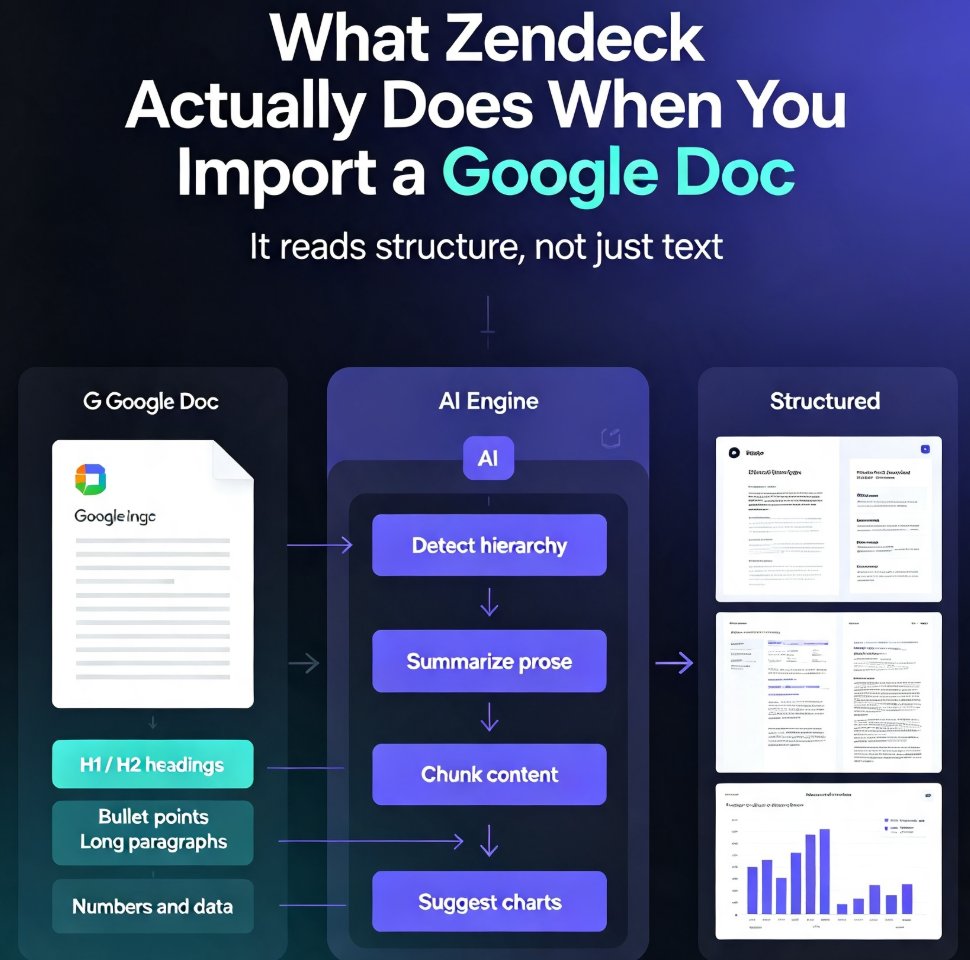
Turn Word outlines into polished PowerPoint decks in minutes with Zendeck's AI. Zendeck reads your document's structure — not just the text — and generates professionally formatted slides with consistent typography, layouts, and visuals. Perfect for educators, trainers, and busy professionals who have content ready but no time for manual slide design. Learn the exact workflow, see a real classroom scenario, and get tips for clean imports every time. This guide covers the step-by-step process, compares manual vs. AI conversion times, and explains why understanding document structure matters more than you think. If you've ever spent hours copying and pasting content from Word into PowerPoint, this article will change how you build presentations. We'll walk through a real trainer's workflow, break down the time savings with actual numbers, and show you how to get the best results from your own documents — whether they're clean outlines or messy brain dumps.

PPT to Video with AI Narration: Zendeck's Guide to Micro-Course Creation

PPT to Video 2026-08-20 2284

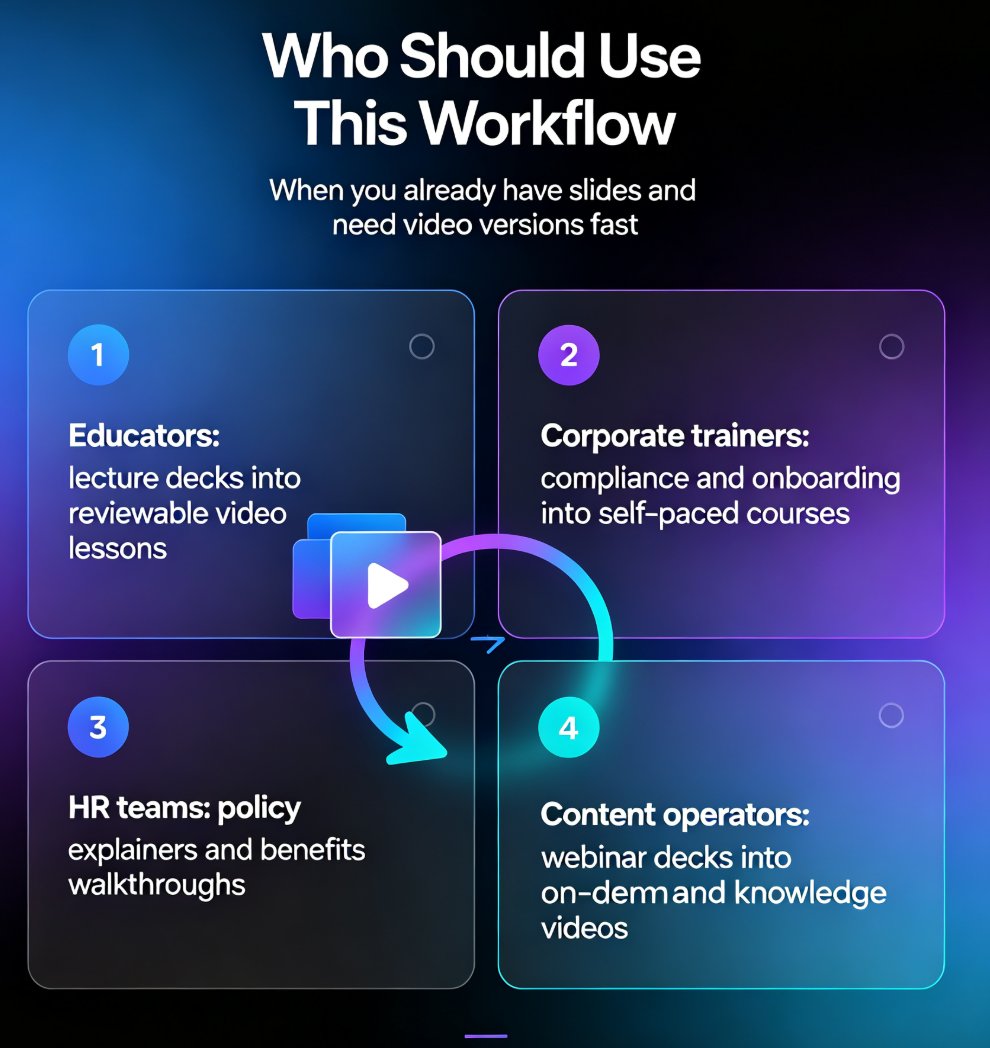
Turn static slides into narrated micro-courses with Zendeck's PPT-to-video feature — no camera, no mic, no editing software required. This guide walks educators, trainers, and HR teams through the complete workflow: upload a deck, let AI generate the script, pick a voice, refine the narration, and export a share-ready MP4 in minutes. We compare the traditional production pipeline against the AI-assisted route, break down the time and cost savings with a side-by-side table, and share practical tips for keeping your micro-courses engaging and up to date. Whether you're converting compliance training, onboarding material, or a lecture deck, Zendeck's PPT-to-video removes the production barrier so you can publish more courses, faster, without a studio budget.

Sustainable Design in AI Presentations: The Minimalist Deck Trend

Presentation Skills 2026-08-11 2282

Discover how sustainable design principles are reshaping AI presentations. Learn the minimalist deck trend, why it improves clarity and audience retention, and how Zendeck's smart templates and brand kits help you create clean, on-brand slides effortlessly. This guide covers practical steps, real-world examples, and future trends—perfect for educators, marketers, and team leads who want to reduce visual noise and boost impact.

5 Steps to Turn a PDF Report into a Presentation with Zendeck's Doc Import

Office Efficiency 2026-08-12 2278

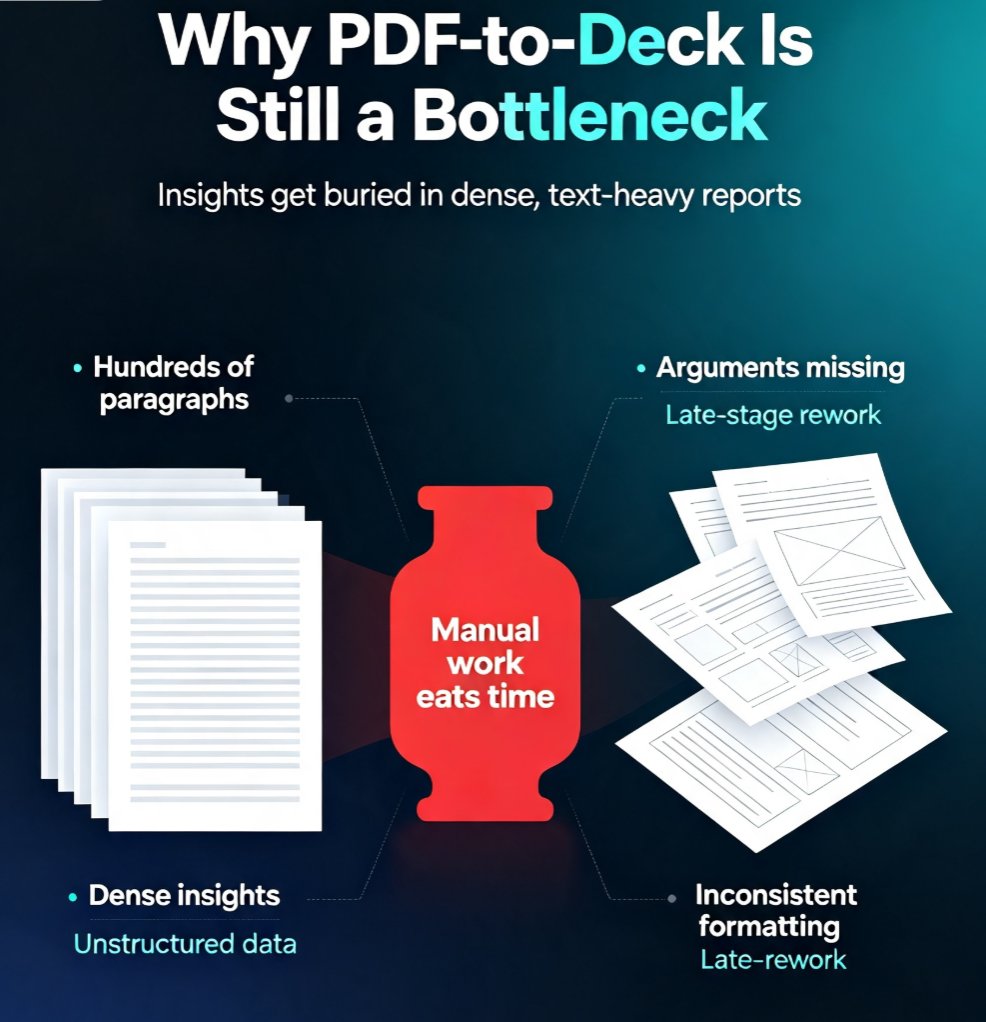
Learn how to turn a PDF report into a polished presentation with Zendeck's doc import. This 5-step guide shows analysts and consultants how to auto-extract key points, structure slides, and apply smart layouts in minutes — not hours. Stop manually summarizing dense reports and start building board-ready decks with Zendeck's AI-powered workflow. We cover the exact workflow: uploading your PDF, letting AI identify the narrative arc, reviewing the auto-generated outline, applying consistent templates, and exporting a deck your stakeholders will actually read. Includes a manual-vs-AI comparison table, pro tips for cleaner conversions, and answers to common questions about file formats, editing flexibility, and brand consistency. Whether you're repackaging a quarterly market report or turning a 40-page research document into a 10-slide executive briefing, this guide gives you a repeatable process.

▲