Popular Articles

A curated collection of the most-read and editor-picked articles — see what everyone's reading.

402 articles

How to Choose the Right Template from Zendeck's Library for Your Deck

Courseware Design 2026-08-26 1822

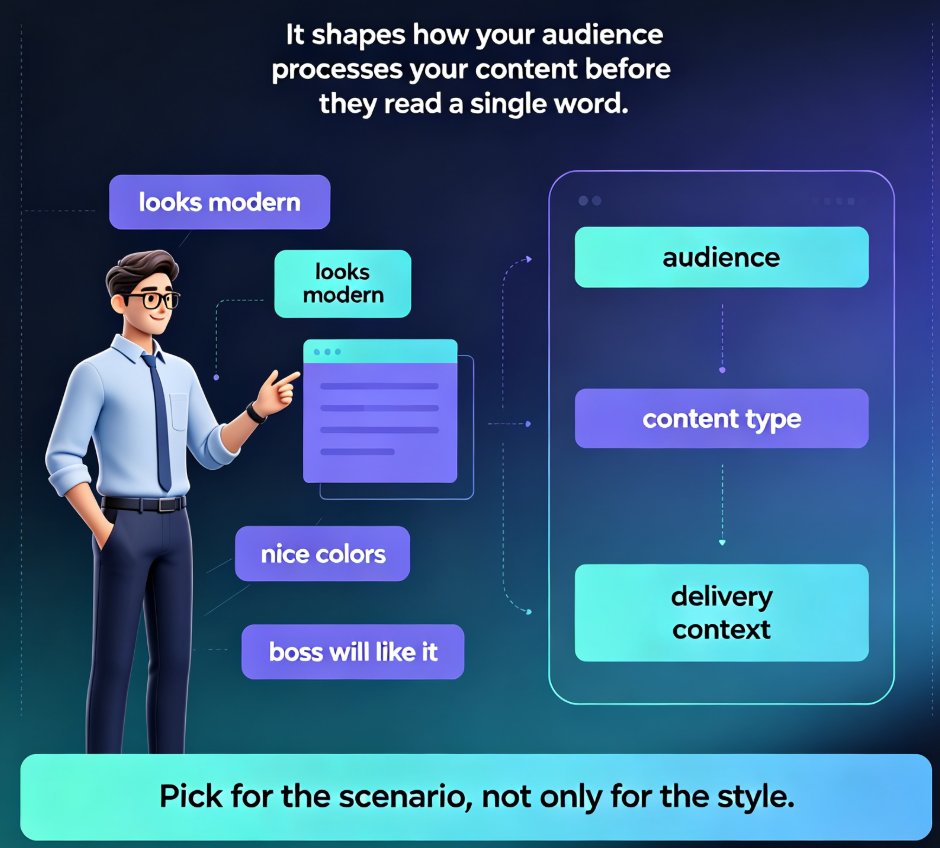
Choosing the right template from Zendeck's library is the difference between a deck that lands and one that gets skimmed. This guide gives you a scenario-based framework for matching templates to lectures, training, and boardroom pitches — so you stop picking by looks and start picking by fit. Learn how Zendeck's library organizes templates by use case, which design factors matter most for each audience, and a five-point checklist to validate any template before you commit. You'll also see how Zendeck's AI shortlists templates based on your content structure, and when it's smart to break the rules. If you've ever wasted an afternoon reworking a template that felt wrong, this is the fix.
Localize Training Decks Fast: Zendeck's 40+ Voice Languages Explained

Knowledge Video 2026-08-21 1811

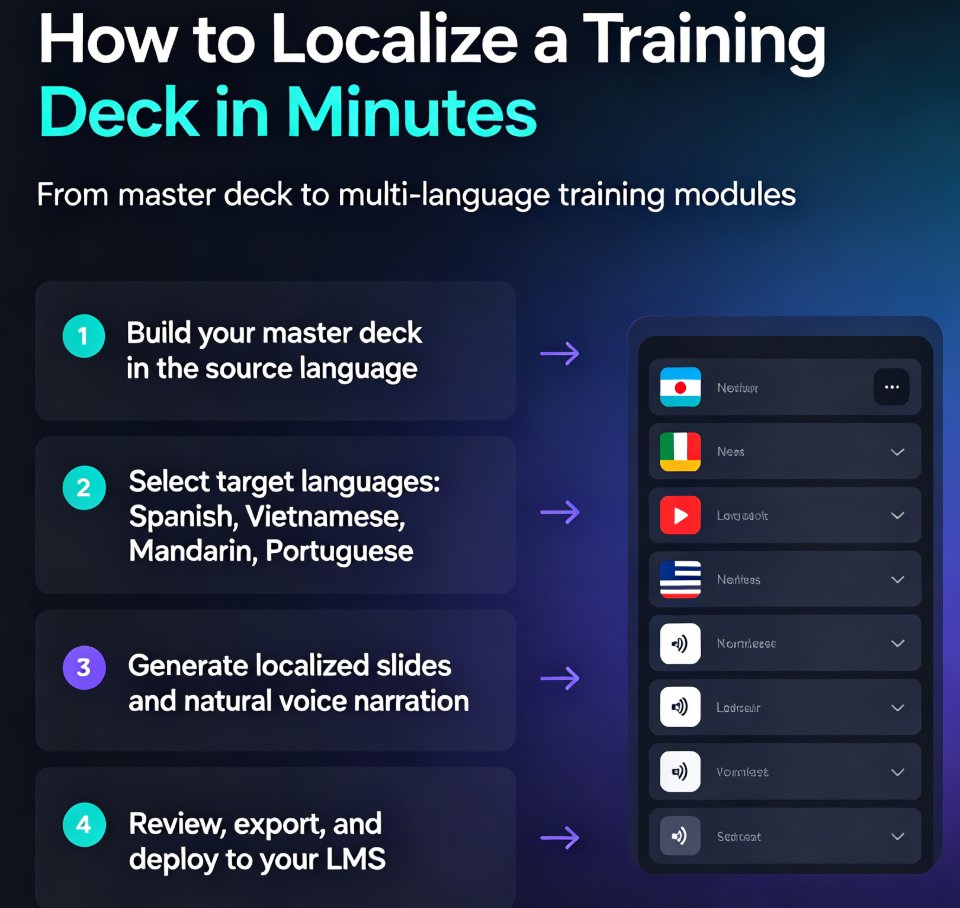
Localize training decks fast with Zendeck's 40+ voice languages. Zendeck generates and narrates courseware in 40+ languages, so global L&D teams can localize training in minutes without hiring translators or booking studios. Traditional localization takes weeks per language; Zendeck's built-in multilingual voice synthesis delivers same-day results with natural, native-quality narration. This guide covers the step-by-step workflow, a speed comparison chart, regional variants for Spanish, Portuguese, and Chinese, and best practices for multilingual training. If you're tired of the translator bottleneck slowing down your global training roadmap, this article shows you the faster path — and why AI voice synthesis is becoming the standard for corporate learning teams across every industry.

Stop Email Ping-Pong: Zendeck's Collaboration Ends PPT Version Chaos

Office Efficiency 2026-08-18 1808

Tired of emailing PPT files back and forth? Zendeck's real-time collaboration kills version chaos, keeps everyone on the same slide, and saves hours. Learn how to stop the ping-pong and streamline your team's deck workflow with Zendeck's co-editing, comments, and version history. Discover practical steps, a comparison table, and best practices to boost team productivity today.

Memory-Rich AI: The 2026 Trend Personalizing Courseware Like Never Before

AI Courseware 2026-08-28 1803

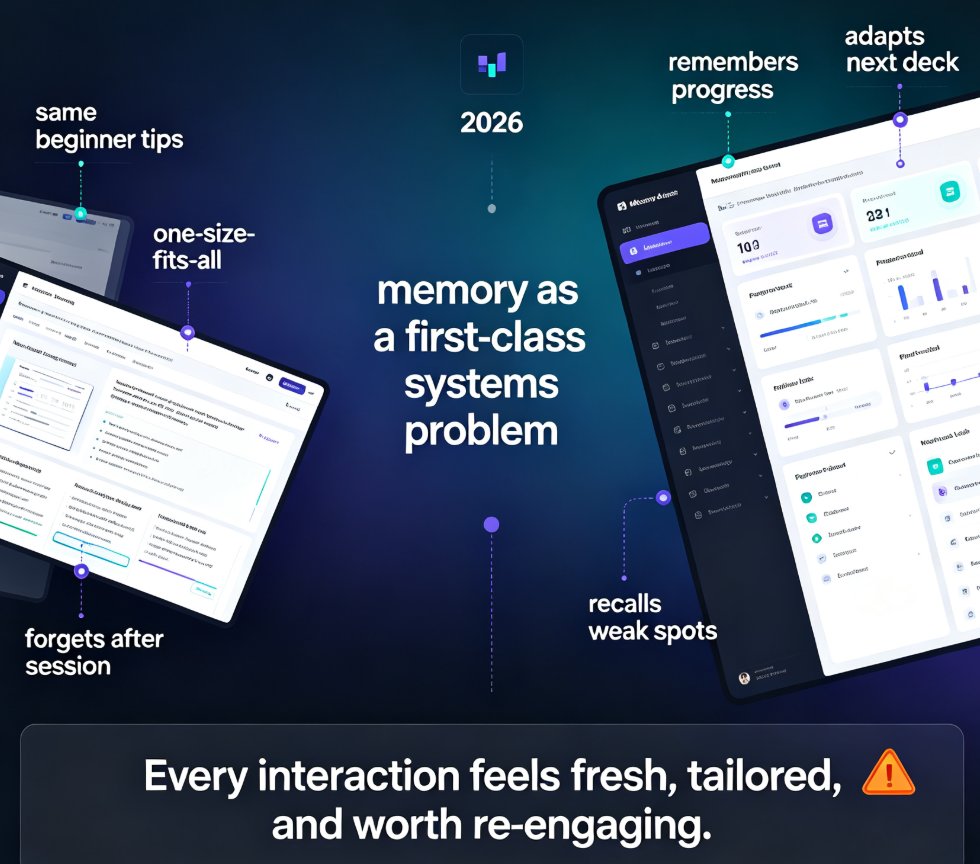
Memory-rich AI is redefining courseware in 2026 by enabling presentations to adapt to each learner's history, preferences, and progress. Unlike static decks, memory-rich systems persist context across sessions, offering true personalization. Zendeck embraces this trend, delivering AI-powered courseware that evolves with every learner. Learn how graph-based memory and session persistence turn one-size-fits-all slides into adaptive learning experiences that boost engagement and retention. Explore practical ways educators and trainers can implement memory-rich AI today, with real-world examples and Zendeck features.

Turn PPT into Narrated Micro-Course: Zendeck PPT-to-Video Step-by-Step

PPT to Video 2026-09-07 1798

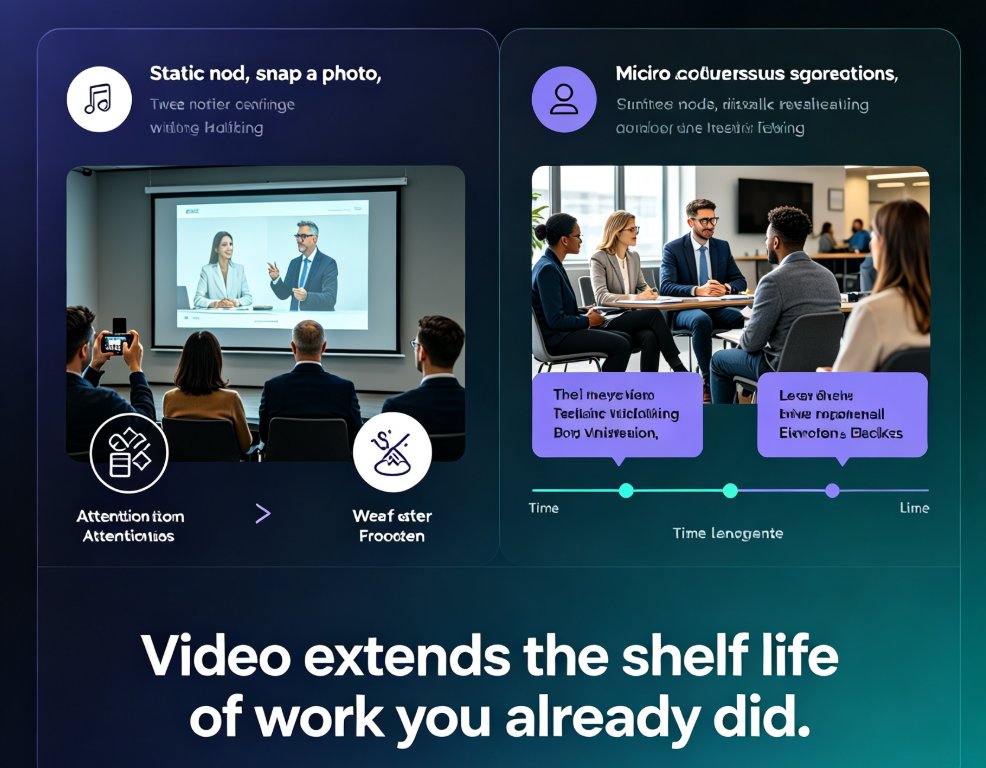
Turning a finished PPT into a narrated micro-course doesn't require a recording studio or a video editor. Zendeck's PPT-to-video pipeline converts an existing deck into a publishable MP4 course in four steps — import slides, add narration via text-to-speech or your own recording, sync slide timing, and export — typically in about 20 minutes, versus the 4-6 hours manual production demands for a 10-minute video. This step-by-step guide walks through the exact sequence — from uploading your PPTX to dropping the finished file into Moodle or Canvas — covering voice selection, pacing review, and subtitle export. We also benchmark the Zendeck workflow against manual recording and editing tools so you can see the quality and time trade-offs clearly. If your course library is full of static slides that never become video, this is the fastest path we've found to fix that.

Icons That Teach: Zendeck's Visual Library for Clearer Courseware

Courseware Design 2026-08-27 1793

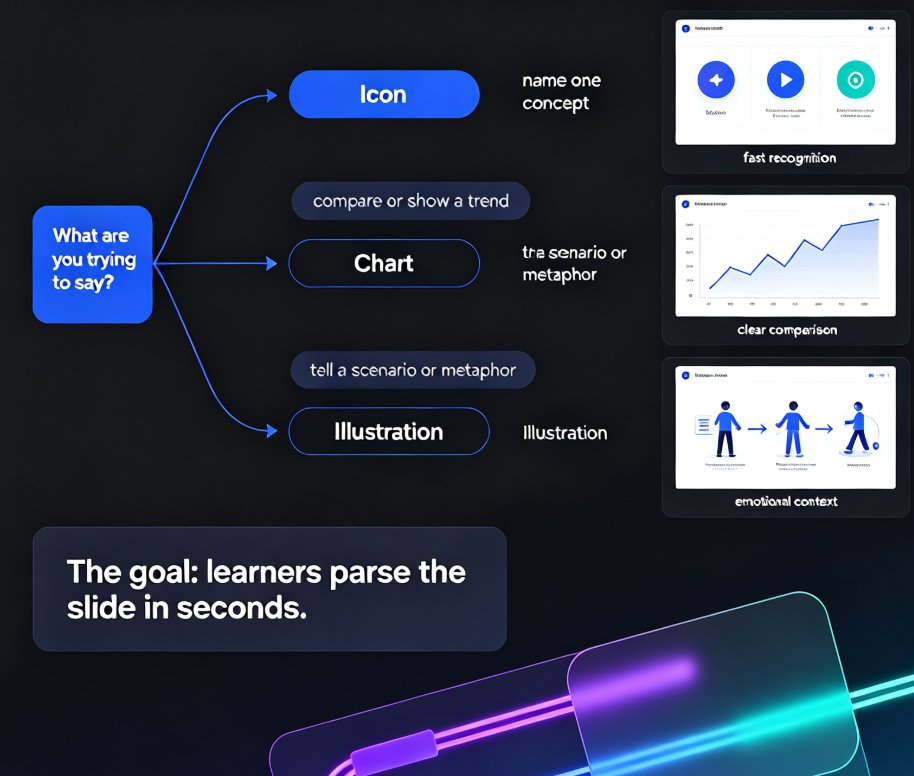
Clear courseware starts with visuals that teach, not decorate. This guide shows how Zendeck's asset library helps educators pick icons, charts, and illustrations that clarify concepts fast. Learn the one-concept-per-icon rule, when to use a chart over an icon, and how a five-minute workflow turns a messy outline into a deck learners actually remember. Zendeck's curated library keeps style consistent, adds alt text automatically, and removes the guesswork from visual selection. If your slides look polished but learners still struggle, the problem is likely visual communication, not design talent. Read on for the principles, the pitfalls, and the practical workflow that makes courseware easier to understand and easier to recall.