Popular Articles

A curated collection of the most-read and editor-picked articles — see what everyone's reading.

506 articles

PPT-to-Video in 2026: How Static Slides Become Interactive Courses

PPT to Video 2026-10-20 3941

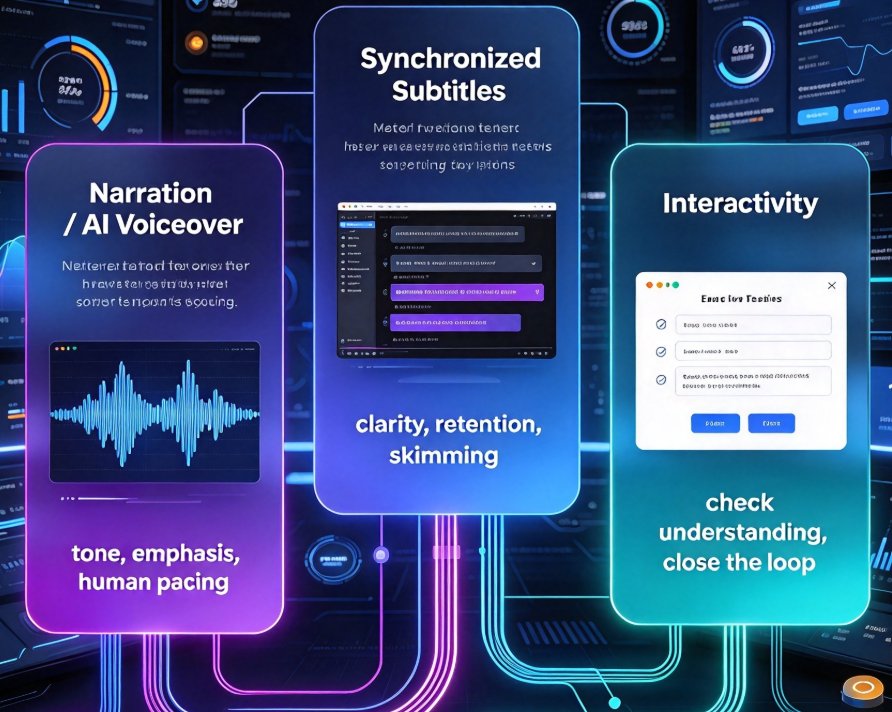
PPT-to-video in 2026 is no longer a simple render. AI narration, auto-subtitles, and interactive quizzes now turn static decks into engaging micro-courses. Zendeck's end-to-end pipeline cuts production from 15 hours to under 2, letting educators, trainers, and HR teams publish courses without a studio budget — and without the learning drain static slides cause.
Team Edited the Same Slide? Recover It Now with Version Control

Office Efficiency 2026-09-16 3937

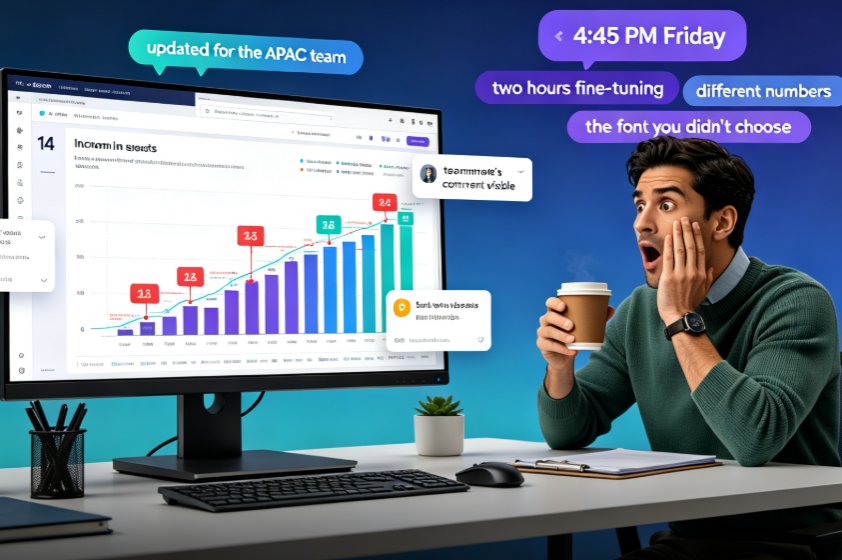
A teammate overwrote your slide and your work is gone — but in Zendeck, you can recover every edited slide with version history and restore points. This guide walks you through the exact recovery workflow: how to open revision history, preview the version before the overwrite, and restore one slide without rolling back your team's other progress. Learn why version chaos happens in team decks, how Zendeck's revision comparison and conflict-resolution features turn a Friday-afternoon panic into a two-minute fix, and which collaboration habits keep your deck workflow from ever needing a rescue. If your team builds AI presentations together in real time, this is the safety net that makes overwrites a non-event and lost work a thing of the past.

How to Real-Time Collaborate with External Clients on Zendeck Presentations Without Losing Control

Presentation Skills 2026-08-06 3921

Sharing presentations with clients shouldn't mean losing control. Zendeck's real-time collaboration with granular permissions lets you securely share presentations with external parties, eliminate version chaos, and ensure only the right people see the right slides. Learn how to set up client-specific access, manage comments, and maintain version history—all without leaving your browser. Perfect for consultants, sales teams, and educators who need to collaborate without compromising security.

How to Turn a Word Outline into a Polished Slide Deck with Zendeck

Office Efficiency 2026-09-18 3916

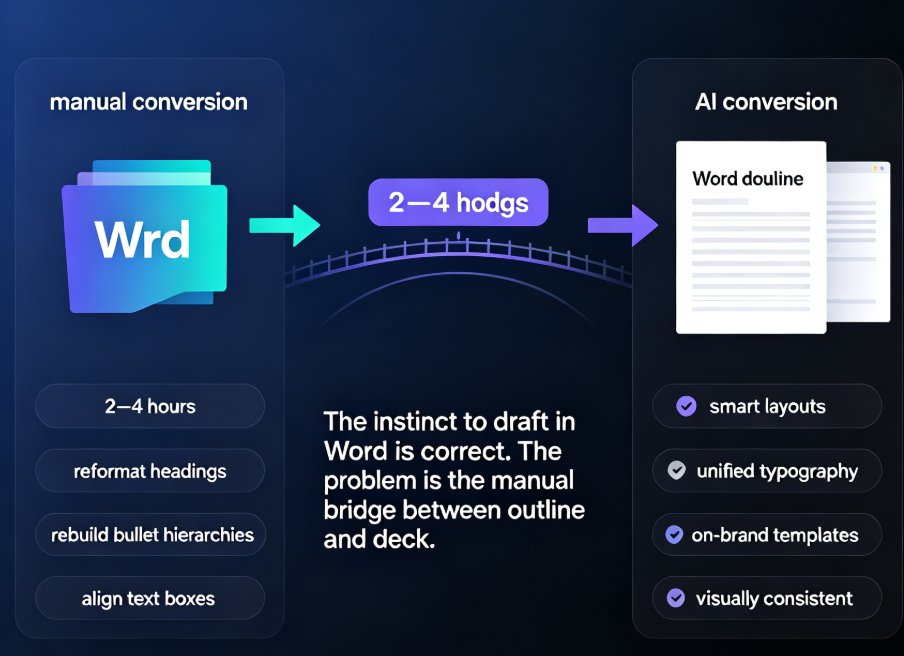
Drafting in Word is comfortable, but turning that outline into a slide deck by hand is a formatting bottleneck no one enjoys. Zendeck converts your Word outline into a polished, visually consistent presentation in minutes — applying smart layouts, unified typography, and on-brand templates automatically. This guide walks you through the exact workflow: structuring your outline correctly, importing it into Zendeck, letting the AI generate slides, and applying one-click reskinning for a professional finish. Whether you're an educator preparing courseware or a trainer building corporate workshops, you'll learn how to reclaim hours of manual layout work while producing decks that look like a designer made them.

Create a Sales Training Deck Using Zendeck Templates and Assets

Presentation Skills 2026-08-11 3910

Building a sales training deck doesn't require design skills. With Zendeck's template library and asset library, you can create a professional, on-brand sales training deck in minutes. This guide walks you through the entire process: choosing the right template, structuring slides around learner needs instead of company history, using icons, charts, and illustrations effectively, and keeping everything consistent with brand kits. You'll also learn how to convert your finished deck into a narrated video for on-demand training, so reps can review material long after the session ends. Whether you're a sales trainer, team lead, or L&D professional, Zendeck makes it easy to build training materials that actually stick — no design experience needed. Start with a template, fill in your content, and let Zendeck handle the design.

Why Is My PPT to Video Export Blurry? Zendeck's Quality Fix

PPT to Video 2026-10-28 3909

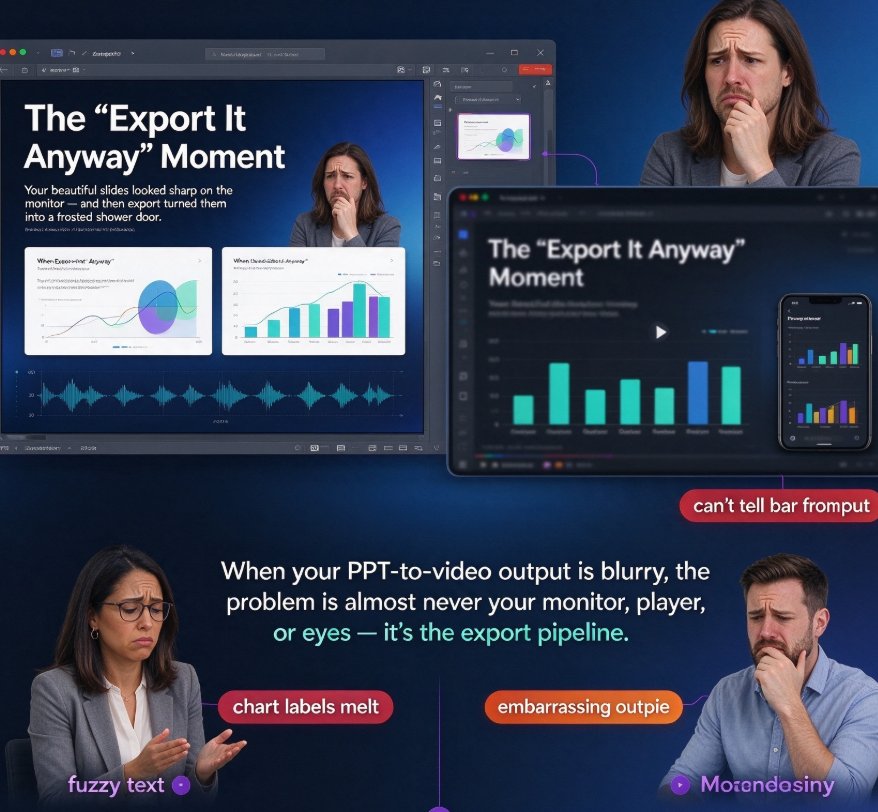
Blurry PPT to video exports can ruin a well-built micro-course, but a few quality settings fix it fast. This guide shows why PowerPoint's default 96 dpi export produces soft, pixelated results — roughly 1280×720 pixels on a standard widescreen slide — and how video compression and low bitrate make things worse. We walk through Zendeck's high-definition export options step by step: choosing the right resolution, raising bitrate, and keeping your slide canvas true to size. Along the way, you'll get a dpi-versus-pixel chart, a comparison of Zendeck versus manual PowerPoint workarounds, and practical tips for balancing file size and sharpness. Stop re-exporting. Read this once, set it right, and ship crisp video decks every time — whether you are an educator, trainer, or content operator.

▲