Popular Articles

A curated collection of the most-read and editor-picked articles — see what everyone's reading.

402 articles

How a Sales Team Used Zendeck's Brand Kits to Win a $1M Deal

Presentation Skills 2026-08-06 3966

Discover how a sales team leveraged Zendeck's brand kits and one-click reskin to maintain flawless brand consistency across a 50-slide pitch deck, closing a $1M deal. This case study reveals the concrete steps, tools, and outcomes that prove polished presentations directly impact revenue. Learn how to replicate their success with Zendeck's AI-powered layout automation.
Zendeck vs Gamma: Which AI Presentation Tool Wins for Business Decks?

AI Courseware 2026-09-18 3962

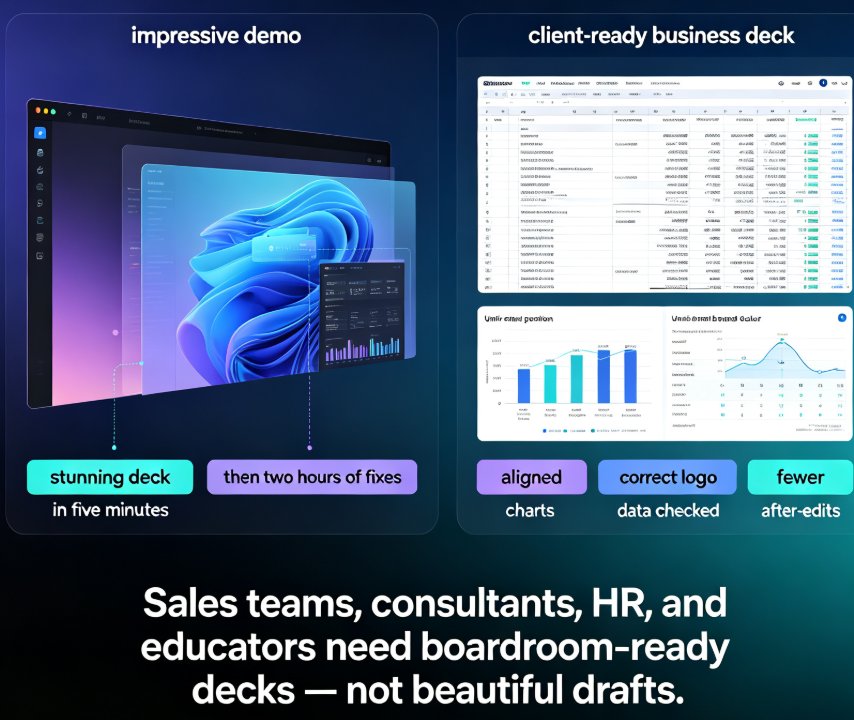
For business decks, Zendeck beats Gamma. While Gamma delivers flashy visual storytelling that looks great on your laptop, Zendeck combines AI generation from Word outlines with smart layout automation, a premium asset library, and brand governance—eliminating the post-generation cleanup that eats hours of your week. Zendeck is an AI-powered presentation platform that auto-unifies fonts, colors, and layouts, turns static slides into narrated videos, and enforces corporate consistency without any design skills. This head-to-head compares feature matrices, time-to-final-deck benchmarks, and real business workflows to show why teams producing sales decks, consulting deliverables, and training courseware consistently choose Zendeck over Gamma. If you're evaluating Gamma alternatives or wondering which AI presentation maker truly fits client-facing work, this is the honest answer backed by workflow data.

Turn a Research Paper into a Presentation Using Zendeck's AI Import

AI Courseware 2026-08-11 3961

Turning a dense research paper into a clear presentation doesn't have to take hours. With Zendeck's AI import, you can convert a research paper to a structured, presentation-ready deck in minutes — not hours. This guide walks through the exact workflow: upload your PDF, let the AI extract the abstract, methodology, key findings, and conclusions, then refine and export. You'll also learn best practices for academic decks, see a section-by-section mapping of paper to slides, and get a realistic time comparison. Whether you're a researcher, educator, or consultant, Zendeck's AI import turns the most tedious part of presenting into a fifteen-minute task. No design skills required, no copy-pasting paragraphs, no six-hour formatting marathons — just a clean, focused deck that respects the research and your audience's time.

PPT to Video: How to Add Voiceover Without Recording Yourself

PPT to Video 2026-09-21 3953

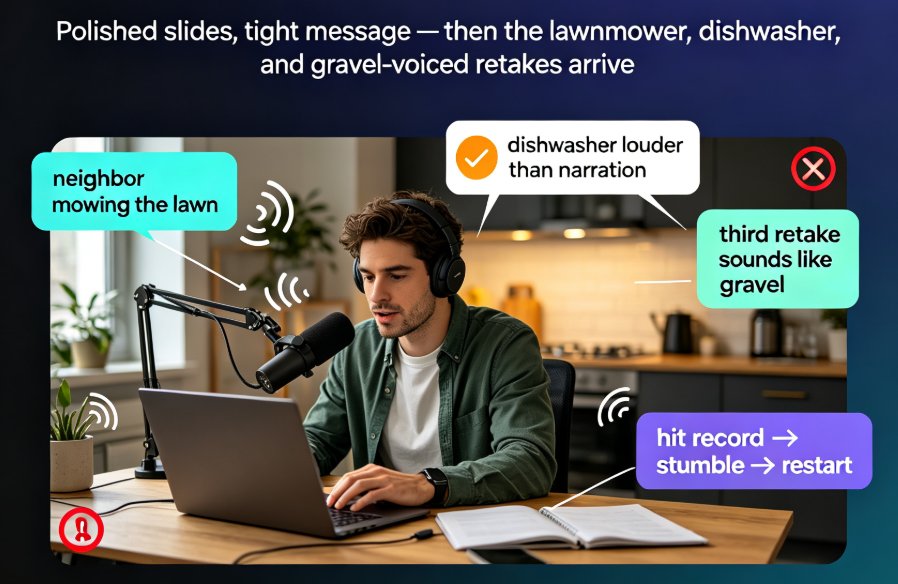
Adding voiceover to a PPT doesn't require a studio, a condenser mic, or a golden radio voice. Thanks to AI narration, you can convert PPT to video with a natural-sounding voice in minutes — and Zendeck's PPT-to-video feature makes it a one-click job. This guide covers the real bottleneck (retakes and sync, not equipment), how AI voice synthesis works and its limits, a step-by-step workflow, and the script pacing and slide timing tricks that keep narrated decks crisp. You'll also get a recording-vs-AI comparison table, honest use-case advice, and answers to the questions educators and trainers ask most.

Team Edited the Same Slide? Recover It Now with Version Control

Office Efficiency 2026-09-16 3937

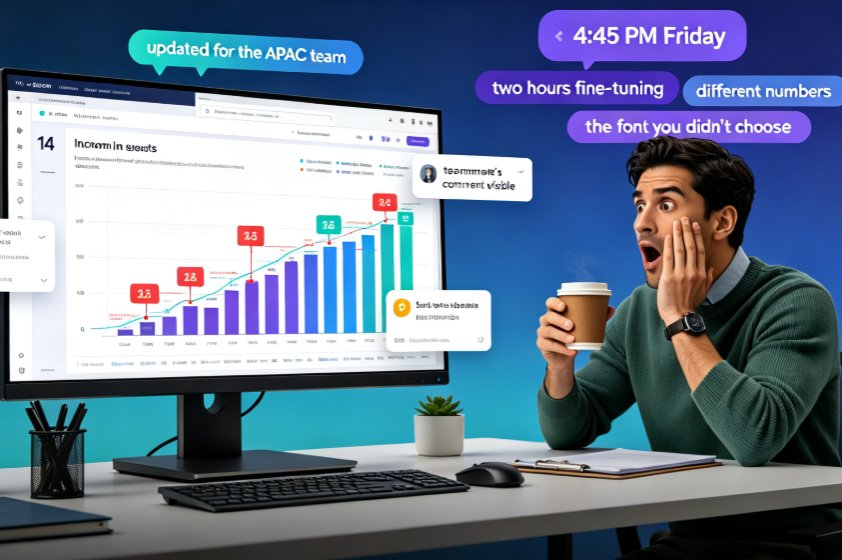
A teammate overwrote your slide and your work is gone — but in Zendeck, you can recover every edited slide with version history and restore points. This guide walks you through the exact recovery workflow: how to open revision history, preview the version before the overwrite, and restore one slide without rolling back your team's other progress. Learn why version chaos happens in team decks, how Zendeck's revision comparison and conflict-resolution features turn a Friday-afternoon panic into a two-minute fix, and which collaboration habits keep your deck workflow from ever needing a rescue. If your team builds AI presentations together in real time, this is the safety net that makes overwrites a non-event and lost work a thing of the past.

How to Real-Time Collaborate with External Clients on Zendeck Presentations Without Losing Control

Presentation Skills 2026-08-06 3921

Sharing presentations with clients shouldn't mean losing control. Zendeck's real-time collaboration with granular permissions lets you securely share presentations with external parties, eliminate version chaos, and ensure only the right people see the right slides. Learn how to set up client-specific access, manage comments, and maintain version history—all without leaving your browser. Perfect for consultants, sales teams, and educators who need to collaborate without compromising security.