Popular Articles

A curated collection of the most-read and editor-picked articles — see what everyone's reading.

506 articles

Stop Hunting for Icons: Zendeck's Asset Library Finds Them Instantly

Presentation Skills 2026-08-18 3904

Stop wasting hours hunting for the perfect icon. Zendeck's asset library searches, filters, and inserts icons, charts, and illustrations in seconds—all while keeping your brand consistent. This article breaks down how the library works, why it beats manual icon hunting, and how you can use it to speed up your presentation workflow. Whether you're a teacher, marketer, or consultant, you'll learn practical tips to find the right visual instantly and keep your decks polished. Zendeck's AI-powered search understands context, so you get relevant results without typing exact names. Say goodbye to endless scrolling and hello to a streamlined design process.
Team Deck Version Chaos? Zendeck's Shared Library & Comments Keep Everyone Aligned

Office Efficiency 2026-08-28 3894

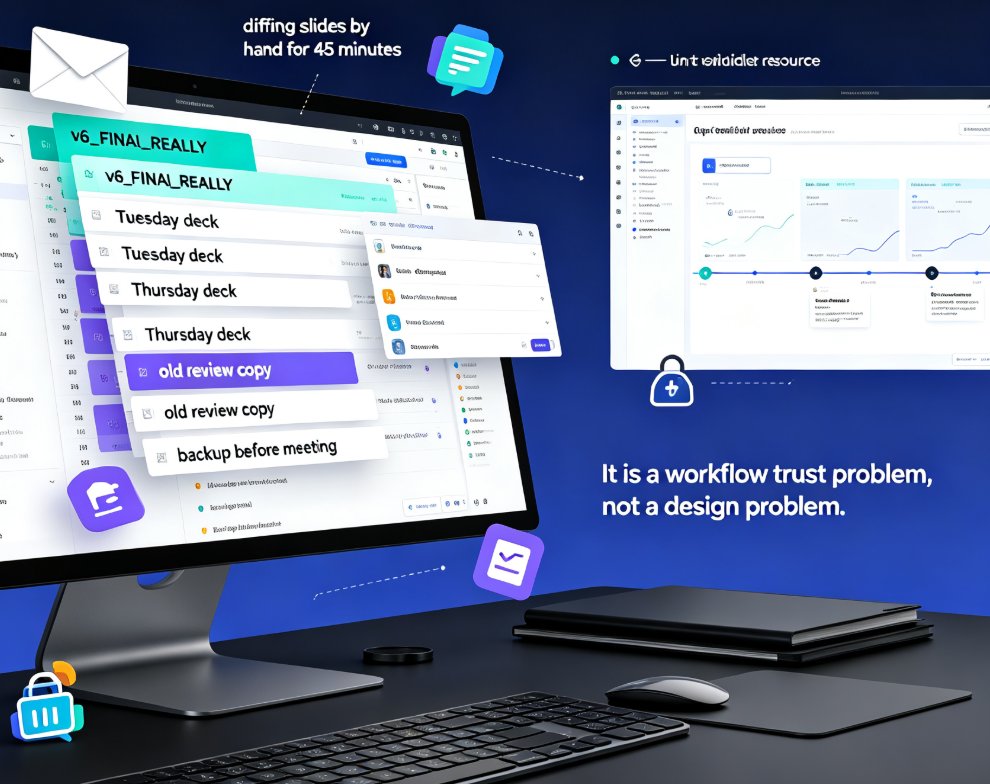
Dead files, duplicate decks, feedback lost in email threads — team presentation work is drowning in version chaos. Zendeck's shared library and comment-based revisions create a single source of truth so your team stops hunting for assets and redoing slides. Learn how to streamline your deck workflow and keep every stakeholder aligned, from training departments to agency teams.

AI Avatars for Educators: Zendeck Digital Human Narrates Slide Decks

Presentation Skills 2026-09-15 3885

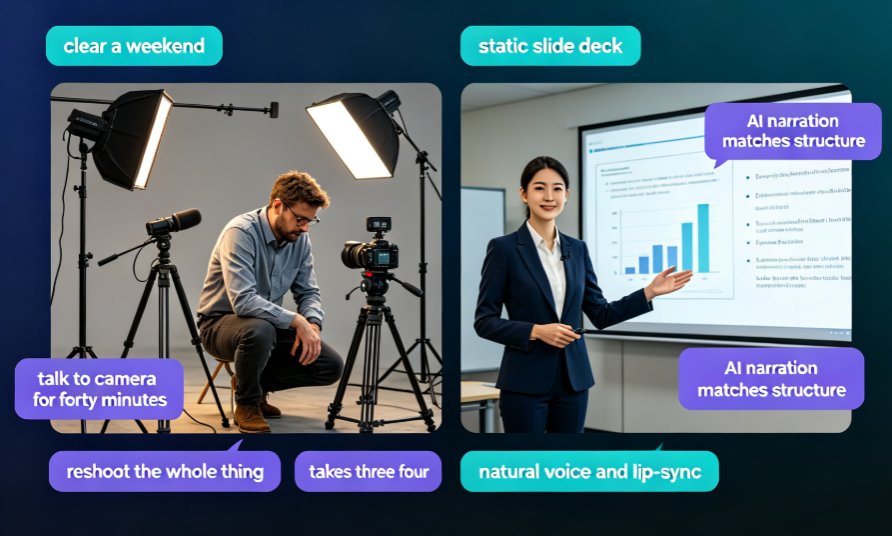
Turn static slide decks into narrated, avatar-led videos with Zendeck's digital human presenter. This guide covers practical edge cases for educators — course delivery, explainer videos, and micro-learning — beyond just avatar hype. Learn how Zendeck's PPT-to-video workflow removes the need for cameras, studio time, and retakes, so you can produce on-demand lectures that feel personal and keep learners engaged. No design or editing skills required.

PPT to Video with Zendeck: Automated Narration and Subtitles

PPT to Video 2026-08-28 3874

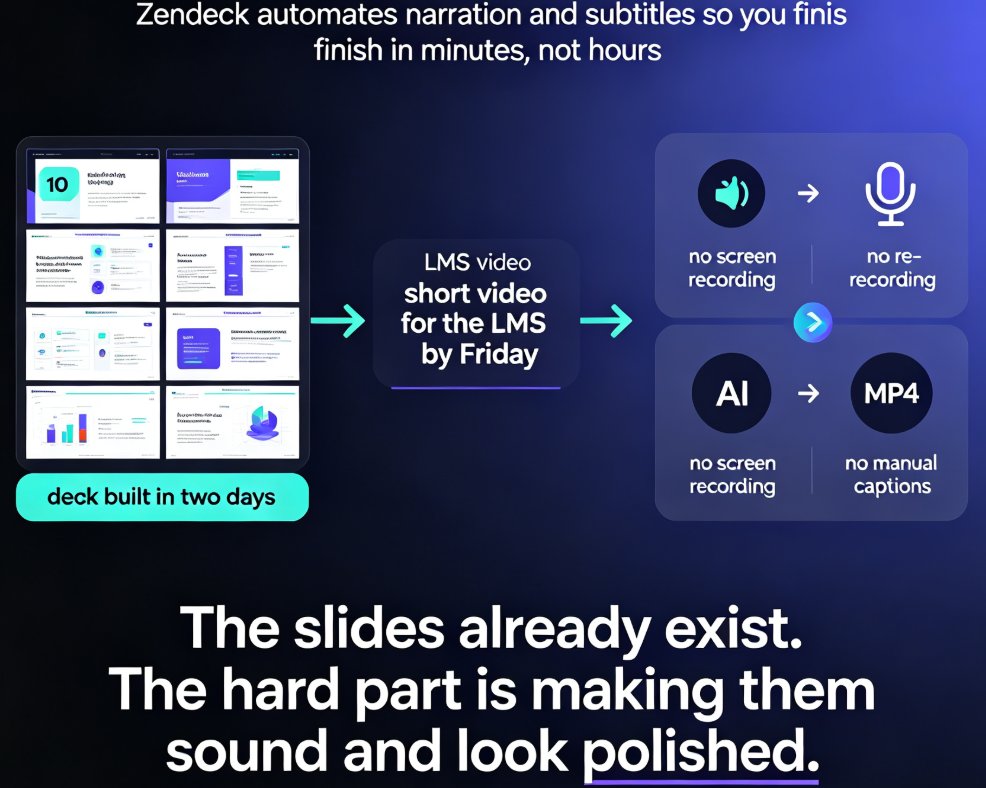
Zendeck automates PPT to video conversion with AI-generated narration and automatic subtitles, turning static slides into polished micro-lessons in minutes. This guide shows you how to generate voiceover, sync subtitles, and export MP4 or share via link, plus how to customize voices and styles for different learning audiences. Save hours of manual voice recording and caption editing with Zendeck's built-in pipeline.

How to Set Up and Use Brand Kits in Zendeck for Consistent Presentations

Courseware Design 2026-08-06 3871

Learn how to set up and use brand kits in Zendeck to ensure every AI-generated presentation aligns with your corporate identity. This step-by-step guide covers defining colors, fonts, and logos, applying them automatically, and saving hours of manual formatting. Perfect for marketing, HR, and training teams who need consistent, on-brand slides across all their decks. Stop fighting with slide masters and let Zendeck handle your brand consistency from day one.

Make Your Micro-Courses SCORM-Ready: Zendeck's LMS Integration Guide

Micro-Course Production 2026-08-21 3859

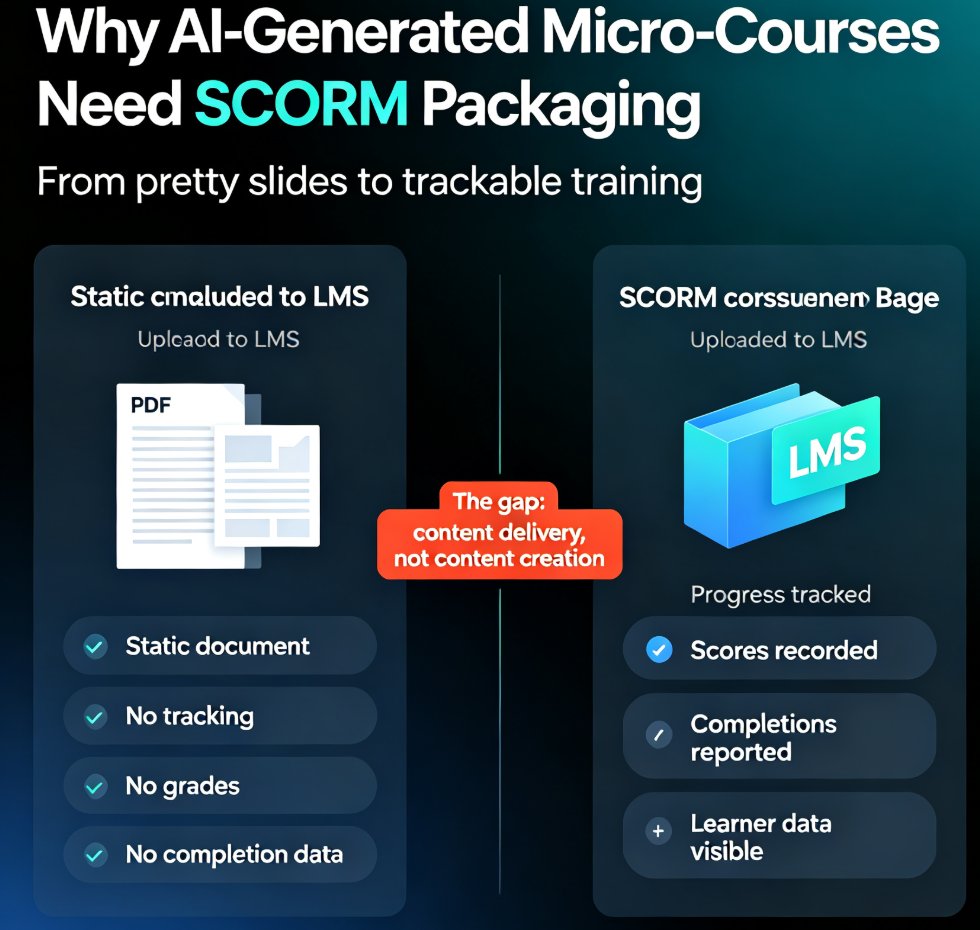
SCORM is the bridge that turns your Zendeck micro-courses into trackable, gradeable training. This guide explains what SCORM compliance means, how to package AI-generated courseware for any SCORM-compliant LMS, and how to avoid the version pitfalls that break course launches. You'll learn the difference between SCORM 1.2 and 2004, what imsmanifest.xml does, and a five-step workflow for packaging Zendeck decks with narration and quizzes. If your LMS won't track progress, scores, or completion, this is the fix. Build once, deploy everywhere — without rebuilding content per platform. Zendeck handles the creation; SCORM handles the delivery. Whether you're a trainer, HR lead, or content operator, this guide gives you the exact steps to make AI-generated micro-courses measurable and compliant.

▲