Turn a Research Paper into a Presentation Using Zendeck's AI Import
Let's be honest: you've got a 30-page research paper, a deadline in 48 hours, and a room full of people expecting a crisp, focused presentation. The paper is dense — full of methodology, statistical tables, and citations. And somewhere between the abstract and the conclusion, you're supposed to find the story worth telling.
That's the exact moment most people start copy-pasting paragraphs into slides. And that's exactly how you end up with a deck that reads like a wall of text and puts your audience to sleep.
There's a better way. With Zendeck's AI import, you can turn a lengthy research paper into a clear, focused presentation in minutes — not hours. The tool reads the document end-to-end, identifies the abstract, methodology, key findings, and conclusions, and structures them into slides that actually make sense.
01 Why converting a research paper to slides is so painful
Here's the thing about academic papers: they're not written to be presented. They're written to be peer-reviewed. Every sentence carries weight, every table hides a finding, and every citation opens a door to another paper.
When you try to convert that into a presentation manually, you hit three walls:
Wall one: you don't know what to cut. Everything feels important when you've spent weeks reading it. So you keep everything, and your deck becomes a 40-slide document dump.
Wall two: you lose the narrative. A paper has a structure — abstract, introduction, methodology, results, discussion, conclusion. But that structure doesn't map cleanly to slides. The research question gets buried under the literature review, and the key finding gets lost in a sea of p-values.
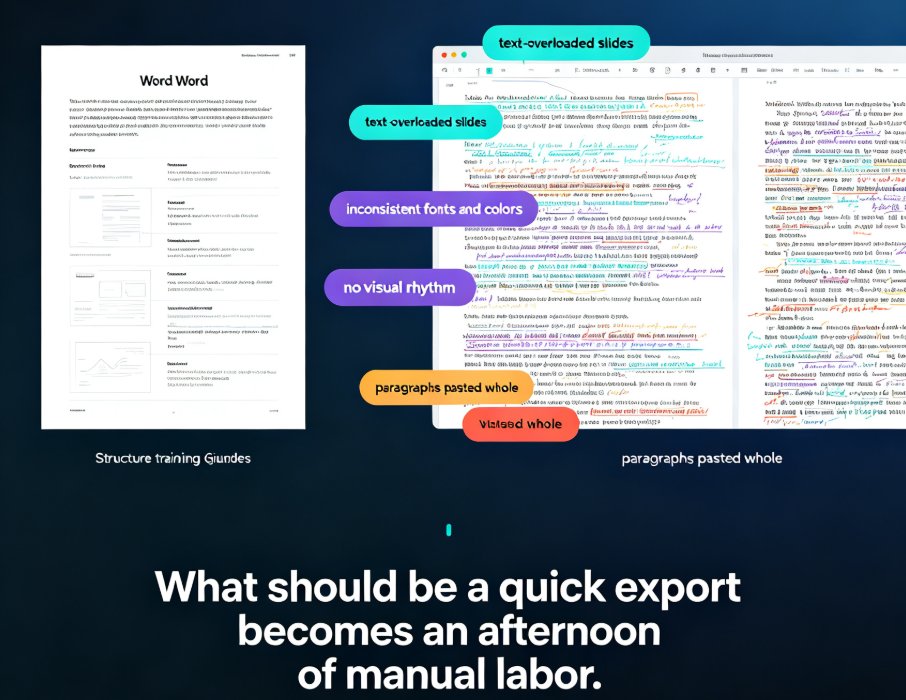
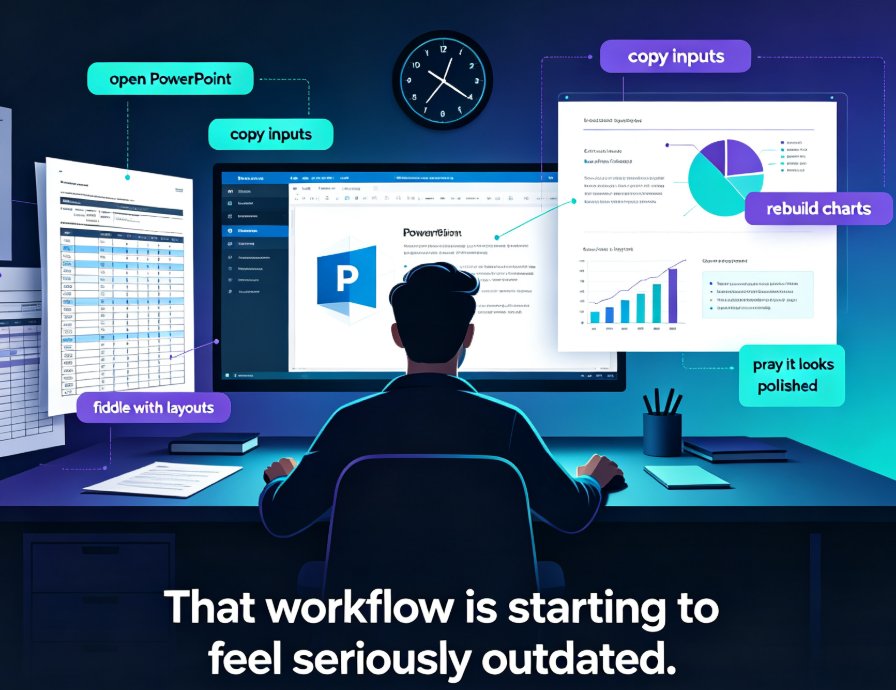
Wall three: formatting eats your time. Even after you've decided what goes on each slide, you still have to wrestle with fonts, layouts, and alignment. That's not thinking work — that's busywork.
The result? You spend six hours on a deck that your audience will skim in six minutes.
02 What AI import actually does (and what it doesn't)
Let's clear up a common misconception: AI import doesn't just dump your paper into slides. That would be useless. What it does is closer to what a good research assistant does — it reads, filters, and structures.
Zendeck's AI import maps each section of your paper to the right slide layout and preserves key findings verbatim. Here's how the mapping works in practice:
| Paper section | What the AI extracts | Slide type it becomes |
|---|---|---|
| Abstract | Core question, main finding, contribution | Title + thesis slide |
| Introduction | Problem statement, research gap | Context / "why it matters" slide |
| Methodology | Study design, sample, analysis method | Process or framework slide |
| Results | Key statistics, main findings | Data visualization slide |
| Discussion | Implications, limitations | Insight / takeaway slide |
| Conclusion | Summary, next steps | Closing / call-to-action slide |
This is the part that matters: the AI keeps the academic flow instead of dumping raw paragraphs onto slides. You get a narrative arc — problem, method, finding, implication — not a text wall.
03 How to turn a research paper into a presentation with Zendeck
The actual workflow takes about ten minutes. Here's the step-by-step.
Step 1: Upload your paper. Drag and drop your PDF into Zendeck. It works with research papers, theses, conference papers, and journal articles — single-column or two-column layouts. Figures, citations, and references stay intact.
Step 2: Let the AI extract the key points. Zendeck reads the document end-to-end and identifies the abstract, methodology, key findings, and conclusions. It structures them into a slide outline automatically.
Step 3: Review and refine. This is where you add your judgment. The AI gives you a solid skeleton — you decide what deserves more emphasis and what can be cut.
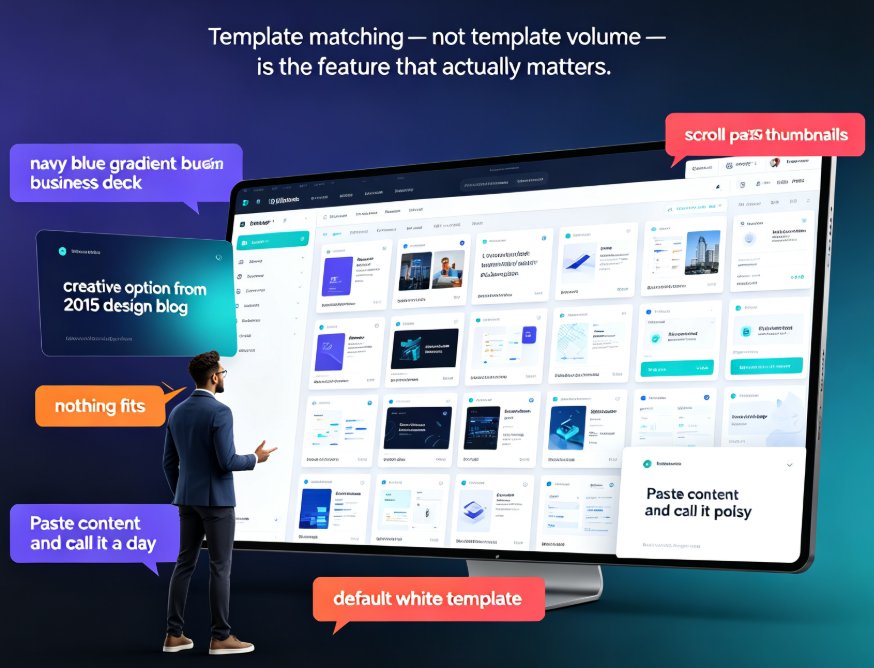
Step 4: Apply your brand or template. One click and your deck gets consistent fonts, colors, and layouts. No more fighting with alignment.
Step 5: Export and present. Download as PowerPoint, PDF, or Google Slides. Or take it further and turn the deck into a narrated video.
If you're working with a research report rather than a formal academic paper, the same workflow applies — Zendeck can generate an executive summary deck from a full report in minutes. And if you're starting from scattered notes instead of a finished document, the brain-dump-to-structured-presentation workflow works just as well.
04 How long does it really take?
Let's put some numbers on this. Based on typical workflows, here's the time comparison for converting a 20-page research paper into a 12-slide presentation:
The gap isn't small: what takes six hours manually takes about fifteen minutes with Zendeck's AI import. And the quality difference is just as significant — the AI's section-aware extraction means your deck has a logical flow from the first slide.
05 Best practices for turning papers into presentations
Even with AI doing the heavy lifting, a few habits separate a good academic deck from a forgettable one.
Lead with the research question. Your audience needs to know why the work matters before they care about the methodology. Frame the problem, the gap, and the contribution early.
Let the data speak. Results belong in visual form — charts, graphs, and clean tables. Don't paste raw statistical output onto a slide. Zendeck's asset library includes chart templates that make this easy.
Keep citations visible but not dominant. References stay intact in your deck, but they shouldn't crowd the slide. Put them in a footer or a dedicated references slide.
End with implications, not a summary. The discussion section of a paper is where the value lives. Your closing slides should answer "so what?" — implications, limitations, and next steps.
If you're importing a full report rather than a paper, the same principles apply — and Zendeck's PDF report import handles that scenario cleanly. For a deeper dive into the broader import options, check out how to import PDFs, reports, and raw text for instant AI decks.
06 When AI import isn't the right answer
Let's be real: AI import isn't magic. It works brilliantly for dense, structured documents — which is exactly what research papers are. But there are edge cases worth knowing about.
Heavily visual papers. If your paper is mostly figures and diagrams with minimal text, the AI has less to work with. You'll get a skeleton, but you'll need to rebuild the visual slides yourself.
Papers with unusual structures. Some papers don't follow the standard IMRaD format (Introduction, Methods, Results, and Discussion). The AI handles most of these gracefully, but you may need to reorder slides manually.
Confidential or embargoed research. If your paper is under embargo, be mindful of where you upload it. Zendeck processes documents securely, but always check your institution's data policy.
07 The workflow that actually works
Here's the thing I've learned from watching researchers, consultants, and educators do this well: the best workflow is a hybrid. Let the AI do the reading and structuring, then bring your judgment to the refinement.
Start by importing your paper into Zendeck and letting the AI generate the outline. Review it critically — cut anything that doesn't serve the core narrative. Then apply your template, add your data visualizations, and you're done.
The result is a deck that respects the research and respects your audience's time. That's the whole point.
If you're dealing with a research report rather than an academic paper, Zendeck can generate an executive summary deck from the full document in minutes — see how to import a research report and generate an executive summary. And if your AI-generated slides ever come out looking messy, there's a fix for that too.
FAQ
Can Zendeck import a research paper PDF directly? Yes. Zendeck accepts PDF uploads of research papers, theses, conference papers, and journal articles — including two-column academic layouts. Figures, citations, and references stay intact during conversion.
How does Zendeck decide what goes on each slide? Zendeck's AI reads the document end-to-end and identifies the abstract, methodology, key findings, and conclusions. It maps each section to the appropriate slide type — for example, the abstract becomes a thesis slide, and the results section becomes data visualization slides.
Will citations and references stay intact? Yes. The AI preserves citations and references during extraction, so you don't lose academic integrity when converting to slides. You can also place references on a dedicated closing slide.
Can I edit the slides after the AI generates them? Absolutely. The AI generates a structured outline and initial slides, but everything is fully editable. You can reorder slides, change layouts, apply different templates, and refine the content before exporting.
How long does it take to convert a paper into a deck? Most users go from PDF upload to a polished, exportable deck in about 15 minutes. The AI does the reading and structuring in seconds; the remaining time is spent on review and refinement.