Popular Articles

A curated collection of the most-read and editor-picked articles — see what everyone's reading.

402 articles

Team-Wide Design Consistency: Zendeck's Shared Templates That Work

Courseware Design 2026-08-21 2805

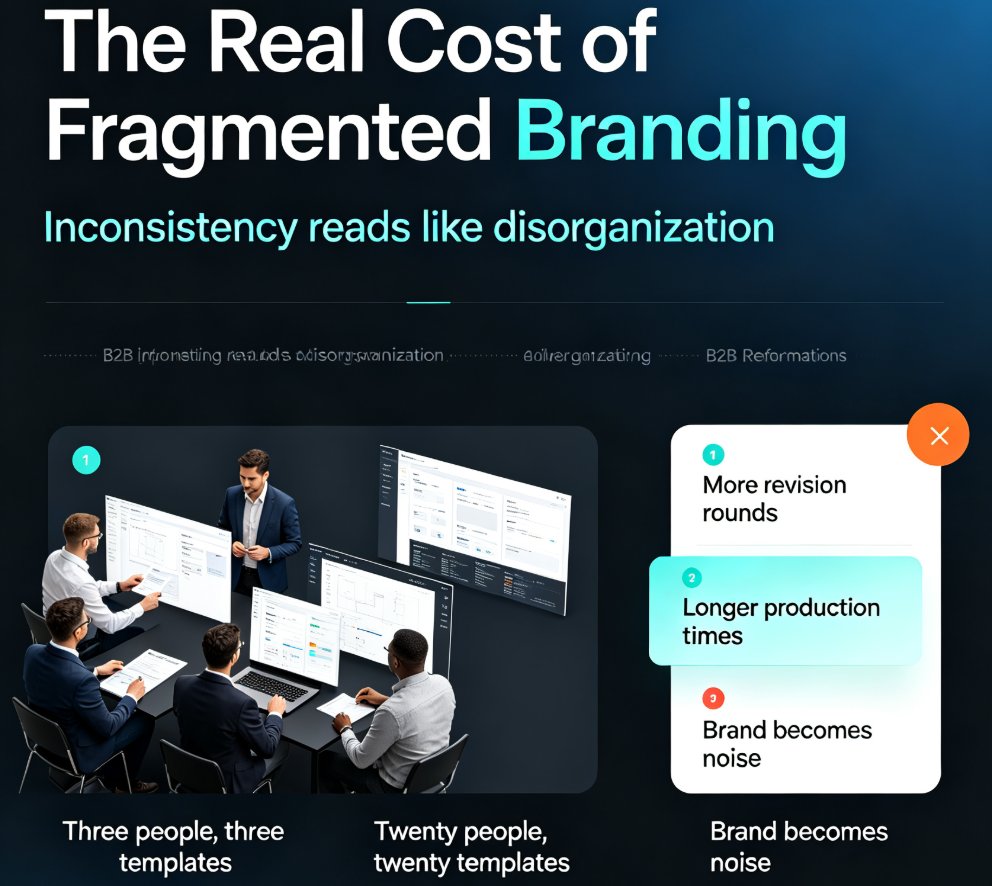
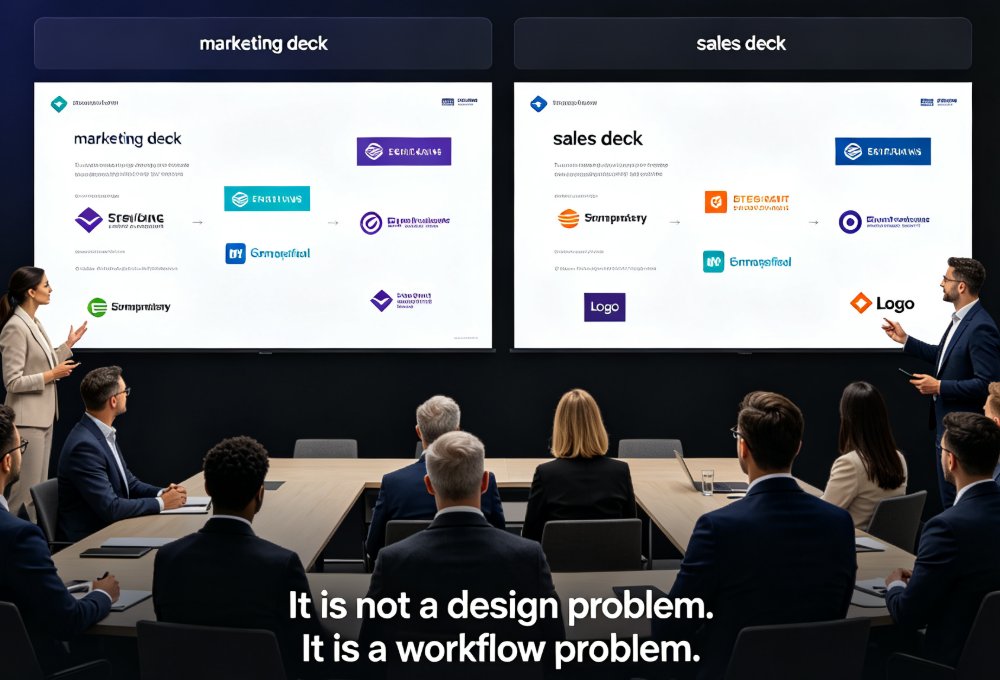
Fragmented branding quietly costs teams hours of rework every week. Zendeck's shared template library and style guides ensure every team member produces visually consistent decks — without a design team or a single extra meeting. This guide breaks down how shared templates lock fonts, colors, and layouts across your whole team, why individual template choice is the root cause of off-brand slides, and the exact setup steps to get your library running in under an hour. You'll also see real numbers on time saved per deck, a side-by-side comparison of individual versus shared templates, and best practices borrowed from professional design systems. If your team's decks look like they were made by five different people, this is the fix you've been looking for.
Boost Engagement: Add Polls and Quizzes to Slides with Zendeck AI

Micro-Course Production 2026-09-11 2800

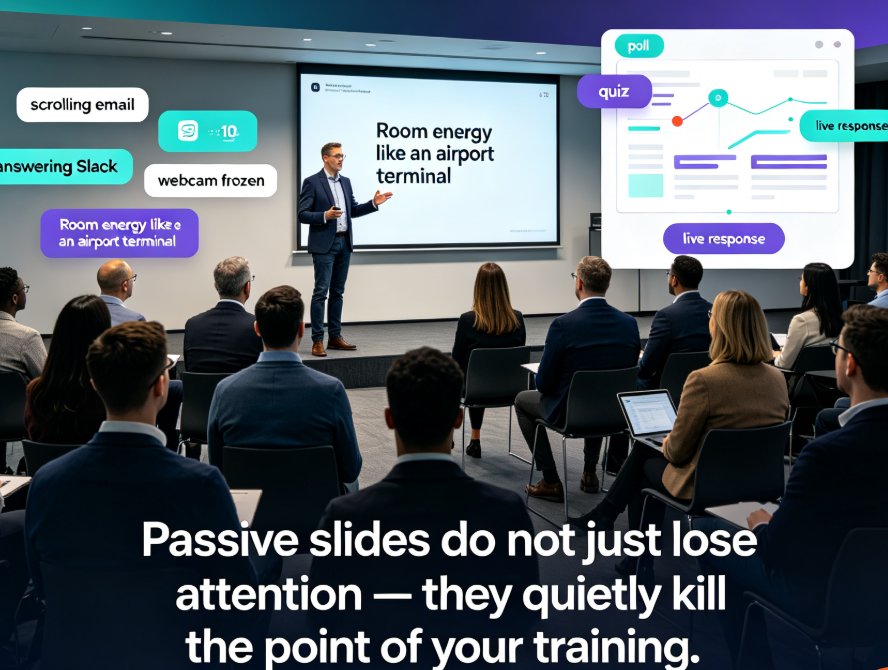
Add polls and quizzes to slides with Zendeck AI to turn passive training decks into interactive micro-courses that keep remote and in-person learners engaged. Built-in interactions replace third-party tools like Slido and Google Forms — insert a poll directly on a slide, share one link, and watch real-time results land in the same editor. This guide walks through adding polls, quizzes, and choice questions, running them in live or self-paced PPT-to-video courses, and applying engagement best practices that measurably improve attention and retention. Zendeck's interactivity preserves your brand, simplifies data reporting, and helps educators, trainers, and L&D teams create micro-courses learners actually remember. No extra tools. No tab-switching. Just slides that ask questions — and answer yours.

How to Keep Team Decks On-Brand with Zendeck Template Library

AI Courseware 2026-09-04 2781

Struggling with inconsistent team decks? Zendeck's template library and one-click smart reskin make brand consistency effortless. Learn how marketing, HR, and operations teams can produce on-brand presentations without design skills. This guide covers why static templates fail, how smart templates lock down brand elements, and how one-click reskin lets you rebrand legacy decks in minutes instead of weeks. You'll get a practical brand governance workflow, real-world scenarios for marketing, HR, and ops teams, and best practices for keeping every deck on-brand long-term. If your organization has ever dealt with the 'everyone's deck looks different' problem — different fonts, clashing colors, stretched logos — this is the playbook you need to fix it for good.

AI-Driven Design Automation: The 2026 Shift to Smart Layouts

Courseware Design 2026-08-20 2781

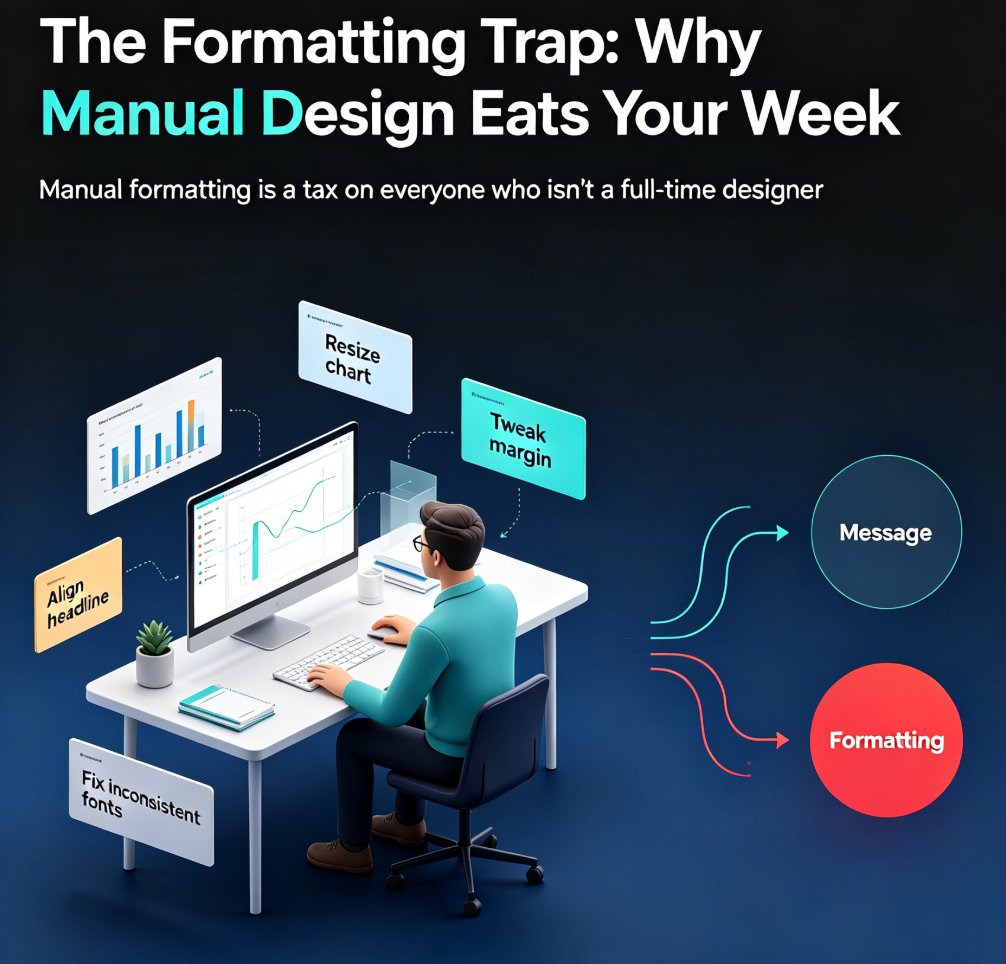
AI-driven design automation is the defining 2026 shift in presentation work: smart layouts replace manual formatting, letting non-designers produce professional decks in minutes. This guide explains how adaptive layouts, intent interpretation, and conversational editing remove the design bottleneck — and how Zendeck's smart layout engine automates layout, brand consistency, and one-click reskin. Backed by data showing teams reclaim up to 70% of time lost to manual slide design, we break down where the hours go, what smart layouts do differently from rigid templates, and a practical five-step path to get started. Whether you're an educator, trainer, or content operator, this is your playbook for making professional design a default setting, not a skill barrier.

Word Outline to PPT: Convert Without Redoing Formatting

Office Efficiency 2026-09-21 2753

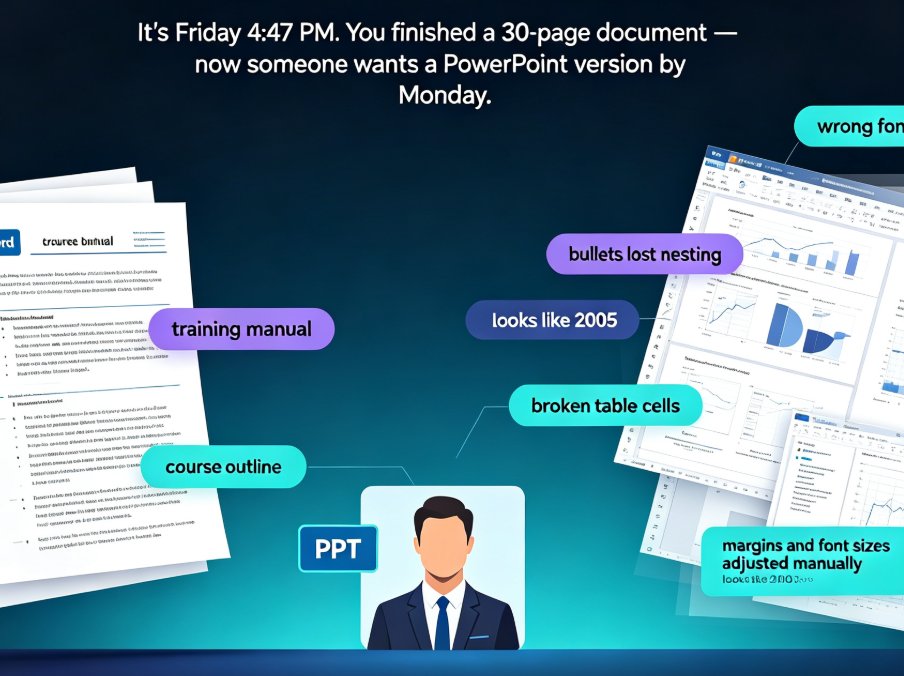
Tired of watching your Word outline lose every heading, bullet, and style the moment you import it into PowerPoint? You're not alone. Converting a Word outline to a polished PPT used to mean hours of manual rework — copying text, re-mapping headings, fixing broken bullets, and re-sizing tables. Zendeck's outline-to-PPT feature changes that. It maps your Heading 1s to slide titles, condenses paragraphs into scannable bullets, and preserves tables, images, and structure — automatically. This guide walks through the exact conversion workflow, shows you what formatting actually carries over, and breaks down the time you can reclaim on every deck. If you're an educator, trainer, or team lead who needs a clean presentation without design skills — or the hours to spare — here's how to turn your existing document into a polished deck in minutes.

Why Is My PPT to Video Export Blurry? Fix Quality in 5 Steps

AI Courseware 2026-09-16 2753

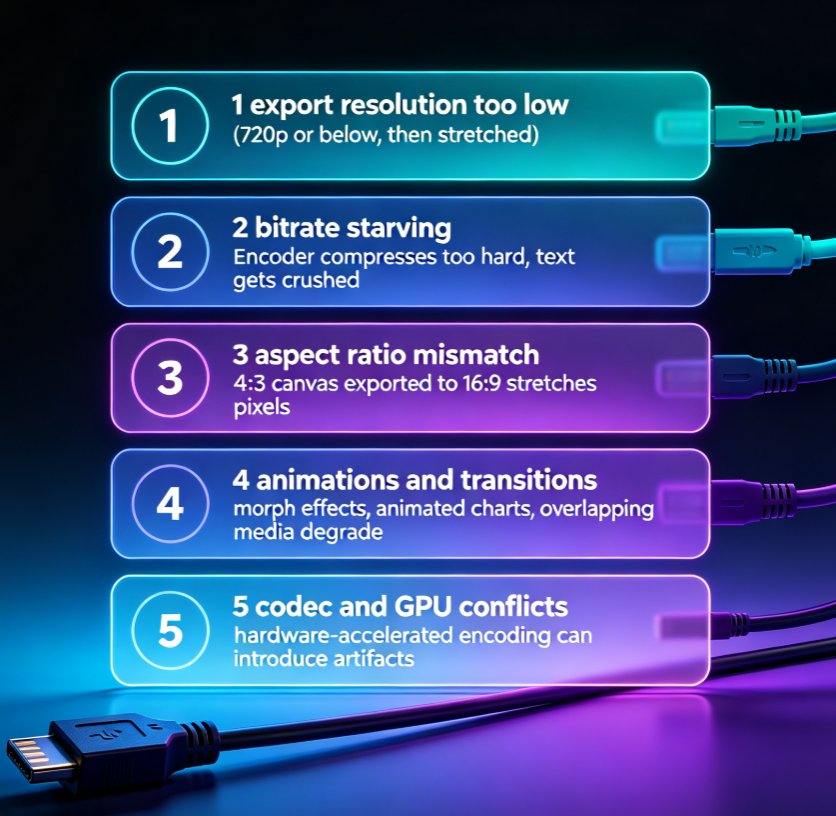
Blurry PPT-to-video exports are the #1 post-production complaint among educators and trainers. This guide breaks down the five real causes of pixelated MP4 output — export resolution, bitrate, aspect ratio, animations, and codec settings — and walks you through a step-by-step fix. You'll learn the exact numbers that matter for sharp 1080p output, how to config Zendeck's export presets for crisp professional video, and a prevention checklist that saves hours of rework. If your micro-courses look soft, this troubleshooting guide gives you a repeatable fix in five steps. No guesswork, just settings that work.