Popular Articles

A curated collection of the most-read and editor-picked articles — see what everyone's reading.

402 articles

How to Collaborate on Slides in Real Time Without Version Conflicts

Office Efficiency 2026-09-21 2876

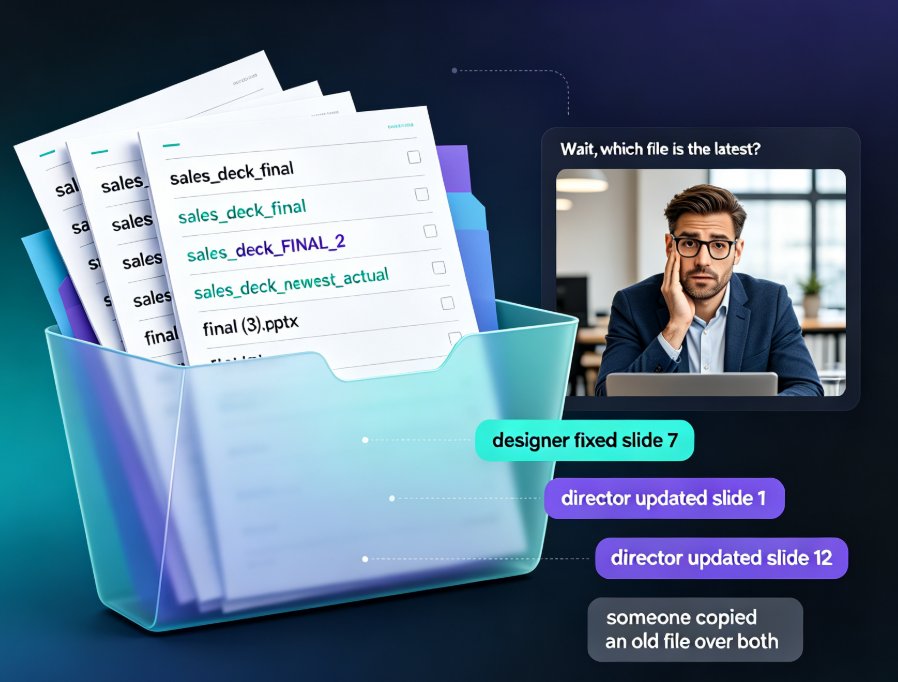
Real-time slide collaboration ends the version chaos that slows every team deck. Zendeck's cloud-based online editing with link sharing lets your whole team work on one master presentation at once — no more email ping-pong, "FINAL_v3" files, or overwritten slides. Version history quietly tracks every change and lets anyone restore a previous edit in one click, so nothing gets lost. You'll also find a practical workflow for HR, training, and content teams: import a Word outline, co-edit the deck together, keep branding consistent with smart templates, then export to a narrated micro-course. If you're tired of asking "which file is the latest?", this is the guide for you. Here's how to kill version conflicts for good and get your evenings back.
Template Library Tips: Choosing On-Brand Training Decks with Zendeck

Courseware Design 2026-09-11 2856

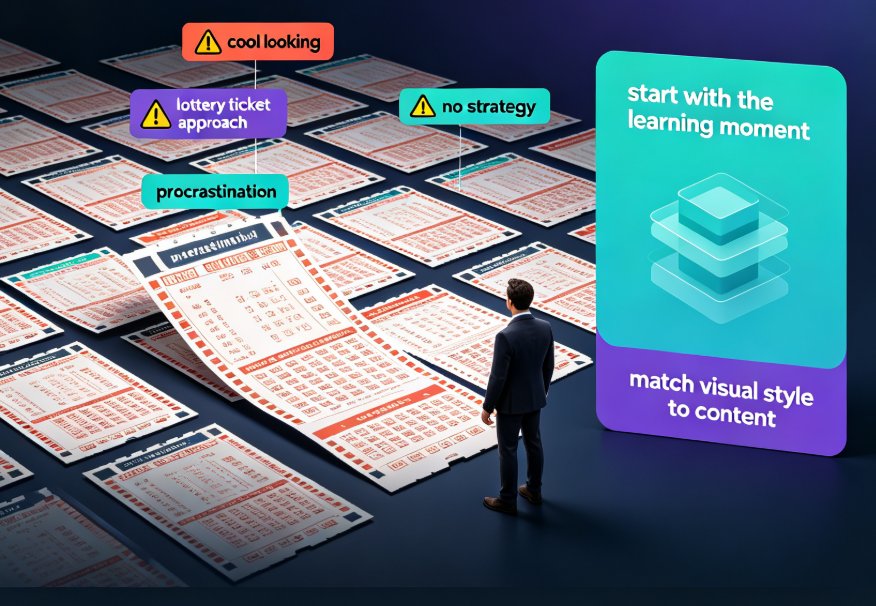
Stop picking presentation templates by gut feel. Zendeck's premium template library makes it easy to choose on-brand training decks that match your audience, course type, and brand guidelines. This guide shows you how to set up a scenario-driven selection framework, create a custom brand kit, and reuse trusted templates for everything from onboarding to certification prep. Learn practical tips from brand decks and courseware design so every deck looks crisp, consistent, and production-ready in minutes.

Consistent Branding Across Decks? Zendeck One-Click Reskin Fixes It

Courseware Design 2026-09-02 2845

Zendeck's one-click reskin unifies fonts, colors, and alignment across every slide in seconds. If mismatched typography and clashing colors are sabotaging your brand, the smart layout engine fixes it on autopilot — no design skills required. Configure your brand kit once, and every training deck, courseware module, and client pitch stays compliant automatically. Real teams spend 10–15 hours per week manually fixing fonts and colors; with Zendeck, reskinning a 40-slide deck takes minutes, not days. In 2026, AI-driven design automation isn't a luxury — it's how consistent branding survives at scale. This guide covers the smart layout workflow, the one-click reskin process, time savings, and best practices for keeping institutional identity intact across every slide. Learn how to make brand compliance the default, not the exception.

PPT to Video: Turn Slides into Engaging Micro-Courses in 5 Steps

PPT to Video 2026-09-22 2829

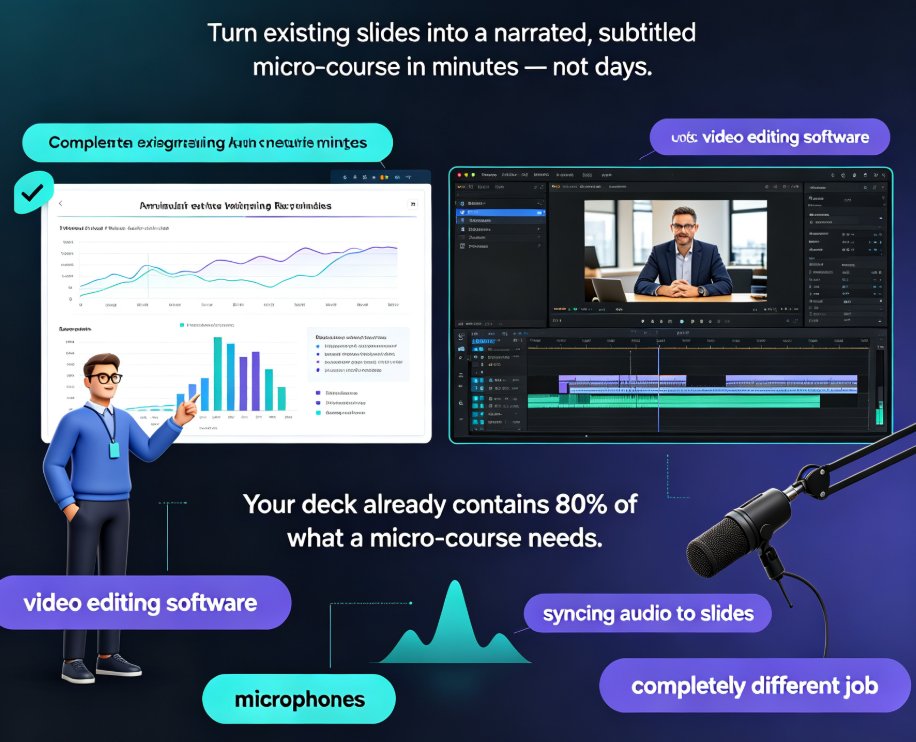
Convert any PPT into a narrated, subtitled micro-course in minutes with Zendeck's PPT-to-video workflow — no video editing skills needed. This step-by-step guide covers deck trimming, AI narration, smart layout reskinning, auto-subtitles, and export, with a comparison table showing hours saved per video. Built for educators and corporate trainers who want engaging learning videos from existing slides, Zendeck's automation replaces time-consuming screen recording and manual syncing, letting you publish polished micro-courses and boost learner engagement without learning complex editing software. You'll also find common PPT-to-video mistakes to avoid, practical tips for scripting at the right pace, and answers to the most frequent questions about output formats, subtitle editing, and mixing your own voice with AI narration. If your team already builds courseware in PowerPoint, this guide shows how to extend that investment into a video library your learners will actually finish.

Zendeck Brand Kits: How to Keep Every Team Presentation On-Brand

Office Efficiency 2026-09-20 2824

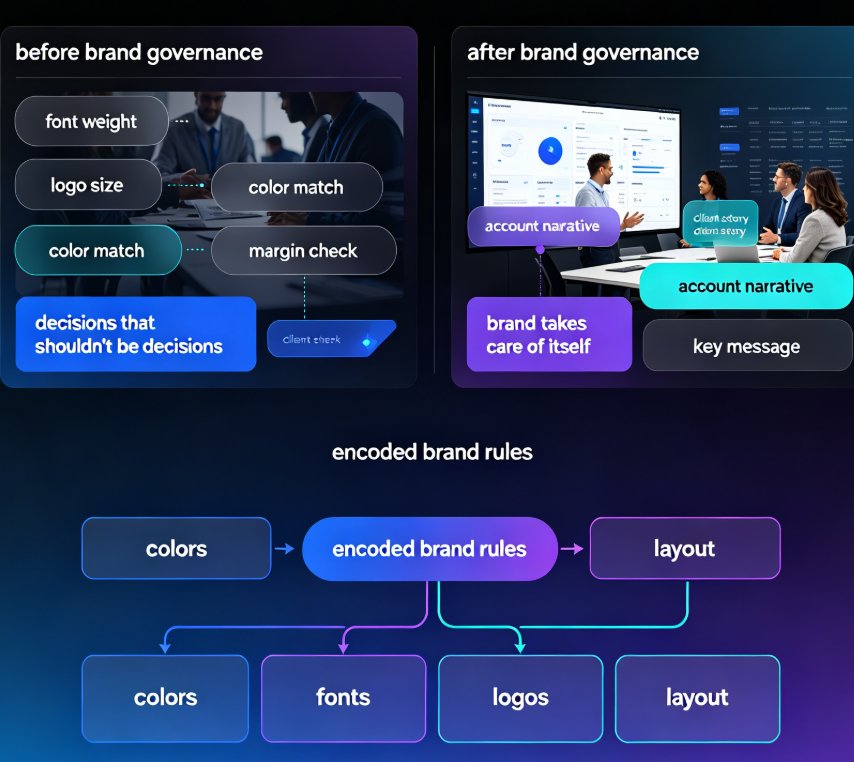
Zendeck brand kits let organizations lock colors, fonts, logos, and layout rules across every team presentation. This guide explains how brand governance fixes the ransom-note deck problem: off-brand slides, drifted fonts, and inconsistent logos that plague marketing, sales, and training teams. Instead of relying on discipline or manual review, Zendeck enforces your brand automatically on every slide, whether it is an agency shipping dozens of client decks a month or an enterprise sales team sharing one revenue deck across reps. Learn what a brand kit locks down, who needs it most, and the time math: most teams cut weekly brand-fix hours from five to eight down to one or less. For the full setup walkthrough, see Zendeck's brand kit guide on our blog.

How an HR Department Automated Onboarding Presentations with Zendeck

Courseware Design 2026-08-06 2816

Learn how an HR department used Zendeck's template library and collaboration features to cut onboarding presentation update time by 70% and ensure brand consistency across multiple locations. This case study reveals the workflow that eliminated version control chaos, gave every new hire a unified experience, and freed HR teams to focus on high-impact tasks. Discover the exact steps to replicate this success in your organization.