Popular Articles

A curated collection of the most-read and editor-picked articles — see what everyone's reading.

506 articles

One-Click Reskin: Keeping Team Decks On-Brand with Zendeck

Courseware Design 2026-08-27 3164

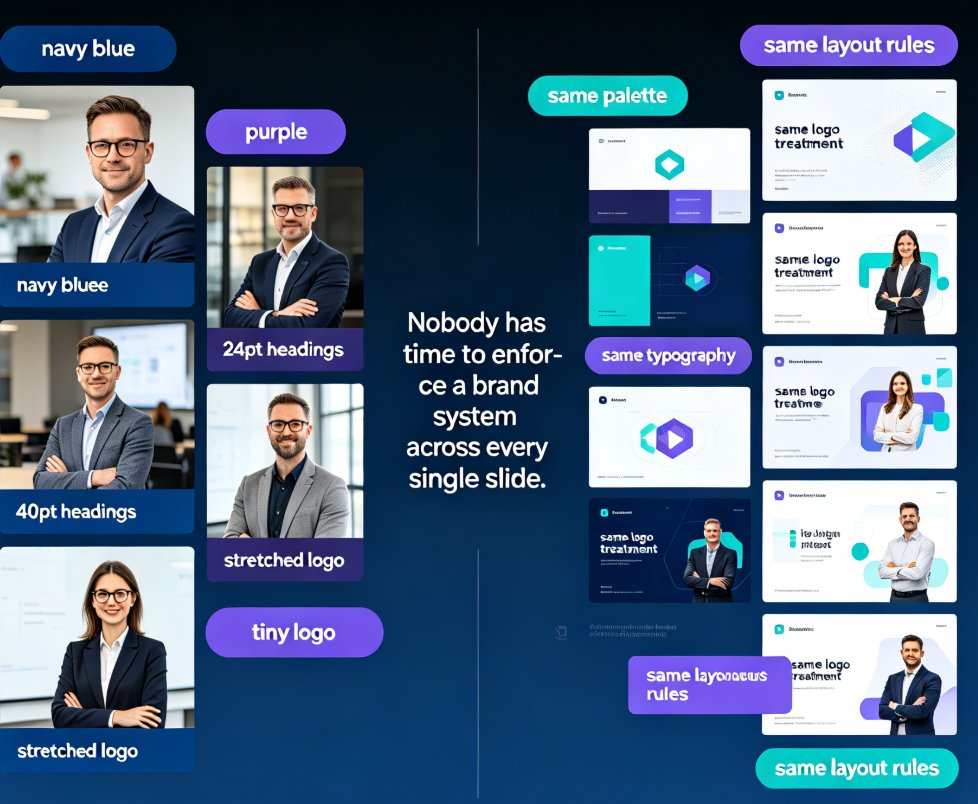
Keep every team deck on-brand with Zendeck's one-click reskin. This guide shows how smart layout reskin unifies fonts, colors, and layouts across all your training presentations — without design skills. Learn the step-by-step workflow, compare reskin vs. manual redesign, and avoid common mistakes. Perfect for trainers, L&D teams, and educators who want consistent courseware that builds learner trust. Zendeck's reskin applies your brand rules automatically, turning a 3-hour consistency audit into a 3-minute operation. Set up a brand kit once, reskin every deck in seconds, and stop being the design police. Includes a practical comparison table and FAQ covering brand kits, content preservation, and team adoption.

Word to PPT Import Breaking Layout? Zendeck Fixes It in One Click

AI Courseware 2026-08-18 3155

Tired of Word to PPT imports that wreck your layout and eat your afternoon? Zendeck's AI-driven Word import reads your document's structure — headings, tables, key data — and rebuilds it into clean, professionally designed slides in one click. No more hours of manual reformatting, no more text spilling off slides, no more fighting with Word's built-in export. This guide breaks down why traditional Word-to-PowerPoint conversion fails, how Zendeck's structure-first approach fixes it, and the exact workflow to convert a 30-page report into a polished deck in under ten minutes. You'll also see a side-by-side comparison of Zendeck vs. Word export vs. free converters, plus practical tips for keeping your brand consistent across every slide.

Slides Minimal, Notes Deep: Zendeck Speaker Notes & AI Narration

Presentation Skills 2026-10-14 3149

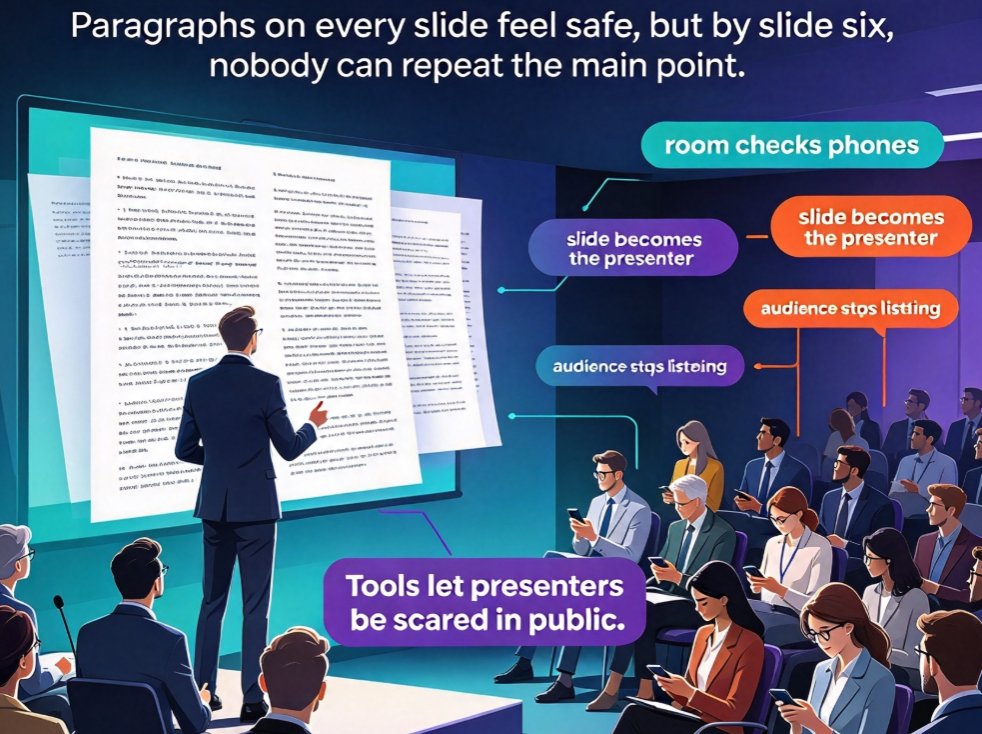
Overloaded slides kill engagement, but stripping them down doesn't mean walking in with nothing to say. This guide shows how the speaker-notes-first workflow in Zendeck keeps on-slide content minimal while the full story lives in AI-generated speaker notes and narration. You'll learn to draft a rich outline, let AI condense it into clean slides with under 40 visible words per page, and reuse the same notes as AI voiceover for video decks — so a single source powers both your live talk and your on-demand version. Ideal for educators, trainers, HR, and anyone who presents weekly. Includes a text-heavy versus minimal deck comparison with a visual chart, a ready-to-paste prompt template, and a practical pre-live checklist you can use tomorrow.

Match the Deck to the Moment: Zendeck's Scenario-Based Template Library

AI Courseware 2026-08-27 3146

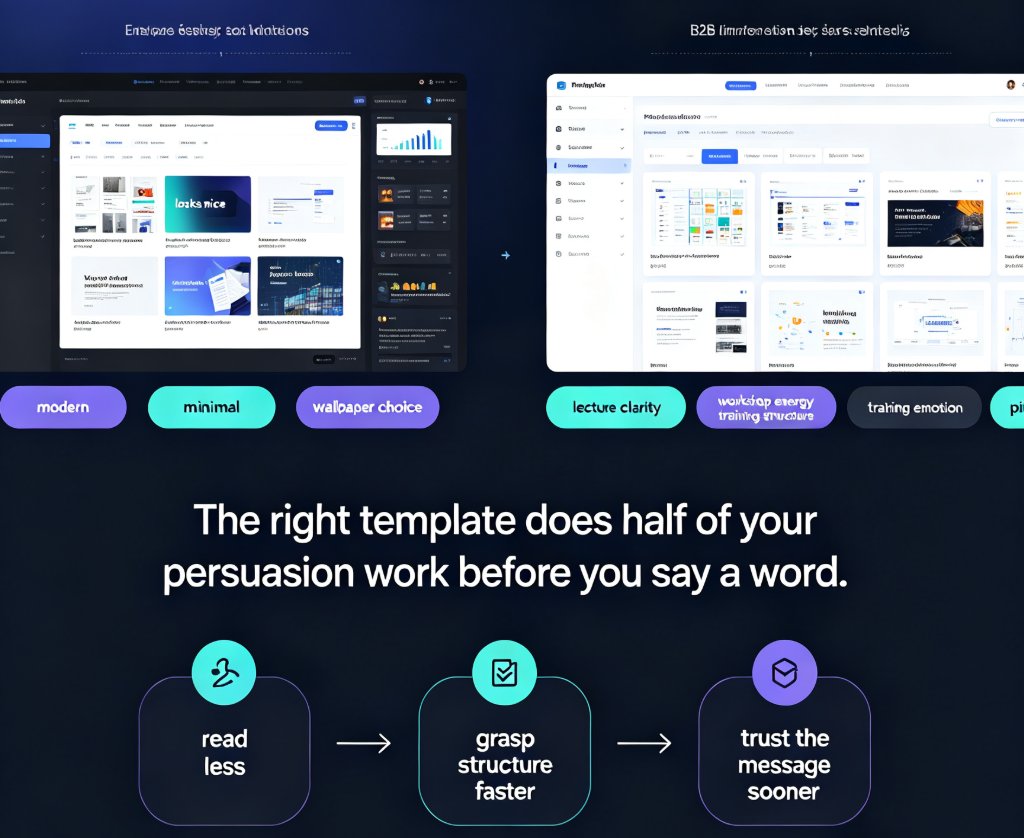
Choosing the right Zendeck template library template is a strategy, not a style decision. This scenario-based guide matches deck styles to classroom lectures, workshops, corporate training, and sales pitches — so your audience gets the visual language they need. Learn the four-question decision tree that filters your presentation goal into the right template style, see how Zendeck's scenario tagging and brand kit integration work behind the scenes, and grab a quick-reference table for every presentation moment. Whether you're an educator, trainer, HR lead, or sales professional, this guide helps you stop guessing and start matching the deck to the moment. The right template does half of your persuasion work before you say a word — this guide shows you how to claim that advantage.

How AI Presentation Tools Enable Real-Time Team Collaboration

Office Efficiency 2026-09-20 3142

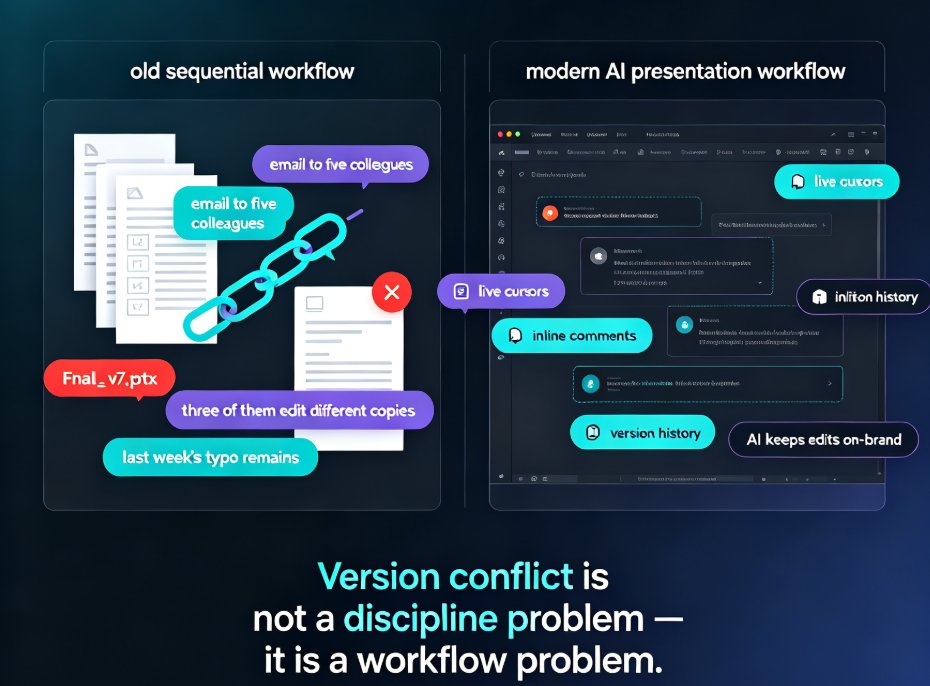
Real-time team collaboration is now a must-have in AI presentation tools, and Zendeck delivers it without the coordination chaos. This guide breaks down how live co-editing, shared asset libraries, and AI-driven brand governance replace email chains and version conflicts, so your whole team builds consistent decks in one workspace. Drawing on insights from Pitch, Beautiful.ai, Canva, and Google Slides, we compare what actually works and where Zendeck stands out — smart layout, centralized templates, and on-brand suggestions that keep every slide feeling like one team made it. If your team is tired of merging PowerPoint files and redoing slides after the boss changes fonts, this article gives you a practical five-step workflow, a feature comparison table, and a score-based chart to help you choose. Ship professional presentations faster.

Contextual Intelligence in Presentation AI: Reading Emotion and Intent

Presentation Skills 2026-08-10 3138

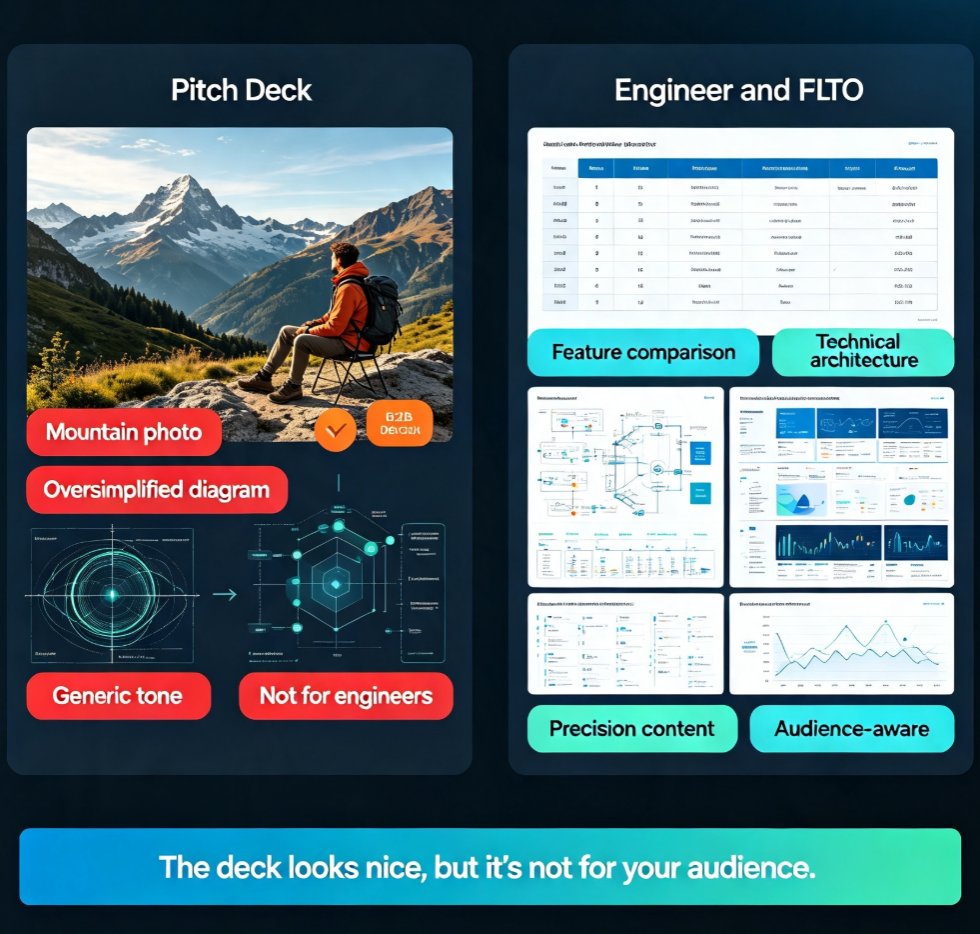
Contextual intelligence is transforming presentation AI, moving beyond raw data to understand audience emotion and intent. This guide explains what contextual intelligence means for presentation tools, why generic AI decks fail to engage, and how Zendeck applies these principles to create presentations that resonate. You'll learn the three layers of contextual AI — data, emotion, and intent — see a side-by-side comparison of generic versus contextual approaches, and get practical workflow tips for feeding audience context into your AI tools. If your decks feel generic despite clean design, this article shows you how to close the gap between what AI generates and what your audience actually needs. From brand kits to smart layout, discover how contextual intelligence turns AI presentations from merely polished into genuinely persuasive.

▲