Popular Articles

A curated collection of the most-read and editor-picked articles — see what everyone's reading.

402 articles

AI Agents in Course Creation: From Outline to Published Micro-Course

Knowledge Video 2026-08-24 3063

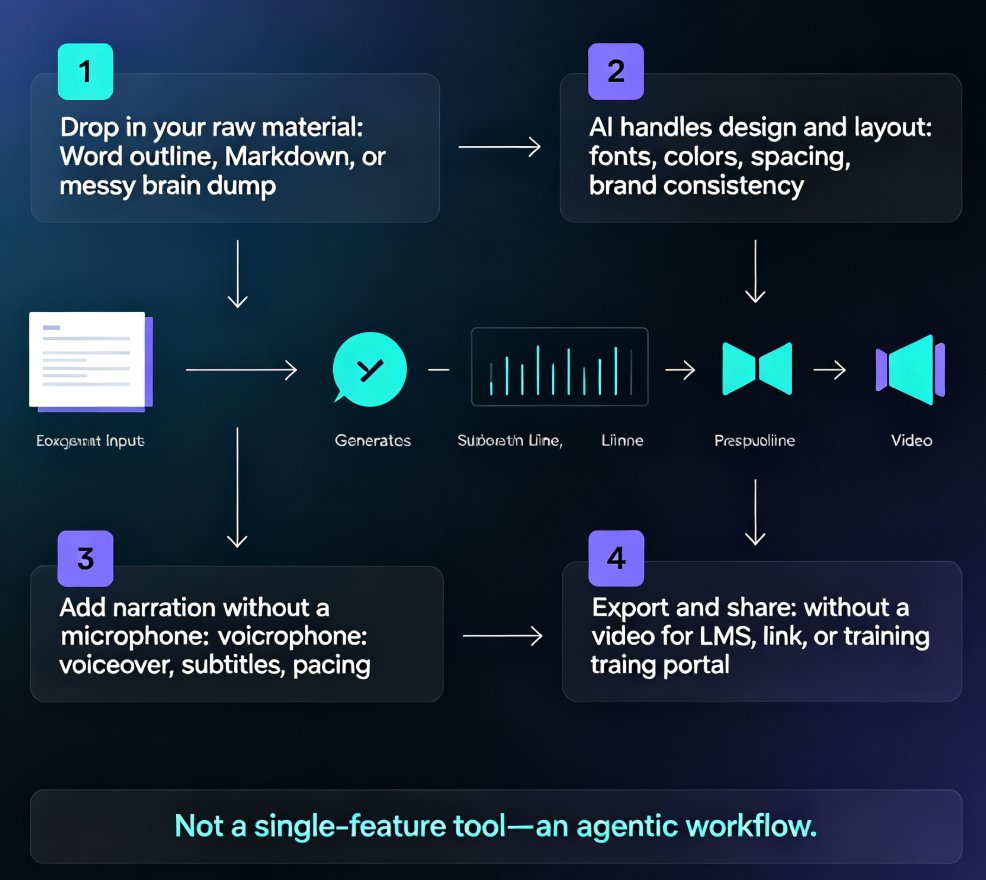
AI agents now automate the entire course creation pipeline, not just single steps. Zendeck's end-to-end workflow turns a simple outline into a narrated, publish-ready micro-course — slides, voiceover, and video export included. This guide breaks down how the agentic shift works, who benefits most, and where human judgment still matters. If you're an educator, trainer, or content operator tired of stitching together separate tools, this is the workflow you've been waiting for. Learn the exact steps, see a side-by-side comparison with the old pipeline, and get practical tips for keeping quality high while letting AI handle the heavy lifting.

Zendeck Smart Layout: One-Click Uniform Fonts, Colors, and Alignment [2026 Guide]

PPT Tutorial 2026-08-28 3047

Zendeck's smart layout unifies fonts, colors, and alignment in one click — no design skills needed. This tutorial walks you through the reskin process, shows what the engine actually adjusts, and reveals when to trust the one-click button versus doing it manually. You'll learn to rescue messy, inconsistent decks in minutes and turn them into polished, on-brand presentations your team can share instantly. Includes a manual-versus-smart comparison table, pro tips for non-designers, and answers to the most common smart layout questions. If you want consistent corporate or academic slides without touching individual elements, this is your playbook.

Turn Old Slides into Video Courses: Zendeck's PPT-to-Video in 3 Steps

PPT to Video 2026-08-24 3047

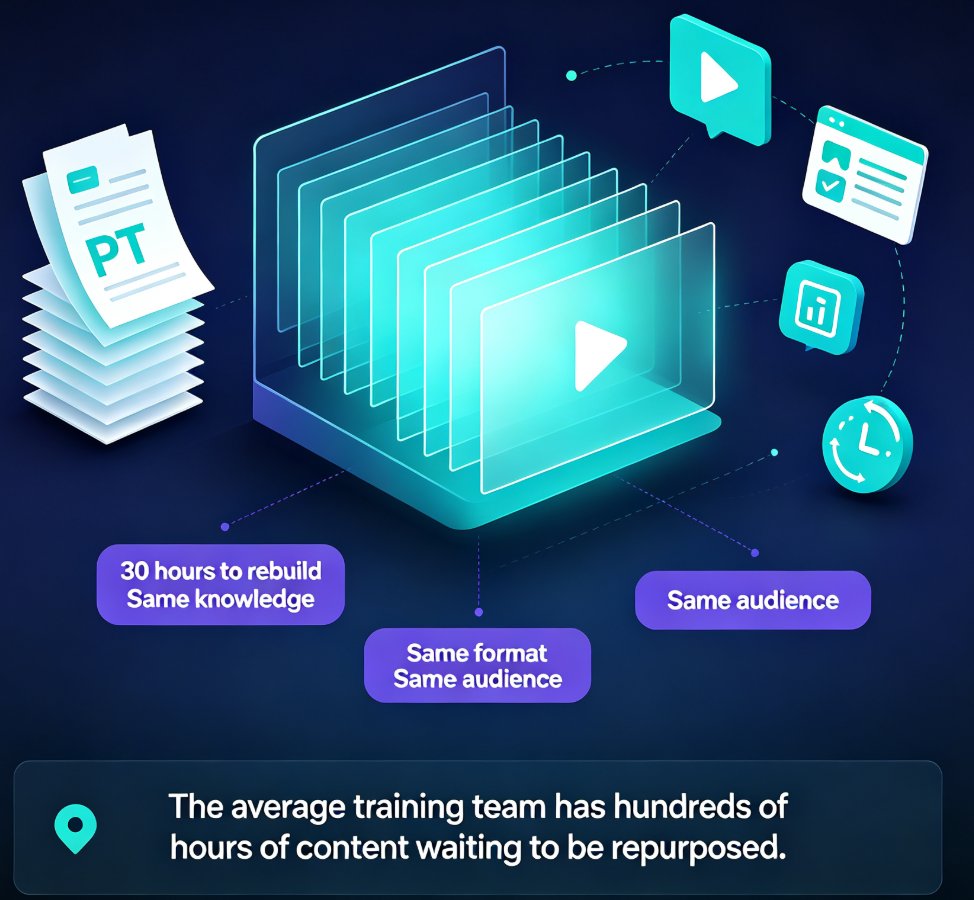
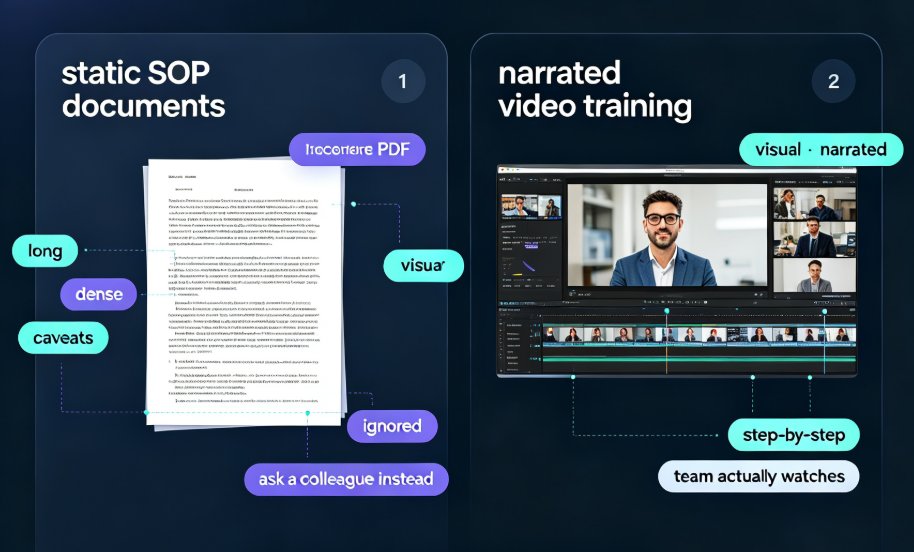
Turn old static slides into narrated video micro-courses with Zendeck's PPT-to-Video in 3 simple steps. Repurpose legacy decks into engaging training content in under an hour — no design skills needed. Learn the exact workflow, best practices, and time-saving tips to unlock years of reusable training material. This guide covers importing and cleaning up old decks, adding AI or human narration, and exporting shareable video courses that you can track and optimize. Perfect for training managers, educators, and content teams looking to maximize the value of their existing presentation assets. Stop rebuilding the same content from scratch and start converting what you already have into formats your audience actually watches.

Is Your Training Deck Off-Brand? Zendeck Reskin Enforces Consistency

Courseware Design 2026-08-25 3023

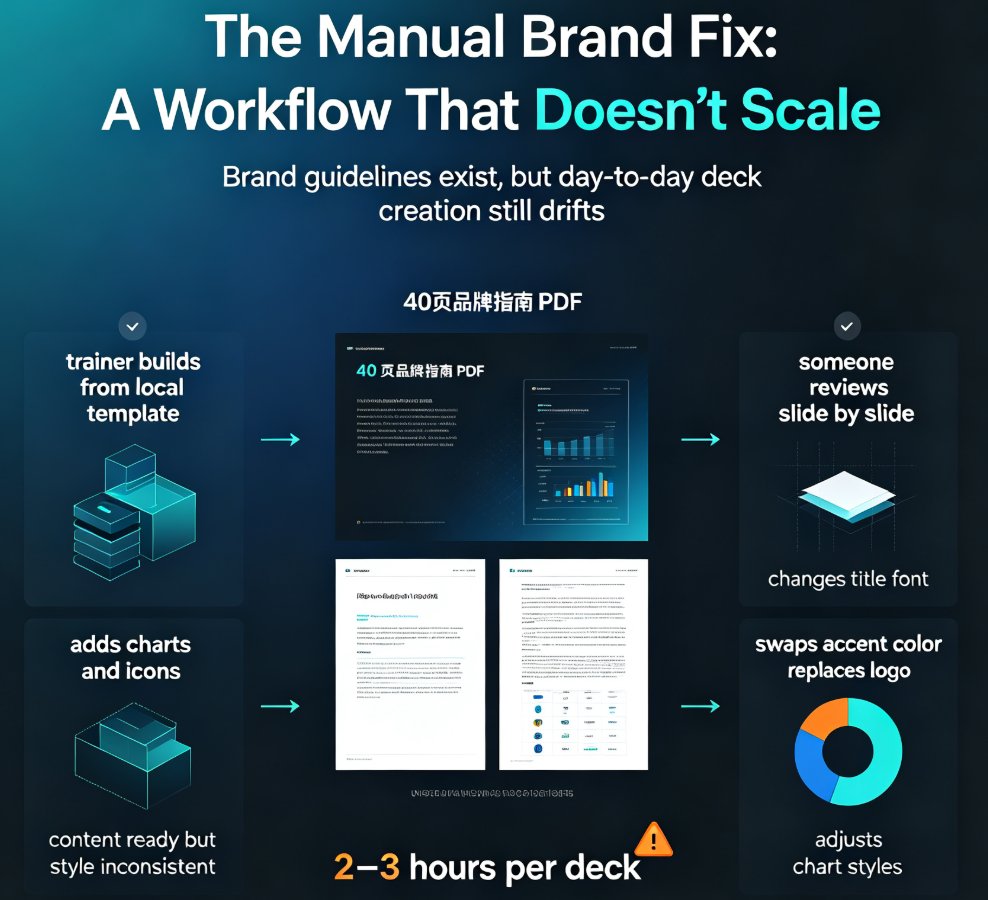
Off-brand training decks quietly erode trust and waste hours of L&D time. Zendeck's one-click reskin enforces brand consistency across every training presentation — unifying fonts, colors, and layouts in minutes instead of manual hours. This guide covers the hidden costs of brand non-compliance, a practical 10-minute audit you can run today, and how to build a reusable brand kit that scales. You'll learn why manual brand enforcement doesn't work, what one-click reskin actually does, and how Zendeck's template library and smart layout system help shift from reactive brand policing to automated governance. Perfect for corporate L&D teams, trainers, and HR professionals who need consistent, on-brand training materials at scale — without hiring a designer or rebuilding every deck from scratch.

WCAG Courseware Design: How AI Layout Tools Make Slides Accessible for Every Learner

Courseware Design 2026-08-18 3016

Most AI presentation tools ignore WCAG, leaving educators to fix accessibility manually. Zendeck's smart layout and contrast tools automatically enforce WCAG-friendly design, so every learner—including those with visual or cognitive impairments—can read, navigate, and understand your courseware. In this guide, you'll learn what WCAG requires, how Zendeck bridges the accessibility gap, and practical steps to create inclusive slides that meet AA and AAA contrast standards. Stop excluding students; start designing for everyone.