Popular Articles

A curated collection of the most-read and editor-picked articles — see what everyone's reading.

506 articles

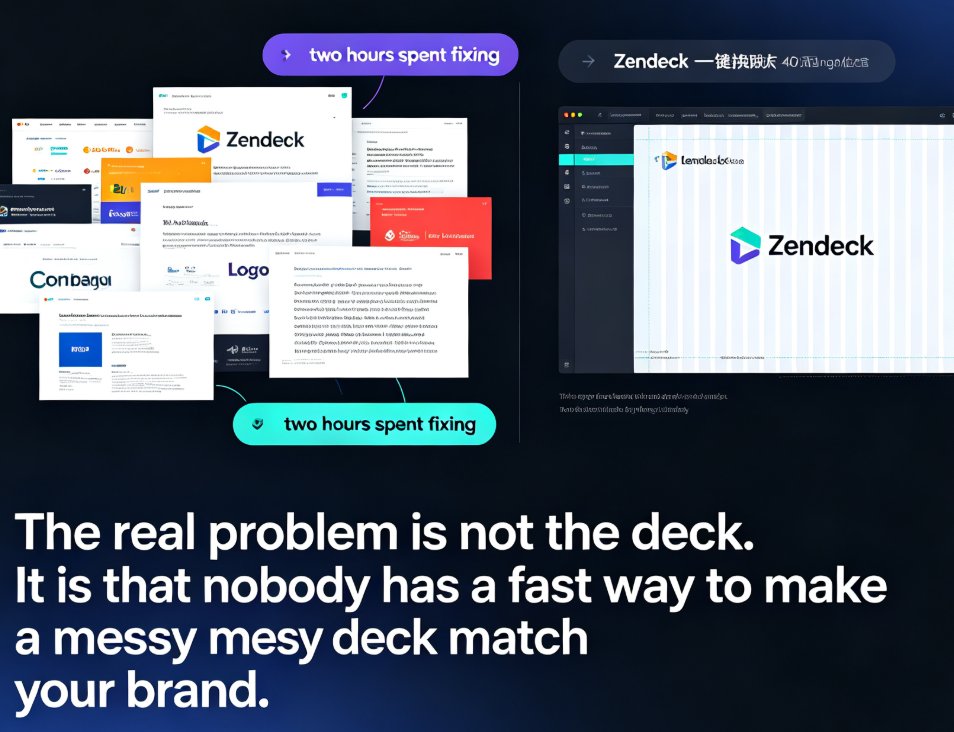
One-Click Reskin: Unify Your Presentation Brand with Zendeck

PPT Tutorial 2026-09-03 3319

Zendeck's one-click reskin instantly unifies your entire presentation with your brand guidelines — fonts, colors, and layouts applied across every slide in seconds. Stop reformatting slide by slide when a teammate sends a deck that doesn't match your corporate style. This guide walks through the exact steps to reskin a messy PPT, shows what the smart layout engine fixes (and what it doesn't), and helps you decide when to reskin versus rebuild. You'll also get best practices for keeping every deck on-brand, plus a comparison of manual reformatting vs. one-click reskin time costs. If you've ever inherited a deck with five different fonts and three color schemes, this is for you.

Zendeck vs. Gamma: Which AI Presentation Tool Fits Your Team Better?

Presentation Skills 2026-08-11 3309

Comparing Zendeck vs Gamma for AI presentations? Zendeck excels at document-to-deck conversion, brand consistency, and PPT-to-video, while Gamma shines at prompt-based generation. Here's how to choose based on your team's workflow. If you already have content in Word, PDF, or Markdown, Zendeck turns it into polished slides in minutes—without breaking your brand. Gamma is great for brainstorming from scratch, but its card-based reflow can mess up existing decks. We break down features, export options, and real-world use cases so you can pick the tool that actually fits how your team works.

Why Your Imported Word Doc Looks Messy and How Zendeck Fixes It

PPT Tutorial 2026-08-11 3308

Struggling with messy Word imports in PowerPoint? Learn why your Word doc looks cluttered and how Zendeck's smart layout automatically fixes formatting issues like section breaks, inconsistent bullets, and spacing. Save hours and create polished, professional slides in minutes. Discover the fastest way to turn text-heavy documents into clean, visually balanced presentations with Zendeck.

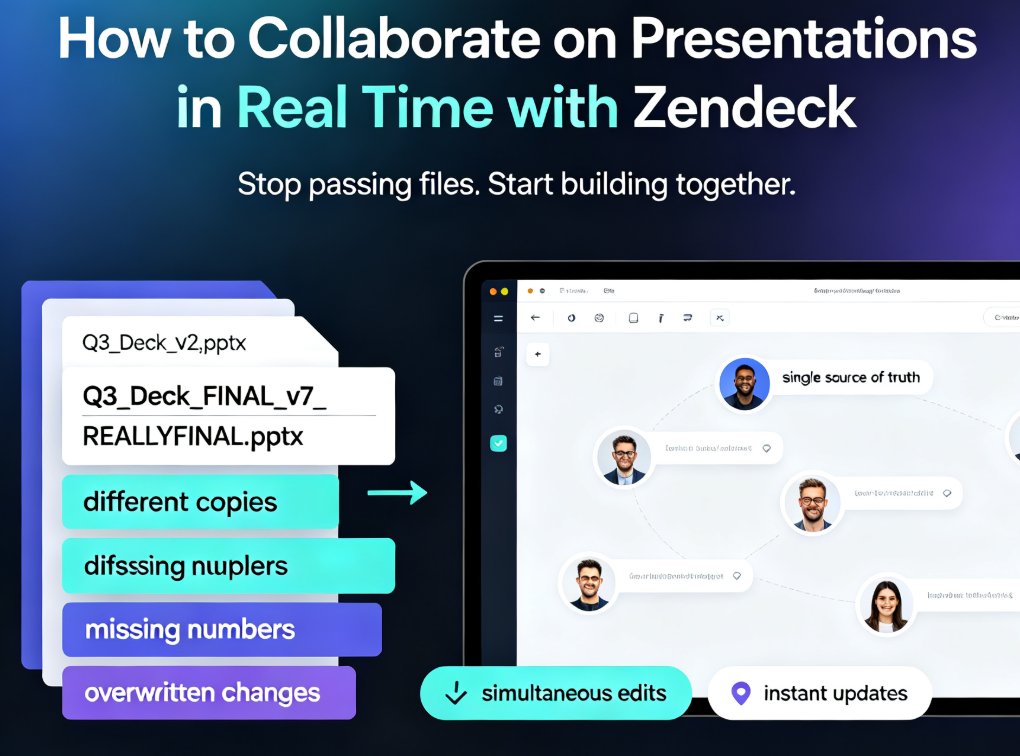
How to Collaborate on Presentations in Real Time with Zendeck

Office Efficiency 2026-08-26 3303

Zendeck's real-time collaboration tools let your team co-edit presentations online, track version history, and share secure links — no more version chaos. This step-by-step guide covers inviting teammates, managing edit and view permissions, restoring past versions, and building a group workflow that keeps every deck organized and on schedule. Whether you're a remote team, an L&D group, or a marketing squad, you'll learn how to turn messy group projects into a single source of truth, cut review cycles, and present with confidence. Real-time co-editing, version control, and secure link sharing are the three pillars that keep group presentations on track — and this guide shows you exactly how to use them in Zendeck.

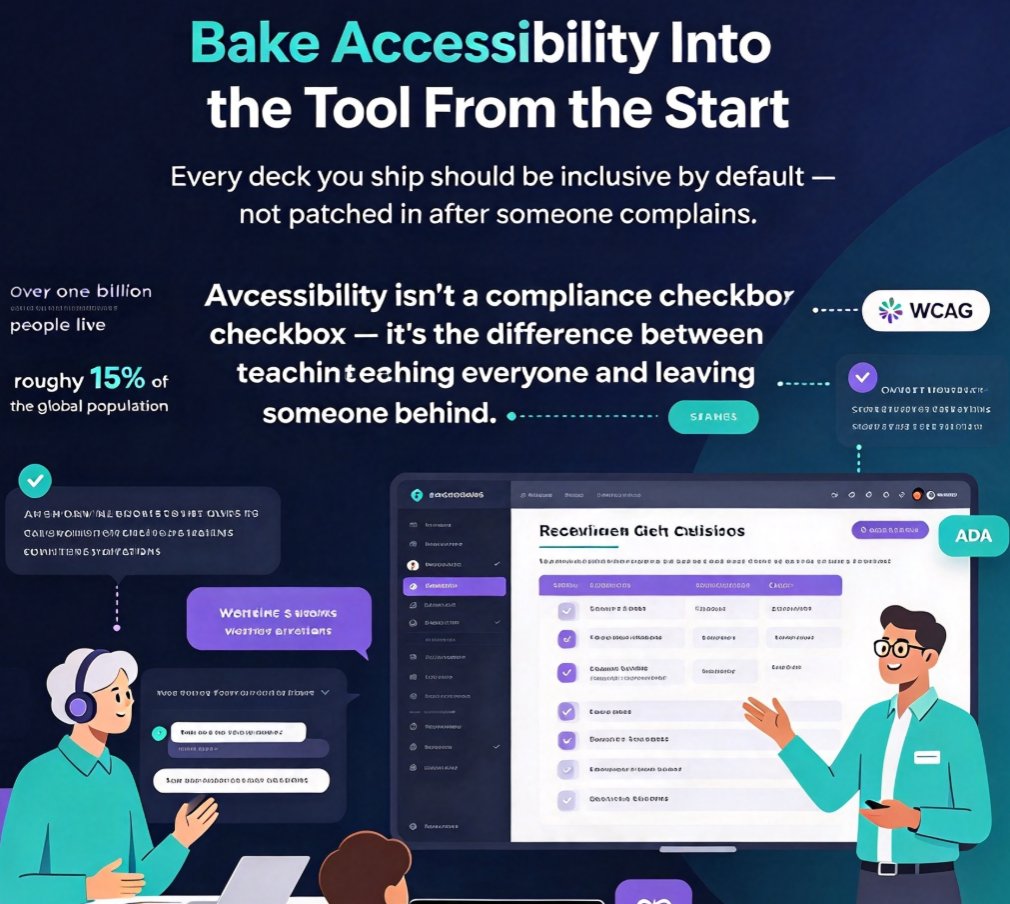
Accessible E-Learning: Zendeck Auto Captions & Inclusive Layouts

Courseware Design 2026-10-14 3298

Accessible e-learning courseware is no longer optional—it's the key to reaching every learner and staying compliant. This article breaks down how Zendeck's auto captions and inclusive layout defaults eliminate common accessibility gaps without adding extra work. Learn practical checkpoints, see a comparison of accessible vs. exclusive design, and discover why automated tools like Zendeck make WCAG standards achievable for educators, trainers, and HR teams. If you build courseware, this guide will help you engage a broader audience while reducing legal risk. Start by understanding the pain points, then see how Zendeck's features turn accessibility from a burden into a built-in benefit.

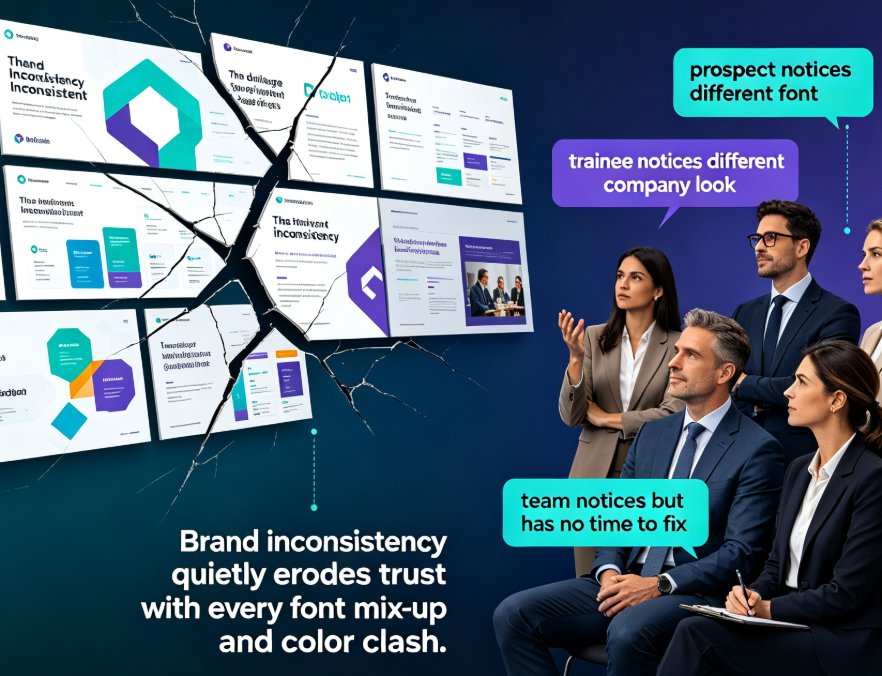
One-Click Rebrand: Zendeck Unifies Fonts, Colors & Layout

Courseware Design 2026-09-11 3292

Zendeck's one-click reskin instantly unifies fonts, colors, and layout across every deck, helping organizations enforce brand consistency without any design expertise. This guide shows you how the smart layout engine works, why rebranding is a governance problem — not just a cosmetic one — and how L&D teams save hours per deck while keeping every slide on-brand. Includes a side-by-side comparison of manual rebranding versus Zendeck reskin, a time-tracking chart, and tips for turning brand guidelines into default behavior. If you've ever spent a Friday evening fixing fonts in a 70-slide training deck, this workflow will change how you think about presentation production.

▲