Popular Articles

A curated collection of the most-read and editor-picked articles — see what everyone's reading.

402 articles

How to Collaborate on AI Presentations with Zendeck's Real-Time Sharing

Presentation Skills 2026-08-03 3278

Real-time collaboration is the missing piece in many AI presentation tools. Zendeck fills that gap with simultaneous co-editing, link sharing, and team workspaces. Learn how remote teams, trainers, and content operators can create, refine, and deliver presentations together without email chaos or version conflicts. This guide covers practical workflows for brainstorming, corporate training, and client pitches using Zendeck's collaboration features.

Presentation Analytics: Tracking Audience Engagement with AI

Presentation Skills 2026-08-10 3268

Presentation analytics is the next frontier for AI deck tools. Learn how tracking audience engagement, dwell time, and attention can transform your presentations. Zendeck is poised to bring these insights to your workflow, helping you measure and optimize every slide. Discover the metrics that matter, from glance rates to conversion, and see how leading platforms like Pitch and Displai are already using AI to reveal what captures attention. This guide covers the key metrics, how to interpret them, and actionable steps to improve your deck's performance. Whether you're a sales rep, educator, or marketer, understanding presentation analytics will help you create decks that actually get read and remembered.

Team Slide Collaboration Chaos? Zendeck Real-Time Editing and History

Office Efficiency 2026-08-27 3260

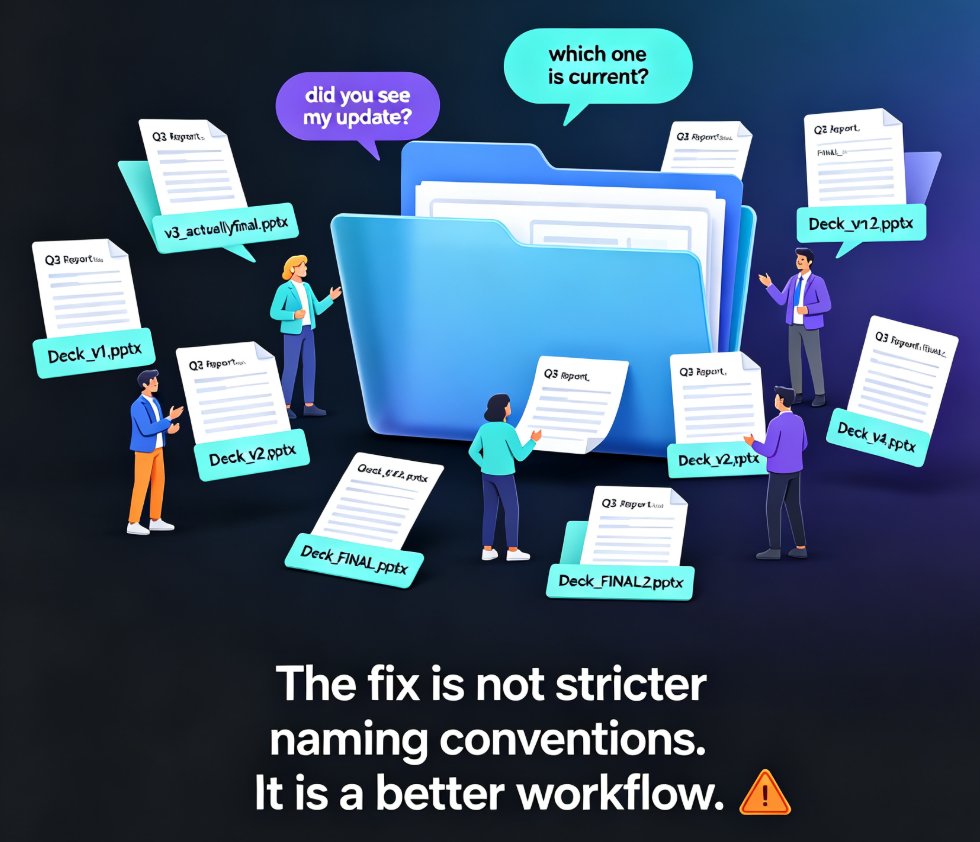
Team slide collaboration often turns into version chaos — duplicate files, lost edits, and endless email threads. Zendeck's real-time editing and history tracking give your team one source of truth, so everyone co-edits the same deck without stepping on each other's work. This guide breaks down why version conflicts happen, what real-time collaboration actually changes, and how version history gives your team the confidence to experiment. You'll get a practical workflow for educators, trainers, and HR teams, plus a side-by-side comparison of traditional vs. real-time collaboration, workflow tips that actually stick, and answers to the most common questions about co-editing and rollback. If you're tired of asking 'which file is the latest?' — this is the read for you.

Does Zendeck Work Offline? Connectivity and Cloud Sync FAQ

Office Efficiency 2026-08-12 3257

Does Zendeck work offline? Zendeck is a cloud-based AI presentation platform, so most features require an internet connection. While you can't generate AI slides or collaborate in real time without connectivity, you can prepare content offline and sync later. This FAQ explains what works offline, how cloud sync protects your work, and best practices for flights, remote areas, and unstable networks. Learn how to keep your deck workflow smooth even when the Wi-Fi drops, and discover workarounds for Zendeck's connectivity requirements.

PPT to Video: How Zendeck Turns Slides into Narrated Micro-Courses

PPT to Video 2026-09-18 3255

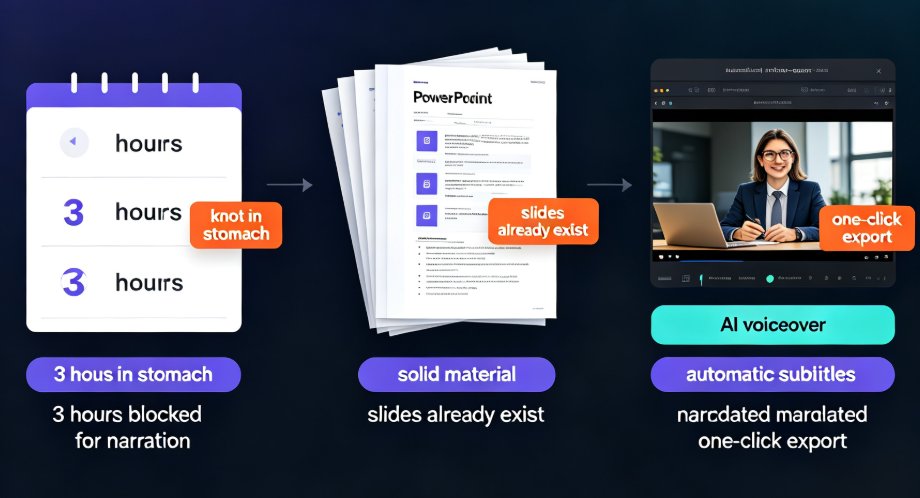
Zendeck's PPT-to-video feature turns static slides into narrated micro-courses in minutes, making video course creation up to 10x faster for educators and trainers. Powered by AI auto-narration, automatic subtitle generation, and one-click export to MP4, this tool lets you repurpose legacy PowerPoint decks into engaging video lessons without redesigning slides or re-recording voiceovers. This guide covers the complete conversion workflow—from uploading your PPT, choosing narration voices and subtitle styles, to exporting video at the right resolution. You'll also get practical tips on pacing, closed captions for accessibility, and publishing for multiple channels. Learn exactly how Zendeck saves hours of manual work while keeping your courseware polished and professional.

How to Get Your Team to Follow Brand Guidelines with Zendeck's Brand Kits

Presentation Skills 2026-08-12 3252

Struggling to get your team to follow brand guidelines? Zendeck's Brand Kits make it effortless. Learn how to set up, enforce, and maintain brand consistency across every presentation, saving hours and eliminating off-brand decks. This guide covers the essentials of a brand kit, step-by-step setup in Zendeck, and best practices for team adoption. Discover how to turn brand guidelines from a manual chore into an automated system that your team actually follows. With Zendeck, you can auto-detect your brand from your website, apply it to all new decks, and ensure every slide matches your logo, colors, and fonts. Say goodbye to the 'brand police' role and hello to consistent, on-brand presentations every time.