Popular Articles

A curated collection of the most-read and editor-picked articles — see what everyone's reading.

506 articles

Export Zendeck AI Presentations to PPTX, PDF, and Google Slides

PPT Tutorial 2026-08-06 3214

Zendeck's multi-format export eliminates lock-in: export your AI presentations to PPTX, PDF, and Google Slides. This tutorial covers when to use each format—for collaboration, preservation, or online editing—and how to export in one click. Whether you're a trainer sharing slides with a client or a teacher submitting courseware, Zendeck ensures your deck works anywhere. Stop worrying about compatibility and start sharing with confidence.
Complex Word Docs Break PPT? Zendeck AI Rebuilds Clean Slides

AI Courseware 2026-08-25 3209

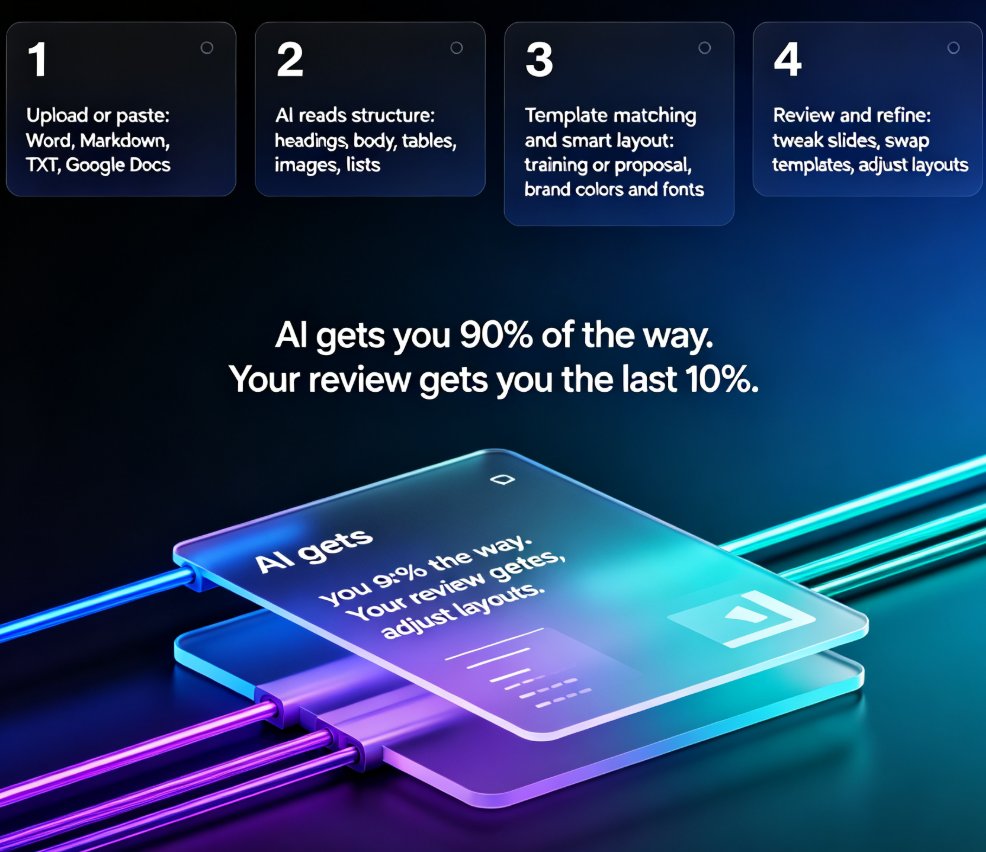
Struggling to convert complex Word documents into clean PPT slides without losing structure? Zendeck AI rebuilds your document's headings, tables, images, and nested styles into professionally designed slides automatically. Unlike traditional import tools that break formatting and create messy layouts, Zendeck reads your document's semantic hierarchy and reconstructs each section as a presentation-ready slide. This guide explains why Word documents break in PowerPoint, how Zendeck's AI-driven rebuild differs from naive import, and what actually gets reconstructed — tables become data slides, nested lists become structured slides, and heading hierarchies become your presentation's narrative flow. Save hours of manual reformatting on every deck, whether you're an educator, trainer, or HR professional.

How Sales Teams Use Zendeck's Smart Layout to Standardize Client Decks

Presentation Skills 2026-08-11 3209

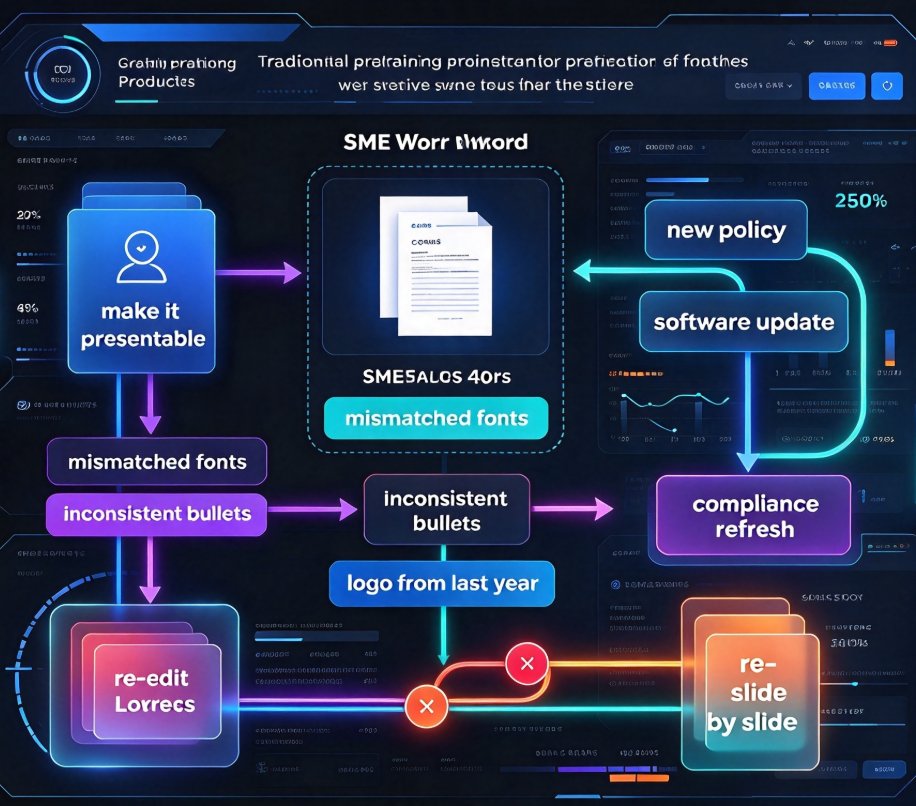
Sales teams waste hours fixing off-brand, inconsistent client decks. Zendeck's Smart Layout automatically unifies fonts, colors, and slide structure so every rep delivers a polished, on-brand pitch. This guide walks through setup, workflow, and best practices — plus a before/after comparison showing how standardization cuts review time from hours to minutes. Learn how to make Smart Layout the backbone of your sales enablement stack and keep every client deck looking like it came from one designer.

Micro-Learning at Scale: How AI Turns PPTs into Video Courses

PPT to Video 2026-08-12 3206

Micro-learning at scale is easier than you think. Learn how AI turns PPTs into video courses in minutes — no studio, no re-recording, no design skills required. Zendeck's PPT-to-video workflow reads your slide structure, generates natural narration, and exports SCORM-ready modules your LMS will actually index. See the 3-step workflow, best practices for slide structure, and why structured decks cut editing time by 30-50%. Whether you're an L&D manager, corporate trainer, or educator, this guide shows you how to turn existing decks into maintainable, indexed micro-courses that learners actually finish — and how to update a single data point without re-recording a single frame. Stop sending PPTs that sit unopened in inboxes. Start shipping video courses your team will actually watch, track, and finish.

AI Deck Generator Data Privacy: What Schools & Enterprises Need in 2026

AI Courseware 2026-10-20 3205

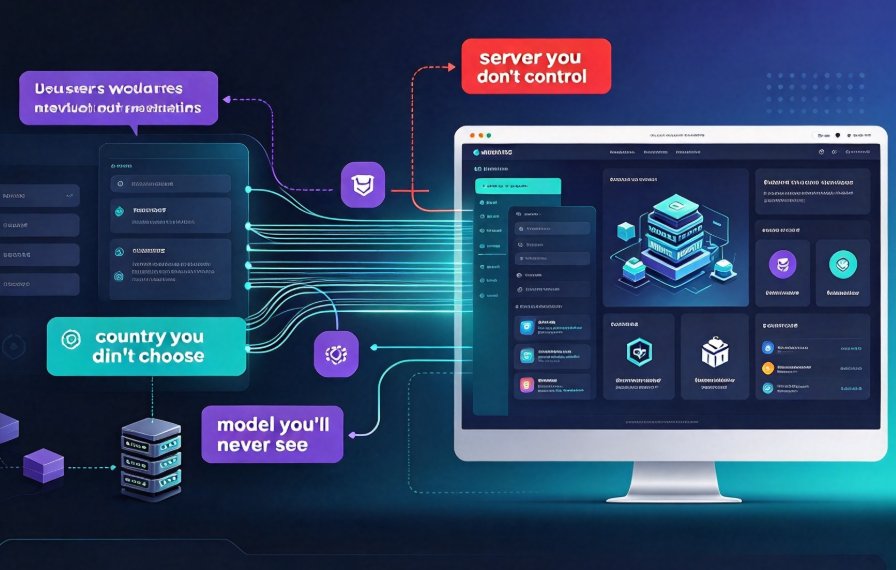
Data privacy has become the top deal-breaker when choosing an AI deck generator in 2026. Who sees your confidential slides? Can you meet GDPR, HIPAA, or FERPA requirements? This guide breaks down the security tiers of AI presentation tools, the hidden risks of LLM subprocessors, and why Zendeck's private deployment option gives schools and enterprises total control over their content. Learn how to audit a tool like a procurement pro, protect student and client data, and pick a generator that won't train on your IP. No scare tactics—just a clear path to compliant, secure presentations.

How to Build a Corporate Training Presentation in 6 Steps with Zendeck

Knowledge Video 2026-10-23 3164

Building a corporate training presentation has always meant days of manual layout, logo placement fixes, and emailing PowerPoint attachments that go stale within a week. The smarter way is to use AI. This guide shows HR and L&D teams how Zendeck compresses production into a repeatable six-step workflow: import a course outline, apply a branded template, let smart layout handle the design, pull charts and icons from the asset library, convert slides into a narrated micro-course, and ship via secure link or LMS export. The outcome is an on-brand, consistent, accessible training asset built in hours — not days or weeks — with no design skills required, and every future policy update re-syncs automatically for the whole team. Read on for the exact steps, the time savings to expect, and the three pitfalls that still trip up training teams.

▲