PPT to Video

Turn PPT and courseware into micro-courses and video lessons — methods and real cases.

50 articles

No Voice Talent? Turn PPTs into Professional Videos with Zendeck AI

PPT to Video 2026-08-19 853

Turn your PowerPoint slides into professional narrated videos without a microphone or recording studio. Zendeck's AI narration and PPT-to-video conversion let educators, trainers, and content teams create polished micro-courses in under an hour. No voice talent, no equipment, no audio editing — just pick an AI voice, generate the narration, and export a video-ready MP4. This guide walks through the complete workflow, compares time and cost against traditional recording, and shares practical tips for making AI-narrated videos sound natural. If you've been avoiding video content because recording feels like a production project, this is the solution you've been waiting for. Learn how to auto-generate speaker notes, sync narration to slide timing, and produce training videos, compliance courses, and product demos that look and sound professional — all from the tool you already use to build decks.

Zendeck PPT-to-Video for Accessible Voiceover Lessons: A Teacher's Story

PPT to Video 2026-08-19 1546

Zendeck's PPT-to-video with AI voiceover helped a special education teacher create accessible lessons for students with visual impairments and reading difficulties. By converting slides into narrated videos with subtitles, she saw a 30% improvement in quiz scores and strong parent feedback. This case study walks through her exact workflow — upload, script, generate, share — and explains why narrated video decks are becoming the accessibility baseline in education and corporate training. You'll learn how to add narration to slides, auto-generate subtitles, and create replayable lessons in about 20 minutes, with no video editing experience required. If you're a teacher, trainer, or instructional designer looking for an accessible alternative to static slide decks, this is the guide for you.

2026 AI Agents: Automating the Full Path from Text Prompt to Video Deck

PPT to Video 2026-08-18 3690

In 2026, AI agents are automating the full path from text prompt to video deck — and Zendeck is built for exactly this shift. Early reports show deck-building time dropping 70–95% as agents move beyond single-step generation to orchestrate the entire workflow: structuring your outline, generating brand-consistent slides, writing speaker notes, recording narration, and exporting a finished narrated video. This guide breaks down what agentic presentation tools actually do, the real numbers behind the time savings, why video decks are replacing static PDFs in training and education, and the five things to check before trusting any tool with your next deck. If you're tired of context-switching between a slide tool, a design tool, and a recording tool, this is the 2026 workflow you've been waiting for.

Convert PowerPoint to an AI-Narrated Video in 4 Steps with Zendeck

PPT to Video 2026-08-18 1127

Learn how to convert PowerPoint to an AI-narrated video with Zendeck's PPT-to-video feature. This step-by-step guide shows you how to turn static slides into engaging micro-courses with built-in AI voiceover, no microphone or editing skills required. Discover the 4-step workflow, pro tips, and common mistakes to avoid. Zendeck makes video creation from PPTs fast and easy, so you can repurpose existing content in minutes and boost learner engagement without a production team.

PPT to Video 2026: Narration and Auto-Subtitles Become Table Stakes

PPT to Video 2026-08-18 2741

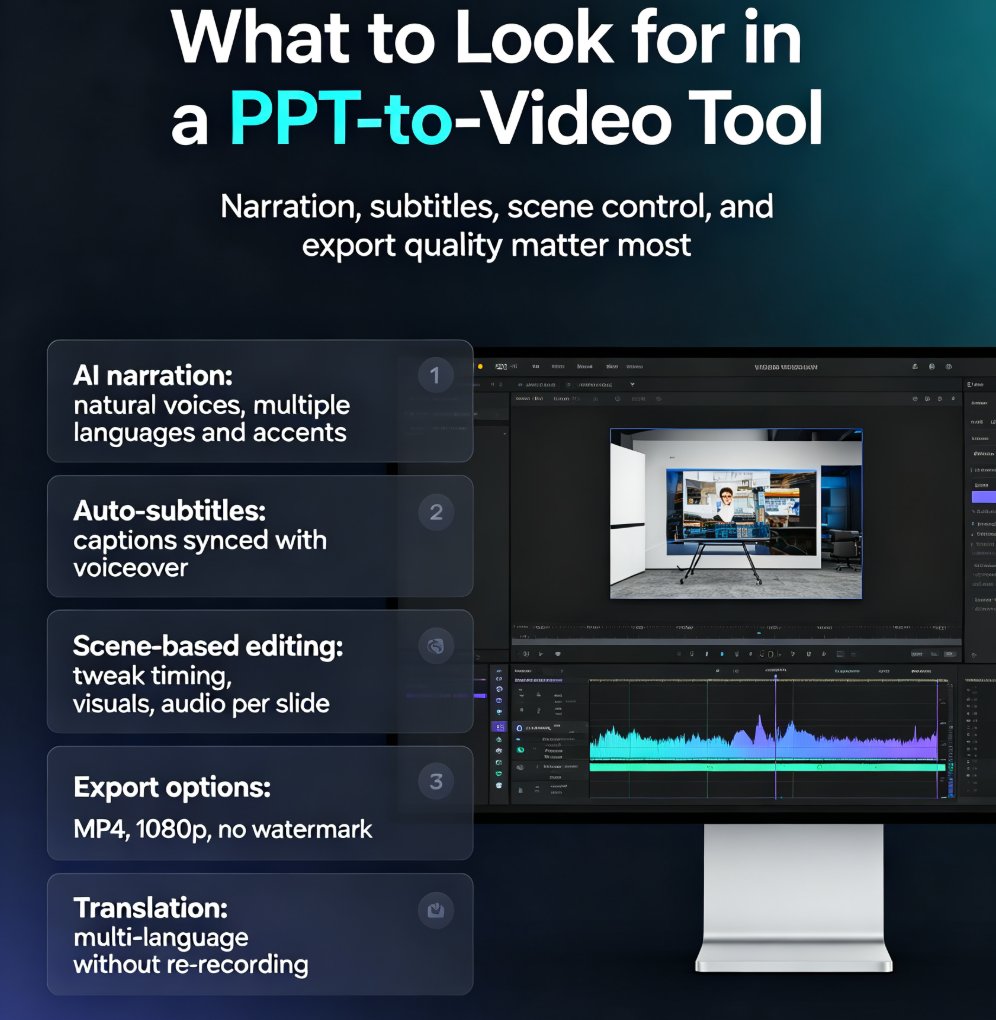
In 2026, converting PPT to video with narration and auto-subtitles is no longer optional—it's table stakes. Learn how Zendeck's AI-powered PPT-to-video feature turns static slides into engaging narrated videos with automatic subtitles, saving up to 60% production time. Discover the key features to look for, step-by-step workflow, and common mistakes to avoid. Whether you're a trainer, educator, or marketer, this guide will help you create professional videos that captivate your audience and boost accessibility. Start converting your PowerPoint decks into dynamic video content today with Zendeck.

Turn Boring Slides into Narrated Videos with Zendeck AI Voiceover

PPT to Video 2026-08-18 3075

Turn static slides into narrated videos with Zendeck AI voiceover — no video editing skills, studio equipment, or voice actors required. Zendeck's PPT-to-Video feature converts your existing decks into professional narrated micro-courses in about an hour. This guide breaks down the traditional cost of video production, compares it with Zendeck's automated workflow, and walks through the four-step process: import your deck, polish the slides, add AI narration, and render. You'll also see who benefits most — educators, corporate trainers, HR teams, and content operators — and when traditional video production still makes sense. If you've been sending static decks that nobody watches, this is the fix. Learn how AI voiceover, smart layout, and one-click rendering make narrated video creation affordable for any team.