PPT to Video

Turn PPT and courseware into micro-courses and video lessons — methods and real cases.

50 articles

From PPT to Video: Create a Narrated Micro-Lecture with Zendeck

PPT to Video 2026-08-25 1056

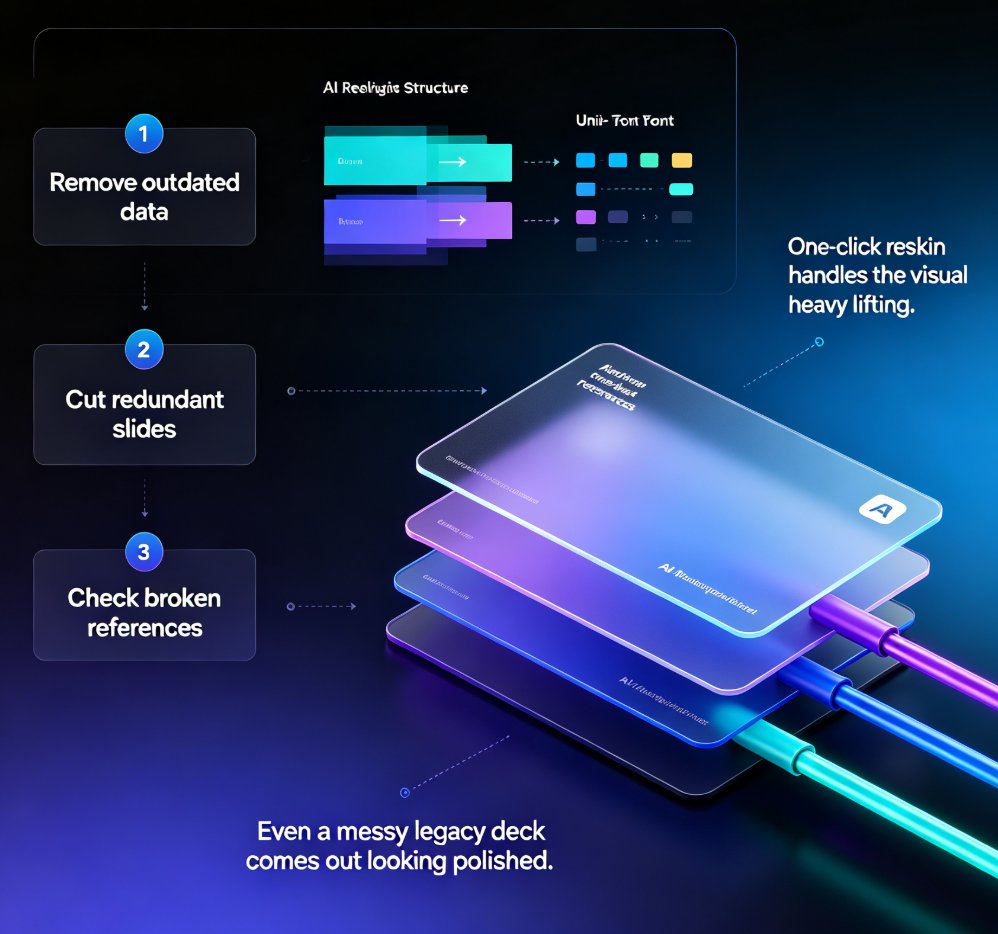
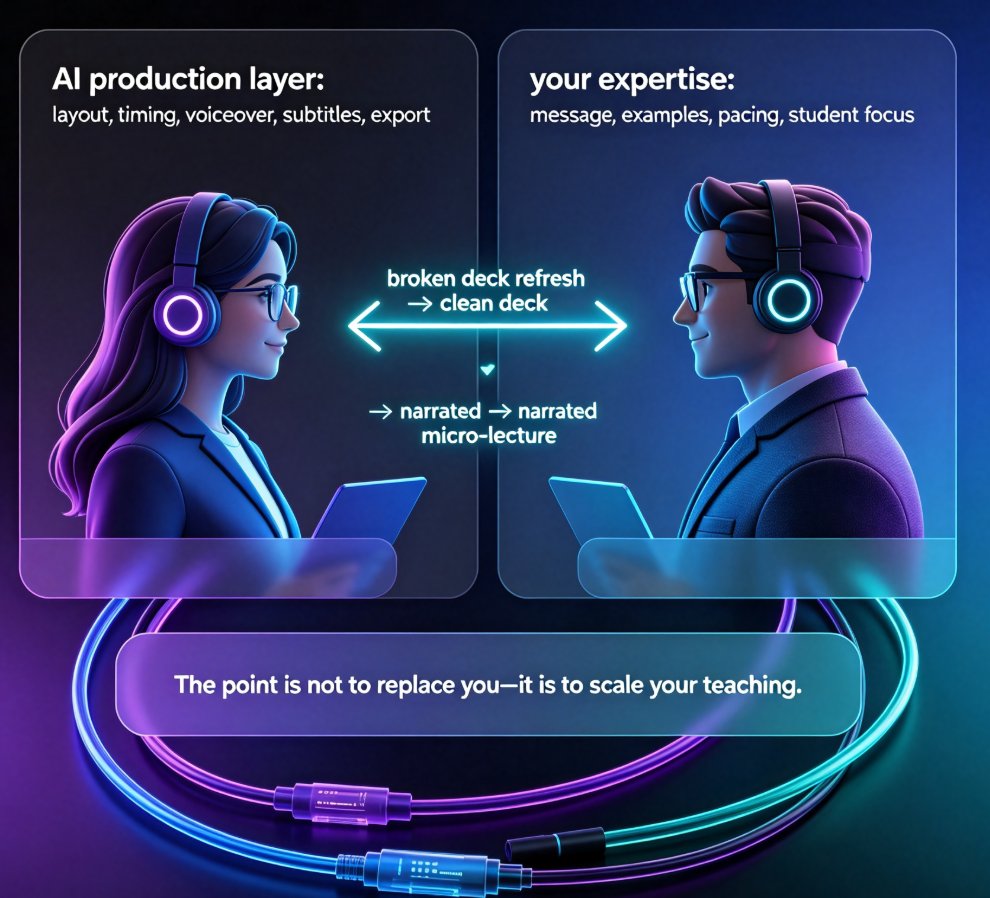
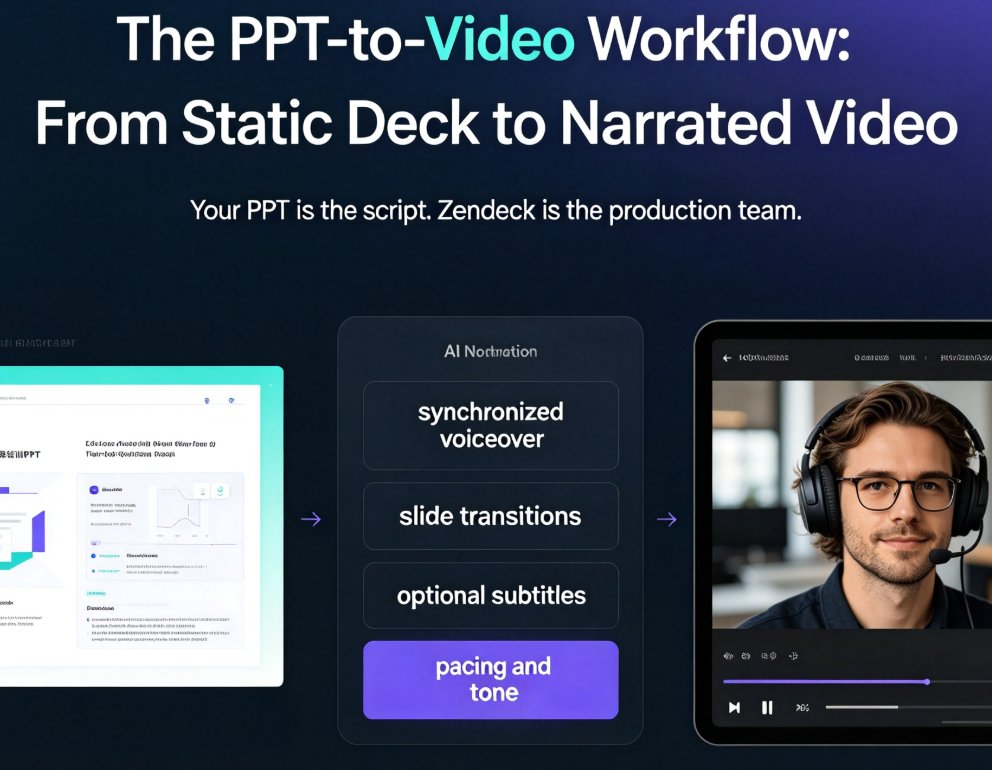
Learn how to turn static PPT slides into a narrated micro-lecture with Zendeck's PPT-to-video feature. This step-by-step tutorial covers AI voiceover, pacing, and sharing — perfect for educators and corporate trainers who need quality video without a production team. Zendeck's PPT-to-video converts your existing slides into engaging narrated videos in minutes, with AI-generated voiceover, subtitles, and smart layout. Whether you're building an e-learning course or onboarding materials, this guide walks you through the entire workflow. Discover narration tips, best practices, and a side-by-side comparison with traditional recording methods. By the end, you'll have a polished micro-lecture ready to share with your learners.
PPT to Video Is the Next Big Trend: What L&D Teams Need to Know in 2026

PPT to Video 2026-08-25 3459

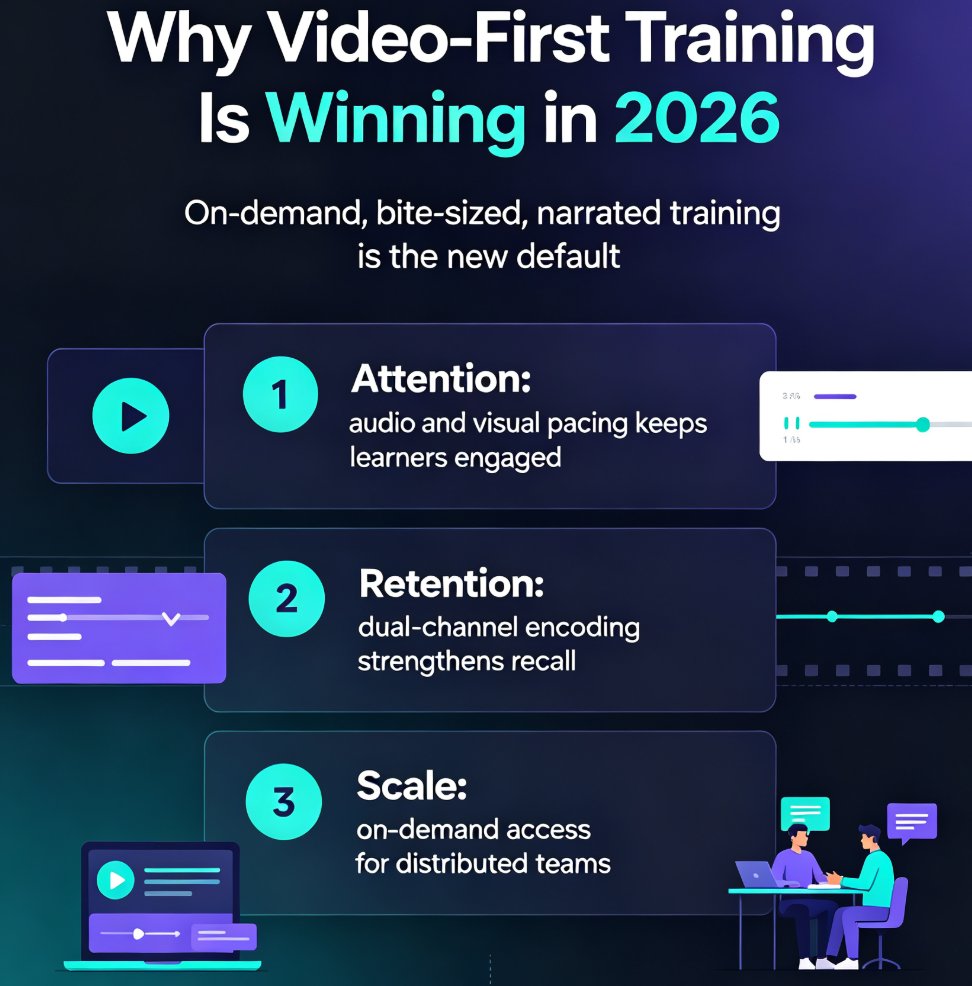
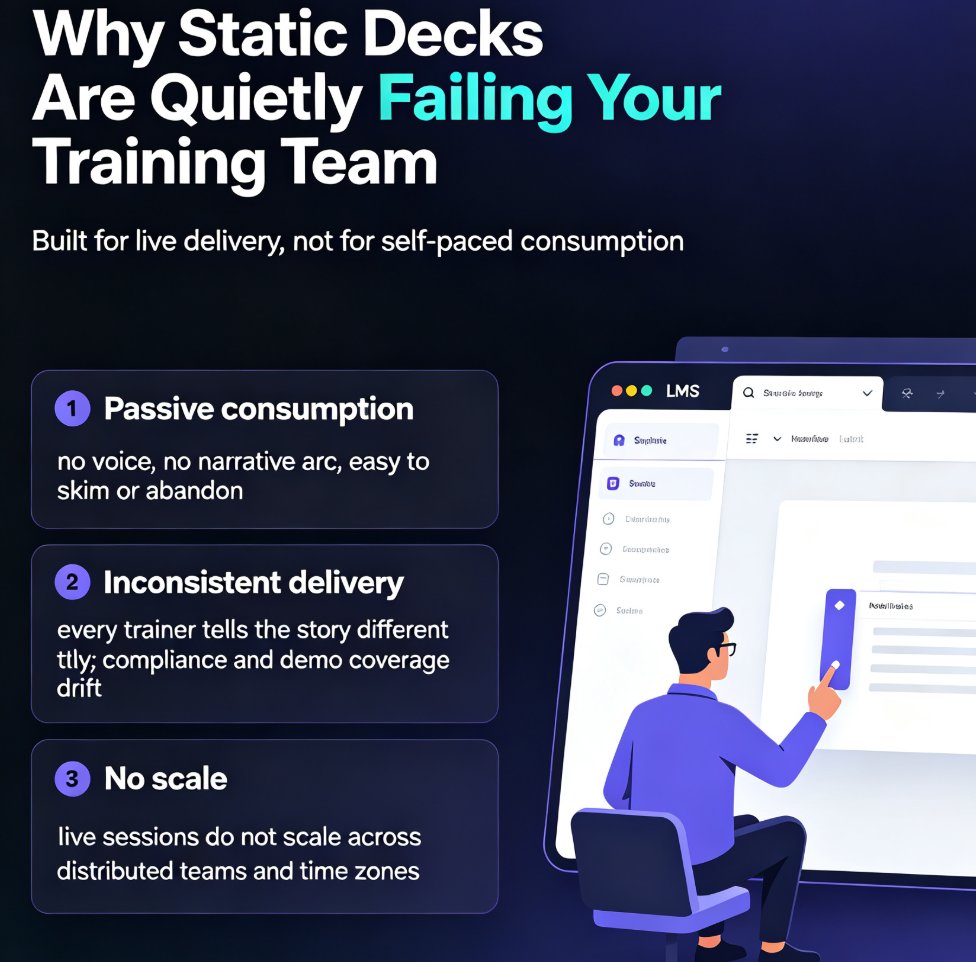
AI-powered PPT-to-video is the next big trend in corporate learning, and Zendeck makes the shift practical for L&D teams. This 2026 trend analysis explains why static slide decks are losing ground to narrated micro-videos, and how Zendeck's PPT-to-video engine — with auto subtitles, AI voice synthesis, and one-click narration — lets any training team convert slides to video without a production budget. We break down the pain points of static decks, the shift to video-first learning, what to look for in a conversion tool, and a step-by-step path from outline to published micro-course. If your training content is underperforming, this guide shows why video is the answer and how to get there.

No Video Skills? Zendeck Turns PPT into Narrated Onboarding Videos

PPT to Video 2026-08-25 3497

You don't need video editing skills to create professional onboarding videos. Zendeck's PPT-to-video feature turns your existing onboarding deck into a narrated video with AI or human voiceover, subtitles, and consistent branding — in about an hour instead of weeks. This guide walks HR and L&D teams through the exact workflow: preparing your deck, generating narration, adding subtitles, and exporting. We compare traditional agency production against the PPT-to-video approach, share best practices for onboarding videos that new hires actually watch, and explain why this workflow makes content updates a five-minute task instead of a re-hire-the-agency project. If your team has been avoiding video onboarding because it feels like a different profession, this is the practical path forward. No timeline editing, no studio, no agency — just your existing deck and a workflow that takes minutes.

Broken Media in PPT? Zendeck Converts Slides to Video That Plays

PPT to Video 2026-08-25 1286

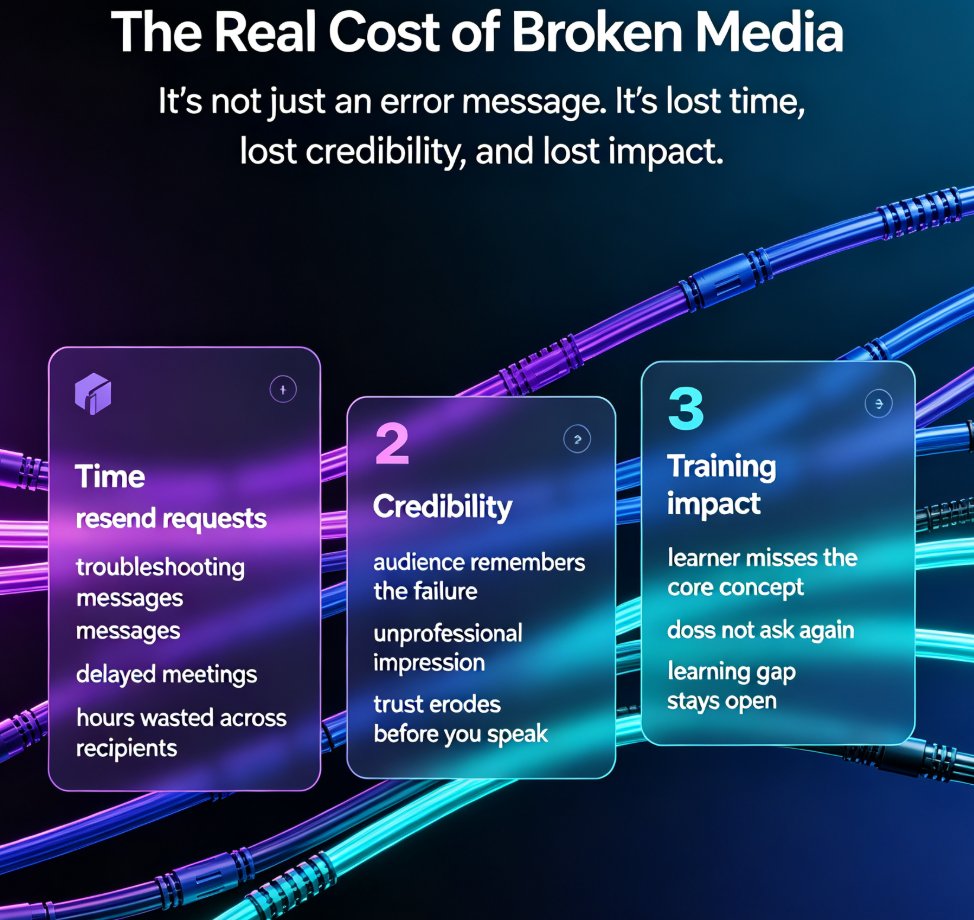
Broken embedded media in PPT is a reliability nightmare — videos that won't play, links that die, codecs that mismatch across devices. Zendeck's PPT-to-video feature converts your slides into a single, self-contained video file that plays anywhere, ending the pain of broken media forever. This guide explains why embedded media breaks, the real cost of failed decks, and how Zendeck bakes every element — slides, narration, charts, demo clips — into one universally playable format. You'll learn the exact workflow to convert slides to video, when to convert versus keep interactive slides, and how to add narration and subtitles before rendering. Stop troubleshooting per-recipient playback issues and start shipping decks that always work. Whether you're a trainer, educator, or corporate communicator, Zendeck's PPT-to-video is the reliability solution your workflow is missing.

Why AI PPT-to-Video Is the 2026 Corporate Training Standard

PPT to Video 2026-08-24 2910

Corporate training is going video-first in 2026, and AI PPT-to-video is the new standard for onboarding and upskilling across distributed teams. Static decks fail to hold attention, while traditional video production costs too much time and money for most L&D teams. Zendeck's PPT-to-video pipeline converts existing slides or Word outlines into narrated micro-courses in minutes, with auto-narration, subtitles, and smart layouts that reflow content for the video frame. This guide explains why narrated video beats static slides for knowledge retention, how AI removes the production bottleneck that kept training decks static for years, and the best practices L&D teams use to create scalable, on-demand training content. If your team is still shipping 60-slide PDFs to new hires, this is the playbook for catching up in 2026.

From Static Slides to Narrated Micro-Courses: The PPT-to-Video Revolution

PPT to Video 2026-08-24 2997

PPT-to-video is the fastest-growing format in corporate training and education, and Zendeck makes the transition effortless. Learn how automated narration, subtitles, and smart layouts turn any static PowerPoint deck into a watchable micro-course in minutes. This guide covers the trend, the workflow, and best practices for trainers, educators, and L&D teams who want to repurpose existing slide decks without video editing skills. Discover why narrated micro-courses outperform static slides for retention and engagement, and how Zendeck's PPT-to-video feature automates the heavy lifting — from voiceover generation to subtitle syncing. If you've been sitting on decks that only get used once, this is your playbook for turning them into always-on learning assets.