PPT to Video

Turn PPT and courseware into micro-courses and video lessons — methods and real cases.

50 articles

Robotic Narration? Zendeck's PPT-to-Video AI Voiceover & Subtitles

PPT to Video 2026-08-28 2059

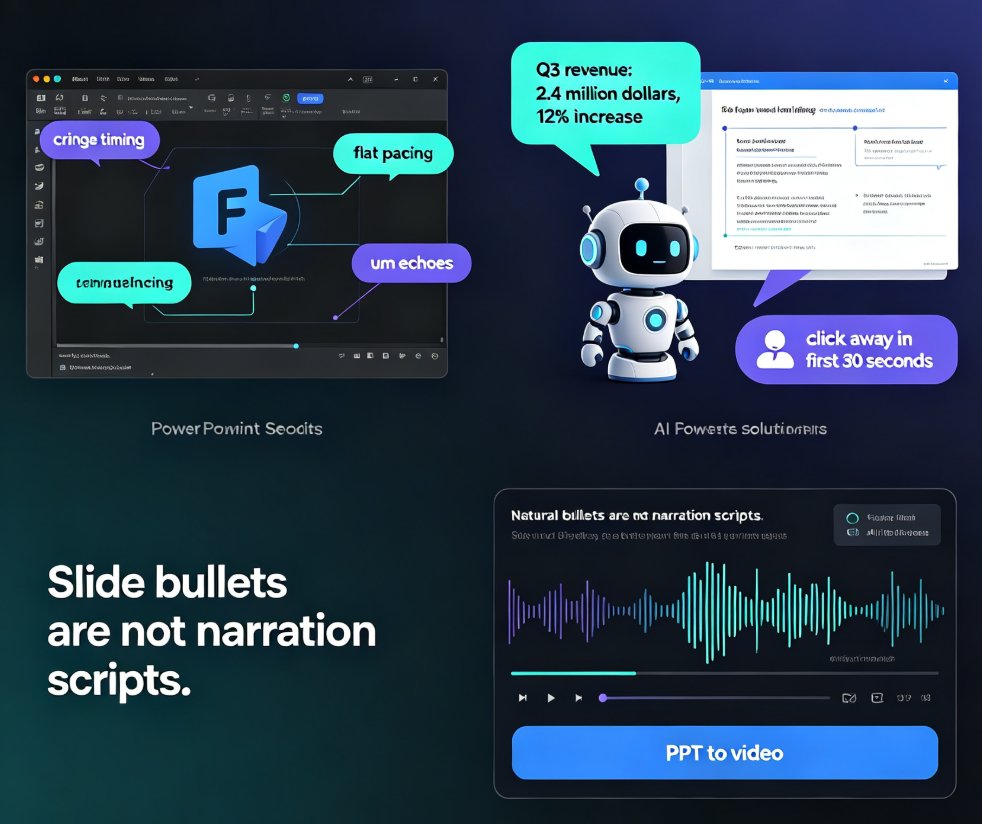
Robotic narration is the fastest way to lose viewers. Zendeck's PPT-to-video feature pairs AI voiceover generation with auto-synced subtitles so your micro-courses sound natural and stay accessible — no recording studio or voice-over agency needed. This guide breaks down why default TTS sounds flat, how Zendeck writes speak-ready scripts instead of reading slide bullets, and how the subtitle engine saves you hours of manual captioning. You'll get a practical comparison of narration workflows, a walkthrough of turning a deck into a narrated MP4 in minutes, and tips for keeping accessibility compliance front of mind. If you're an educator, trainer, or content operator tired of robotic-sounding videos, this is the workflow you've been missing.
How to Convert PPT to a Narrated Video with Zendeck: Step-by-Step

PPT to Video 2026-08-27 2098

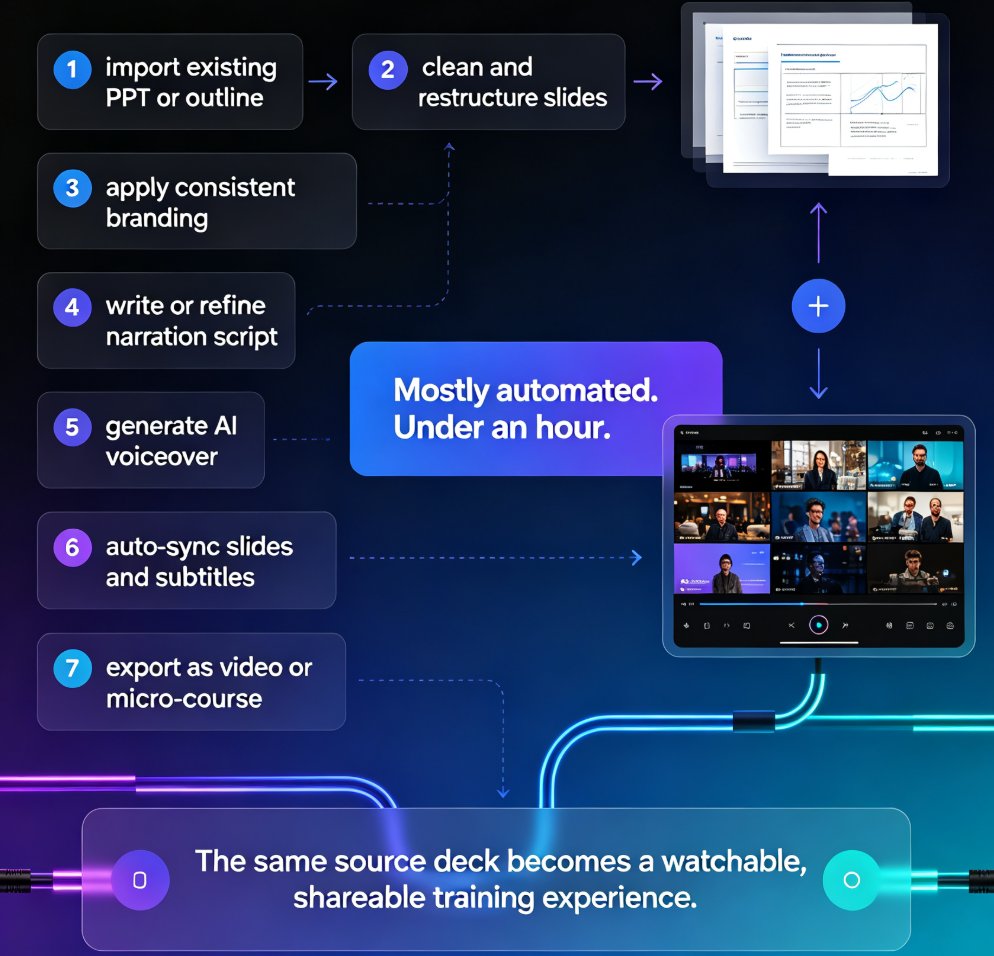
Learn how to convert PPT to a narrated video with Zendeck's PPT-to-video feature. This step-by-step guide walks through the entire workflow: importing a Word outline or Markdown file, letting AI generate structured slides, adding AI voiceover narration, and exporting to MP4 for sharing. We also cover practical tips for educators and trainers — how to keep slides visual, script before you record, and add subtitles for accessibility. By the end, you'll know exactly how to turn a static deck into a narrated micro-course in minutes, without a microphone, design skills, or expensive video editing software. Whether you're building corporate training, courseware, or knowledge videos, this workflow saves hours and produces consistent, professional results.

Turn Legacy Training PPTs into Narrated Micro-Courses with Zendeck

PPT to Video 2026-08-27 3354

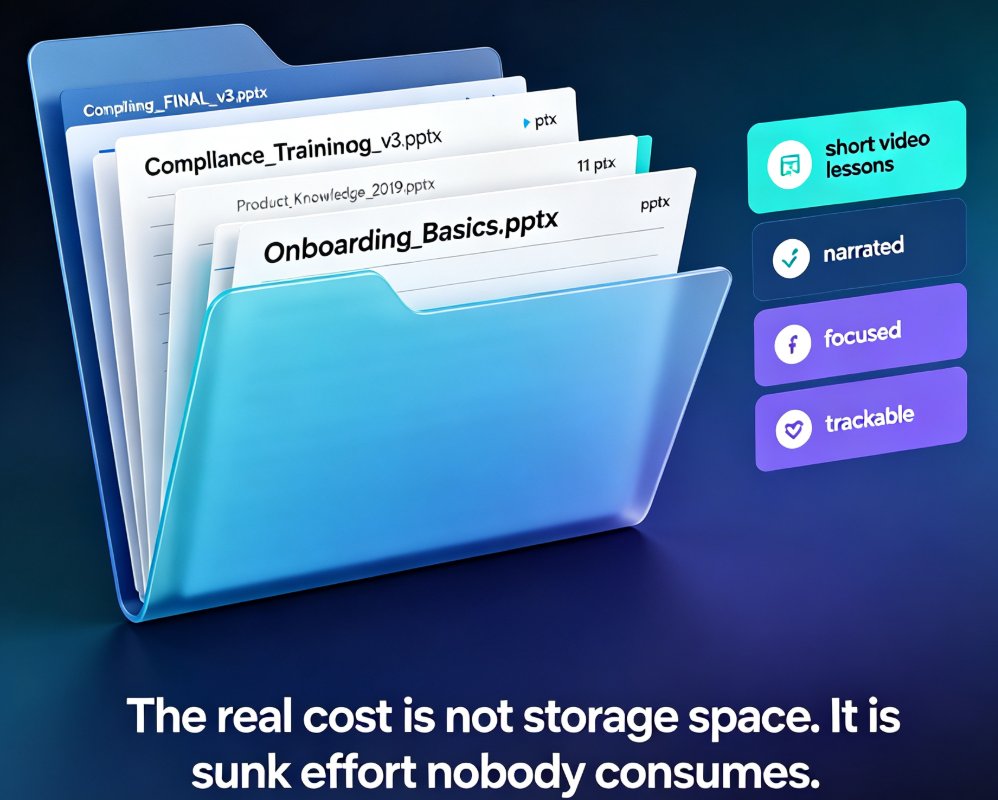
Turn legacy training PPTs into narrated micro-courses with Zendeck. This step-by-step guide shows trainers how to convert existing PowerPoint decks into engaging video lessons with auto-generated subtitles, saving hours of rework. Learn the exact workflow — import, generate, narrate, export — and see why repurposing beats rebuilding. Includes real scenarios for onboarding, compliance, and product training, plus a time comparison showing that converting 20 legacy decks can save roughly 360 hours versus rebuilding from scratch. If your team has a library of approved training slides gathering dust, this guide explains how to turn that content into courses learners actually finish.

How to Convert Your PPT into a Narrated Micro-Course with Zendeck

PPT to Video 2026-08-26 2182

Learn how to convert your PPT into a narrated micro-course with Zendeck's PPT-to-video feature. This tutorial walks through AI voiceover, auto-generated subtitles, and export settings so you can publish crisp, shareable video lessons in under an hour. Zendeck turns static slides into engaging narrated courses without any design or editing skills, making it the fastest path from outline to published micro-course for trainers, educators, and teams.

PPT to Video in 2026: AI Narration & Smart Timing Beat Manual Editing

PPT to Video 2026-08-26 1631

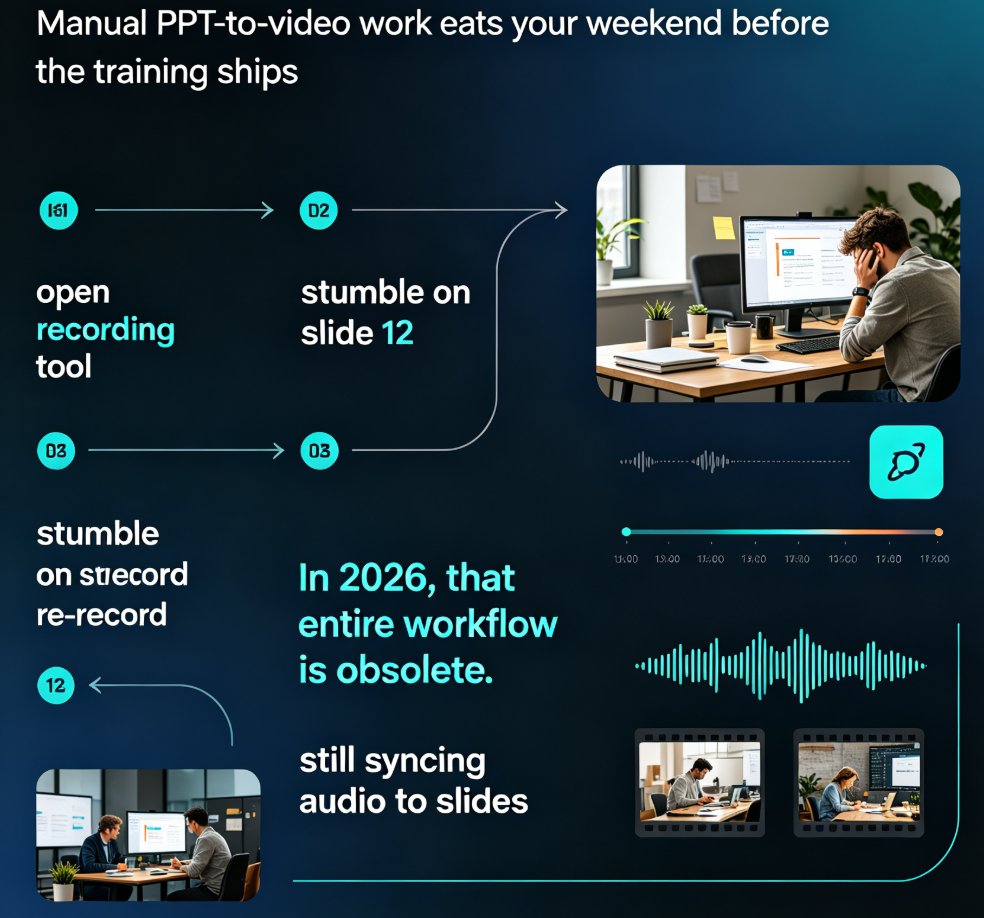
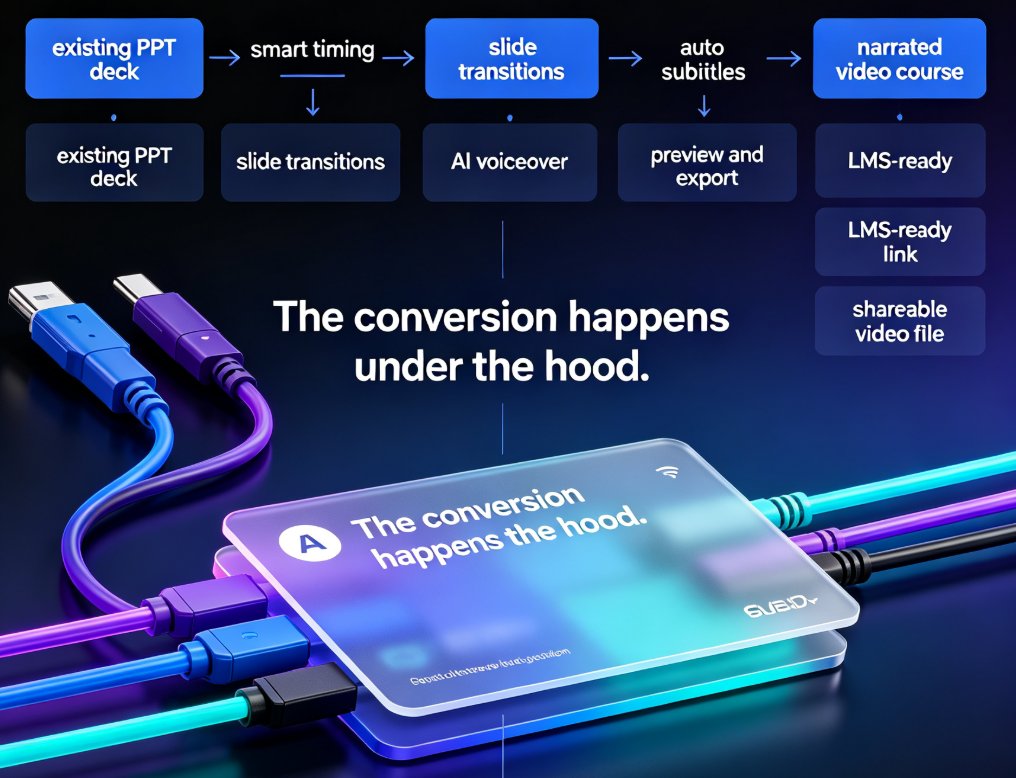
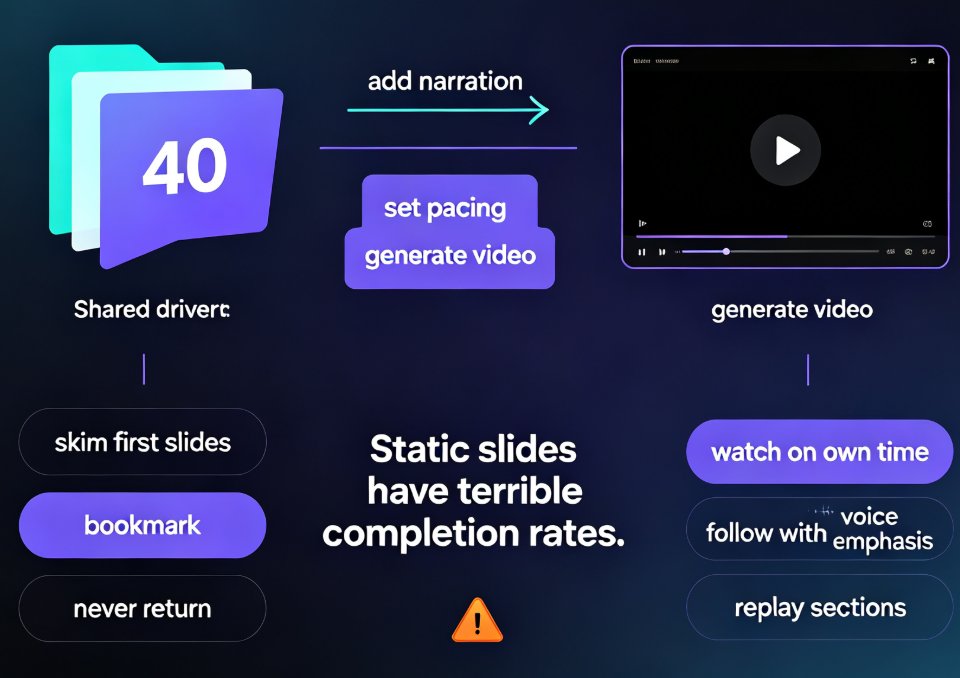
PPT to video in 2026 no longer means manual editing. AI narration and smart timing turn static slides into polished micro-courses in minutes. Zendeck's PPT-to-video reads your slide content, generates synchronized voiceovers, and paces each scene automatically—so educators, trainers, and content teams skip the recording booth entirely. This guide breaks down how scene detection, voice synthesis, and auto-pacing work together, compares production time against traditional workflows, and shows exactly where AI still needs a human touch. If you've been avoiding video because editing eats your weekends, this is the workflow change you've been waiting for.

Turn Static Training Decks into Video Courses with AI Narration

PPT to Video 2026-08-26 3455

Static training decks are the graveyard of corporate learning. Zendeck's PPT-to-video feature turns those legacy slides into narrated video courses with AI voiceover — no re-creating content, no video editing skills, no studio time. This guide walks you through the exact workflow: upload your deck, let Zendeck structure the narration, pick a voice, and export a polished micro-course. You'll learn how to make AI narration sound natural, which slides work best for video conversion, and when to skip the video route entirely. If your L&D team has years of PowerPoint content sitting unused, this is the fastest way to repurpose it into modern micro-learning your employees will actually watch. We also cover voice selection, pacing, subtitle best practices, and how to keep your brand consistent across every video you produce.