PPT to Video

Turn PPT and courseware into micro-courses and video lessons — methods and real cases.

50 articles

PPT Export Formats Compared: PDF, PPTX, Video and More with Zendeck

PPT to Video 2026-09-09 1229

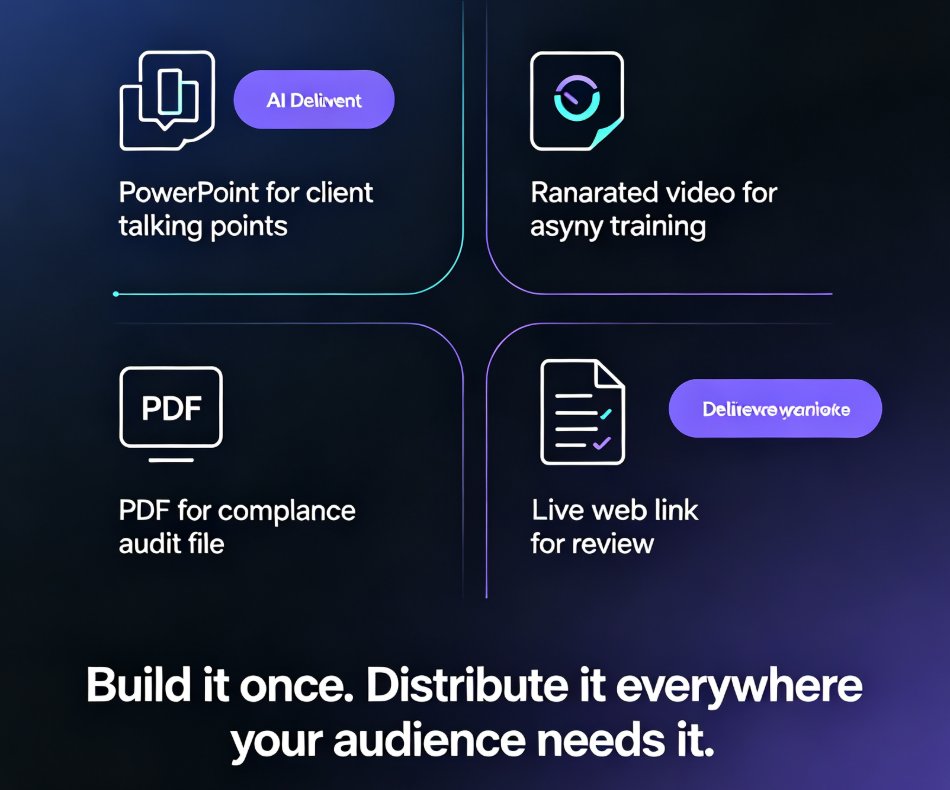
PPT export formats compared: PDF, PPTX, video, and shareable links — and how Zendeck keeps your layout, fonts, and speaker notes intact in every destination. Manual recreation drains hours from your team; one-click export delivers print-ready handouts, editable decks for PowerPoint and Google Slides, and narrated micro-course videos. Learn which format fits classroom handouts, client deliveries, compliance docs, and asynchronous training, plus the real time-savings data behind switching to a single export workflow.
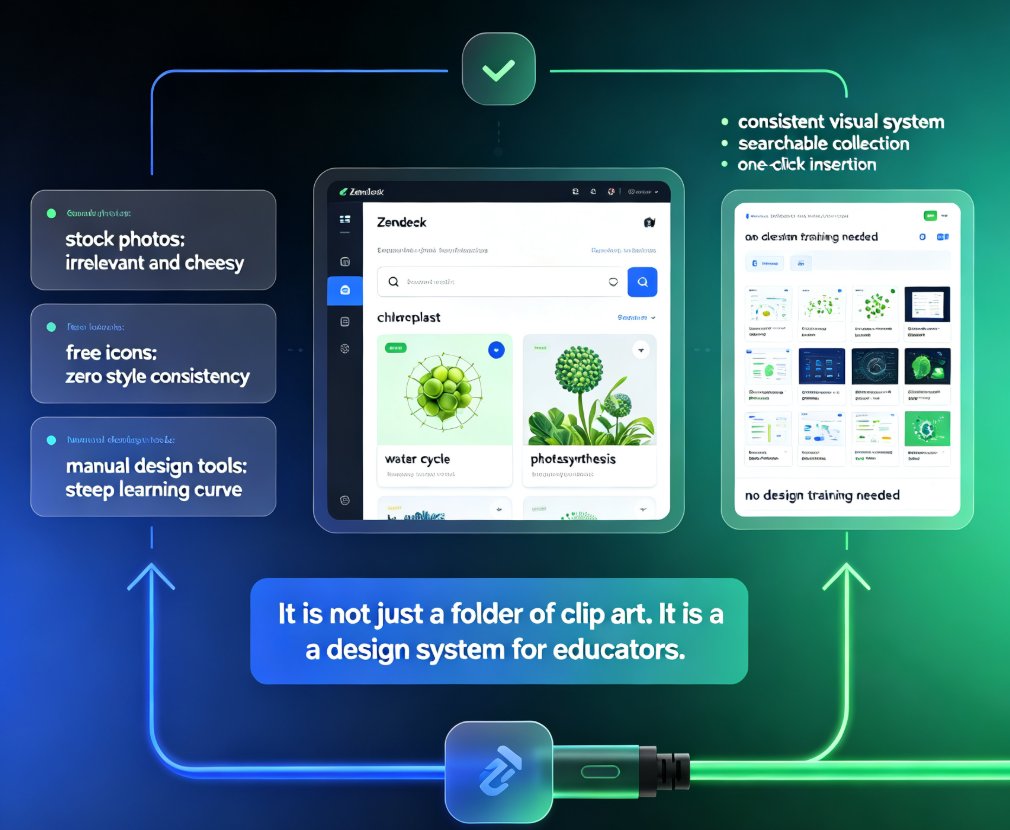
Turn PPT into Narrated Micro-Course: Zendeck PPT-to-Video Step-by-Step

PPT to Video 2026-09-07 1798

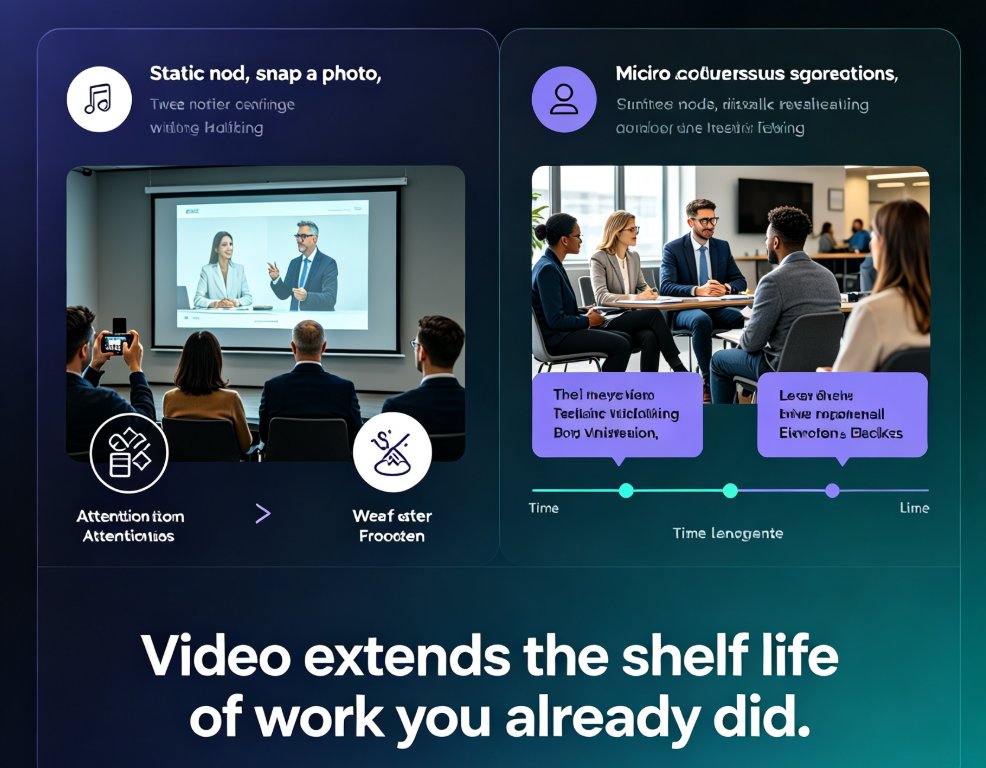
Turning a finished PPT into a narrated micro-course doesn't require a recording studio or a video editor. Zendeck's PPT-to-video pipeline converts an existing deck into a publishable MP4 course in four steps — import slides, add narration via text-to-speech or your own recording, sync slide timing, and export — typically in about 20 minutes, versus the 4-6 hours manual production demands for a 10-minute video. This step-by-step guide walks through the exact sequence — from uploading your PPTX to dropping the finished file into Moodle or Canvas — covering voice selection, pacing review, and subtitle export. We also benchmark the Zendeck workflow against manual recording and editing tools so you can see the quality and time trade-offs clearly. If your course library is full of static slides that never become video, this is the fastest path we've found to fix that.

PPT to Video: Zendeck Automates Micro-Course Narration

PPT to Video 2026-09-03 1861

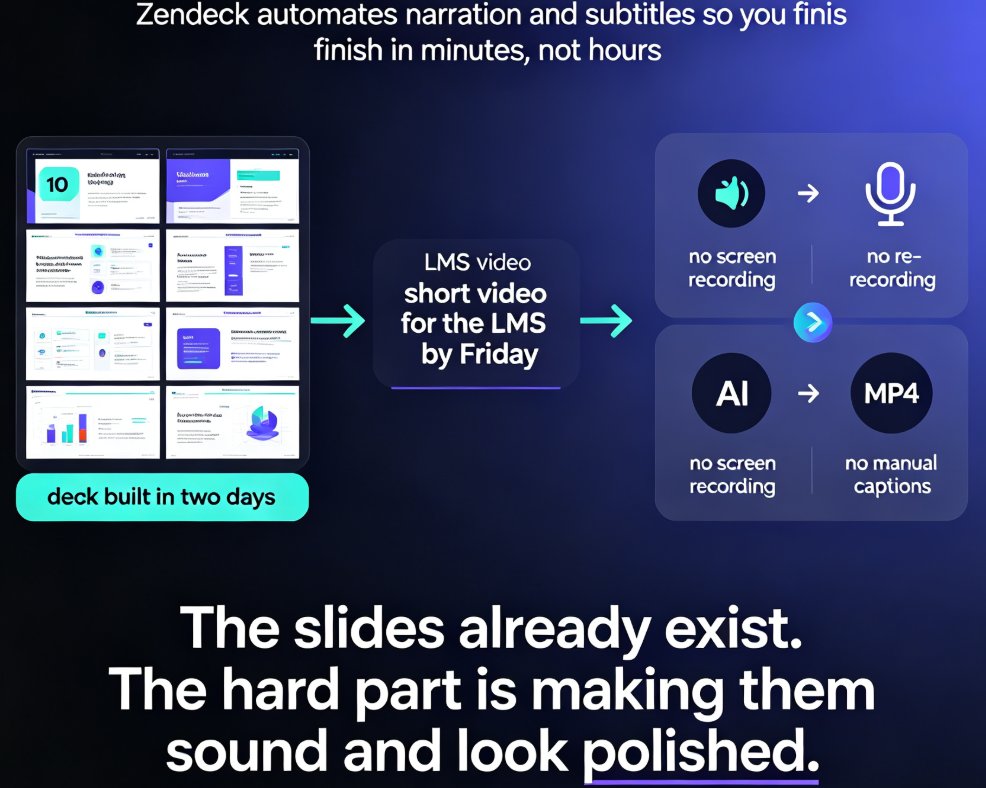
Zendeck's PPT-to-video automation turns static slides into narrated micro-courses with AI voice synthesis — no microphone required. This guide explains how automatic narration cuts production time from 90 minutes to 5 minutes, how to adjust pacing and timing, and why auto-generated subtitles make your training content accessible and WCAG-friendly. Compare manual recording vs. AI narration side by side, see real-world results from a university that converted 200 lecture decks into narrated micro-courses, and learn exactly when AI voiceover makes sense — and when you should still record manually. If you build corporate training, courseware, or onboarding decks, Zendeck's PPT-to-video feature removes the biggest bottleneck in video production and gets your content in front of learners faster.

Turn Training Decks into Narrated Videos: The 2026 Guide

PPT to Video 2026-09-02 2324

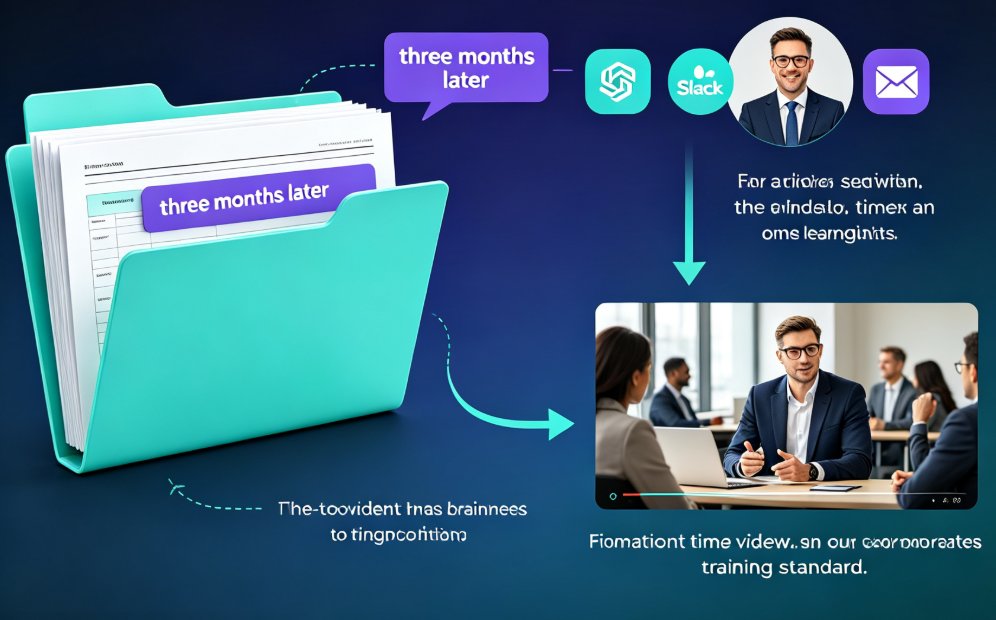
Turning training decks into narrated videos with Zendeck's PPT-to-Video engine cuts production from days to hours while lifting completion rates. This 2026 guide walks step-by-step through the conversion workflow: how AI rebuilds slides into watchable scenes, writes narration, adds motion graphics and subtitles, and exports a replayable MP4. You will see which training decks benefit most, the real time savings compared with traditional editing, and the accessibility wins that come free with captions. If your team builds training decks that nobody rewatches, this guide shows the practical path from static slides to narrated micro-courses with Zendeck.

Record Narrations Painlessly: Zendeck PPT to Video with AI Voiceover

PPT to Video 2026-09-02 2212

Stop reshooting audio. Zendeck PPT to video with AI voiceover turns your slides and speaker notes into a narrated MP4 in minutes — no mic, no studio, no retakes. Learn how to record narrations painlessly, keep a natural pace, and add captions, so your micro-courses and training decks look professionally produced. In this tutorial we walk through the three-step workflow, narration editing tips, and voice selection.

PPT to Video with Zendeck: Automated Narration and Subtitles

PPT to Video 2026-08-28 3874

Zendeck automates PPT to video conversion with AI-generated narration and automatic subtitles, turning static slides into polished micro-lessons in minutes. This guide shows you how to generate voiceover, sync subtitles, and export MP4 or share via link, plus how to customize voices and styles for different learning audiences. Save hours of manual voice recording and caption editing with Zendeck's built-in pipeline.