
PPT to Video

Turn PPT and courseware into micro-courses and video lessons — methods and real cases.

50 articles

How Long Does Zendeck's PPT-to-Video Take? A Complete FAQ

PPT to Video 2026-08-12 3544

Wondering how long Zendeck's PPT-to-Video takes? This complete FAQ answers your timing questions and explains the rendering pipeline in plain terms. Whether you're converting a 10-slide training deck or a 50-slide compliance course, we break down the factors that affect conversion time—slide count, narration length, resolution, and more. Learn how Zendeck's AI-powered video export turns your slides into narrated micro-courses in minutes, not hours. Get realistic expectations, step-by-step workflow tips, and pro advice to speed up your video production. If you're a trainer, educator, or content creator, this guide will save you time and frustration. Start creating engaging video content with Zendeck today.
How to Add Narration to Your Slides with Zendeck's PPT-to-Video

PPT to Video 2026-08-11 3604

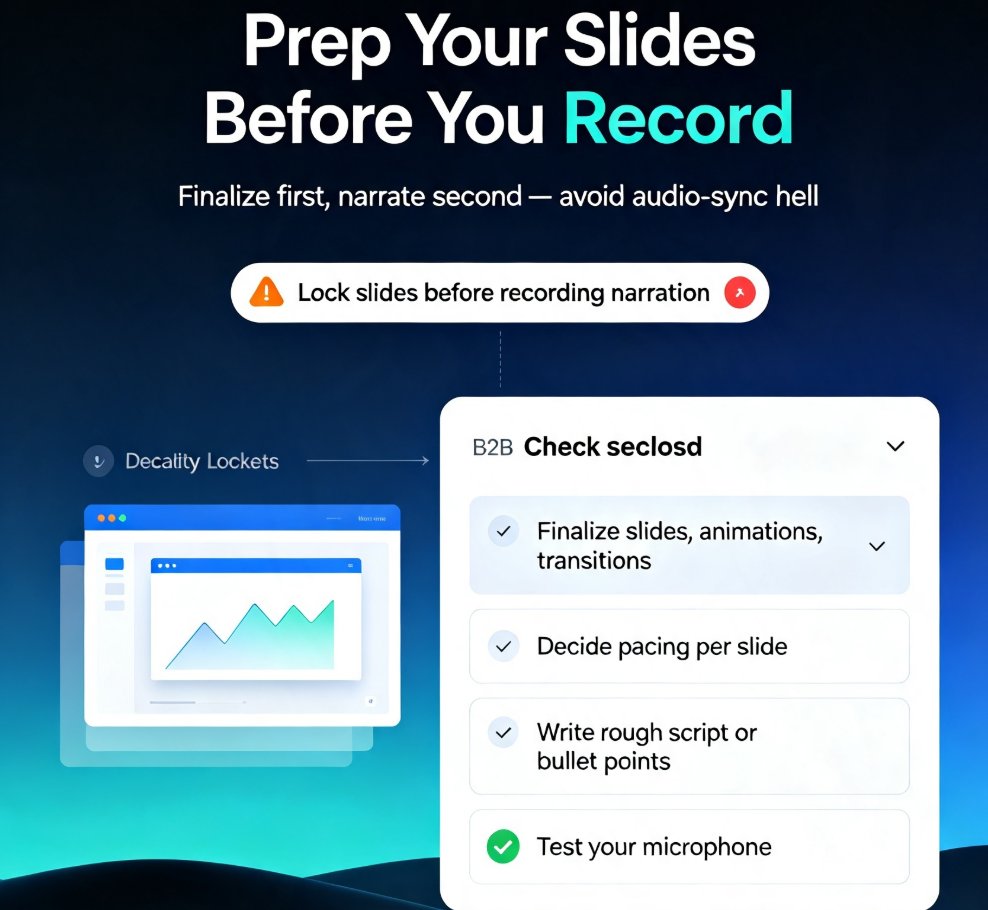
Learn how to add narration to your slides with Zendeck's PPT-to-Video feature. Turn static decks into engaging narrated video lessons in minutes — record, sync, and export with ease. This step-by-step guide covers slide prep, recording best practices, export settings, and common pitfalls like audio sync issues. Whether you're building micro-courses, onboarding materials, or asynchronous training, narrated video decks keep learners engaged and reduce rework. Zendeck's PPT-to-Video streamlines the entire workflow, so you can produce professional voiceover presentations without design or editing skills. We'll also show you how to fix audio sync problems, choose the right export format, and make your narration sound natural. If you're tired of silent decks that fail to engage, this guide gives you everything you need to create narrated video lessons that actually work. Start today.

AI-Generated Video Decks: Replacing Traditional Corporate Training

PPT to Video 2026-08-11 3457

AI-generated video decks are transforming corporate training, with UCL research showing they match instructor-led video in recall and recognition while boosting engagement by 35% at Sigma Software. Zendeck's PPT-to-video feature lets you turn static slides into narrated micro-courses in minutes, without design skills. Discover how AI video decks can replace traditional training methods, cut costs, and scale learning across your organization. Learn practical steps to create effective training videos, and see why forward-thinking L&D teams are adopting this approach.

Turn Old PowerPoints into Interactive Micro-Courses with Zendeck

PPT to Video 2026-08-11 3999

Learn how to turn old PowerPoints into interactive micro-courses with Zendeck. Discover step-by-step methods to convert static slides into engaging eLearning modules, add interactivity, and boost learner retention. Zendeck's AI-powered tools make it easy to transform legacy decks into dynamic training content.

How a Training Company Turned a PDF into a Video Course with Zendeck

PPT to Video 2026-08-11 2115

A training company used Zendeck's PPT-to-video feature to turn a 100-page safety manual into a 15-minute narrated micro-course, boosting completion rates by 40% and cutting development time from weeks to hours. Learn how Zendeck transforms dense PDFs into engaging, accessible compliance training videos that employees actually finish.

Multi-Modal AI Presentations: Why Text, Audio, and Video Are Converging in 2026

PPT to Video 2026-08-06 1957

In 2026, multimodal AI is converging text, audio, and video into seamless presentations. Zendeck’s PPT-to-video tool and asset library let you mix icons, charts, and narrated video in one cohesive deck. Learn how this shift transforms content creation for educators, trainers, and teams—no design skills required.