How to Create a Thesis Defense Presentation with Zendeck
You've spent months — maybe years — writing a dissertation. Now you have 15 to 20 minutes to defend it in front of a committee. That's not enough time to walk through every chapter, and the committee doesn't expect you to. They expect a clear, confident summary of your research question, your method, your findings, and why they matter.
The problem is that most students approach the defense deck the same way they approach the dissertation: they try to include everything. The result is a 40-slide wall of text that the committee reads instead of listens to. You end up rushing through methodology, and the discussion — the part that actually shows your thinking — gets squeezed into the last two slides.
A thesis defense presentation typically runs 15 to 20 minutes and lands somewhere between 12 and 18 slides. That's the target. Anything more, and you're probably overloading the room.
The fastest way to a strong defense deck is not to design slides — it's to structure your argument first. Once the structure is clear, the slides almost build themselves. That's where an AI presentation tool like Zendeck changes the game.
I. Why Most Thesis Defense Decks Miss the Mark
Let's be real: committees don't fail students because of ugly slides. They fail students who can't explain their own research. But bad slides make it harder to explain anything. When every slide is dense, your voice becomes background noise. When the formatting is inconsistent, the committee starts noticing the deck instead of the ideas.
The usual suspects:
- Too much text. Full paragraphs on slides.
- No visual hierarchy. Everything is the same size, so nothing stands out.
- Inconsistent formatting. Different fonts, colors, and bullet styles from slide to slide.
- No clear storyline. The slides follow the dissertation chapter order, not the argument.
The solution is not to spend more time in PowerPoint. It's to compress your argument into a structure that a committee can follow in 15 minutes. That's exactly what an AI presentation workflow forces you to do.
II. What to Prepare Before You Open Any Tool
Before you paste anything into the platform, spend three minutes organizing your thesis into standard defense sections. This is the single highest-leverage step. The AI can only be as structured as the input you give it.
Here's the outline that works for most defenses:
- Title and author information
- Research question and objectives
- Literature review highlights
- Methodology
- Key findings and results
- Discussion and implications
- Limitations
- Future research directions
- Conclusion
Write two to four bullet points per section. Don't write full sentences. Use keywords and short phrases. This is the skeleton of your defense.
If you have a messy brain dump instead of a clean outline, don't worry. You can turn scattered notes into a structured presentation with the right workflow. Learn how to turn a brain dump into a structured presentation
Some students prefer to paste their thesis abstract or introduction directly. That works too, but the more structured your input — research questions, methodology, findings clearly labeled — the better the deck.
III. The Zendeck Workflow: From Document to Defense Deck in Minutes
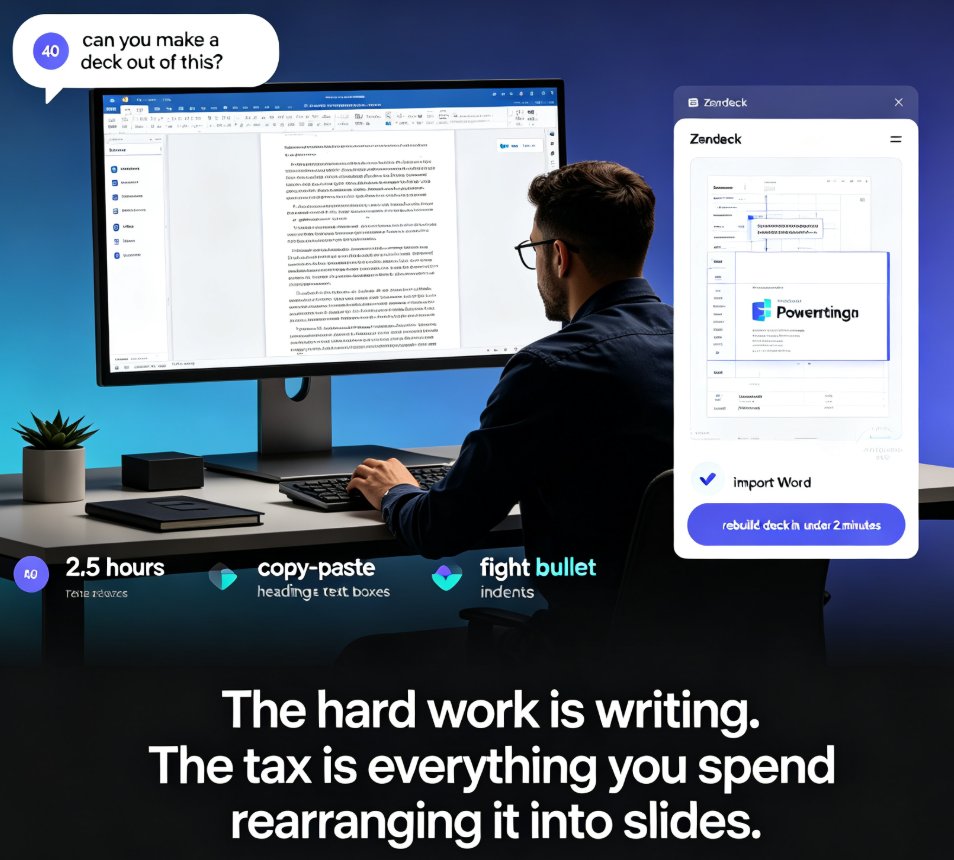
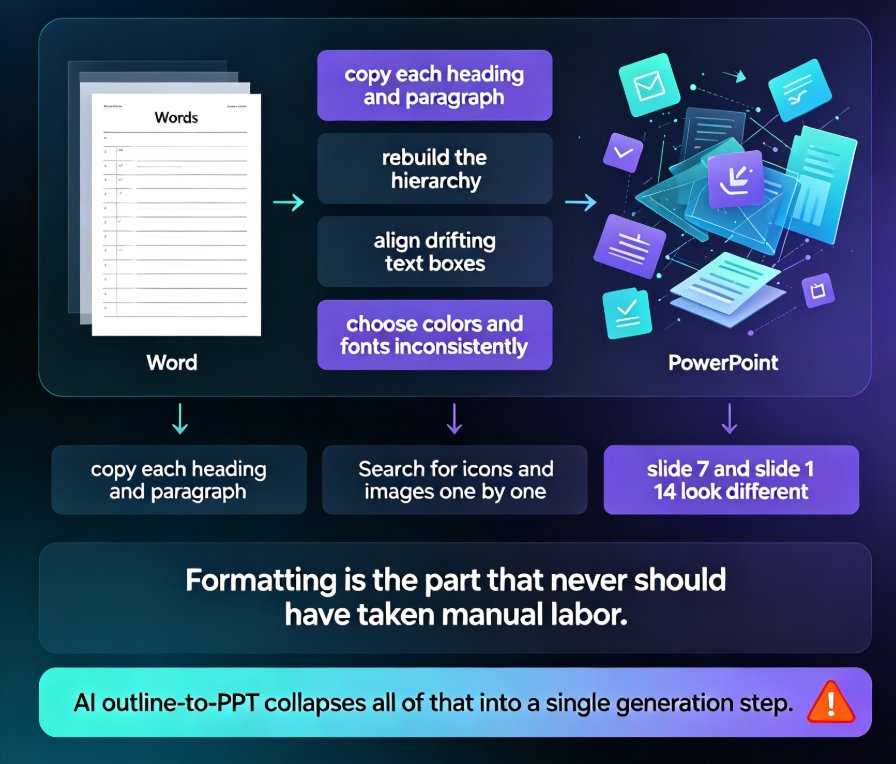
This is where the magic happens. The platform accepts a Word outline or pasted Markdown/TXT, so you don't need to manually copy each section into a slide.
Step 1: Prepare your outline (3 minutes). Use the structure above. If you already have a thesis abstract, paste it and let the AI identify the key sections.
Step 2: Import your content into Zendeck. Paste your outline or upload your Word document. The AI analyzes your content structure, key arguments, and supporting points. It then allocates appropriate slide counts to each section — typically producing 12 to 18 slides for a defense presentation.
Step 3: Pick an academic template. Choose a clean, formal template with generous white space, clear typography, and subtle accent colors. Avoid overly creative or colorful designs for thesis defenses. The template library has options that look serious without screaming 'school project'.
Step 4: Generate your deck. The platform produces a complete presentation in under 30 seconds. The AI handles slide layout, text hierarchy, and visual placement automatically.
Step 5: Customize and export. Add your university logo to the title slide, insert specific data tables or charts from your research, and adjust any AI-generated text to match your terminology. You can edit slides directly in the platform or export to PowerPoint for final tweaks. See how to manually edit AI-generated slides
IV. What to Keep, What to Cut, and What to Move
This is the part that separates a good defense deck from a mediocre one. Let's be real: your committee has read your dissertation. They don't need to read it again on a screen. They need to see that you can distill it.
| Section | What to keep | What to cut |
|---|---|---|
| Title slide | Your name, thesis title, university, committee names | Anything else |
| Research question | One clear question, stated in one sentence | Background history |
| Literature review | 3-5 key studies that frame your work | Long citations |
| Methodology | Design, sample, data collection, analysis | Every validation detail |
| Findings | 3-5 key results with visuals | Raw data dumps |
| Discussion | What the findings mean, why they matter | Restating results |
| Limitations | 2-3 honest limitations | Apologizing |
| Future research | 2-3 concrete next steps | Vague 'more research needed' |
Use this table as your editing checklist. If a piece of content doesn't fit its column, move it or cut it.
Notice what's not on this list: your full literature review, every interview transcript, the entire survey instrument. The defense is not the place to prove you did the work. The dissertation already does that. The defense is the place to prove you understand the work.
V. Design Choices That Make You Look Prepared
You don't need to be a designer to make a defense deck look professional. You need consistency. If your fonts, colors, and spacing are consistent, the committee will perceive you as organized. If they're not, they'll subconsciously question your attention to detail.
Use one font family, one accent color, and the same slide layout for similar content. If your university has brand colors, use them. The brand kit feature helps you lock in colors, fonts, and logos so every slide stays on-brand. Set up a brand kit for consistent presentations
For data-heavy slides, resist the urge to paste a screenshot of your statistical output. Use charts and graphs instead. The asset library includes icons and chart elements that make data readable at a glance. Add interactive charts to your AI slides
Your committee is not grading your slides. They are grading your thinking. But clean slides make your thinking easier to see.
A simple rule: if a slide has more than six lines of text, split it or cut it. Your committee will thank you.
VI. Rehearse Like You've Already Defended
Once your deck is built, the real work begins. You need to rehearse until the structure feels automatic. One of the best ways to do this is to generate speaker notes for each slide. The platform can auto-generate speaker notes, so you're not staring at a blank Notes panel the night before. Auto-generate speaker notes for AI decks
If you want to practice with timing, turn your deck into a narrated video. The PPT-to-video feature lets you add narration and export a micro-course-style video. It's not a substitute for a live defense, but it's a great way to hear yourself explain each slide and catch the places where you ramble. Add narration to your slides with PPT-to-video
A good rehearsal rule: if you can't explain a slide in 30 seconds without reading it, the slide is too dense. Record yourself once. You'll immediately hear the filler words.
VII. Common Mistakes to Avoid
- Pasting paragraphs onto slides. Use short phrases.
- Using too many slide transitions. Keep it simple.
- Reading from the slides. Use speaker notes.
- Hiding your findings. Put your results front and center.
- Forgetting the conclusion. End with a clear takeaway.
- Ignoring the time limit. Practice with a timer.
If you're short on time, start with the outline. The deck will follow.
FAQ
How long should a thesis defense presentation be?
Most thesis defense presentations run 15 to 20 minutes, which usually translates to 12 to 18 slides. Focus on research question, methodology, key findings, and discussion.
Can the platform import a full thesis document?
The platform works best with a structured outline. You can paste Markdown/TXT or upload a Word outline. For best results, organize your thesis into sections with 2-4 bullet points each before importing.
What template should I choose for a thesis defense?
Choose a clean, formal template with generous white space, clear typography, and subtle accent colors. Avoid overly creative designs. Match your university branding if possible.
Can I edit AI-generated slides?
Yes. You can manually edit text, images, and layout after generation, or export to PowerPoint for final adjustments. Add your university logo, insert data tables, and adjust terminology.
How can I practice my defense presentation?
Use auto-generated speaker notes to rehearse each slide. You can also use the PPT-to-video feature to create a narrated version and review your timing.