Curated workplace insights to help you work smarter

Zendeck curates workplace efficiency, industry insights, and software tutorials to help you find useful information faster。

402 articles 8 Categories
Latest Articles

Convert PowerPoint to an AI-Narrated Video in 4 Steps with Zendeck

PPT to Video 2026-08-18 1127

Learn how to convert PowerPoint to an AI-narrated video with Zendeck's PPT-to-video feature. This step-by-step guide shows you how to turn static slides into engaging micro-courses with built-in AI voiceover, no microphone or editing skills required. Discover the 4-step workflow, pro tips, and common mistakes to avoid. Zendeck makes video creation from PPTs fast and easy, so you can repurpose existing content in minutes and boost learner engagement without a production team.

How to Create a Training Deck from Scratch: 6 Steps with Zendeck's AI

Courseware Design 2026-08-18 2151

Learn how to create a professional training deck from scratch with Zendeck's AI in six simple steps. This beginner-friendly tutorial walks non-designers through the entire workflow — from defining training goals and brain-dumping content to generating slides, picking templates, refining visuals, and exporting or converting to video. Zendeck's AI deck generator turns a rough outline into polished, on-brand courseware in about 10-20 minutes, eliminating the need for PowerPoint design skills. Perfect for trainers, L&D managers, and subject-matter experts who want professional results without the design headache. Includes a comparison table of traditional vs. AI-assisted workflows, practical tips for every step, and answers to common questions about editing, importing, and video conversion.

Extract and Reuse Single Slides: Zendeck Export Tips for Trainers

PPT Tutorial 2026-08-18 1240

Learn how to extract and reuse single slides from Zendeck presentations to save time and keep your training materials consistent. Discover practical export tips, comparison of methods, and best practices for trainers. Zendeck's AI-powered features make slide reuse effortless, from asset libraries to template consistency. Master the workflow that top trainers use to build decks faster.

Generic Templates Hurt Your Pitch: Zendeck's Industry Library Wins

Courseware Design 2026-08-18 2155

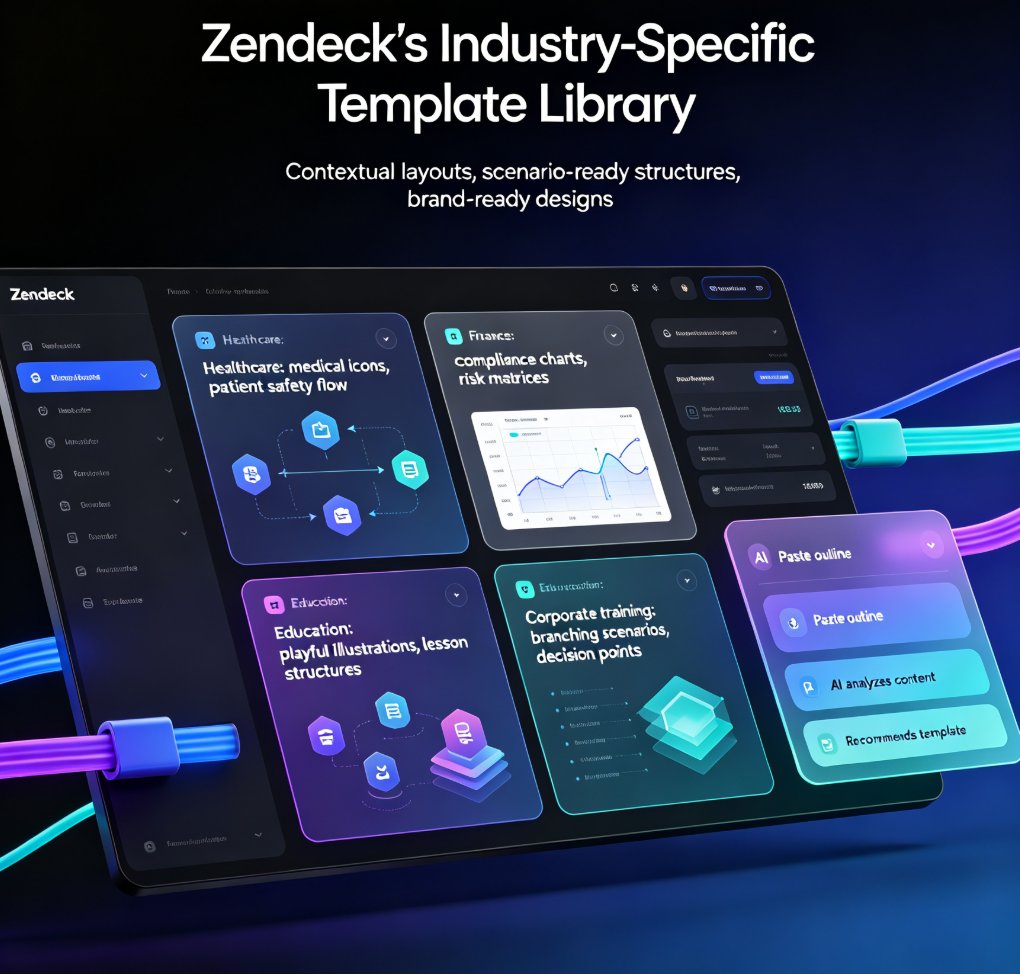
Generic templates fail to resonate with specific audiences. Zendeck's scenario-based template library offers tailored designs for education, corporate training, and HR, ensuring relevance and impact. In this article, we explore why generic templates hurt your pitch, how scenario-based learning transforms training, and how Zendeck's industry-specific templates solve the engagement problem. You'll learn practical tips for choosing the right template, customizing it with brand kits, and adding interactive elements like branching scenarios. Whether you're a trainer, educator, or HR professional, this guide shows you how to create presentations that not only look professional but also drive real learning outcomes. Stop settling for generic—discover how Zendeck's curated library helps you craft decks that truly connect with your audience and deliver measurable results.

Keep Training Decks On-Brand with Zendeck's One-Click Reskin

Office Efficiency 2026-08-18 3521

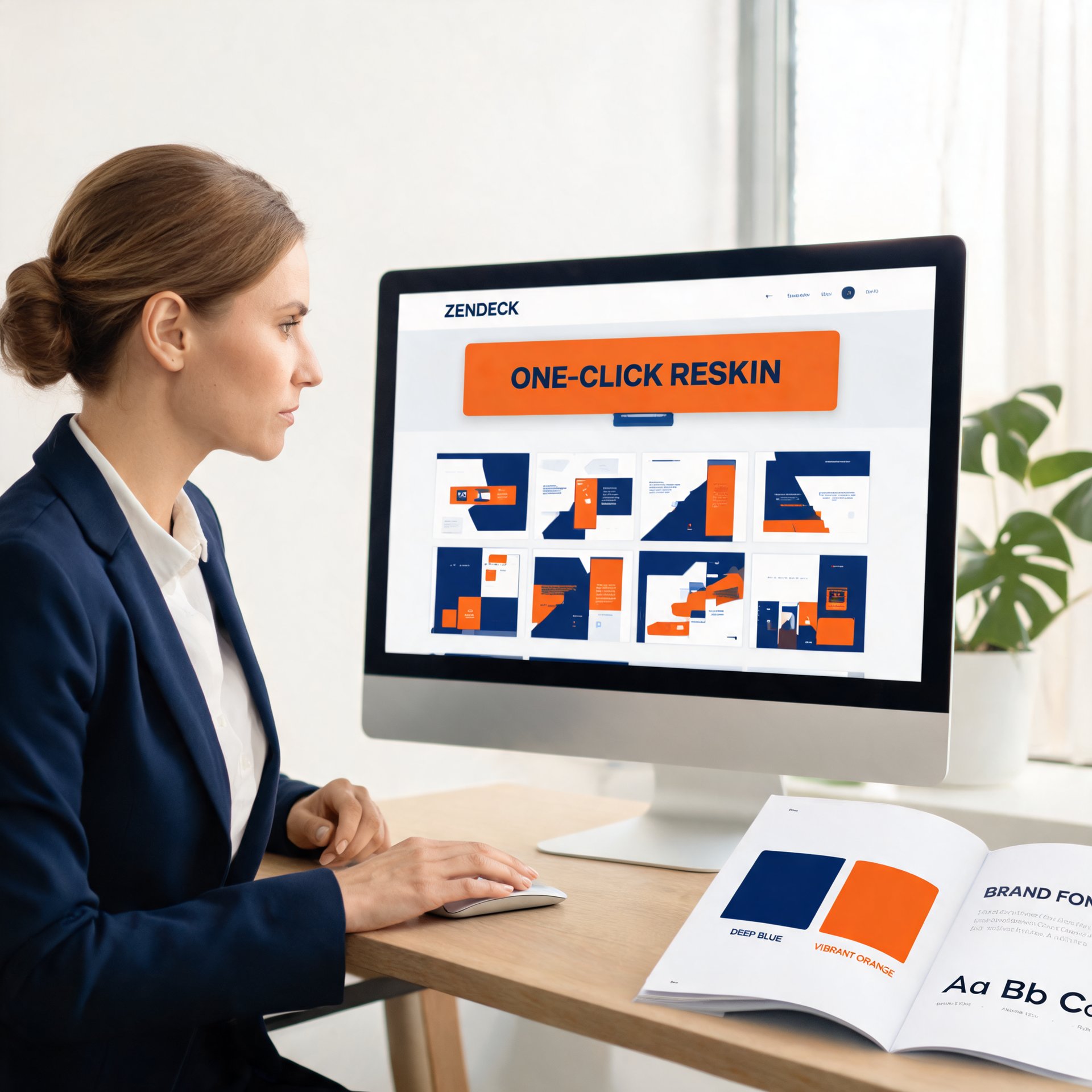
Keep training decks on-brand with Zendeck's one-click reskin. Corporate trainers and HR teams struggle with inconsistent fonts, colors, and layouts across AI-generated presentations — and most AI tools make it worse by generating random visual styles. Zendeck's smart reskin applies your saved brand kit, including logos, colors, and fonts, across every slide in a single action, with zero design skills required. This practical guide covers setting up brand kits, the step-by-step reskin workflow, keeping an entire team compliant, and measuring brand consistency over time. You'll also get a comparison of manual versus automated reskinning, plus a brand audit framework you can use monthly. Stop fixing slides one by one and start applying a system. Learn how to turn messy, off-brand training decks into a unified, professional library in minutes.

Keep Training Decks On-Brand: Zendeck's One-Click Reskin for Teams

Office Efficiency 2026-08-18 2712

Training decks go off-brand because templates rely on human discipline — and that discipline fails every time. Zendeck's one-click reskin fixes this by automatically applying your brand kit's fonts, colors, and layout rules across any deck in about two minutes. This practical guide shows training and HR teams how to enforce brand consistency without design skills, compares reskin against manual redesign and template re-application with real time data, and lays out a three-step workflow that turns brand governance from a training problem into a technology solution. If your L&D team is tired of brand review cycles eating into content production time, this is the workflow you've been looking for. No design degree required, no brand team bottleneck, and every deck ships on-brand.