Curated workplace insights to help you work smarter

Zendeck curates workplace efficiency, industry insights, and software tutorials to help you find useful information faster。

402 articles 8 Categories
Latest Articles

AI Co-Pilots in Live Presentations: Real-Time Trends for 2026

Presentation Skills 2026-08-18 876

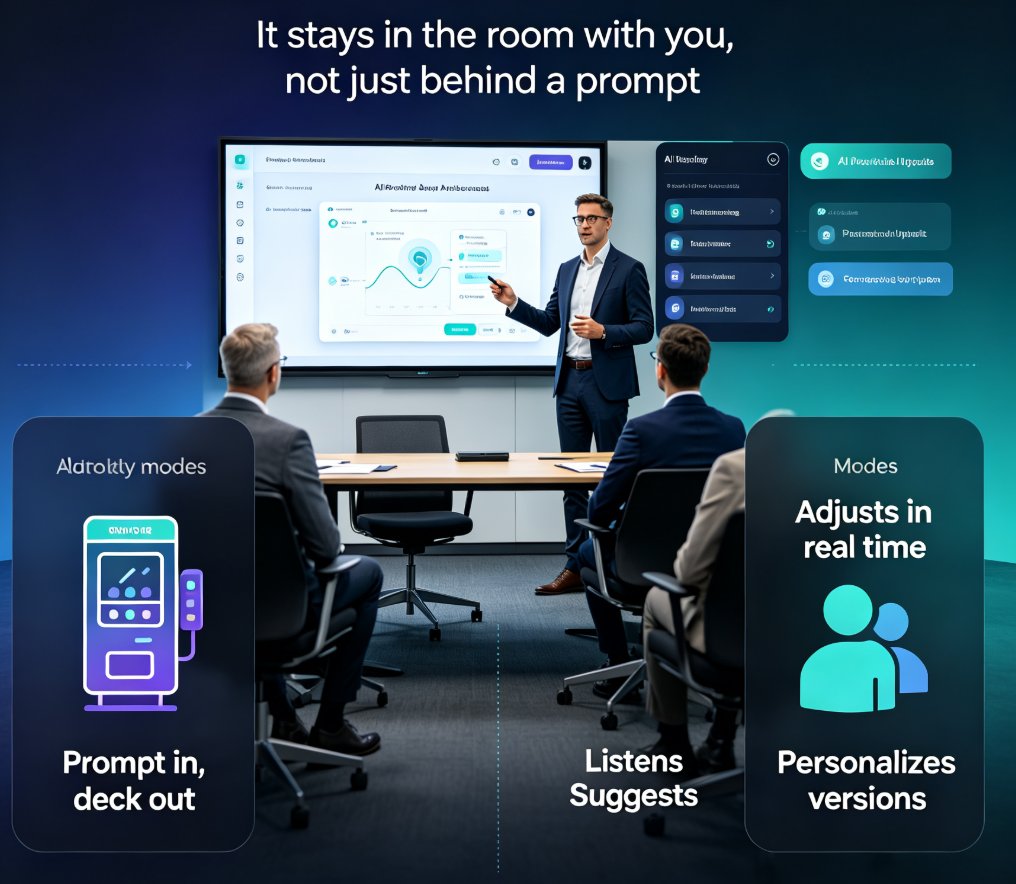
AI co-pilots are transforming live presentations in 2026. Discover real-time trends like voice-to-slide, auto-branding, and audience personalization. Learn how Zendeck's AI-powered tools help you deliver engaging, on-brand decks effortlessly. This guide covers the shift from AI generators to collaborative co-pilots, with practical tips for presenters. Whether you're a sales professional, educator, or team leader, understanding these trends will keep you ahead. From multimodal inputs to built-in analytics, we break down what matters and how to apply it. Get ready to present smarter, not harder, with AI as your real-time partner.
AI Deck Template Selection: How Zendeck Picks the Right Look for You

Presentation Skills 2026-08-18 3448

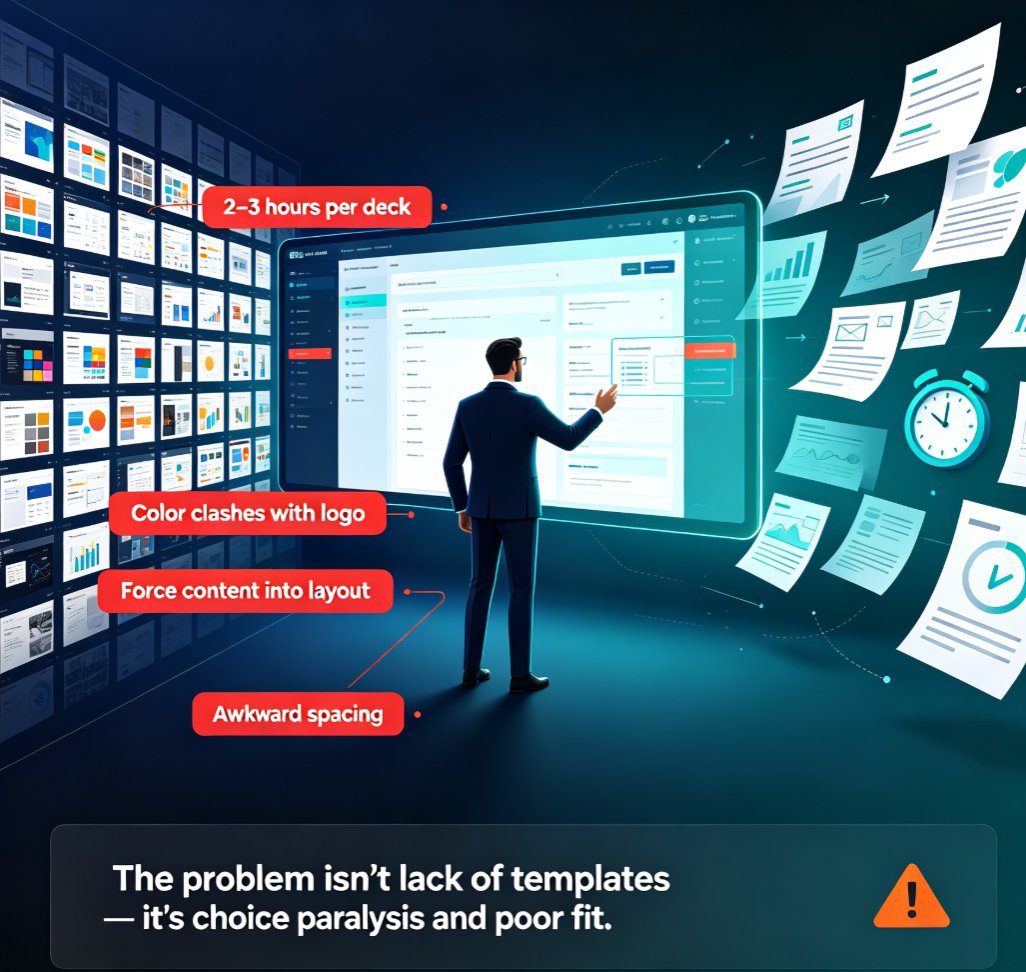
Struggling to pick the right slide template? Zendeck's AI analyzes your content, audience, and brand to automatically select the perfect layout—saving you hours and keeping your decks consistent. Learn how template selection works, why it matters, and how to get the best results from AI-driven design. This guide covers smart layout, brand kits, and real-world scenarios like pitch decks and training modules.

5 AI Presentation Mistakes to Avoid in 2026 (And How Zendeck Fixes Them)

PPT Tutorial 2026-08-18 1663

AI presentation tools are fast, but speed doesn't guarantee quality. In 2026, the most common AI presentation mistakes — generic layouts, inconsistent branding, cluttered slides, clichéd stock imagery, and animation overload — still plague decks everywhere. The good news: every one is fixable. This guide breaks down the 5 AI presentation mistakes to avoid in 2026 and shows exactly how Zendeck's smart layout engine, brand kits, asset library, and PPT-to-video features prevent each one. Whether you're a marketer, educator, or team lead, you'll learn practical before-and-after fixes that turn AI-generated decks from amateur to professional. Stop settling for generic AI output — learn how to enforce brand consistency, clean layouts, and meaningful visuals in every deck you create.

2026 Data Security Trends in AI Presentation Tools: What You Must Know

AI Courseware 2026-08-18 2681

In 2026, data security in AI presentation tools is shifting from blanket bans to adaptive policies and AI governance. This article explores the top trends—including the rise of AI SOC and agentic security—and what they mean for your workflow. Learn how to choose a secure tool like Zendeck, which offers brand kits, permission controls, and compliance features. Discover best practices to protect sensitive decks, from encryption to audit logs. Stay ahead of the curve with actionable insights and a security checklist. Whether you're an educator, trainer, or content operator, this guide helps you balance productivity and safety. Read on to secure your presentations in the new era of AI.

Why AI Templates Now Adapt to Industry, Audience, and Tone in 2026

AI Courseware 2026-08-18 1011

In 2026, AI templates have evolved beyond static layouts — they now adapt to your industry, your audience, and your tone before you render a single slide. This article breaks down how adaptive AI templates work, why they matter for your workflow, and how Zendeck's template engine handles contextual matching. Learn the difference between fighting a template and letting it work for you. We cover industry-aware design patterns, audience-aware information density, tone-aware visual language, and what this shift means for teams producing decks at scale. If you're still hunting through template galleries and editing every element by hand, this guide shows you the smarter path — and why adaptive-by-default is becoming the baseline expectation in presentation software by the end of 2026.

How to Build a Custom Branded Template in 5 Steps with Zendeck

Courseware Design 2026-08-18 929

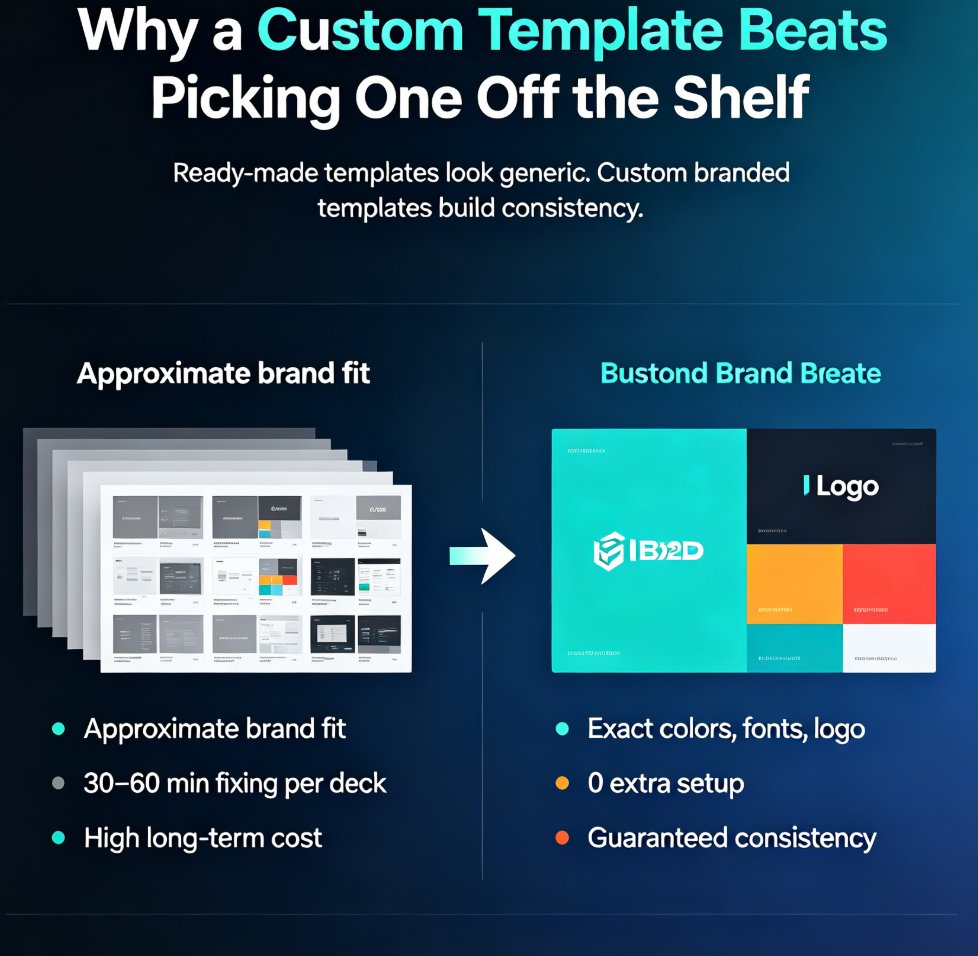
Building a custom branded template in Zendeck takes five steps and zero design skills. This tutorial shows you how to define your brand foundation, set up master layouts, build reusable components, wire everything into a brand kit, and save a reusable template that keeps every deck on-brand automatically. Stop fixing colors and fonts in every presentation — build a template once and let it do the work forever. Perfect for educators, trainers, HR teams, and content operators who need consistent, professional decks without the formatting grind. Includes a ready-made vs. custom template comparison, the five-step workflow, common mistakes to avoid, and answers to the most frequent questions about branded templates in Zendeck. By the end, you'll have a reusable system that cuts deck creation time dramatically.