Curated workplace insights to help you work smarter

Zendeck curates workplace efficiency, industry insights, and software tutorials to help you find useful information faster。

402 articles 8 Categories
Latest Articles

Smart Layout Reskin: Unify Fonts, Colors, and Layouts with Zendeck

PPT Tutorial 2026-08-21 2552

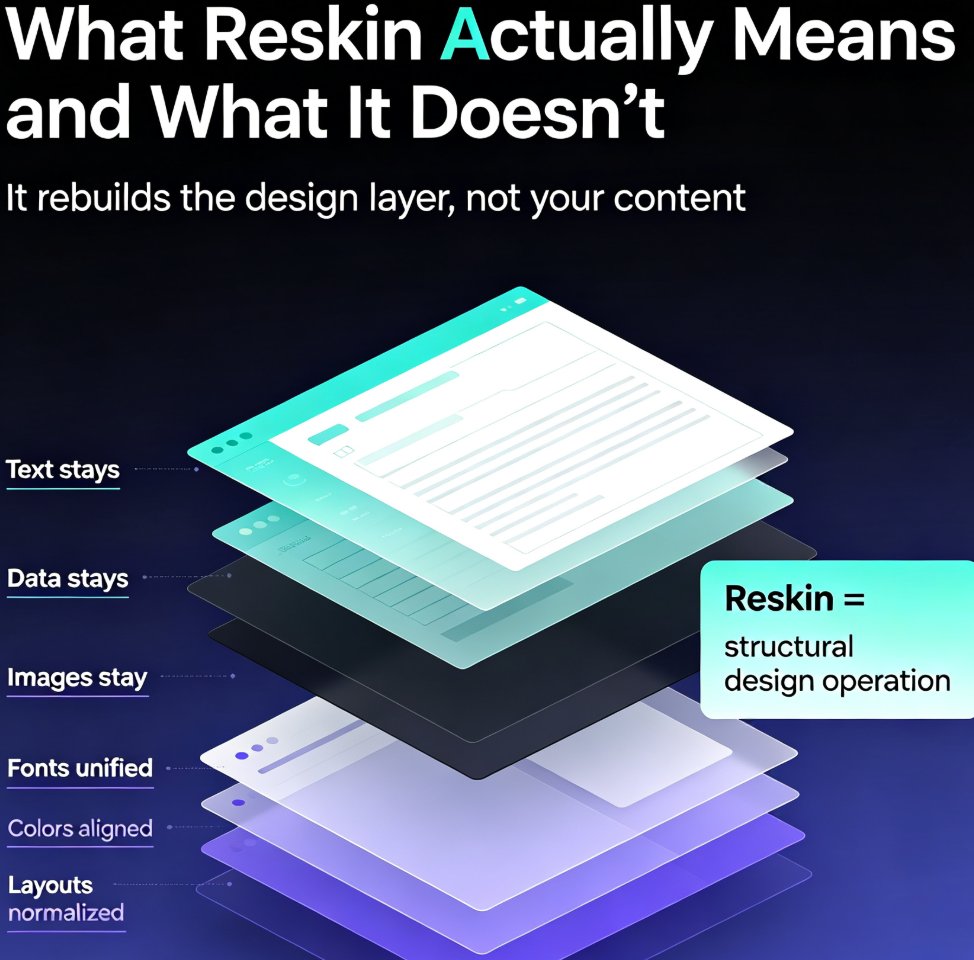
Struggling with inconsistent fonts, colors, and layouts across your presentations? Zendeck's smart layout reskin unifies your entire deck's design in one click. Learn how to apply consistent branding instantly, save hours of manual formatting, and ensure every slide looks professionally on-brand. This guide covers the step-by-step reskin process, real time-savings data, and best practices for teams that need brand consistency at scale. Whether you're preparing a 10-slide pitch or a 50-slide training deck, Zendeck's reskin feature eliminates the tedious work of per-slide formatting. Discover why teams using AI-powered reskin tools cut deck production time by over 50%, and how you can set up brand kits to make every future presentation automatically consistent. Stop fixing slides one by one — reskin the whole deck and get back to what matters: your message.
Team-Wide Design Consistency: Zendeck's Shared Templates That Work

Courseware Design 2026-08-21 2805

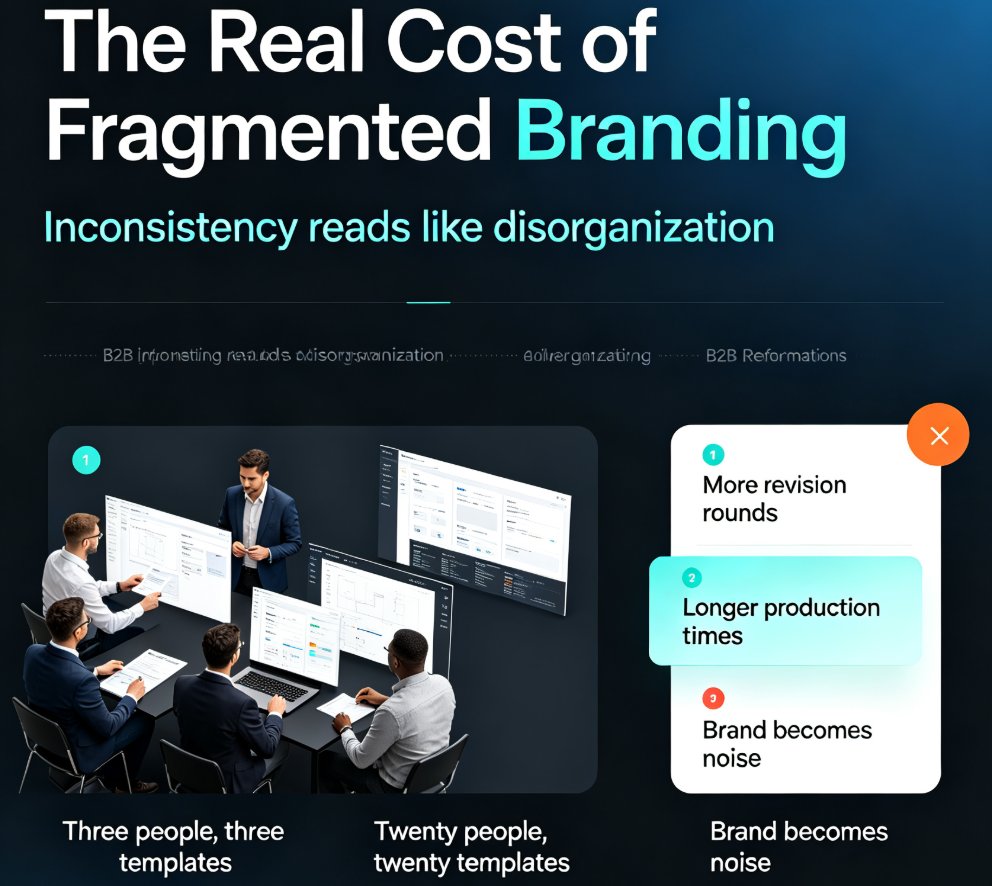
Fragmented branding quietly costs teams hours of rework every week. Zendeck's shared template library and style guides ensure every team member produces visually consistent decks — without a design team or a single extra meeting. This guide breaks down how shared templates lock fonts, colors, and layouts across your whole team, why individual template choice is the root cause of off-brand slides, and the exact setup steps to get your library running in under an hour. You'll also see real numbers on time saved per deck, a side-by-side comparison of individual versus shared templates, and best practices borrowed from professional design systems. If your team's decks look like they were made by five different people, this is the fix you've been looking for.

Turn Complex Concepts into Visuals: Zendeck's Auto-Infographic Feature

AI Courseware 2026-08-21 1884

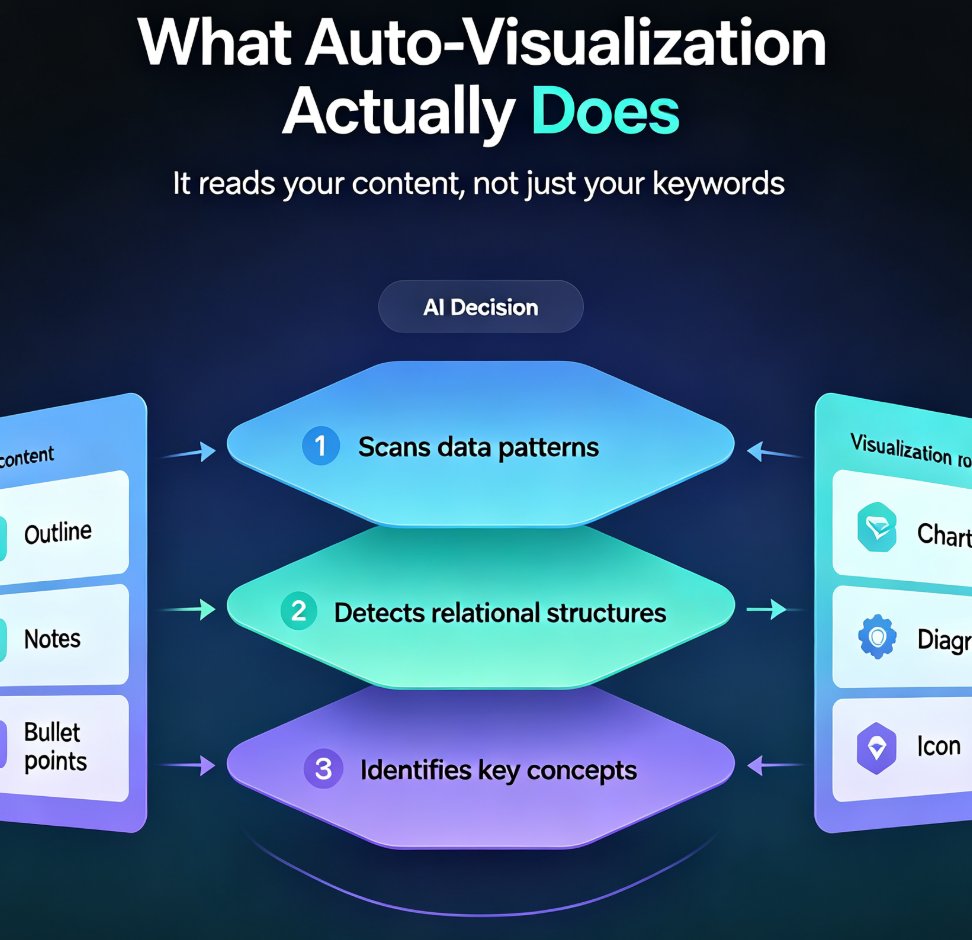
Struggling to turn complex concepts into visuals? Zendeck's auto-infographic feature automatically suggests charts, diagrams, and icons for data-heavy or abstract content — no design skills required. This guide walks through how the AI analyzes your outline, picks the right visualization type, and generates clean, on-brand graphics in minutes. You'll learn when to use a chart versus a diagram, how to guide the AI with better prompts, and why auto-visualization is becoming a must-have for educators and trainers. If you've ever stared at a wall of bullet points and wondered where to start, this is the workflow you've been missing. By the end, you'll have a repeatable process for turning even the messiest brain dump into a deck that actually explains itself.

Turn Product Specs into Persuasive Sales Decks with Zendeck

AI Courseware 2026-08-21 3710

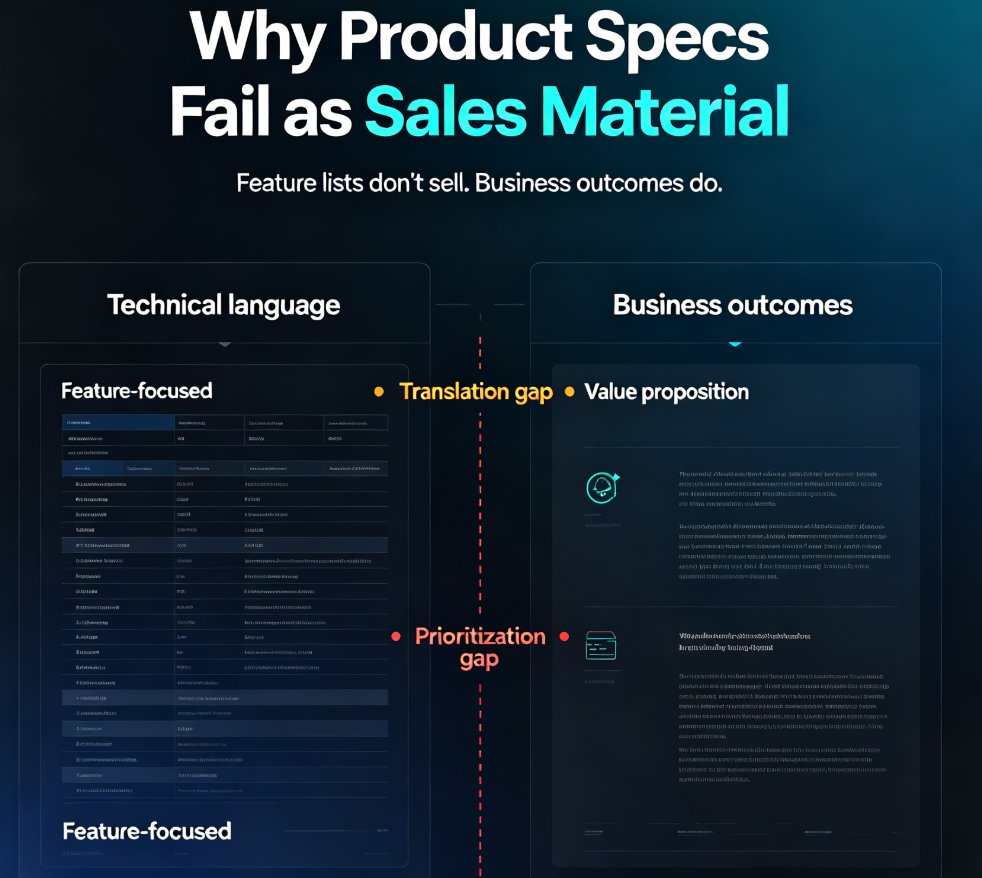
Turn product specs into persuasive sales decks with Zendeck's AI presentation maker. Sales reps lose hours translating technical documentation into buyer-friendly pitches — HubSpot research shows reps spend just 2 hours a day selling and 31% of their time on content creation. Zendeck converts product specs, feature lists, and technical docs into polished, client-ready sales presentations in minutes. Upload a Word outline or paste Markdown, and Zendeck structures your content, applies smart layouts, and enforces brand consistency automatically. Cut deck prep from hours to minutes, keep messaging aligned across your team, and close more deals. This guide walks through the exact workflow, breaks down the time-savings math with real data, and shares practical tips for turning dry specs into persuasive stories that win buyers over.

Word to PPT: How Zendeck Automates Outline-to-Slides Conversion

AI Courseware 2026-08-21 2549

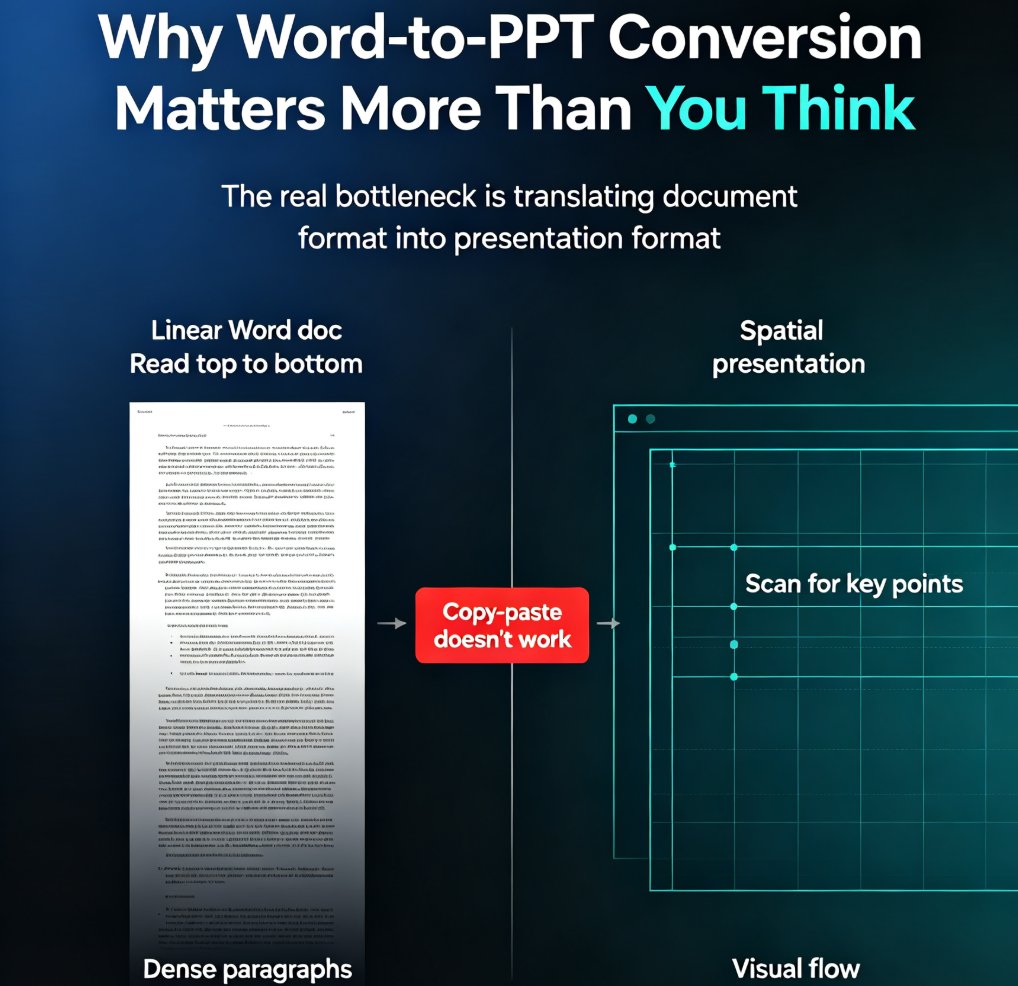
Learn how Zendeck's Word-to-PPT feature converts your outline or document into a polished presentation in minutes. Skip manual formatting, keep your structure, and let AI handle the design. This guide covers the full workflow, time savings, and best practices for educators and professionals who need slides fast. Discover how to structure your Word document for optimal AI conversion, what to expect from the generated deck, and how to refine the results. Whether you're turning a course outline into lecture slides or a business report into a client deck, this step-by-step guide shows you how to go from document to presentation without the design drudgery. Includes a time comparison chart, common mistakes to avoid, and answers to frequently asked questions about Word-to-PPT conversion.

Zendeck Asset Library: Find Icons, Charts, and Illustrations Quickly

Office Efficiency 2026-08-21 1443

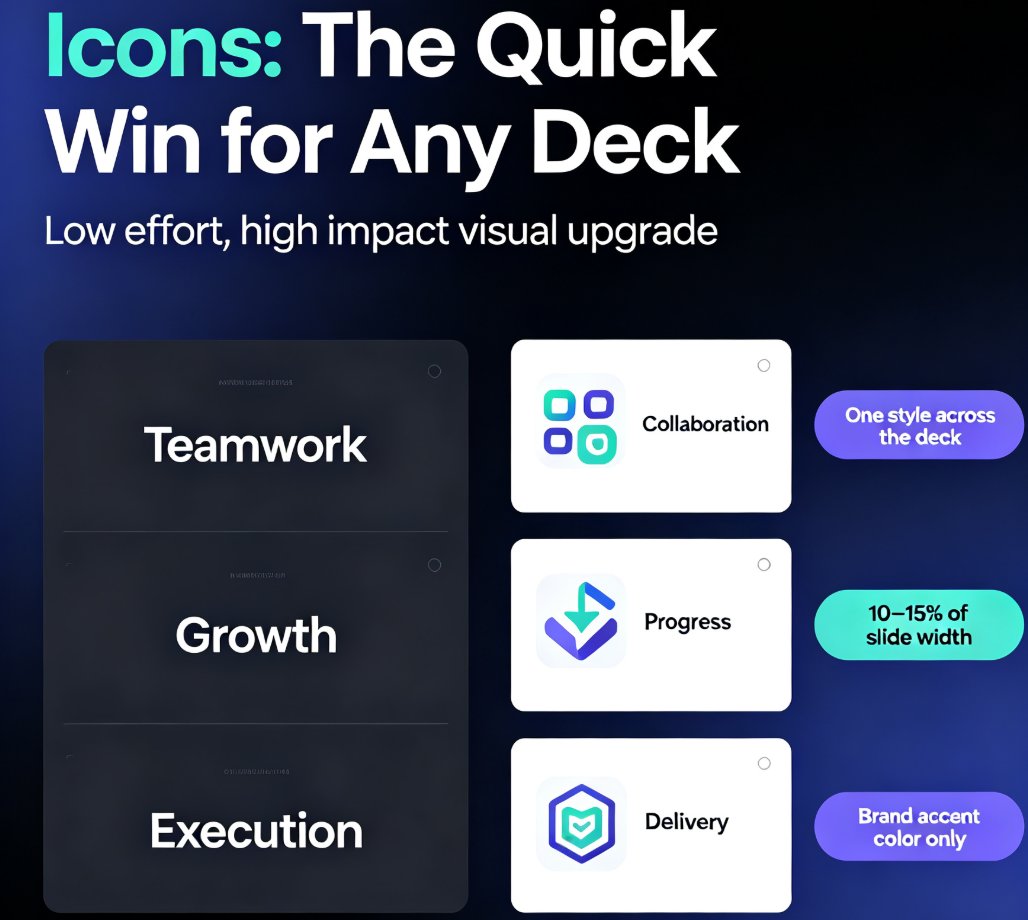
Stop digging through folders for the right visual. Zendeck's asset library puts icons, charts, and illustrations one search away. Learn natural-language search tricks, filter shortcuts, and best practices that cut your design time from minutes to seconds. Whether you're building a training deck or a client pitch, this guide shows you how to find the perfect asset fast, keep everything on-brand, and make your slides look professionally designed without touching a design tool. Search smarter, insert faster, and present better with Zendeck.