Curated workplace insights to help you work smarter

Zendeck curates workplace efficiency, industry insights, and software tutorials to help you find useful information faster。

506 articles 8 Categories
Latest Articles

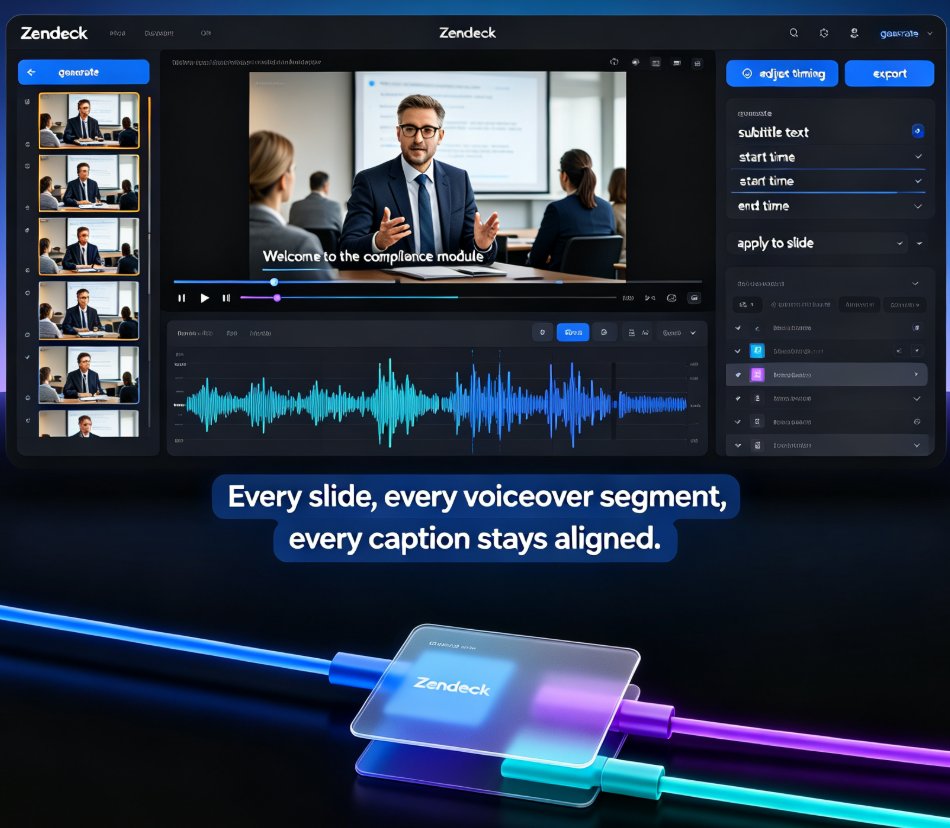
Accessible Micro-Courses: How Zendeck Auto-Generates Subtitles from PPT

Micro-Course Production 2026-08-27 1442

Zendeck auto-generates accurate subtitles when converting PPT to video, making micro-courses accessible to more learners with zero manual effort. Subtitles are no longer a nice-to-have — they're an accessibility requirement for diverse learners, non-native speakers, and WCAG compliance. This guide walks through how Zendeck's PPT-to-video pipeline creates synced, editable subtitles in the same pass as the conversion, and why that changes your course production workflow. You'll learn the full accessibility stack — alt text, contrast, transcripts — and get practical tips for reviewing and refining auto-generated captions before publishing. We also compare manual subtitling against Zendeck's automated approach, break down the time and cost difference, and show you a step-by-step workflow from PPT to published micro-course. If you're an educator, trainer, or L&D manager building accessible micro-courses, this is the fastest route to video content that reaches every learner.
How to Convert PPT to a Narrated Video with Zendeck: Step-by-Step

PPT to Video 2026-08-27 2098

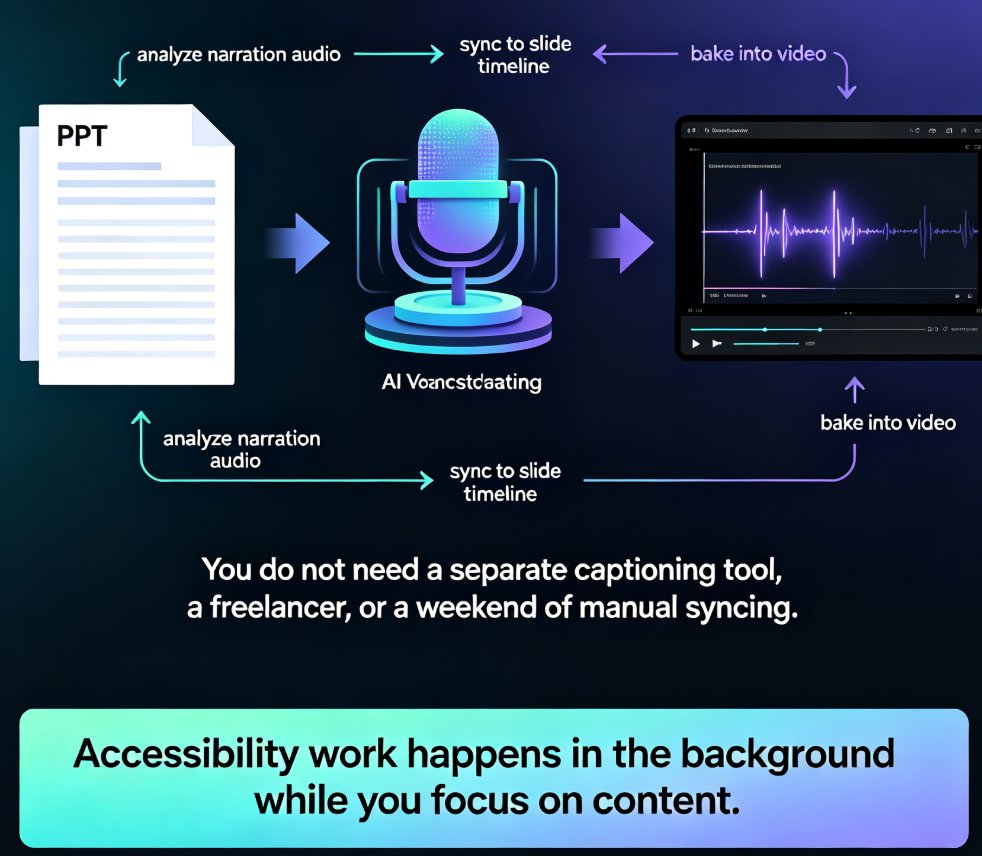
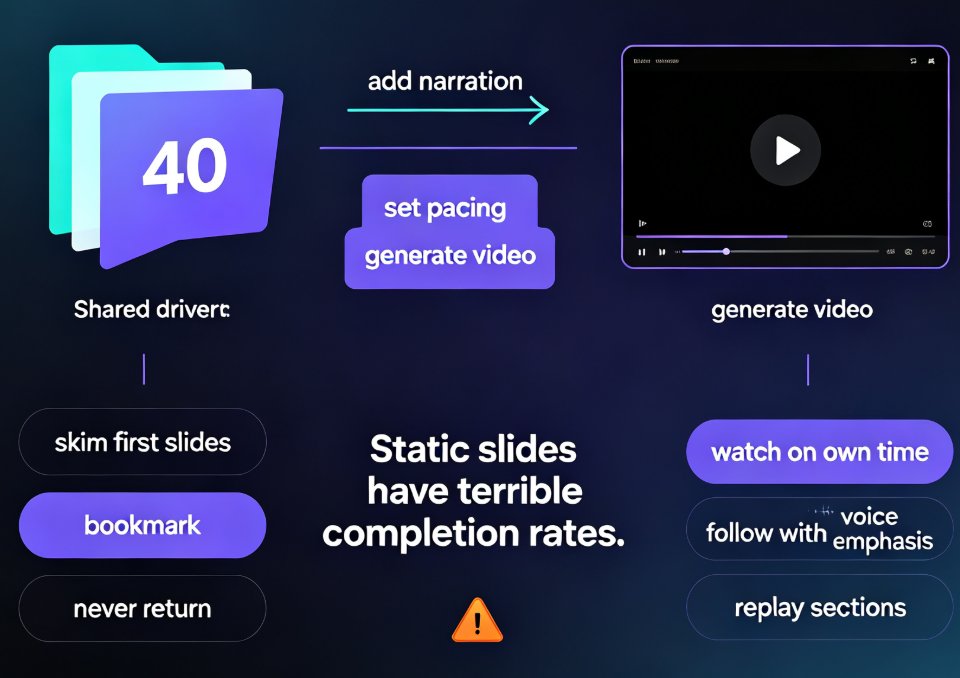
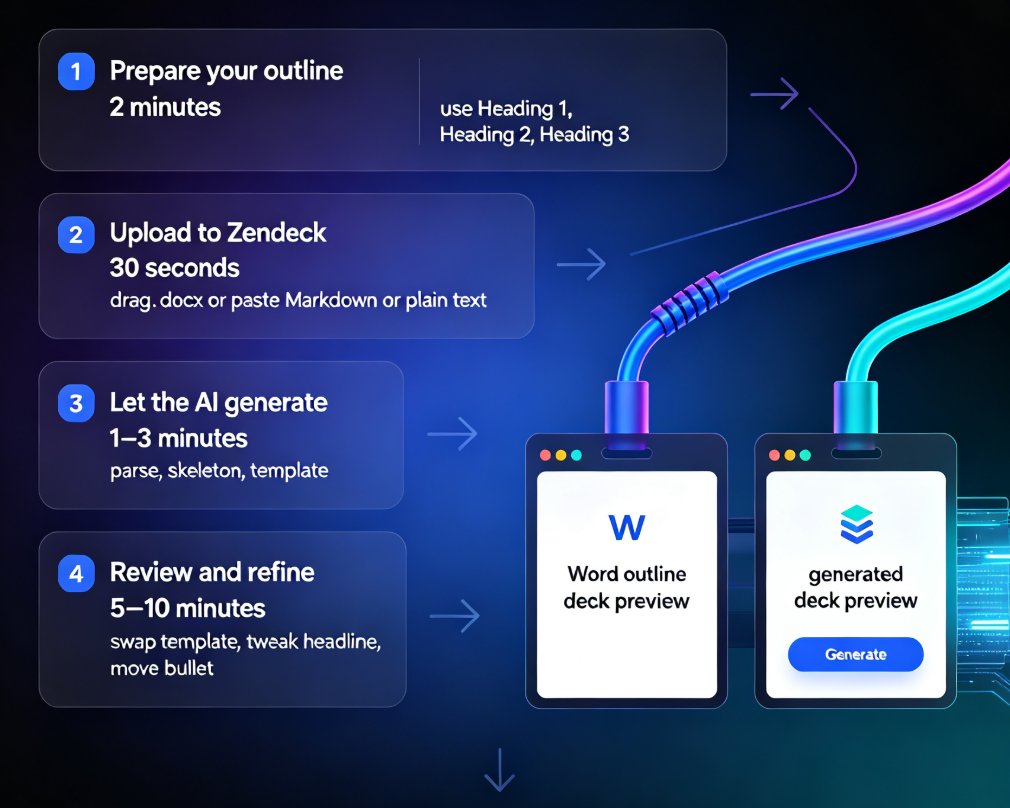
Learn how to convert PPT to a narrated video with Zendeck's PPT-to-video feature. This step-by-step guide walks through the entire workflow: importing a Word outline or Markdown file, letting AI generate structured slides, adding AI voiceover narration, and exporting to MP4 for sharing. We also cover practical tips for educators and trainers — how to keep slides visual, script before you record, and add subtitles for accessibility. By the end, you'll know exactly how to turn a static deck into a narrated micro-course in minutes, without a microphone, design skills, or expensive video editing software. Whether you're building corporate training, courseware, or knowledge videos, this workflow saves hours and produces consistent, professional results.

Data-Heavy Slides Made Simple: Research Decks with Zendeck Charts

AI Courseware 2026-08-27 2460

Struggling to turn raw research data into clear, compelling slides? Zendeck's chart and data visualization assets let educators and researchers build professional data-heavy presentations in minutes — no design skills required. This guide walks you through choosing the right chart type, applying smart layouts, and following design principles that make numbers stick. Learn how to replace manual graph formatting with Zendeck's built-in chart library, keep colors consistent with your institution's branding, and create accessible, audience-ready research decks for conferences, classrooms, and stakeholder reports. If you've ever spent hours wrestling with Excel charts and PowerPoint alignment, this is the workflow you've been missing.

HR Onboarding Without Video Editing: Zendeck Turns PPT into Video

Knowledge Video 2026-08-27 2977

HR teams can now turn onboarding PPTs into narrated knowledge videos with Zendeck's PPT-to-video and digital human features — no video editing skills required. This guide walks through the exact workflow, from importing your outline to publishing a consistent, self-explaining onboarding course that scales across locations and languages. Learn how to cut production time, keep messaging consistent, and update training content in minutes instead of weeks. If your team has been stalled by the cost and complexity of video production, Zendeck gives HR a practical path to professional onboarding content without hiring editors.

Icons That Teach: Zendeck's Visual Library for Clearer Courseware

Courseware Design 2026-08-27 1793

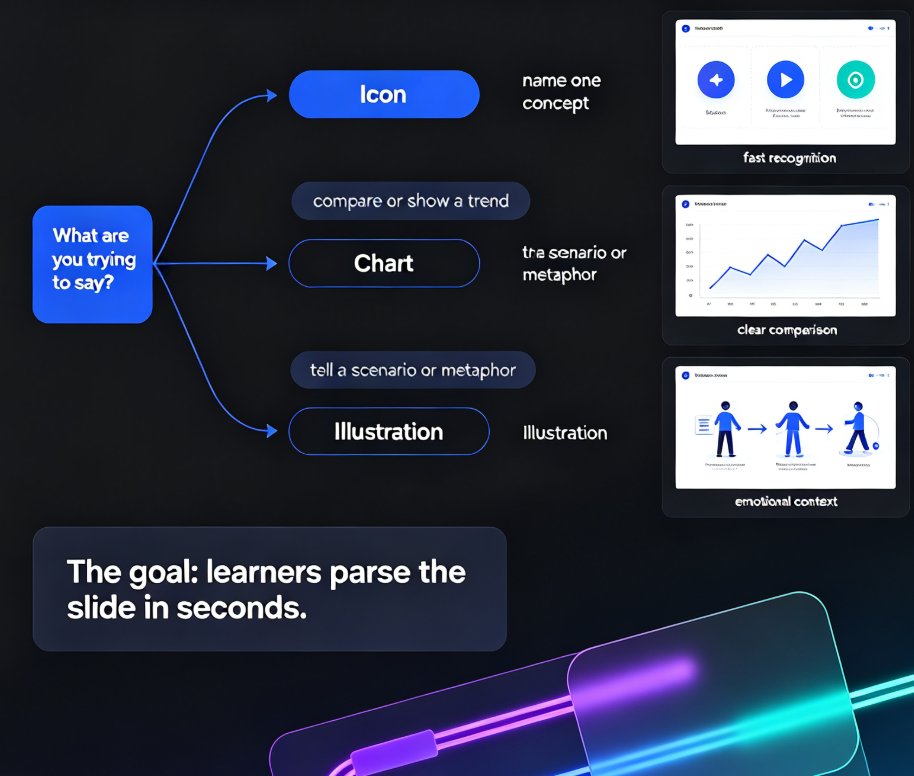
Clear courseware starts with visuals that teach, not decorate. This guide shows how Zendeck's asset library helps educators pick icons, charts, and illustrations that clarify concepts fast. Learn the one-concept-per-icon rule, when to use a chart over an icon, and how a five-minute workflow turns a messy outline into a deck learners actually remember. Zendeck's curated library keeps style consistent, adds alt text automatically, and removes the guesswork from visual selection. If your slides look polished but learners still struggle, the problem is likely visual communication, not design talent. Read on for the principles, the pitfalls, and the practical workflow that makes courseware easier to understand and easier to recall.

One-Click Reskin: Keeping Team Decks On-Brand with Zendeck

Courseware Design 2026-08-27 3164

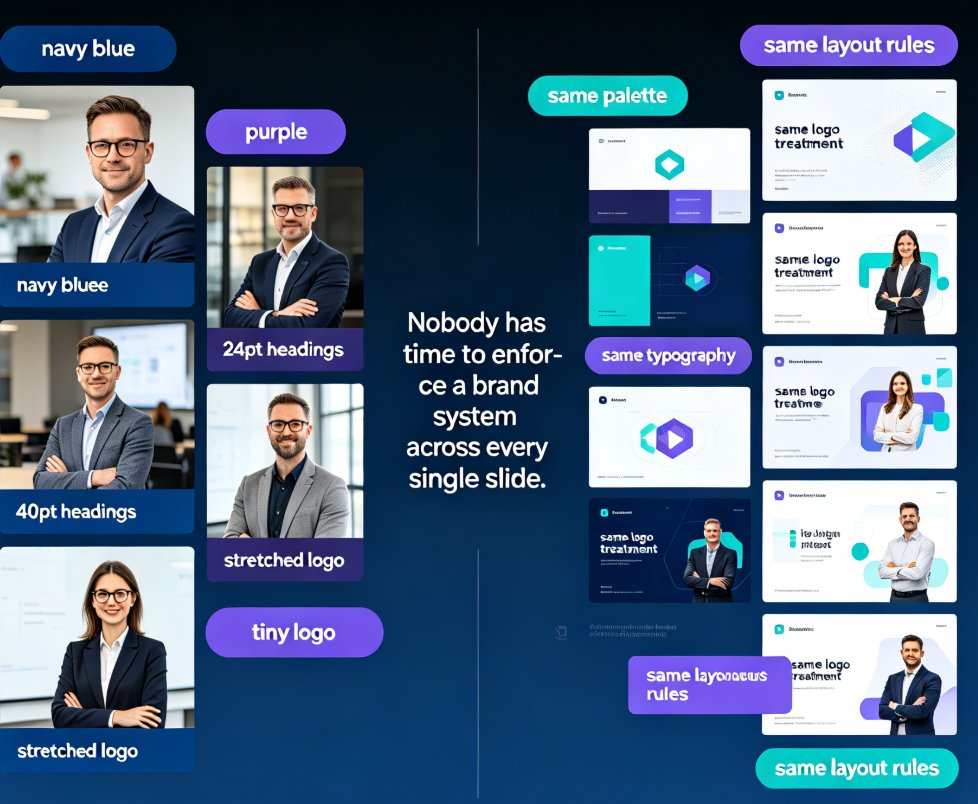
Keep every team deck on-brand with Zendeck's one-click reskin. This guide shows how smart layout reskin unifies fonts, colors, and layouts across all your training presentations — without design skills. Learn the step-by-step workflow, compare reskin vs. manual redesign, and avoid common mistakes. Perfect for trainers, L&D teams, and educators who want consistent courseware that builds learner trust. Zendeck's reskin applies your brand rules automatically, turning a 3-hour consistency audit into a 3-minute operation. Set up a brand kit once, reskin every deck in seconds, and stop being the design police. Includes a practical comparison table and FAQ covering brand kits, content preservation, and team adoption.

▲