Curated workplace insights to help you work smarter

Zendeck curates workplace efficiency, industry insights, and software tutorials to help you find useful information faster。

402 articles 8 Categories
Latest Articles

Multimodal AI Presentations: Zendeck's PPT-to-Video Trend 2026

PPT to Video 2026-08-20 1997

Multimodal AI is transforming presentations by combining text, images, voice, and video into richer content experiences. Zendeck's PPT-to-video conversion turns static slides into narrated, engaging decks that align with this 2026 trend. Learn how multimodal AI works, why it matters for educators and trainers, and how Zendeck helps you create dynamic presentations without design skills.

PPT to Video: The 2026 Trend of Turning Slides into Micro-Courses

PPT to Video 2026-08-20 821

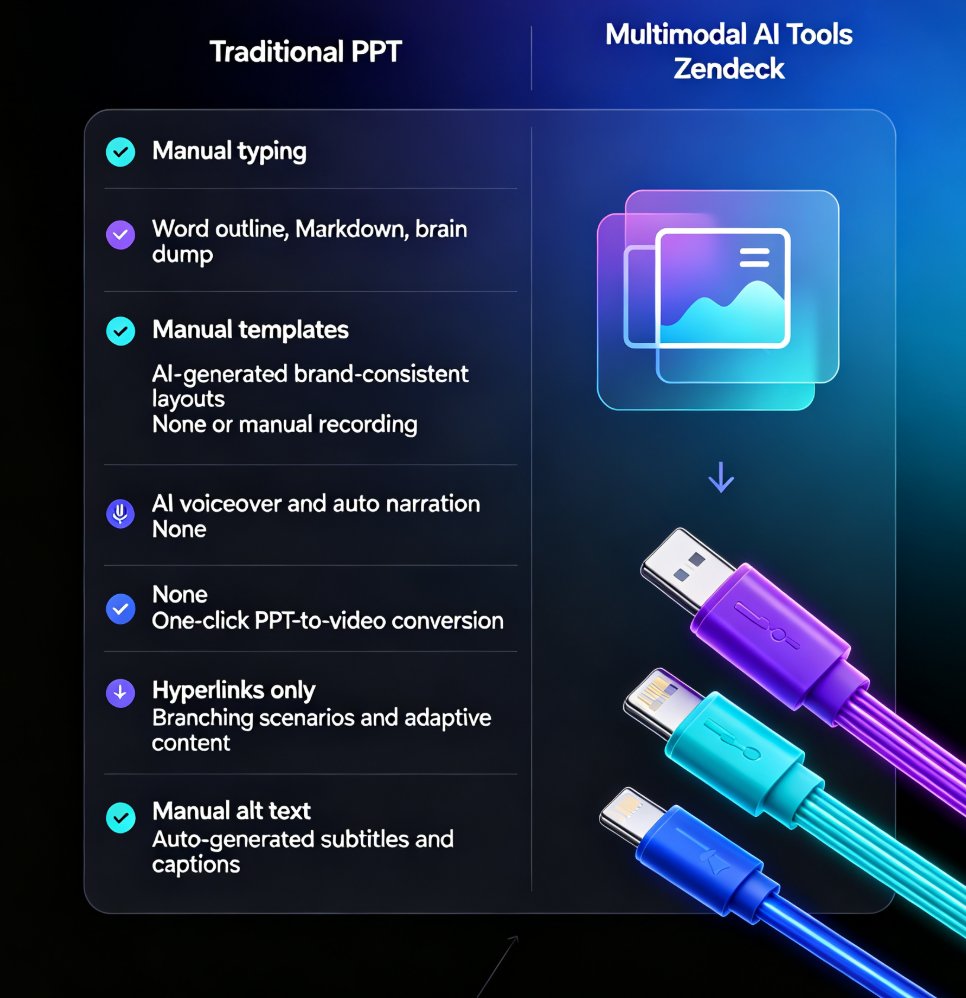
PPT to video is the defining e-learning trend of 2026: educators and corporate trainers are turning static slides into narrated micro-courses in minutes, not weeks. This guide breaks down how AI-powered conversion works, what it costs versus traditional video production, and how Zendeck's PPT-to-video feature automates narration, subtitles, and animated visuals — so anyone without design or editing skills can ship a polished training video before lunch. Includes a step-by-step workflow, a cost comparison chart, and practical tips for text-heavy decks, compliance manuals, and onboarding material. If you've been sitting on a deck that should be a video, this is your playbook.

PPT to Video with AI Narration: Zendeck's Guide to Micro-Course Creation

PPT to Video 2026-08-20 2284

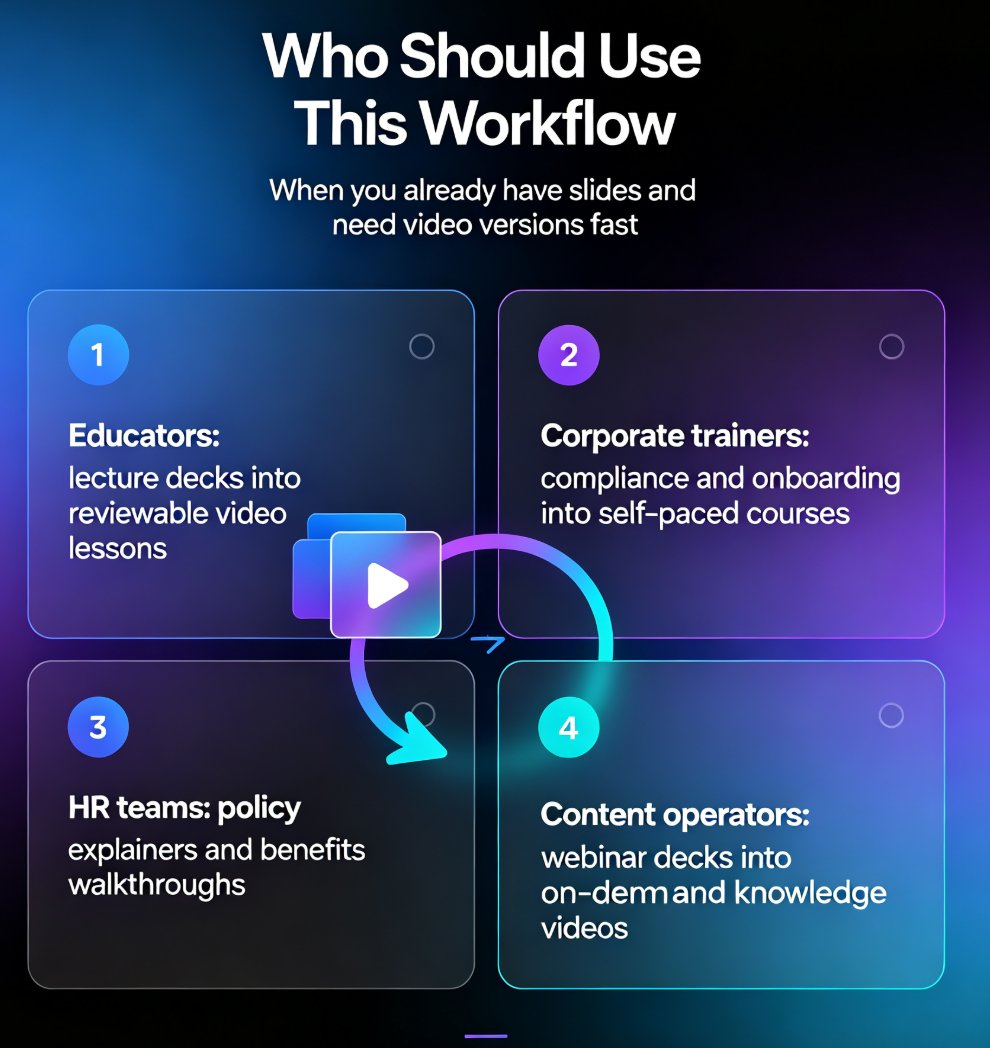
Turn static slides into narrated micro-courses with Zendeck's PPT-to-video feature — no camera, no mic, no editing software required. This guide walks educators, trainers, and HR teams through the complete workflow: upload a deck, let AI generate the script, pick a voice, refine the narration, and export a share-ready MP4 in minutes. We compare the traditional production pipeline against the AI-assisted route, break down the time and cost savings with a side-by-side table, and share practical tips for keeping your micro-courses engaging and up to date. Whether you're converting compliance training, onboarding material, or a lecture deck, Zendeck's PPT-to-video removes the production barrier so you can publish more courses, faster, without a studio budget.

Team Deck Collaboration: How Zendeck Keeps Everyone in Sync

Office Efficiency 2026-08-20 3751

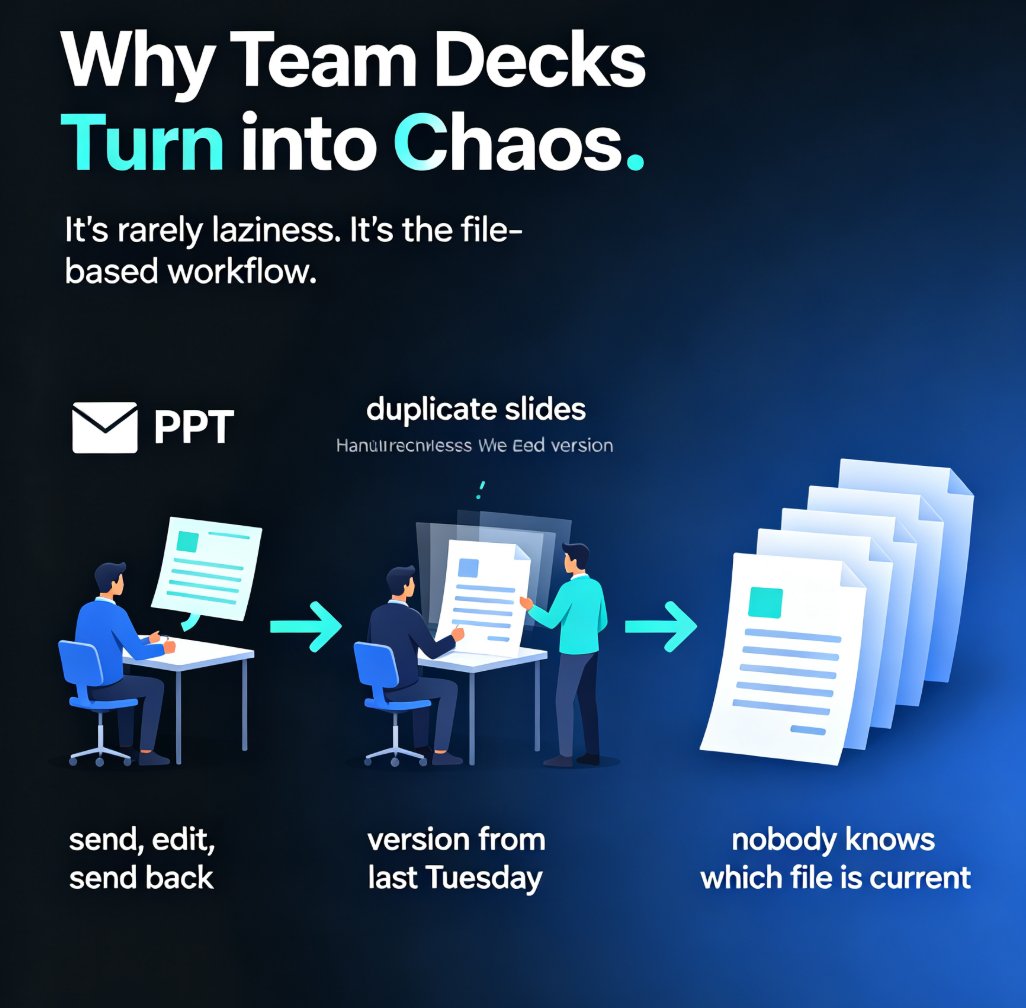
Stop emailing PPT files back and forth. Zendeck's team deck collaboration tools let your whole team edit presentations in real time, share via link, and kill version-control chaos for good. This guide breaks down how online editing, smart permissions, and in-context comments turn a messy multi-owner deck into one clean, always-current file. You'll see exactly how to set up a collaborative workflow, who should own what, and how to bring external clients in without losing control. If you've ever opened a file named 'final_v2_FINAL_3.pptx' and wondered which version was actually current, this is for you. Real-time co-editing is now the baseline for professional teams — here's how Zendeck makes it painless. Whether you're a team lead, an educator, or a content operator, this guide gives you a repeatable process for keeping every stakeholder in sync from first draft to final approval.

Word to PowerPoint in Minutes: How Zendeck AI Turns Outlines into Slides

AI Courseware 2026-08-20 2288

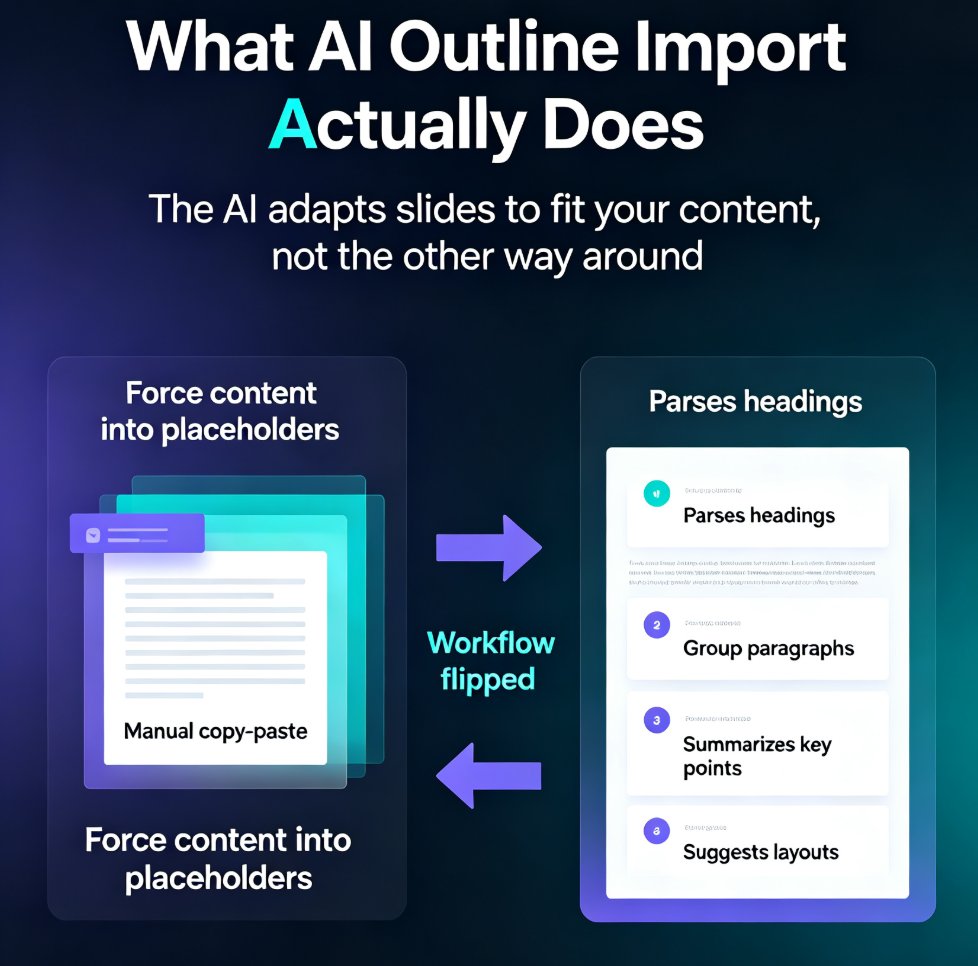
Turn Word outlines into polished PowerPoint decks in minutes with Zendeck's AI. Zendeck reads your document's structure — not just the text — and generates professionally formatted slides with consistent typography, layouts, and visuals. Perfect for educators, trainers, and busy professionals who have content ready but no time for manual slide design. Learn the exact workflow, see a real classroom scenario, and get tips for clean imports every time. This guide covers the step-by-step process, compares manual vs. AI conversion times, and explains why understanding document structure matters more than you think. If you've ever spent hours copying and pasting content from Word into PowerPoint, this article will change how you build presentations. We'll walk through a real trainer's workflow, break down the time savings with actual numbers, and show you how to get the best results from your own documents — whether they're clean outlines or messy brain dumps.

Word to Slides: AI Outline Import Streamlines Deck Creation

AI Courseware 2026-08-20 2970

Stop copy-pasting Word documents into PowerPoint. AI outline import turns your existing Word files, outlines, and notes into structured, designed slides in minutes. Zendeck's Word-to-PPT feature analyzes headings, paragraphs, and lists, then generates a polished deck — saving you up to 75% of the time manual conversion takes. Learn how to convert Word to slides, what the AI does automatically, and best practices for preparing your document. Whether you're a trainer, consultant, or HR professional, this guide shows you how to go from document to deck without the grunt work. Includes a step-by-step tutorial, a manual vs. AI comparison, and answers to common questions about Word import, outline structure, and editing AI-generated slides.