Popular Articles

A curated collection of the most-read and editor-picked articles — see what everyone's reading.

506 articles

Keep Training Decks On-Brand with Zendeck's One-Click Reskin

Office Efficiency 2026-08-18 3521

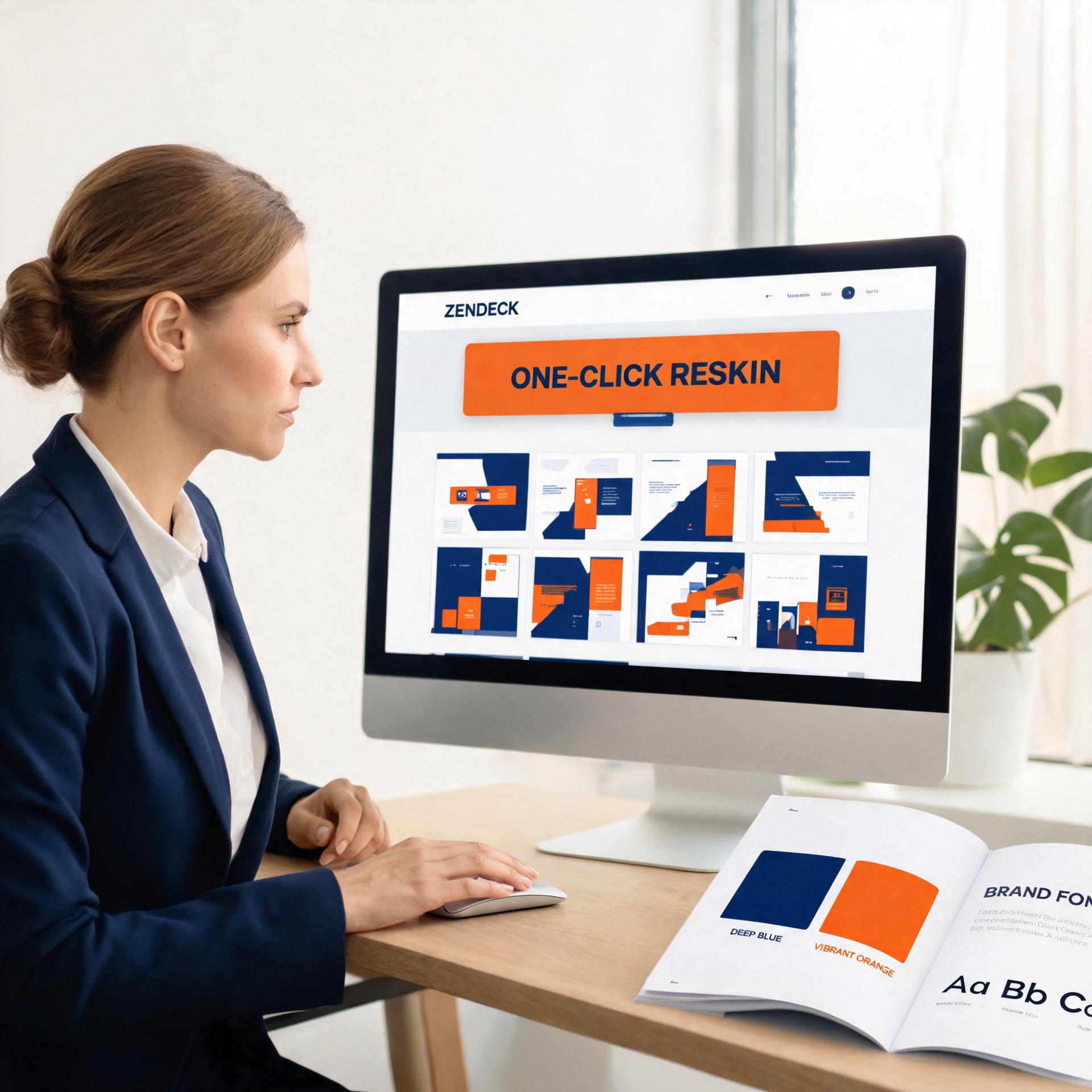
Keep training decks on-brand with Zendeck's one-click reskin. Corporate trainers and HR teams struggle with inconsistent fonts, colors, and layouts across AI-generated presentations — and most AI tools make it worse by generating random visual styles. Zendeck's smart reskin applies your saved brand kit, including logos, colors, and fonts, across every slide in a single action, with zero design skills required. This practical guide covers setting up brand kits, the step-by-step reskin workflow, keeping an entire team compliant, and measuring brand consistency over time. You'll also get a comparison of manual versus automated reskinning, plus a brand audit framework you can use monthly. Stop fixing slides one by one and start applying a system. Learn how to turn messy, off-brand training decks into a unified, professional library in minutes.
Zendeck Collaboration Features for Group Courseware Projects

Office Efficiency 2026-11-02 3518

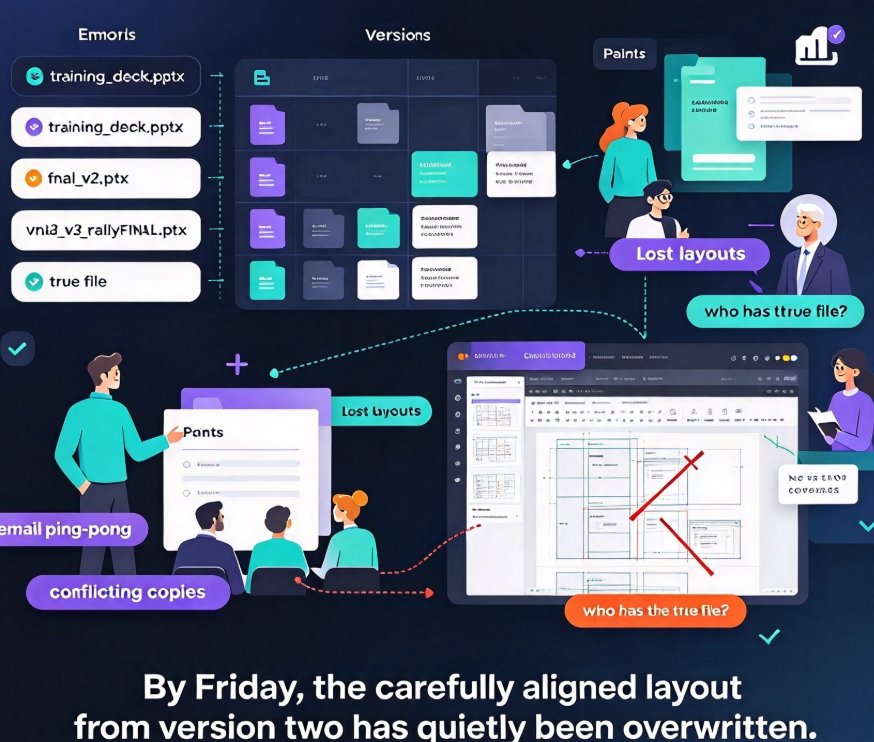
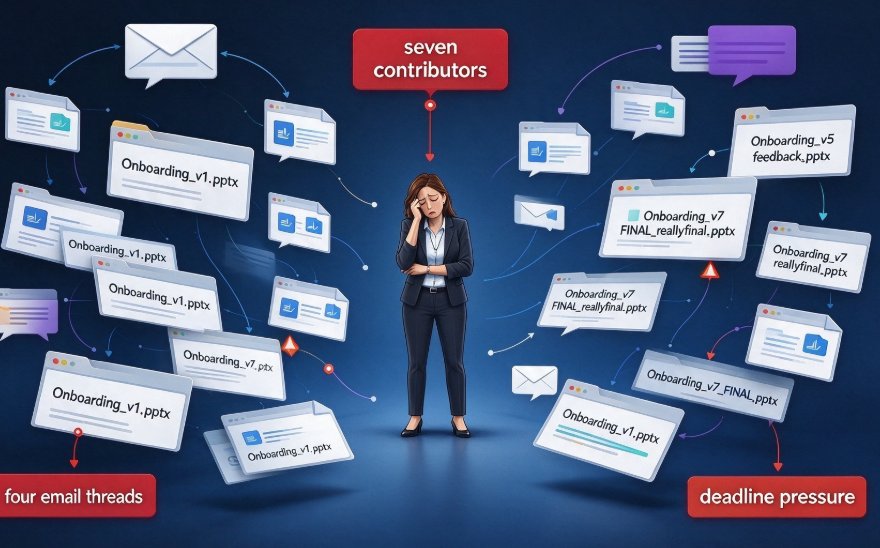
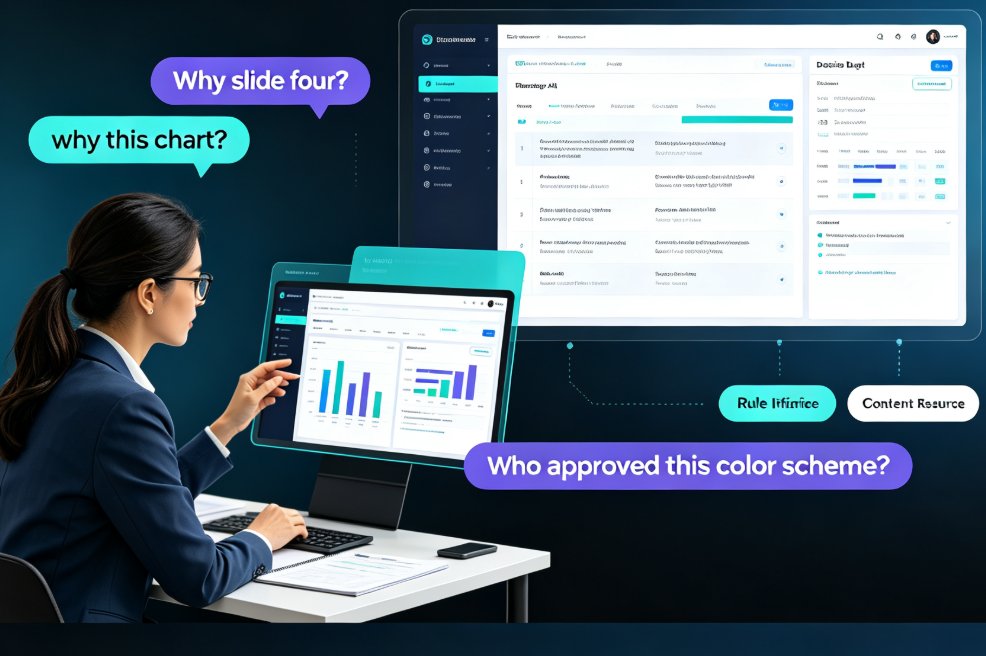
Stop emailing PPT drafts back and forth. Zendeck's collaboration features for group courseware projects let HR and training teams edit the same deck in real time, track every version, and share one secure link — no file chaos, no design drift. If your team has lost an afternoon to “final_v3_FINAL”, this guide shows how real-time editing, version control, and link sharing keep multiple contributors aligned and on-brand. We walk through the five classic failure modes of team courseware, the exact five-step workflow that replaces the two-week email marathon, and how Smart Layout plus brand kit settings make six contributors look like one designer. You'll also get a side-by-side comparison of traditional versus collaborative production, a look at how version history makes rollback painless, and clear answers on role-based permissions for compliance reviewers and remote SMEs. Written for training leads, L&D managers, and anyone who owns a deck with more than one author.

AI Transparency in Automated Courseware: Why It Builds Trust

Office Efficiency 2026-08-28 3514

AI transparency is the deciding factor in whether educators trust automated courseware. Research shows that when AI explains its design logic, users perceive it as more effective and experience less discomfort. This article explores why transparent AI is a trend, how it affects trust, and how Zendeck builds transparency into its automated courseware generation so educators can adopt AI with confidence, not skepticism.

How to Unify Fonts, Colors, and Layout in One Click with Zendeck

Courseware Design 2026-08-26 3513

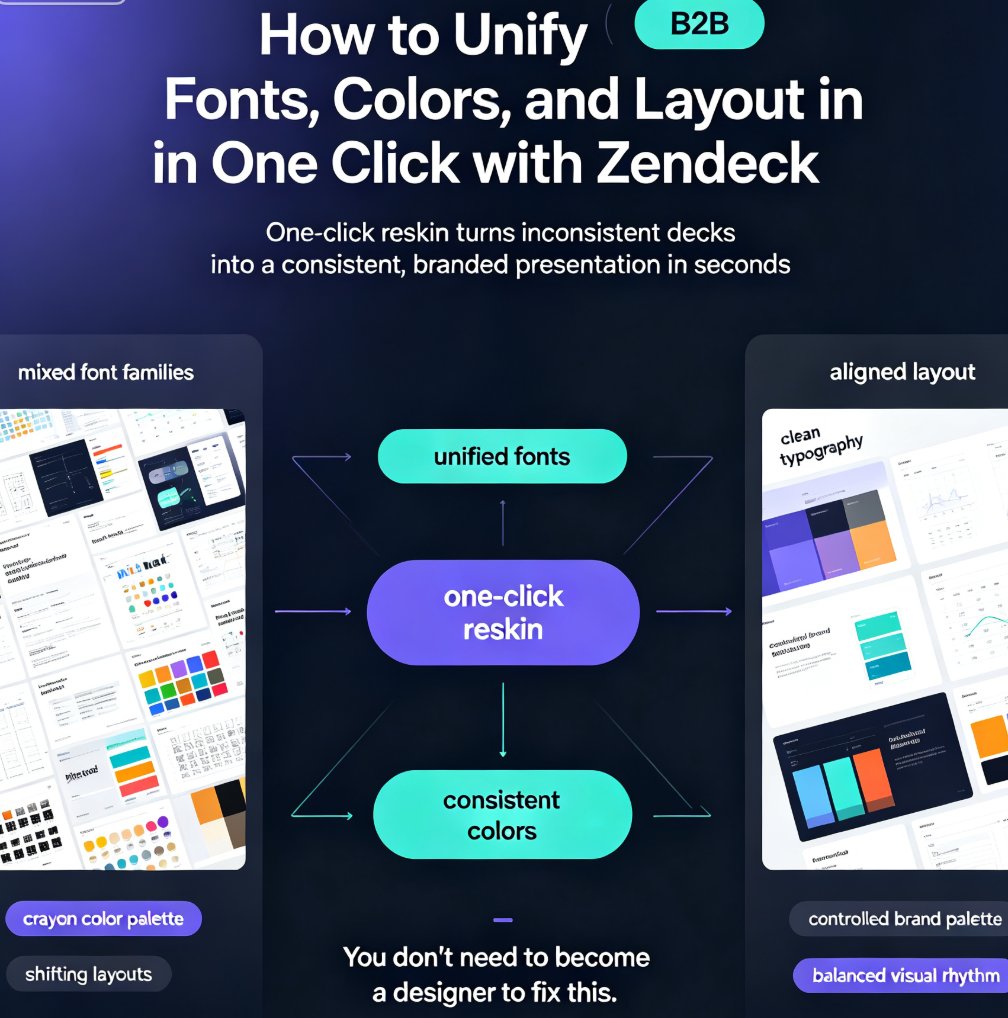
Zendeck's one-click reskin unifies fonts, colors, and layout across your entire deck in seconds, so anyone can produce a designer-quality presentation without opening a design tool. If you've ever stared at a deck where every slide looks like it was made by a different person — mixed font families, clashing colors, layouts that shift unpredictably — this walkthrough is for you. We'll show you exactly how Zendeck's smart layout engine harmonizes every slide, when to use reskin for courseware, client pitches, and internal brand decks, and the pro tips that separate a good reskin from a flawless one. Whether you're a trainer building a five-module course or a marketer prepping a quarterly review, this guide gives you the exact steps — plus the mistakes to skip. By the end, you'll have a repeatable workflow for consistent, professional decks every time.

Top 5 Zendeck Collaboration Features for Team Presentation Workflow

Office Efficiency 2026-10-26 3510

Looking for an AI presentation tool your whole team can actually use? Zendeck's top 5 collaboration features — real-time co-editing, contextual comments, secure link sharing, and automatic version history — replace the endless email ping-pong that slows down training decks, courseware, and business proposals. Here's the breakdown of the five features that matter most for team productivity. With live edits visible to everyone, feedback attached directly to slides, and access control that keeps every deck a single source of truth, your team can build, review, and ship presentations in one shared workspace. Whether you're an L&D lead polishing a course or a startup refining a pitch deck, these Zendeck capabilities cut review cycles from days to hours and give your workflow the structure it's been missing. See which features your team should be using today.

How to Create a Standout Job Interview Presentation with Zendeck

Presentation Skills 2026-08-12 3507

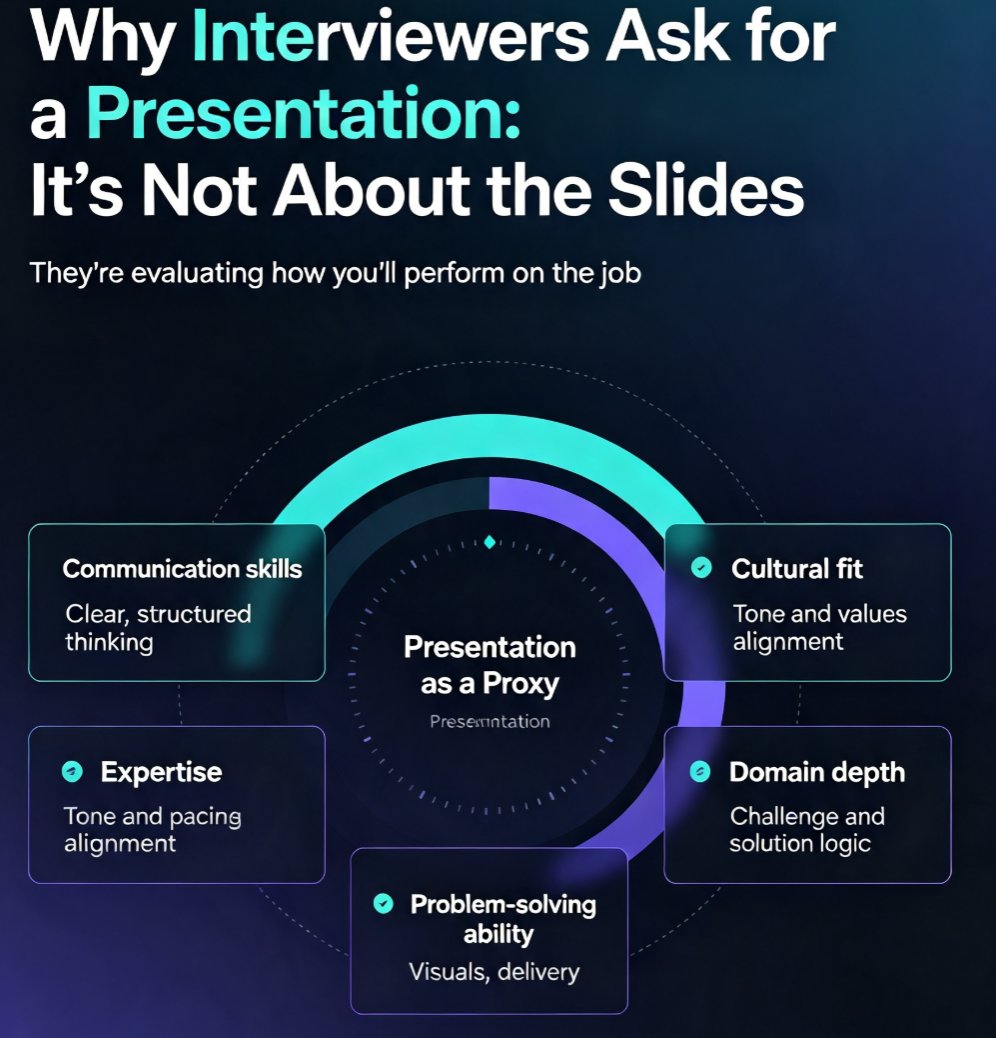
Learn how to create a standout job interview presentation with Zendeck's AI-powered tools. This guide covers the 10-slide structure that works, the five things interviewers actually evaluate, design rules that make you look professional, and delivery tips that boost your confidence. Whether you're preparing for a sales, marketing, technology, or management role, you'll discover how to turn a rough outline into a polished, on-brand deck in minutes. Zendeck's AI handles the layout, fonts, and visuals so you can focus on your message. Includes a ready-to-use slide-by-slide framework, common mistakes to avoid, and practical advice on timing, body language, and audience engagement. If you want to walk into your next interview with a presentation that stands out, this is your playbook.

▲