Popular Articles

A curated collection of the most-read and editor-picked articles — see what everyone's reading.

402 articles

AI Transparency in Automated Courseware: Why It Builds Trust

Office Efficiency 2026-08-28 3514

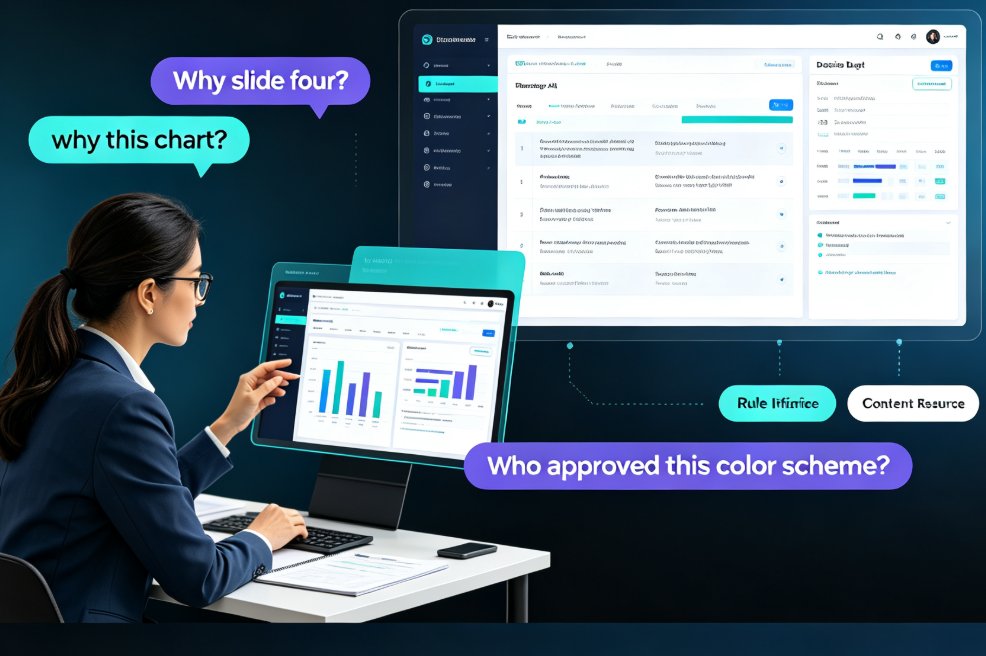
AI transparency is the deciding factor in whether educators trust automated courseware. Research shows that when AI explains its design logic, users perceive it as more effective and experience less discomfort. This article explores why transparent AI is a trend, how it affects trust, and how Zendeck builds transparency into its automated courseware generation so educators can adopt AI with confidence, not skepticism.
How to Unify Fonts, Colors, and Layout in One Click with Zendeck

Courseware Design 2026-08-26 3513

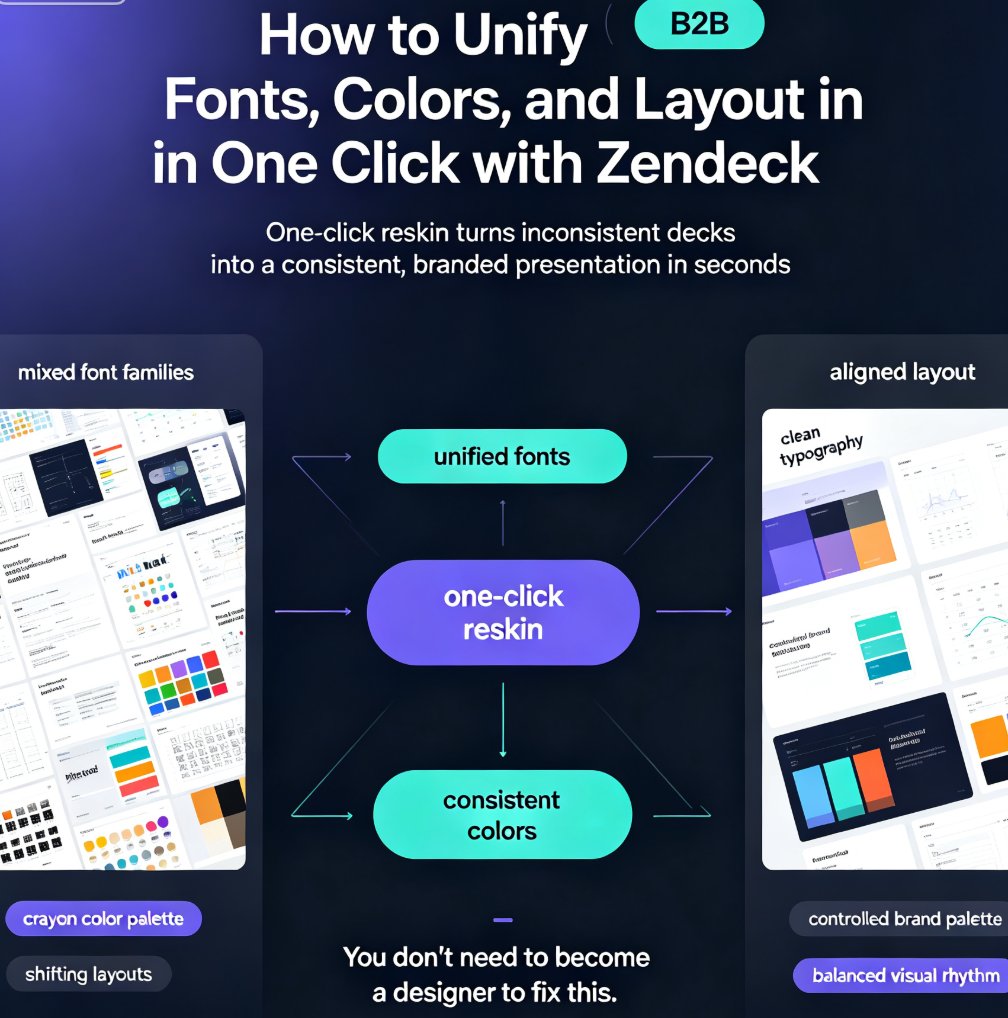
Zendeck's one-click reskin unifies fonts, colors, and layout across your entire deck in seconds, so anyone can produce a designer-quality presentation without opening a design tool. If you've ever stared at a deck where every slide looks like it was made by a different person — mixed font families, clashing colors, layouts that shift unpredictably — this walkthrough is for you. We'll show you exactly how Zendeck's smart layout engine harmonizes every slide, when to use reskin for courseware, client pitches, and internal brand decks, and the pro tips that separate a good reskin from a flawless one. Whether you're a trainer building a five-module course or a marketer prepping a quarterly review, this guide gives you the exact steps — plus the mistakes to skip. By the end, you'll have a repeatable workflow for consistent, professional decks every time.

How to Create a Standout Job Interview Presentation with Zendeck

Presentation Skills 2026-08-12 3507

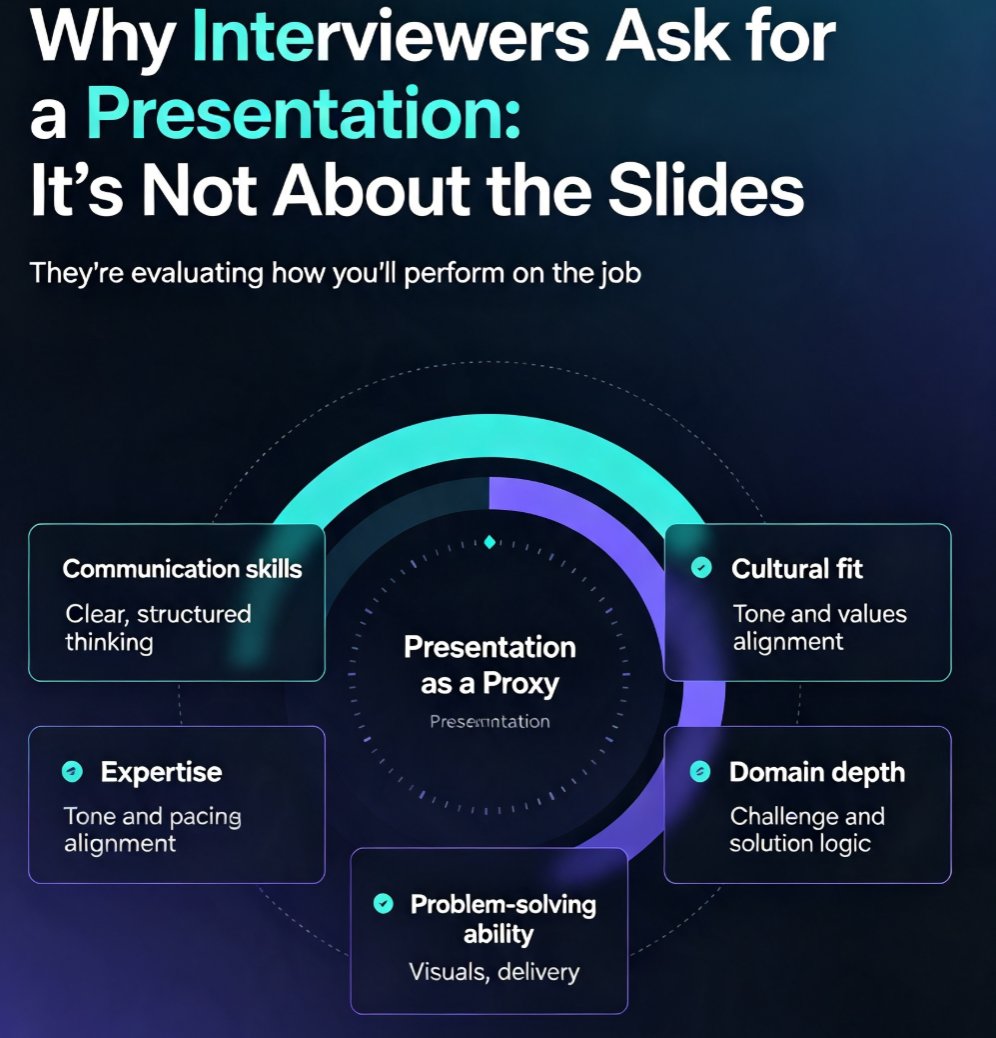
Learn how to create a standout job interview presentation with Zendeck's AI-powered tools. This guide covers the 10-slide structure that works, the five things interviewers actually evaluate, design rules that make you look professional, and delivery tips that boost your confidence. Whether you're preparing for a sales, marketing, technology, or management role, you'll discover how to turn a rough outline into a polished, on-brand deck in minutes. Zendeck's AI handles the layout, fonts, and visuals so you can focus on your message. Includes a ready-to-use slide-by-slide framework, common mistakes to avoid, and practical advice on timing, body language, and audience engagement. If you want to walk into your next interview with a presentation that stands out, this is your playbook.

Find the Perfect Icon in Seconds: Zendeck Asset Library Search Guide

Courseware Design 2026-09-21 3497

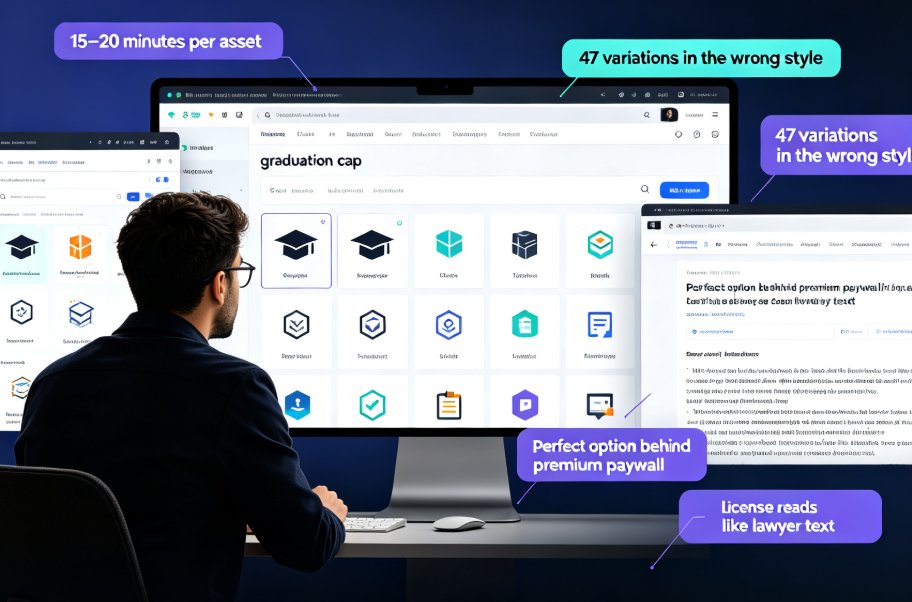
Finding the perfect icon should take seconds, not 20 minutes of scrolling. This guide shows how Zendeck's built-in asset library with smart search filters lets you locate, drop, and customise professional icons and illustrations in under three minutes — cutting asset hunt time by 80%. We cover the real licensing risks of free icon sites, practical keyword and filter tips, and why consistent, on-brand visuals make courseware and client decks stand out. The best part? No more juggling six browser tabs or accepting icons that clash with your palette. Whether you're building a micro-course, a corporate training deck, or a client pitch, this walkthrough turns asset hunting into a two-minute task. Built for teachers, trainers, and marketers who don't have a design degree, Zendeck's library removes the friction from creating professional-looking courseware.

No Video Skills? Zendeck Turns PPT into Narrated Onboarding Videos

PPT to Video 2026-08-25 3497

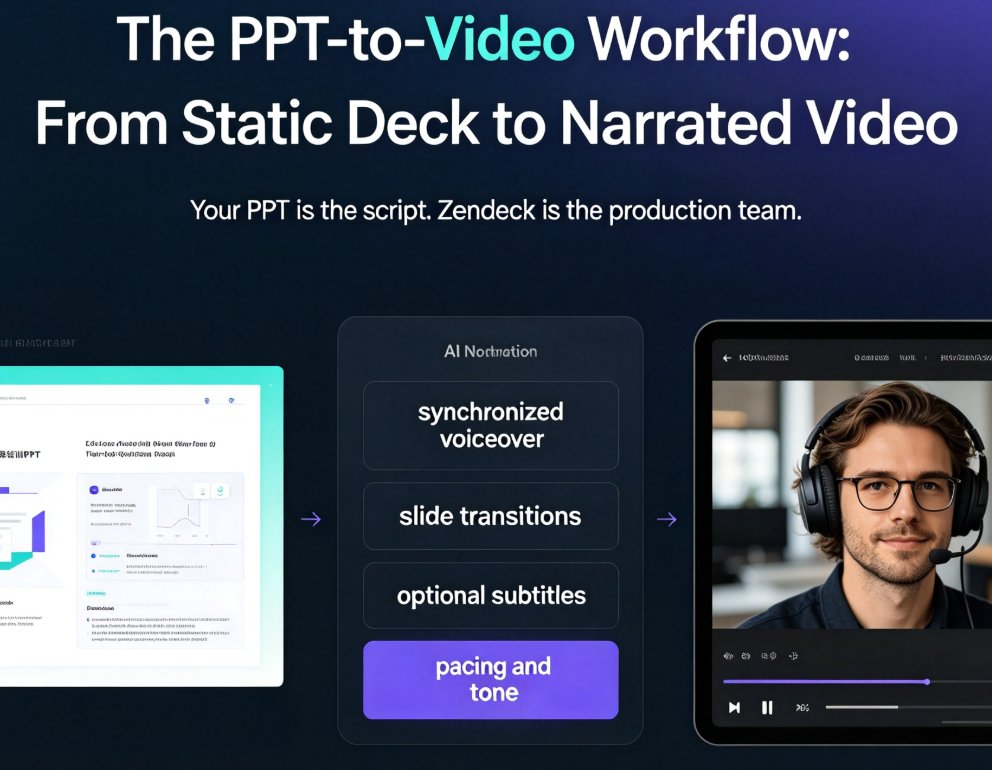
You don't need video editing skills to create professional onboarding videos. Zendeck's PPT-to-video feature turns your existing onboarding deck into a narrated video with AI or human voiceover, subtitles, and consistent branding — in about an hour instead of weeks. This guide walks HR and L&D teams through the exact workflow: preparing your deck, generating narration, adding subtitles, and exporting. We compare traditional agency production against the PPT-to-video approach, share best practices for onboarding videos that new hires actually watch, and explain why this workflow makes content updates a five-minute task instead of a re-hire-the-agency project. If your team has been avoiding video onboarding because it feels like a different profession, this is the practical path forward. No timeline editing, no studio, no agency — just your existing deck and a workflow that takes minutes.

Word to PPT in Minutes: Turn an Outline into Slides with Zendeck

AI Courseware 2026-08-28 3493

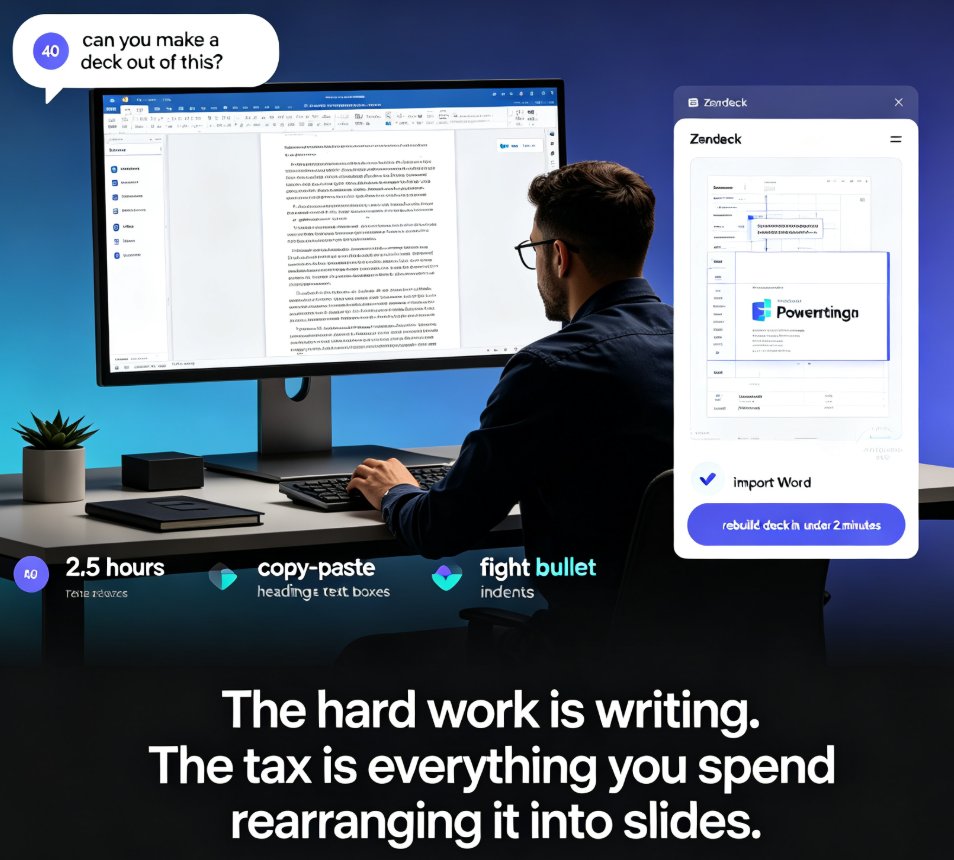
Ditch the copy-paste grind. Zendeck's Word import turns any Word outline into a polished, fully editable PPT in under two minutes — no design skills, no manual formatting. If you already work in Word, this is the fastest way to land a presentable deck: upload, auto-generate, deliver. Here's how it works, what you can expect, and how to structure your source document so the AI builds slides exactly the way you want. We'll also walk through real scenarios — sales pitches, training decks, courseware, investor one-pagers — and compare Zendeck against manual conversion and template-based tools. By the end, you'll know exactly why converting a Word document should never eat another afternoon of your life.